GSAP Click Spark Animation for React
Overview
A click effect for React and Next.js: every press throws a ring and a burst of sparks that slow down and fall. Click while moving and the sparks carry the cursor's direction, so a burst feels thrown instead of placed.
Drop it in once and every click on the page gets a burst. Sparks are short streaks with their own speed, drag and gravity, so they arc and fall instead of simply fading out. The speed of the cursor at the moment of the click carries over into them, which is the detail people tend to notice.
Details
- Category
- Cursor
- Interaction
- On Click
- Trigger
- On Click
- Languages
- React, TypeScript, Tailwind
(01)Keep exploring
All 118 componentsBuilt with the same techniques
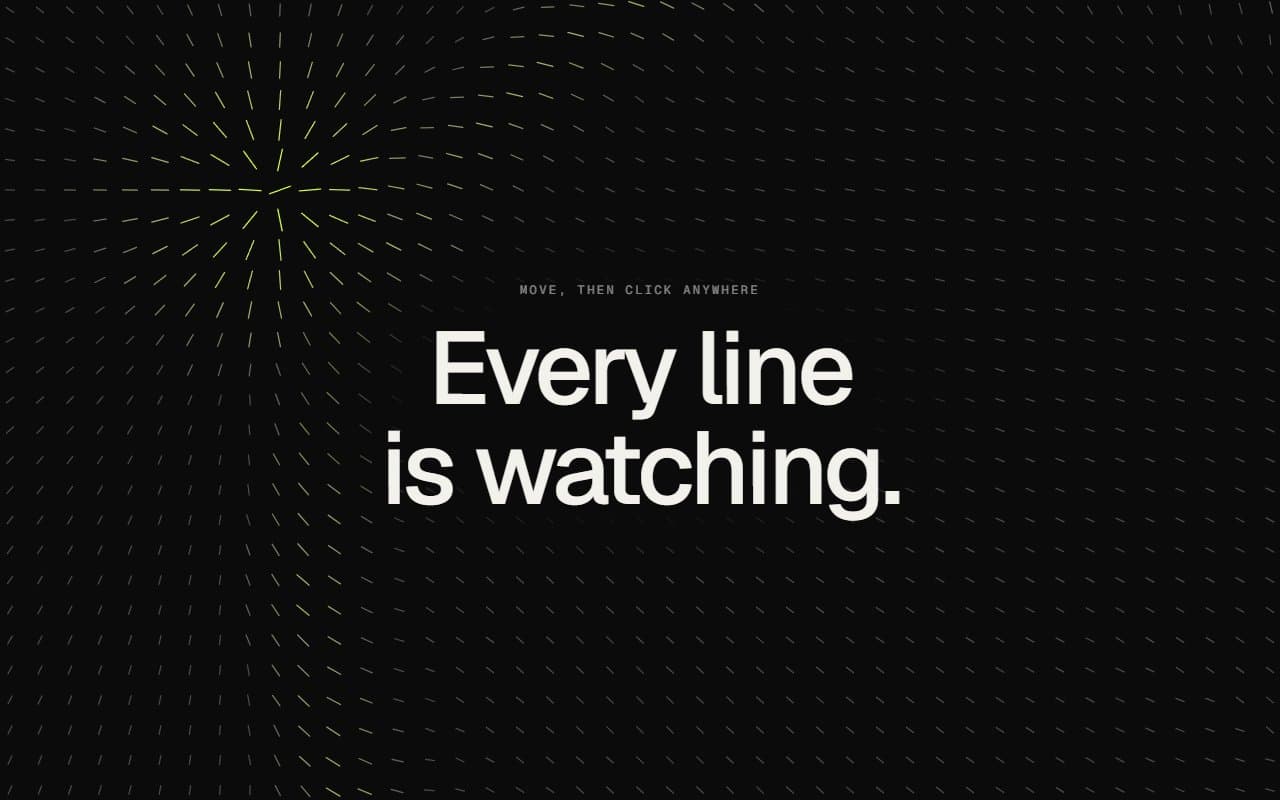
No. 068 / Backgrounds
GSAP Interactive Canvas Background: Needle Field
Mouse Move · On Click · On Load
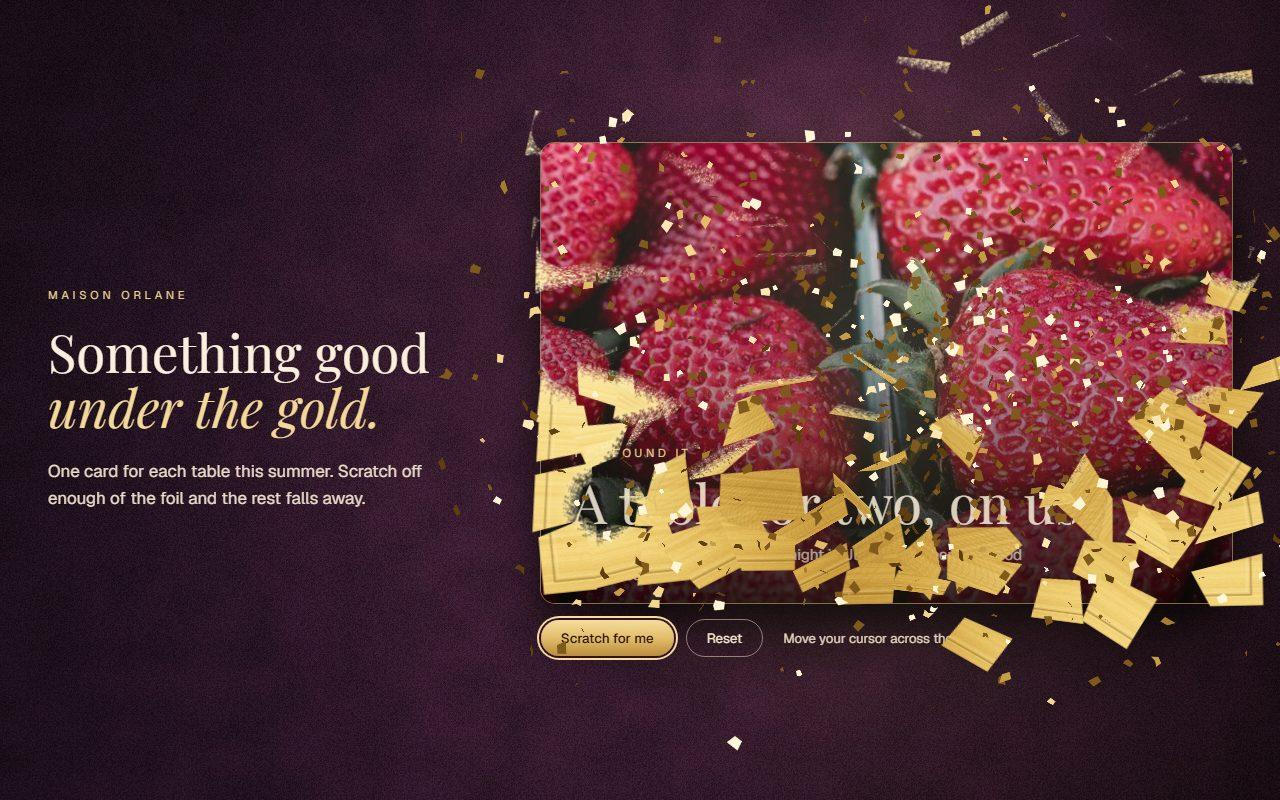
No. 113 / Cards
Scratch Card Reveal with Gold Foil on Canvas
On Load · Mouse Move · Drag · On Click
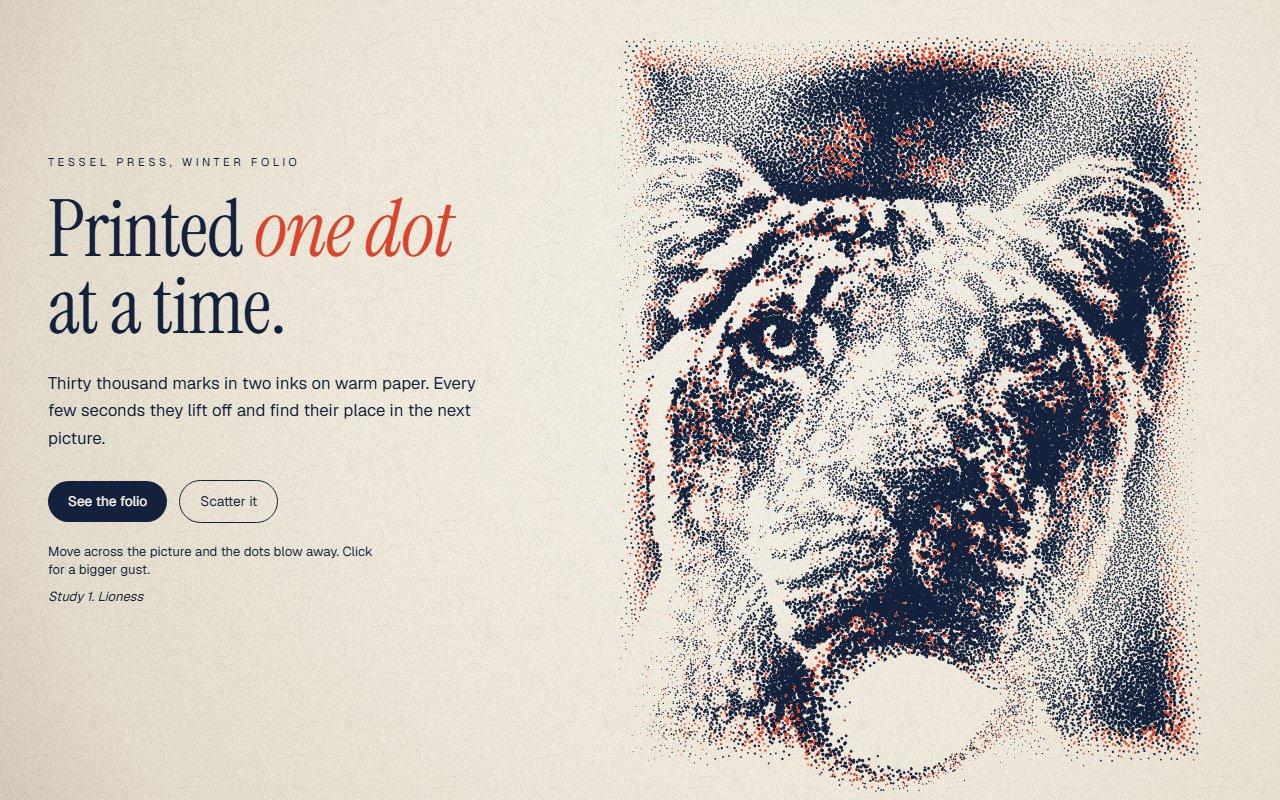
No. 099 / Hero
Dot Portrait Hero with Particle Image Canvas Animation
On Load · Mouse Move · On Click
(02)FAQ
GSAP Click Spark Animation for React — FAQ
01Can I limit it to certain elements?
Yes. Pass a CSS selector as within, such as within="button, a", and only clicks inside those make a burst.
02How do I change how it looks?
colors sets the palette the sparks cycle through, count sets the number per click, and reach sets how far they fly. Drag and gravity are constants at the top of the file.
03Does it work on touch screens?
Yes. A tap makes a burst from the point of contact.
04What happens with reduced motion?
Only the small ring plays, so a click still gets feedback without particles flying across the screen.