3D Soft Serve Hero with Cream Piped Live onto a Spinning Cone in Three.js
Overview
An ice cream parlour hero for React and Next.js. A soft serve modelled in code in Three.js is piped onto its waffle cone while the cone turns, like a real machine, beside a giant upright wordmark and line-drawn clouds. Click it for the next flavour and the cream is drawn back in and piped again in a new colour; drag to spin it; scroll and it melts.
The page opens with the clouds drawing themselves in single lines and the letters of the upright wordmark rising into place. The waffle cone comes up from below, and then the cream is piped onto it: the cone turns under the nozzle and the ridged ribbon of soft serve winds round and round, narrowing as it climbs, until it finishes in a curled peak. A moment later the first drips start to run down the cone. The headline, the flavour pager and the terracotta badge, whose sprig draws itself in, follow.
Details
- Category
- Hero
- Interaction
- On Load + On Scroll + Mouse Move + On Click + Drag
- Trigger
- On Load
- Languages
- React, TypeScript, plain CSS
(01)Keep exploring
All 152 componentsBuilt with the same techniques

No. 159 / Hero
3D Lotus Bloom Hero with a Pointer Sun and Real Shadows in Three.js
On Load · On Scroll · Mouse Move · On Hover · On Click
No. 023 / Hero
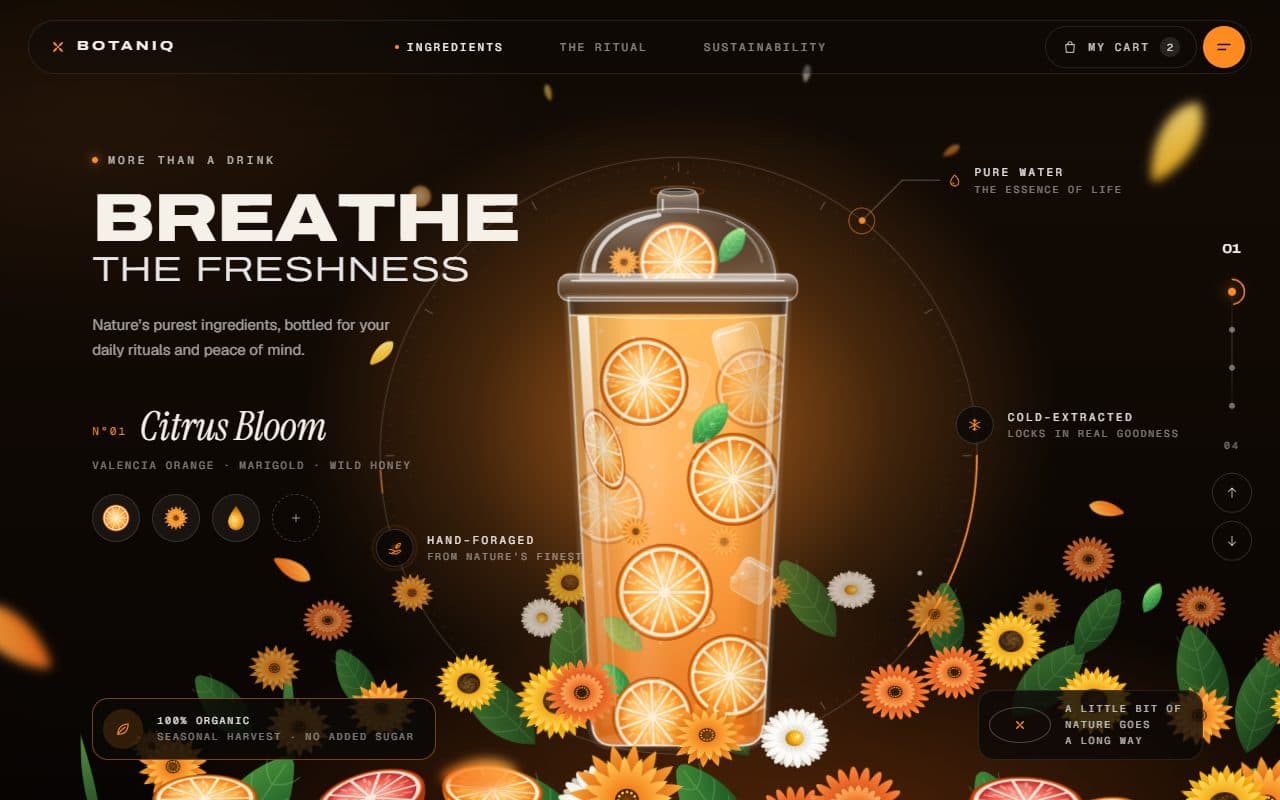
GSAP Botanical Drink Slider Hero with Pour Preloader
On Load · On Scroll · Drag · Mouse Move · On Click

No. 146 / Hero
Three.js Studio Hero with a Curved Project Reel
On Load · On Scroll · Drag · On Hover
(02)FAQ
3D Soft Serve Hero with Cream Piped Live onto a Spinning Cone in Three.js — FAQ
01What do I need to install?
npm install three gsap @gsap/react. The styles are plain CSS scoped to .cream-hero, so it doesn't need Tailwind. The example's stand-in section below the hero uses Tailwind classes, but that's only the demo.
02Which fonts does it use?
Pass them as CSS variables: --cr-display for the wordmark, headline and flavour names (the example uses DM Serif Display) and --cr-sans for the small capitals (Jost). Each falls back to a system face.
03How do I add my own flavours?
Pass flavours: each has a name, a short note, the colour of its cream and, optionally, how many specks it has (0 to 1). The first one is piped on load, and a click or the arrows go through them in turn.
04Does it need any image files?
No. The cream, cone, drips, clouds and sprig are all made in code, and the waffle is painted on a canvas when the page loads.
05How does it work on phones?
The wordmark lies across the top, the ice cream stands in the middle, and the headline and the flavour pager sit at the bottom. Tapping the cone pipes the next flavour, a sideways swipe spins it, and vertical swipes still scroll the page.
06Is it heavy?
It's one canvas with one shadow-casting light and four meshes. The piping and melting happen in the vertex shader, the canvas resolution is capped by maxDpr (1.75 by default), and nothing renders while the hero is off screen.
07What happens with reduced motion or without WebGL?
With reduced motion the ice cream is already piped, nothing drifts or spins on its own, and a new flavour changes colour at once. Without WebGL a flat drawn cone takes its place and the rest of the hero works as usual.