WebGL Fluid Cursor Trail with Magnetic Morphing Cursor
Overview
Every movement pushes glowing ink through a real-time GPU fluid simulation while a spring ribbon trails the pointer. The cursor ring morphs as it goes: it pulls buttons toward you, grows into a labelled bubble over cards, turns into a caret over text fields, and a click bursts the ink outward.
The ink is a stable-fluids solver running entirely on the GPU through WebGL2: semi-Lagrangian advection, a Jacobi pressure projection and vorticity confinement, so the smoke curls and folds instead of just fading. Each frame the stroke from the last pointer position to the new one is painted in as dye and force, scaled by how much of it the splat covers, so a slow drag doesn't pile ink into one blob and a fast flick still leaves a continuous trail. The colour drifts through a palette over time and shifts a little with speed.
Details
- Category
- Cursor
- Interaction
- Mouse Move + On Hover + On Click
- Trigger
- Mouse Move
- Languages
- React, TypeScript, Tailwind
(01)Keep exploring
All 25 componentsBuilt with the same techniques
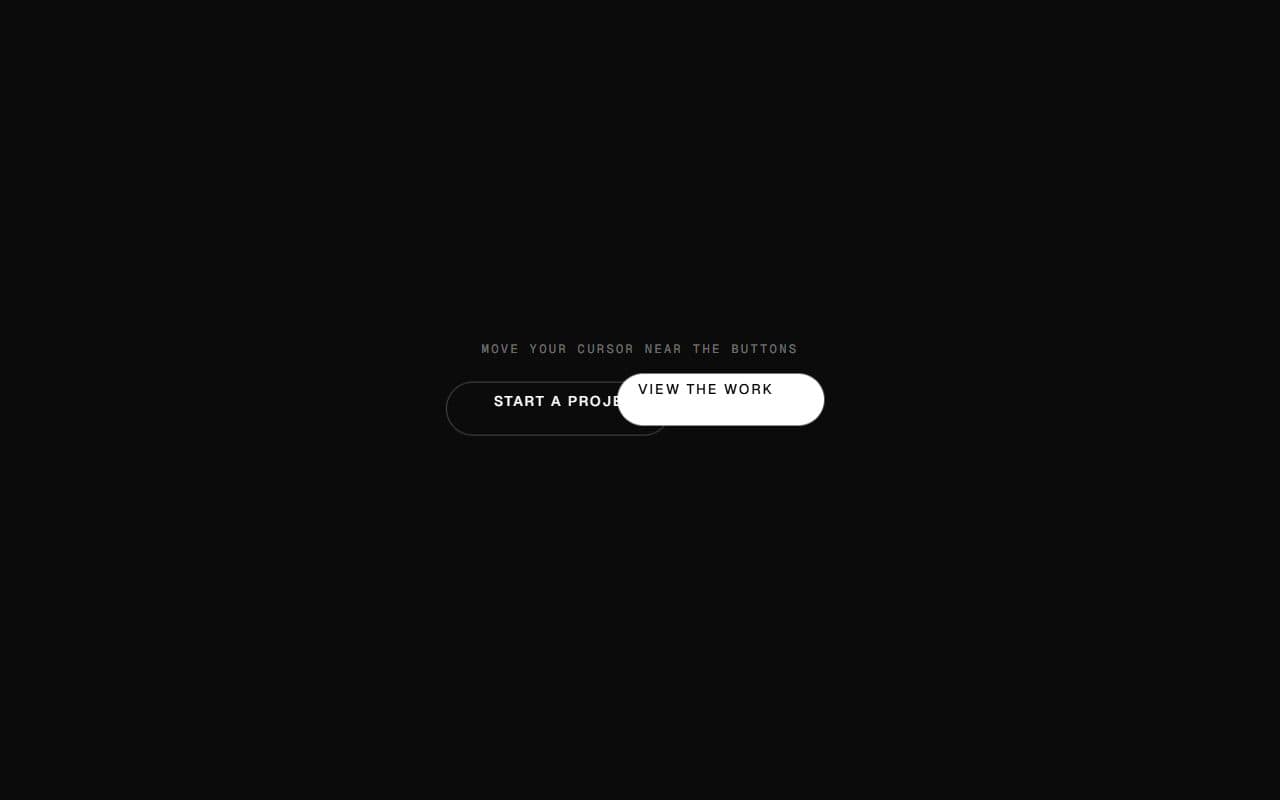
No. 001 / Buttons
GSAP Magnetic Button Hover Effect
Mouse Move · On Hover
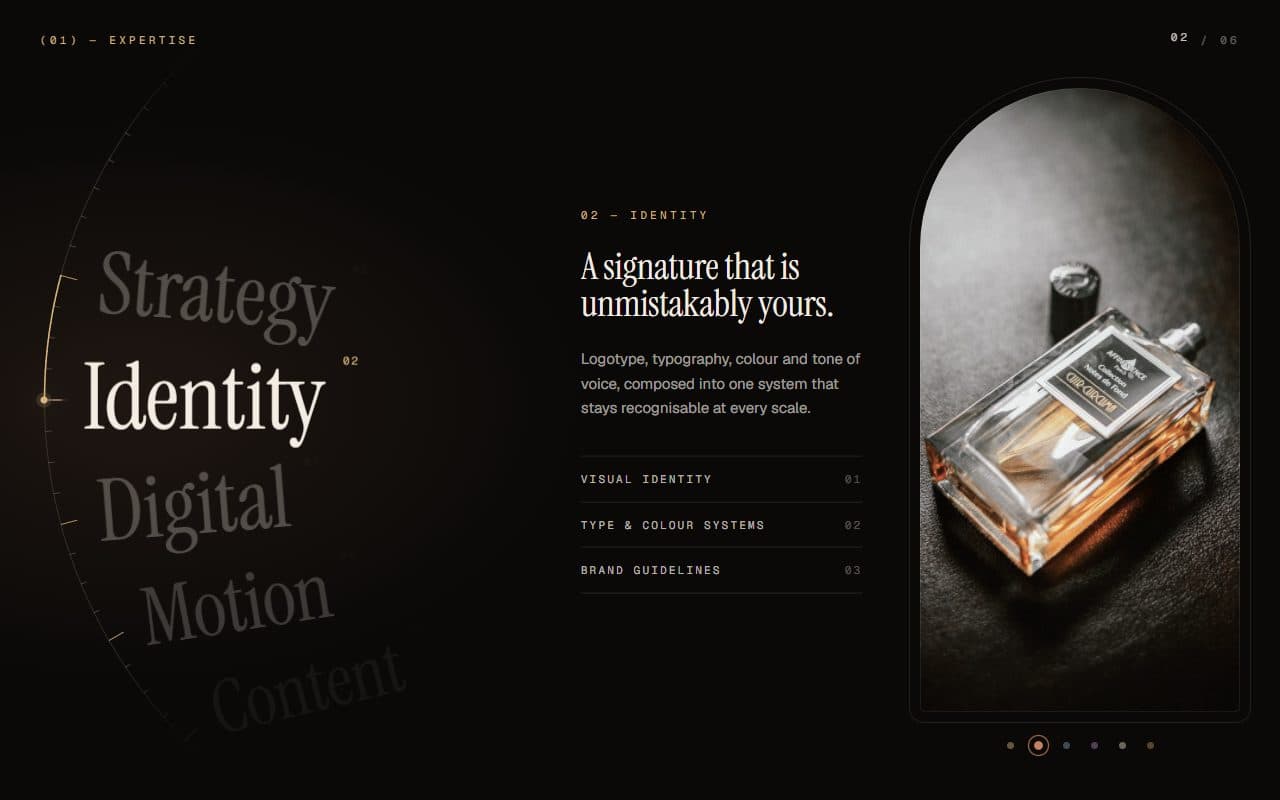
No. 024 / Scroll
GSAP Scroll Dial Services Index with WebGL Glass Arch
On Scroll · On Hover · Mouse Move · On Click
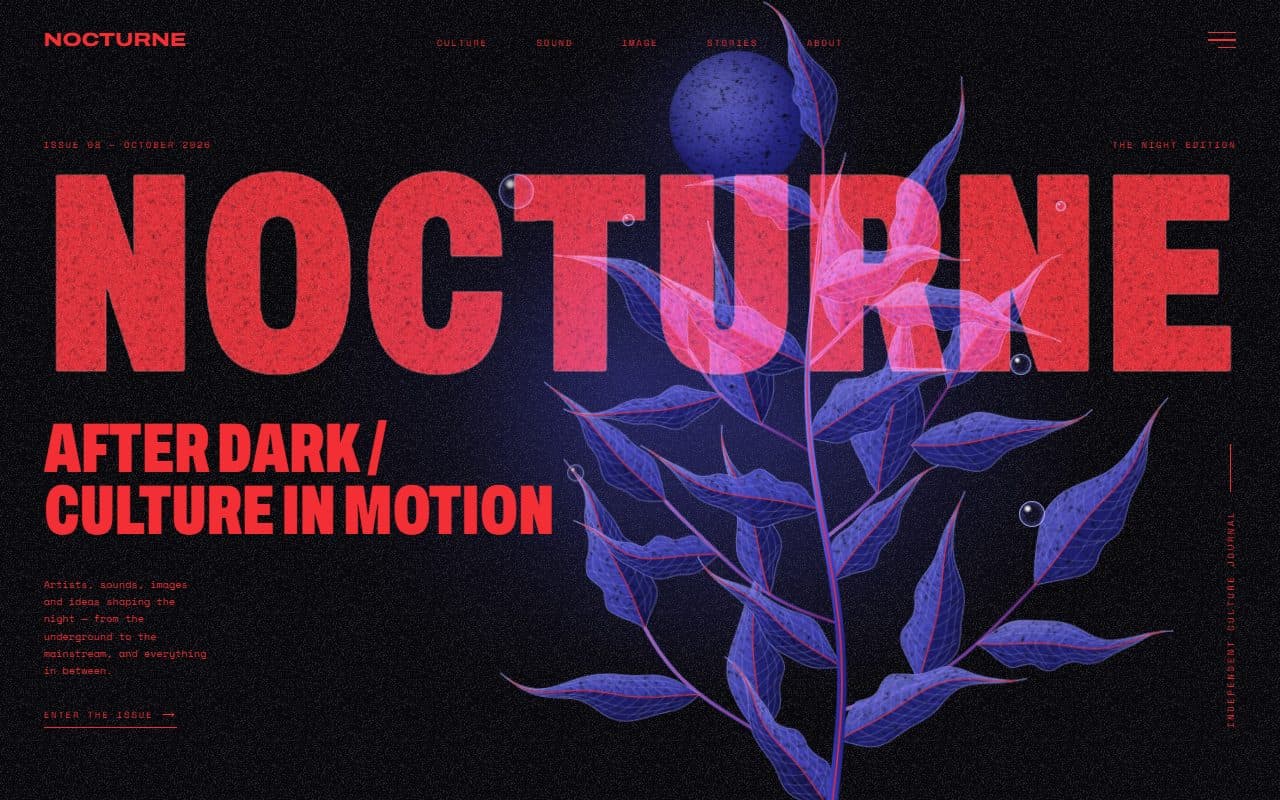
No. 022 / Hero
GSAP Editorial Night Hero with Growing Botanical SVG
On Load · Mouse Move · On Hover · On Click
(02)FAQ
WebGL Fluid Cursor Trail with Magnetic Morphing Cursor — FAQ
01What do I need to install?
Nothing beyond React. The fluid and the ribbon are plain WebGL2 shaders with no libraries. The cursor ring is styled with Tailwind v4 classes, and fluid-cursor.css hides the native cursor while it runs.
02How do I add it to my site?
Render <FluidCursor /> once per page. In a Next.js app, put it in the root layout after {children} so it runs on every page. It draws on its own fixed full-screen canvas above your content and never blocks clicks.
03How do I make buttons magnetic or add a label?
Add data-cursor="magnetic" to any button or link, data-cursor-label="View" (or any short word) to cards, and data-cursor="hide" where the cursor should disappear. Links, buttons and labels get a hover state on their own, and text fields get the caret automatically.
04Can I change the colours?
Yes: pass colors, an array of hex colours the ink and ribbon cycle through. Cool, bright hues stay luminous as the ink thins out on a dark background; warm ones like amber and orange fade toward brown.
05Does it work on light backgrounds?
It's designed for dark pages. The ink glows additively and the ring is white, so on a light background the trail washes out.
06What happens on phones, old browsers and with reduced motion?
Touch screens and visitors who prefer reduced motion keep the native cursor and get no trail. If a browser has no WebGL2 or can't render to float textures, the morphing cursor still works without the ink. If the GPU drops the WebGL context, the trail switches off quietly.