Page Curl Book Flip Animation with Canvas
Overview
An open book of photos and text for React and Next.js, with pages that really curl. Grab a page corner and drag to turn it, or use the arrow keys and buttons, all on a plain 2D canvas with no WebGL.
A closed book drops onto a walnut table and bounces, the cover swings open, and the pages riffle fast from the front to the first spread. After that a page turns by itself every few seconds. When a cursor arrives the turning stops, a page corner lifts when you hover near it, and you can drag it across. Let go past the spine and it lands on the left, or let go early and it falls back.
(01)Keep exploring
All 118 componentsBuilt with the same techniques
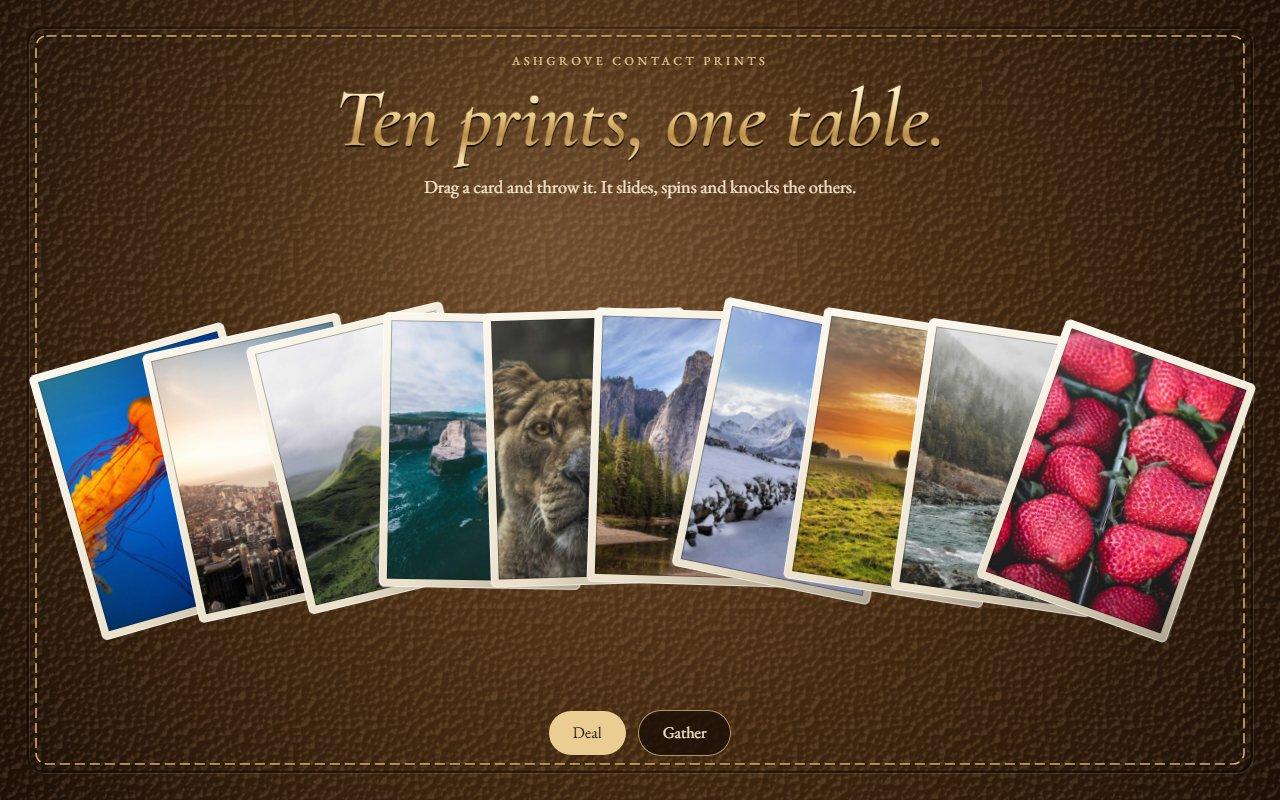
No. 095 / Cards
Throwable Photo Card Deck with Riffle Shuffle in React
On Load · Drag · On Click
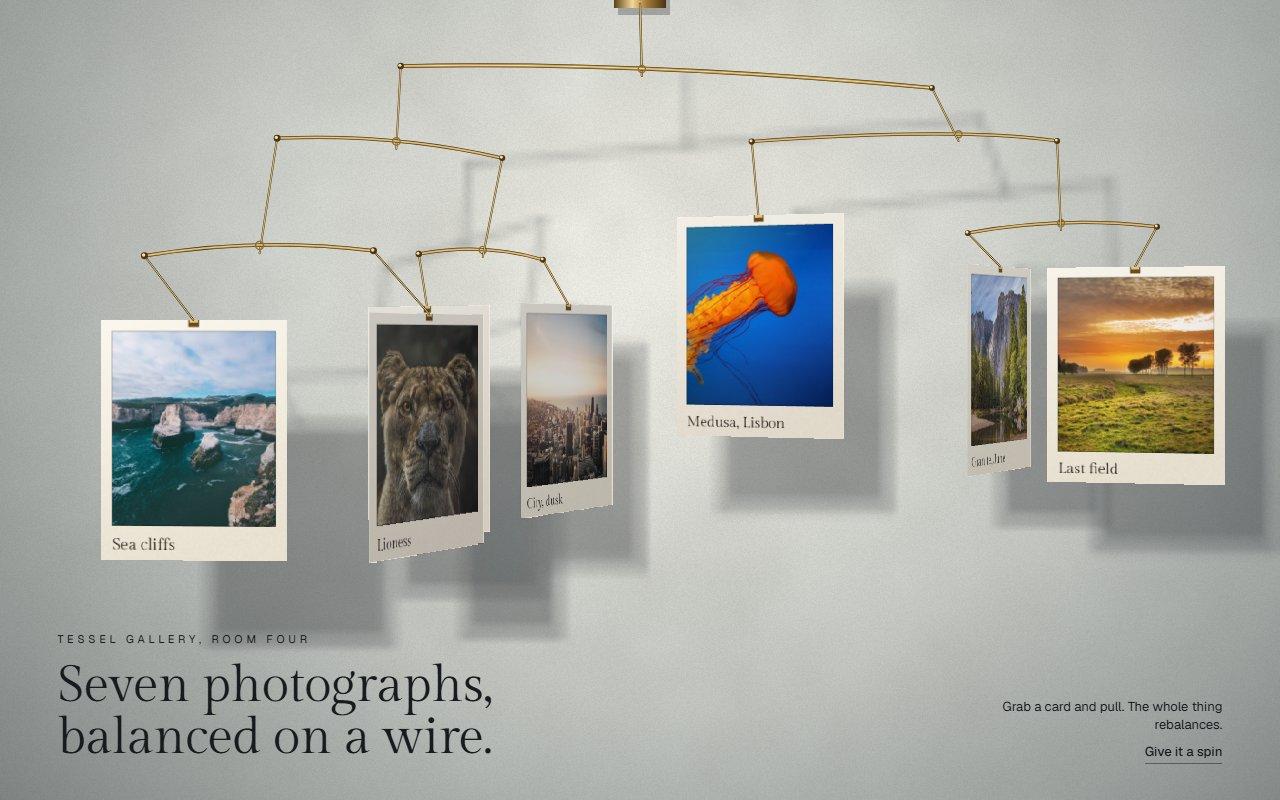
No. 101 / Gallery
Hanging Mobile Gallery with Physics on Canvas
On Load · Drag · On Click

No. 118 / Hero
Zipper Reveal Hero with a Draggable Pull, on Canvas
On Load · Drag · On Scroll · On Click
(02)FAQ
Page Curl Book Flip Animation with Canvas — FAQ
01How do I add my own pages?
Pass pages in reading order, left then right. A page is either kind photo with src and alt, plus an optional plate label, caption or bleed, or kind text with body and an optional kicker and title. Separate paragraphs in body with a blank line. An odd count gets a blank page at the end.
02What happens on a phone?
The book shows one page at a time, with the spine against the left edge. Dragging a page sideways turns it, the buttons work too, and a vertical swipe scrolls the page as usual.
03What can a keyboard do?
The left and right arrow keys turn pages while the book or its buttons have focus, and focus lifts a page corner so you can see where you are. The page text and photo descriptions are also in the page for screen readers.
04What does it need from my page?
npm install gsap @gsap/react, and Tailwind CSS v4. Give the stage a height through className, and pass a font-family to serif, usually a CSS variable with a fallback. Photos must be same origin or served with CORS headers.
05What happens with reduced motion?
The book is drawn open at the first spread as a still with no running loop. The buttons and arrow keys jump straight to the next spread.