GSAP Animated Pricing Section with Rolling Prices
Overview
A pricing section for React and Next.js with a monthly and yearly toggle. Every digit rolls to the new price on its own wheel, the toggle stretches as it travels, and a glow follows the cursor around the card edges.
Prices don't fade or snap. Each digit sits on its own wheel and rolls to the new value with a slight overshoot, one column after another, and a price that changes length (129 to 99) closes up its empty column as it goes. The caption under the price rolls with it.
Details
- Category
- Pricing
- Interaction
- On Click + On Scroll + Mouse Move
- Trigger
- On Click
- Languages
- React, TypeScript, Tailwind
(01)Keep exploring
All 118 componentsBuilt with the same techniques

No. 047 / Gallery
GSAP Flip Filterable Portfolio Grid for React
On Click · On Scroll · On Hover
No. 069 / Stats
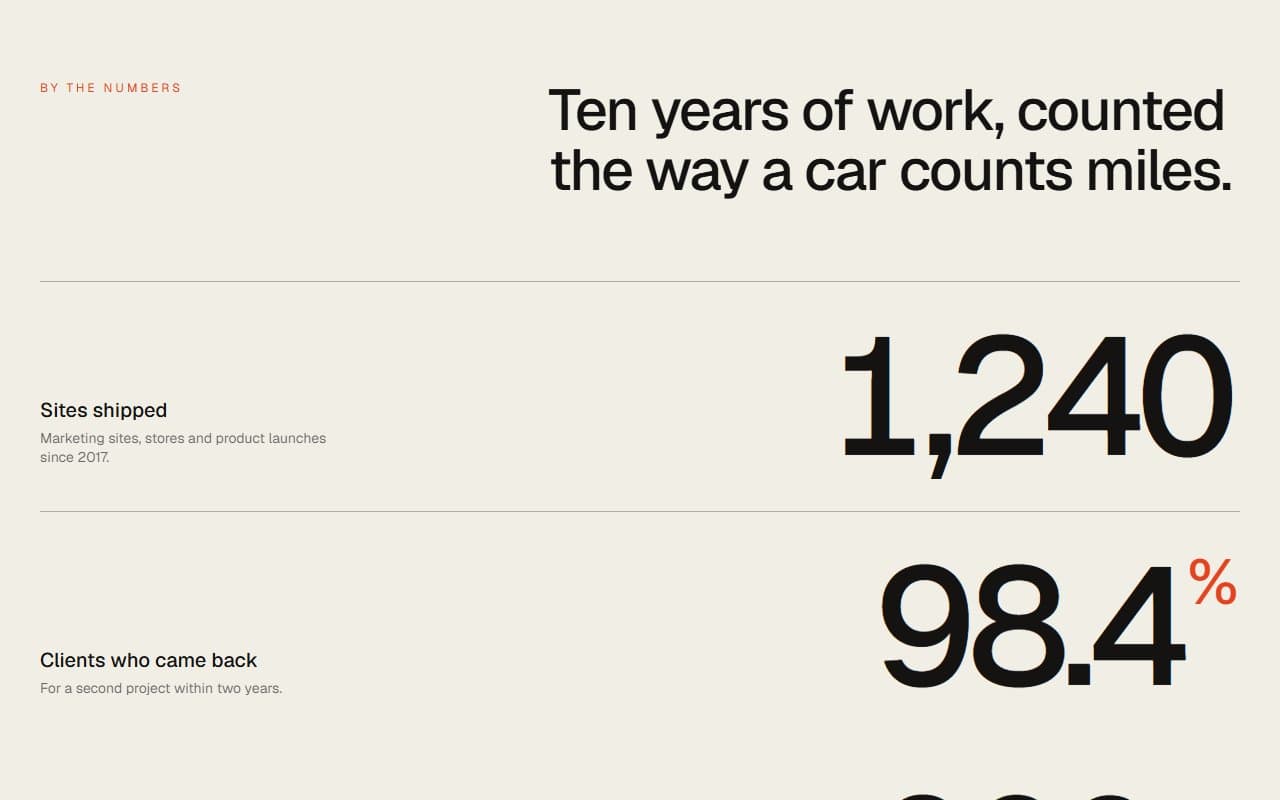
GSAP Animated Counter Stats Section with Rolling Digits
On Scroll · On Hover

No. 053 / Hero
3D Gold Ring Hero with Scroll Rotation on Canvas, No WebGL
On Load · On Scroll · Mouse Move · On Click
(02)FAQ
GSAP Animated Pricing Section with Rolling Prices — FAQ
01How do I set up my plans?
Pass plans with a name, blurb, monthly and yearly prices, features and a CTA link. Both prices are the monthly amount, so a $228 yearly plan is yearly: 19. Mark one plan featured for the dark card.
02Can I have a plan with no price, like Enterprise?
Yes. Set monthly and yearly to null and pass customLabel, such as "Let's talk".
03Can I use a different currency or decimal prices?
Set currency to any symbol. Prices are whole numbers, since each digit needs its own wheel.
04What does it need from my page?
npm install gsap @gsap/react, and Tailwind CSS v4. It has no other dependencies, and its text colour comes from your page or from className.
05What happens with reduced motion?
Prices and the toggle change instantly, the entrance animations are skipped, and everything stays usable.