Peel-Off Sticker Card with a Draggable Curl, on Canvas
Overview
A glossy vinyl sticker on a card for React and Next.js. Grab any corner and peel: the sheet curls over a moving fold, the pale backing shows, and a message appears under it. Let go and it springs flat with a wobble. Canvas 2D with no WebGL, and it runs with hardware acceleration off.
The sticker is a triangle mesh with its fold worked out in JavaScript each frame. Drag a corner and the fold line sits between the corner's home and your hand, so the sheet rolls around a small cylinder and comes back face down. The front shows the print, the turned-over part shows pale release paper, and the normals light it, so a sharp highlight runs along the curl. Its shadow falls on the sticker and the card below.
Details
- Category
- Cards
- Interaction
- On Load + Drag + Mouse Move + On Click
- Trigger
- On Load
- Languages
- React, TypeScript, Tailwind
(01)Keep exploring
All 118 componentsBuilt with the same techniques

No. 118 / Hero
Zipper Reveal Hero with a Draggable Pull, on Canvas
On Load · Drag · On Scroll · On Click
No. 116 / Cards
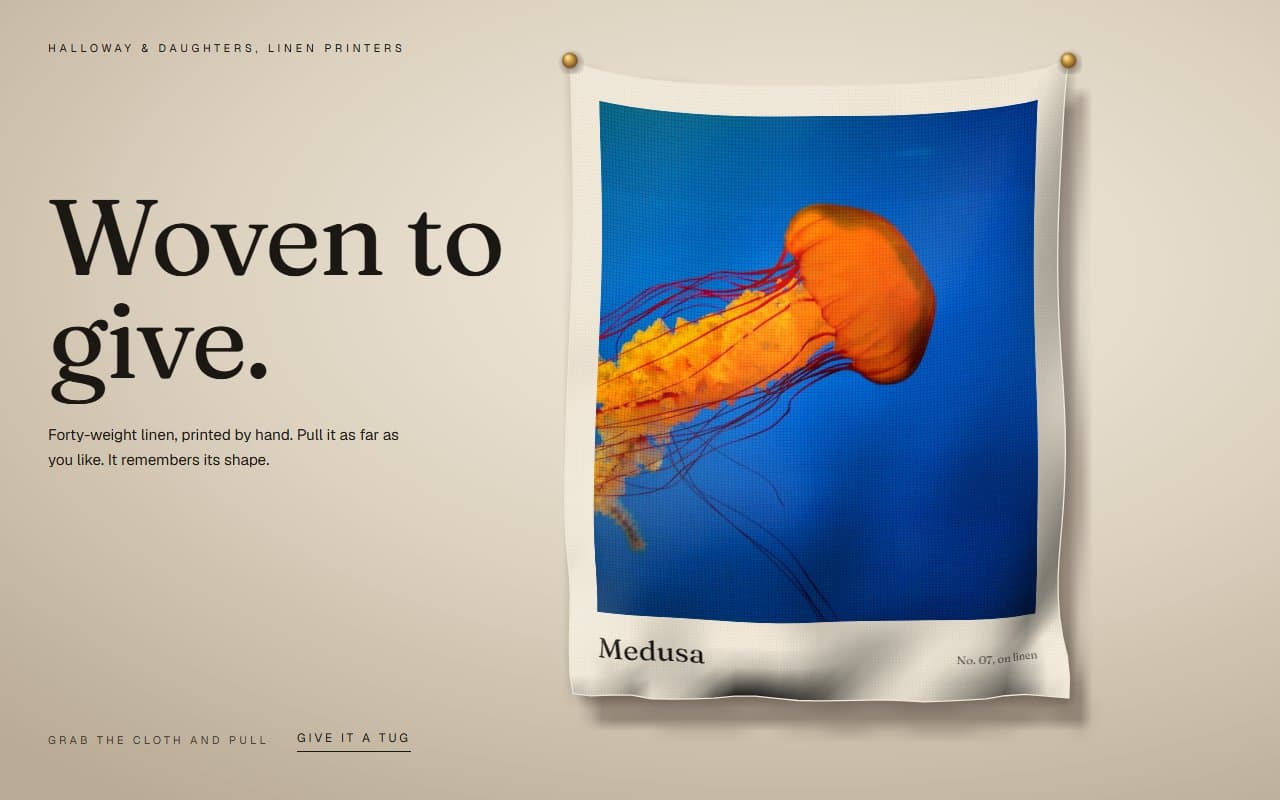
Stretchy Cloth Image Card You Can Grab, with Canvas Physics
On Load · Drag · Mouse Move · On Click
No. 117 / Cards
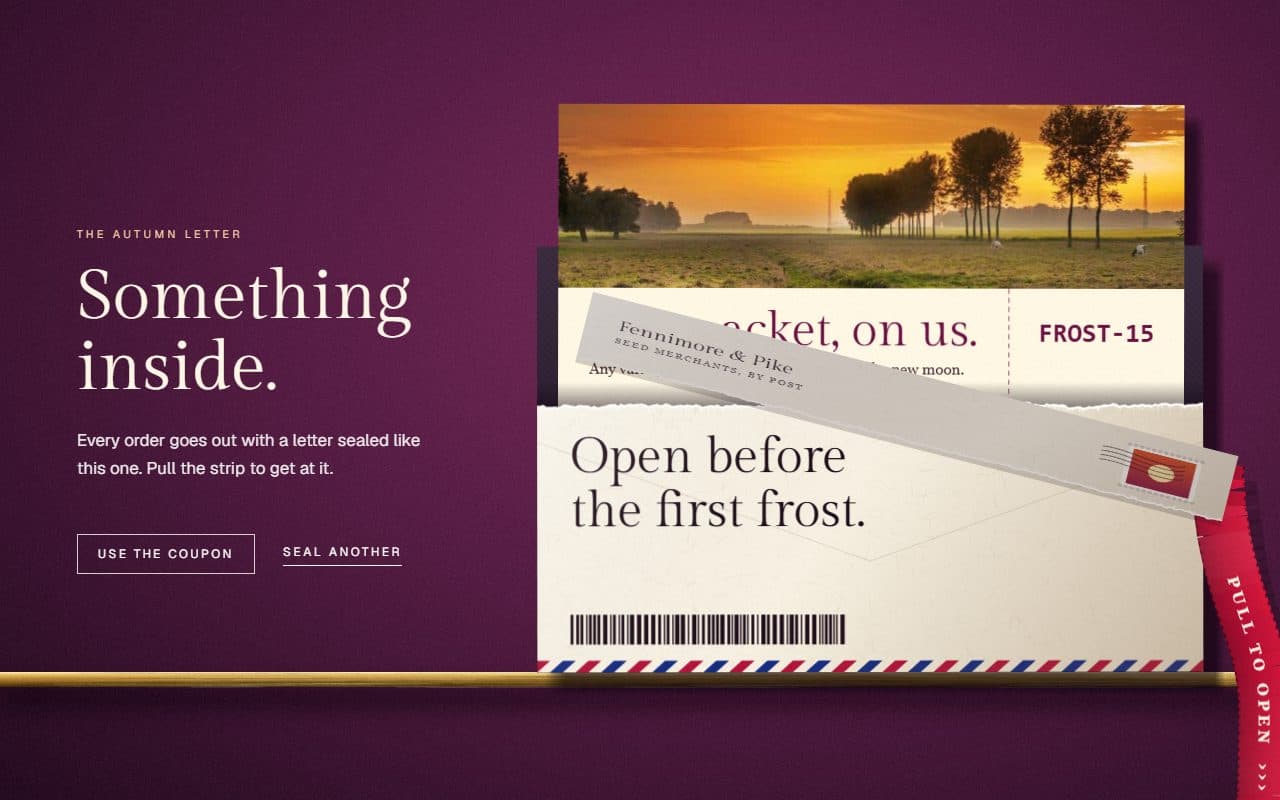
Tear Strip Envelope Reveal with a Draggable Tab, on Canvas
On Load · Drag · On Click
(02)FAQ
Peel-Off Sticker Card with a Draggable Curl, on Canvas — FAQ
01What does it need from my page?
npm install gsap @gsap/react, and Tailwind CSS v4. It doesn't use Three.js or WebGL. Pass your display font as the CSS variable --sticker-display, and the sticker's name and message use it. The image must be on your own domain or allow cross-origin reading.
02Can I use my own sticker design?
The brand and brandNote props change the words, and the name is fitted to the width. The artwork itself is drawn in code in bakeFront inside sticker-stage.ts. Replace the shapes there, or draw your own image onto that canvas.
03Is the hidden message available without peeling?
Yes, to screen readers. The message and code are also in the page as visually hidden text. The button peels a corner for keyboard users, and focusing the button lifts one a little.
04What about phones and reduced motion?
On a phone a vertical swipe scrolls the page, and a sideways drag on the sticker peels the nearest corner. With reduced motion you get one still frame with a corner already turned back and the message showing, and no running loop.