Synthra AI SaaS Landing Page Template with a WebGL Particle Hero
Overview
A dark, precise launch page for an AI agent platform, built for React and Next.js. A 34,000-particle neural core streams along curl noise and bends around your cursor, a product console tilts upright as you scroll, and a pinned section morphs one particle cloud through four shapes while the story moves on.
The hero is a Three.js particle system drawn by a custom shader. About 34,000 points sit on a sphere, and each one drifts along a curl-noise flow for a short life before it respawns, so the shell looks like it is constantly streaming. A dense nucleus churns inside and two tilted orbit rings circle it. Colour follows depth from violet at the back to cyan at the front. Move the pointer over it and the field bends and swirls away with a smooth falloff. Meanwhile the headline decodes with ScrambleText, the announcement pill shimmers and the main button wears a rotating conic-gradient border.
Details
- Category
- SaaS
- Interaction
- On Load + On Scroll + Mouse Move + On Hover + On Click
- Trigger
- On Load
- Files
- 25 source files, every section in its own file
- Languages
- React, TypeScript, plain CSS
(01)Keep exploring
All 7 templatesMore full-page templates
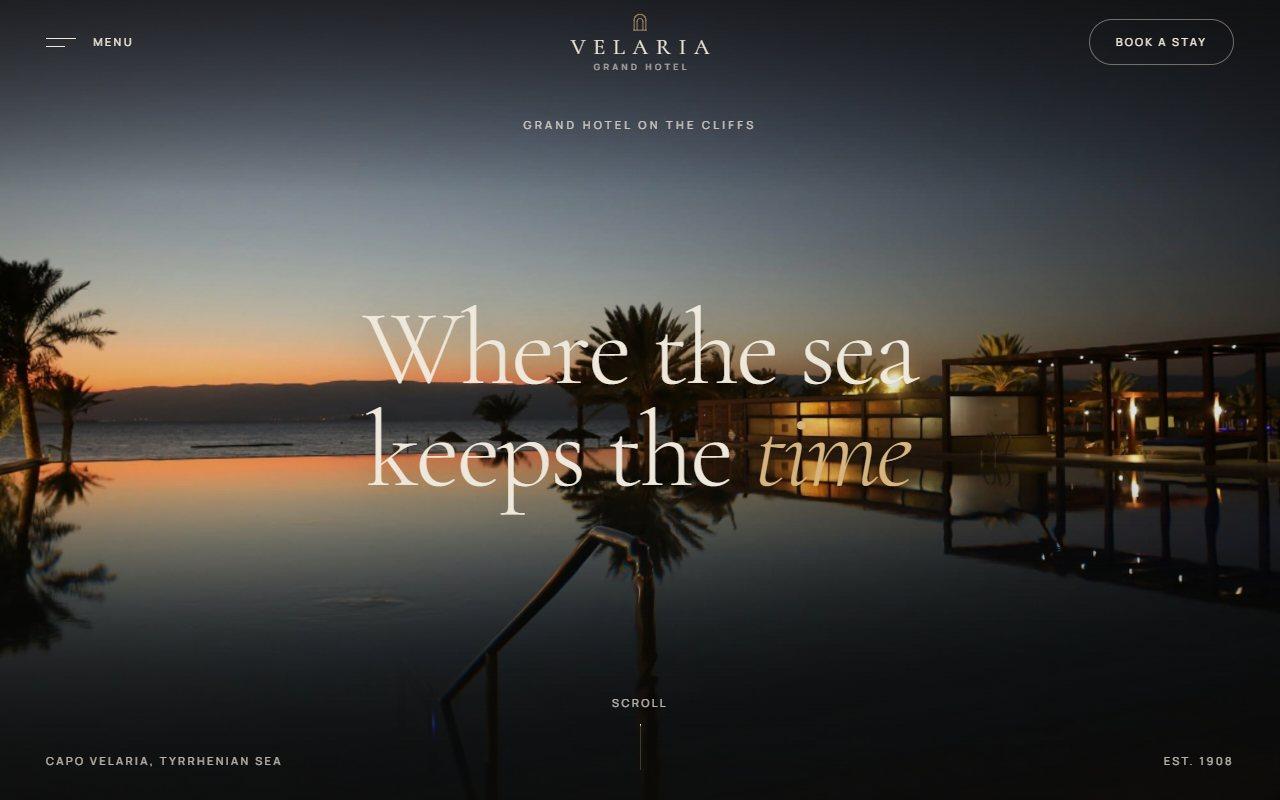
No. 149 / Hospitality
Velaria Luxury Hotel Website Template with a WebGL Water Hero
On Load · On Scroll · Mouse Move · On Hover · On Click · Drag
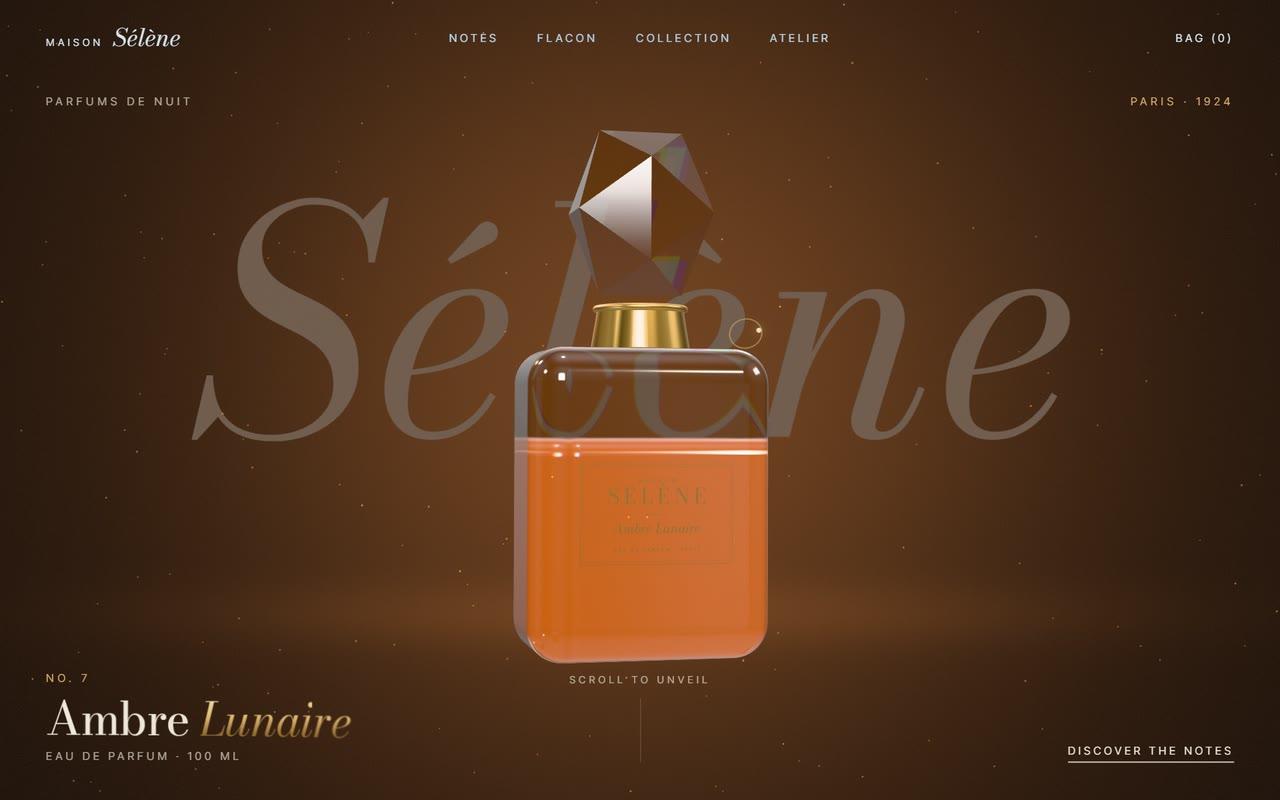
No. 157 / Luxury
Luxury Perfume Website Template with a Real-Time 3D Glass Bottle
On Load · On Scroll · Mouse Move · On Hover · On Click
No. 152 / Hero
Regrove Reforestation Page with a WebGL Fluid Regrowth Hero
On Load · Mouse Move · On Scroll · On Hover · On Click
(02)FAQ
Synthra AI SaaS Landing Page Template with a WebGL Particle Hero — FAQ
01What does it need from my project?
npm install gsap @gsap/react three lenis. Every GSAP plugin it uses (ScrollTrigger, SplitText, ScrambleText, DrawSVG, MotionPath) ships free with gsap. Tailwind isn't needed: the styles are plain CSS scoped under .synthra-ai. Pass your fonts as the CSS variables --sy-sans and --sy-mono, the way the example does with Geist and Geist Mono from next/font.
02How do I change the text, prices and links?
Edit content.ts. It holds the nav, hero copy, logos, console script, steps, feature cards, stats, code samples, plans, testimonials, FAQ, form messages and footer links. The palette lives as CSS custom properties at the top of synthra-ai.css, and the particle colours are passed in from Hero.tsx and HowItWorks.tsx.
03Can I use just one section?
Yes. Each section is its own file. Keep gsap.ts, ui.tsx, content.ts and the stylesheet, then render only the sections you need. The hero and How it works also need particles.ts and their field file (hero-field.ts or morph-field.ts), and the final CTA needs aurora.ts.
04How does it behave on phones, and what does it cost to run?
Every section has a phone layout. The hero renders fewer particles, How it works becomes a stacked list with line drawings instead of a pinned canvas, and the console drops its side panels. Each WebGL canvas caps the pixel ratio at 2, drops to 1x if frames run slow, and stops rendering when it is off screen or the tab is hidden, so no two particle scenes ever run at once.
05What happens with reduced motion?
Smooth scrolling switches off, the particles slow to a gentle drift, scrubbed and pinned effects become simple fades or static layouts, the marquee and testimonial columns stop and show every item, and the aurora draws a single still frame. All content stays visible and every control still works.