Three.js 3D Gallery Corridor with Scroll Walkthrough
Overview
A scroll-driven 3D art gallery for React and Next.js. You walk down a dark corridor built in Three.js, past framed photos on both walls under picture lights, while the cursor looks around and the captions stay in sync.
Scrolling walks you through the room. The camera comes to a rest in front of each work and turns toward it, and the caption for that work fades in while it does. On a phone it turns further and stands back, so each photo fills the screen and stays readable. At the far end a real link is pinned to the wall and grows as you walk up to it.
Details
- Category
- Gallery
- Interaction
- On Scroll + Mouse Move
- Trigger
- On Scroll
- Languages
- React, TypeScript, Tailwind
(01)Keep exploring
All 118 componentsBuilt with the same techniques
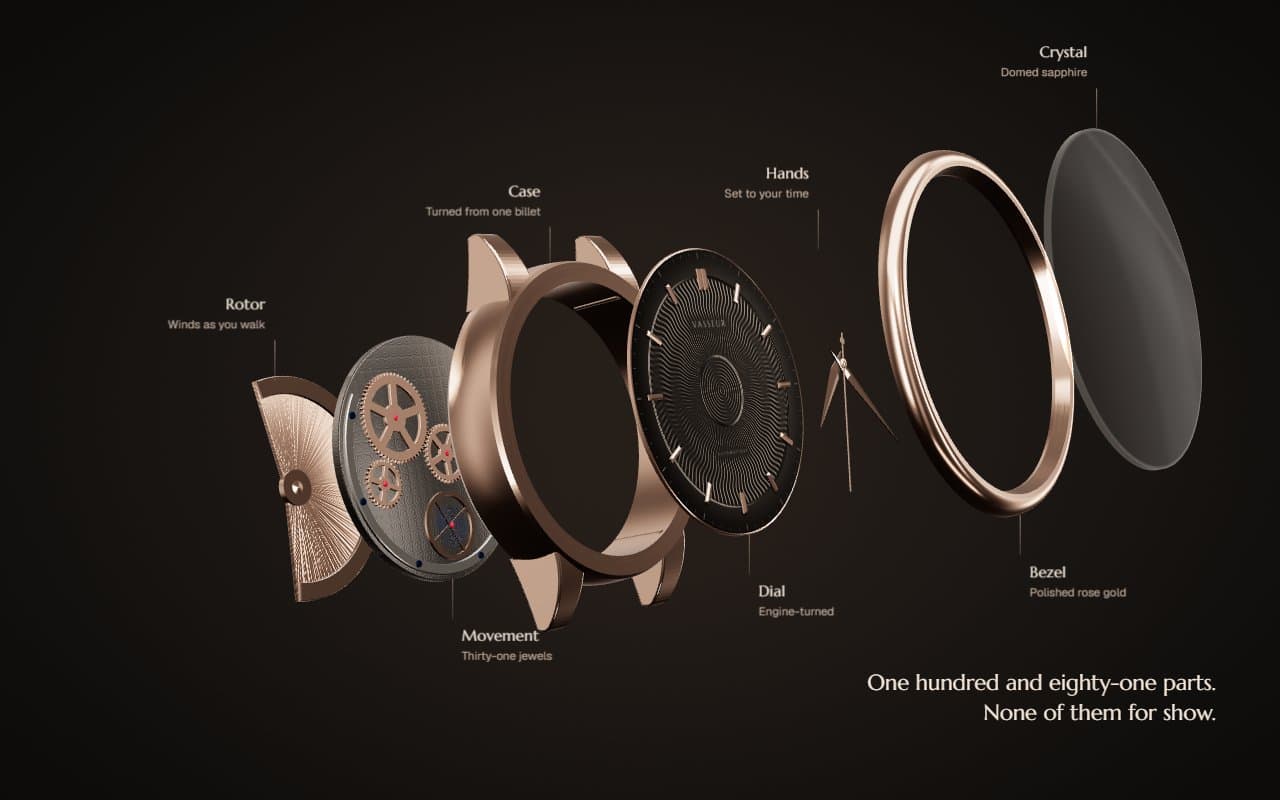
No. 090 / Scroll
Three.js Exploded Watch Scroll Animation with Real Time Hands
On Scroll · Mouse Move
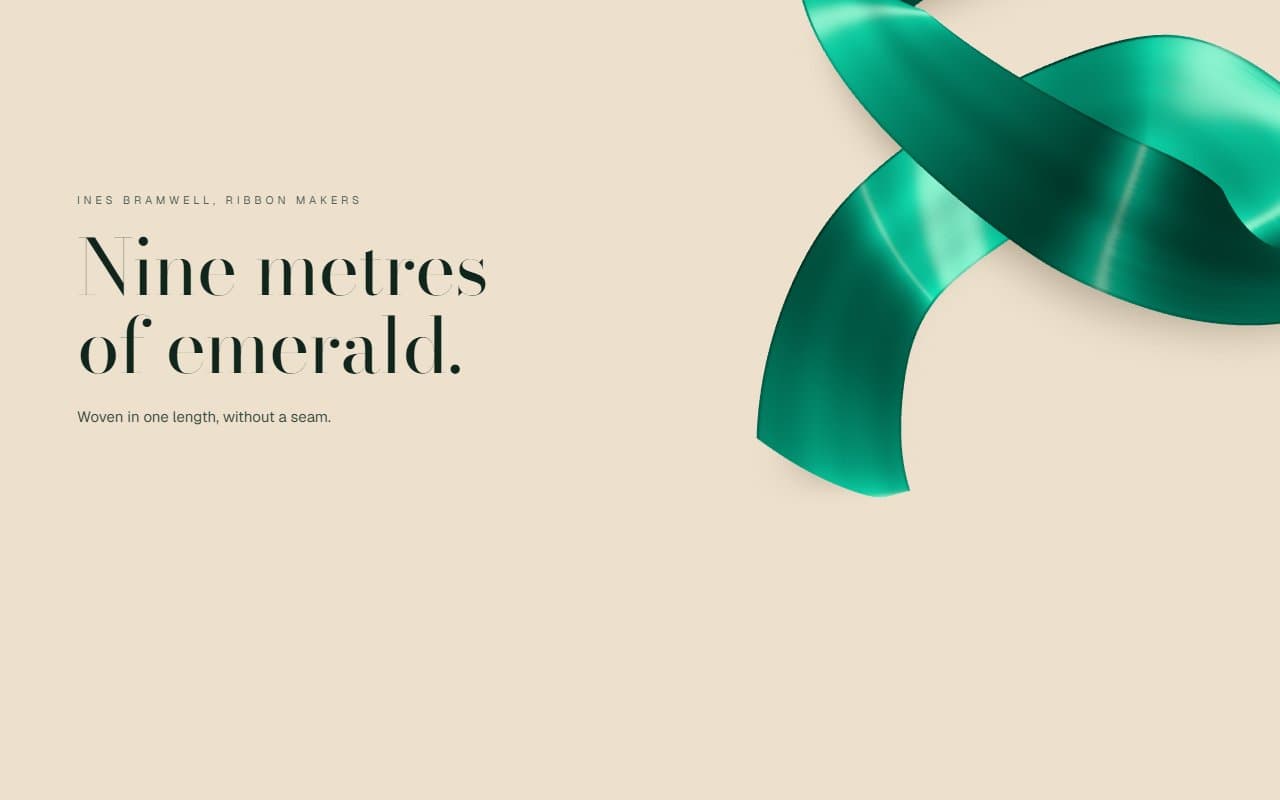
No. 077 / Scroll
Three.js Satin Ribbon Scroll Animation with Silk Shader
On Scroll · Mouse Move

No. 012 / Gallery
GSAP WebGL 3D Ring Carousel Portfolio
Drag · On Scroll · On Hover · On Click · Mouse Move
(02)FAQ
Three.js 3D Gallery Corridor with Scroll Walkthrough — FAQ
01What does it need from my page?
npm install three (and @types/three for TypeScript), and Tailwind CSS v4. Pass your images in works as paths or URLs. Images on another domain need CORS headers, since WebGL can't read them otherwise. Set --corridor-font on a parent to choose the display typeface.
02How many works can I hang?
Any number works, and the corridor and the scroll length grow to fit. Six to eight feels right. Each extra work adds three draw calls and a little to every floor pixel, so past about twelve you may want a shorter room.
03Do my photos have to be a certain shape?
No. Each frame takes its width from the image's own proportions at a fixed height, so portrait and landscape work can hang together.
04How does keyboard and screen reader use work?
The page scrolls normally with the keyboard, so the walk works with the arrow keys and space bar. Tabbing to the link at the end takes you to the end wall. All captions are a real ordered list, and each photo's alt text is used in the version without WebGL.
05What happens with reduced motion or no WebGL?
With reduced motion, scrolling cuts between still views of each work with no camera movement, and nothing is drawn between cuts. With no WebGL, or on a software renderer, you get a normal scrolling page of framed photos, captions and the link.