GSAP WebGL 3D Ring Carousel Portfolio
Overview
Your projects on a ring of curved WebGL cards. Drag to turn it and tilt it, and it glides on and settles with a card in front. Hovering a card floods it with colour and lifts it off the ring as a thick slab, and clicking it flies the picture out onto the project's own page.
Drag sideways and the ring turns with the pointer; drag up or down and it tilts toward you or away. Let go and it glides on with the flick, settles with a card in front and the tilt springs back. The wheel and the arrow keys turn it a card at a time, and the card in front is named above the ring and counted in large thin figures either side.
Details
- Category
- Gallery
- Interaction
- Drag + On Scroll + On Hover + On Click + Mouse Move
- Trigger
- Drag
- Languages
- React, TypeScript, Tailwind
(01)Keep exploring
All 20 componentsBuilt with the same techniques
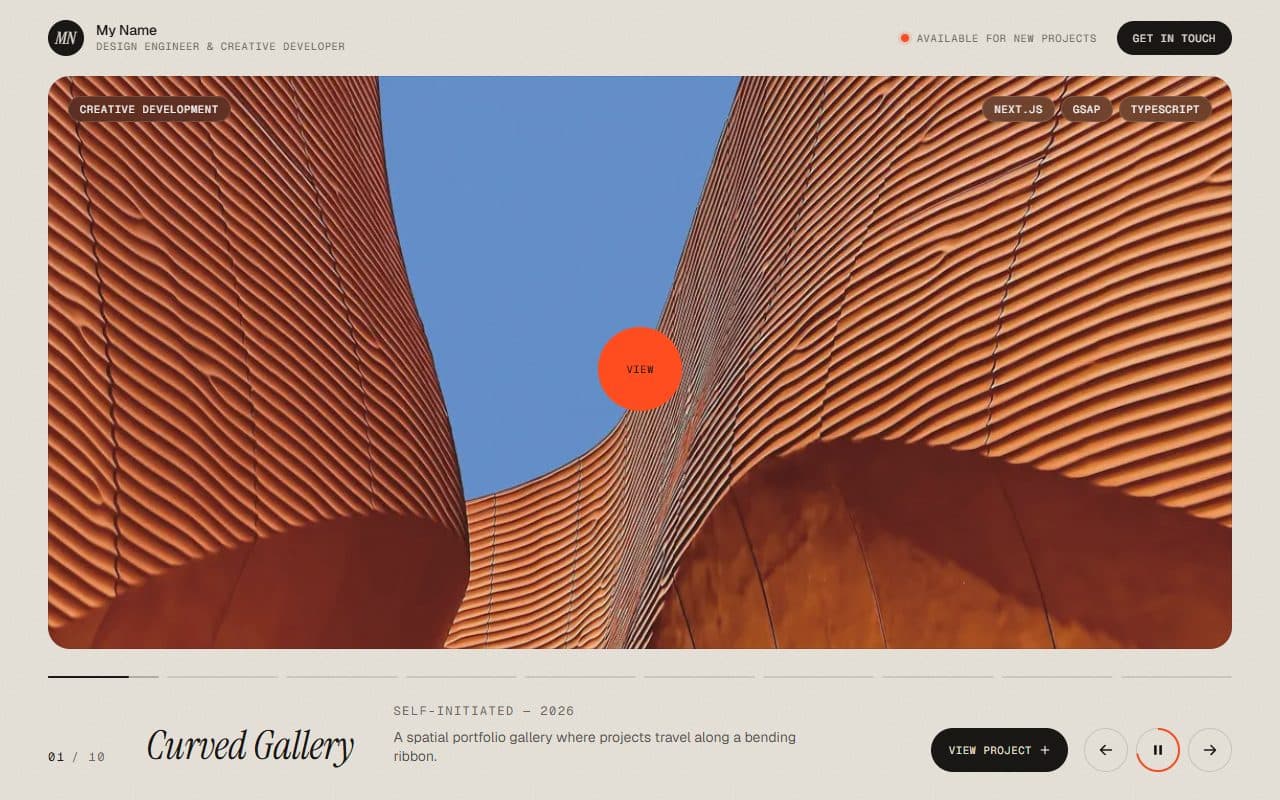
No. 010 / Gallery
GSAP WebGL Prism Slider Portfolio Reel
On Scroll · On Click · On Hover · Mouse Move
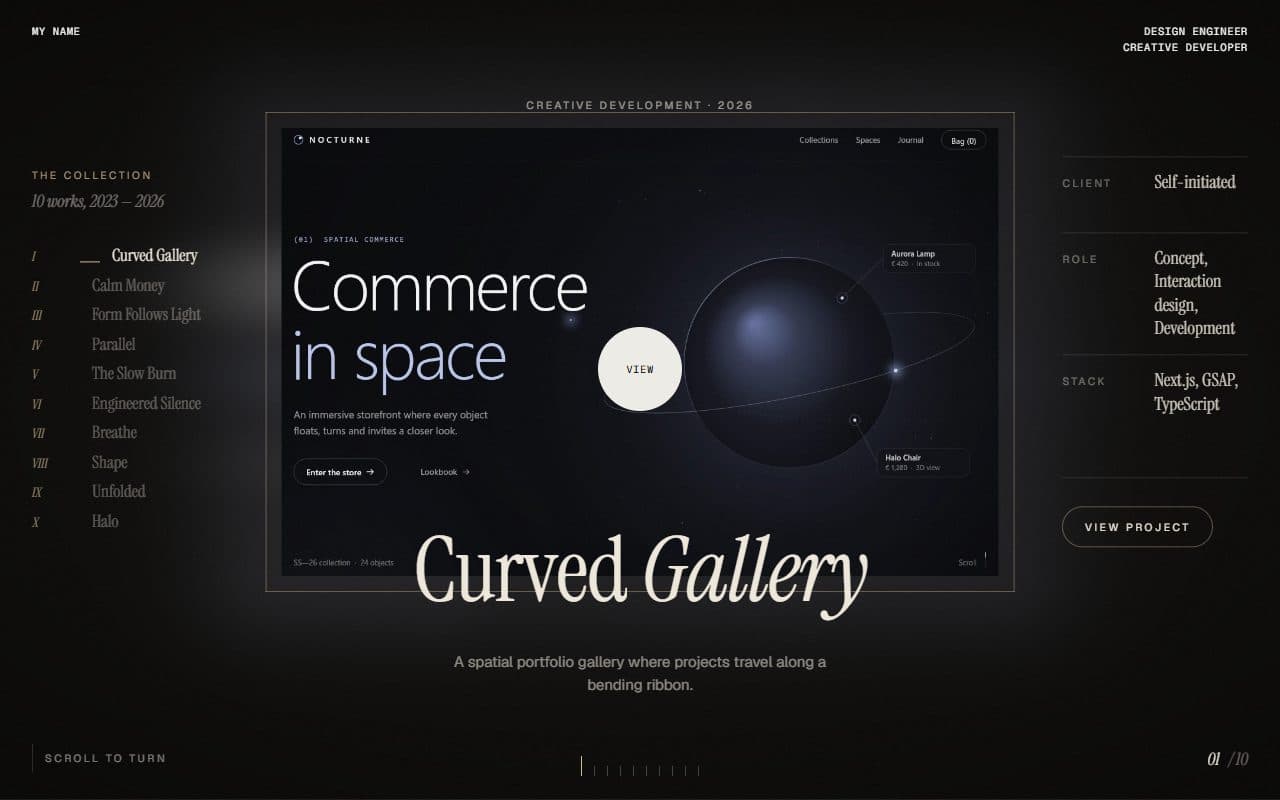
No. 009 / Gallery
GSAP WebGL Shutter Portfolio Gallery
On Scroll · On Click · On Hover
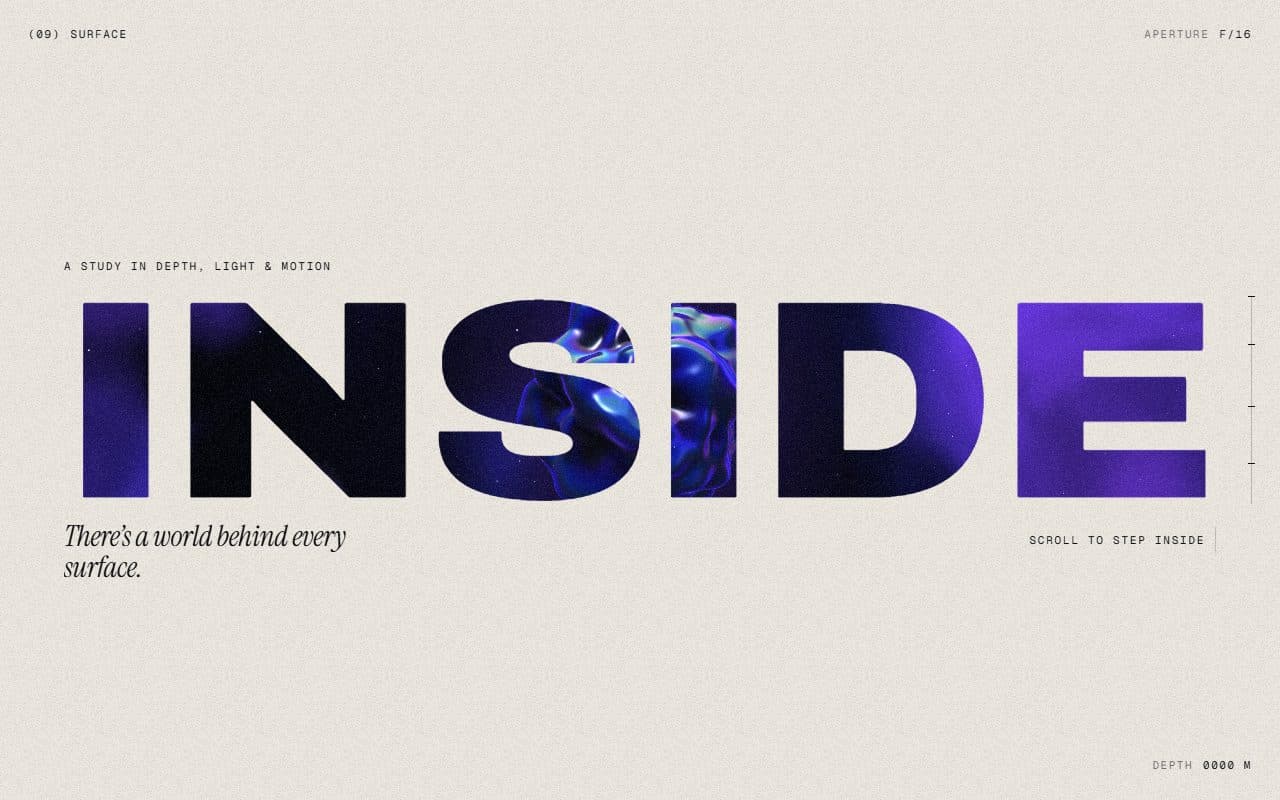
No. 018 / Scroll
GSAP WebGL Knockout Dive & Aperture Scroll Section
On Scroll · On Load · Mouse Move · On Hover
(02)FAQ
GSAP WebGL 3D Ring Carousel Portfolio — FAQ
01What do I need to install?
npm install three gsap @gsap/react, plus npm install -D @types/three for TypeScript. The scene is plain three.js, no React Three Fiber. It's built for Next.js with Tailwind CSS v4.
02How do I add my own projects?
Pass a projects array: title, category, year, image, summary, description, client, role and technologies. Use 16:10 images about 1280 to 1600 pixels wide, a few hundred KB at most: the ring and the project page share the same files.
03Can I put other sections above or below it?
Give it a page of its own. The page doesn't scroll: drags, the wheel and the arrow keys turn the ring instead, and an open project scrolls inside its own panel.
04Which fonts does it use?
Titles are set in Instrument Serif: load it with next/font as the --font-instrument-serif variable. The large figures use your page's sans at weight 200, and labels your mono font.
05How do I tune the motion?
Every value is in config.ts: the cards' size, gap, corners and how grey they rest, the camera, the glide and the flick, the tilt and lean, everything a hovered card does (lift, zoom, colour spread, slab and shadow), the opening of a project and the intro.