GSAP WebGL Shutter Portfolio Gallery
Overview
A portfolio shown one project at a time in a single frame. Each scroll turns the frame on a set of WebGL louvres that catch a glint of champagne light as they land, and clicking the frame opens the project on a sheet of paper.
One scroll turns exactly one project: the frame splits into horizontal louvres that flip top to bottom, carrying the next project's video on their backs, with gilded edges and a band of light sweeping across them. The footage throws its colour onto the wall around the frame, and the title, index, credits and counter change with every turn.
Details
- Category
- Gallery
- Interaction
- On Scroll + On Click + On Hover
- Trigger
- On Scroll
- Languages
- React, TypeScript, Tailwind
(01)Keep exploring
All 20 componentsBuilt with the same techniques

No. 012 / Gallery
GSAP WebGL 3D Ring Carousel Portfolio
Drag · On Scroll · On Hover · On Click · Mouse Move
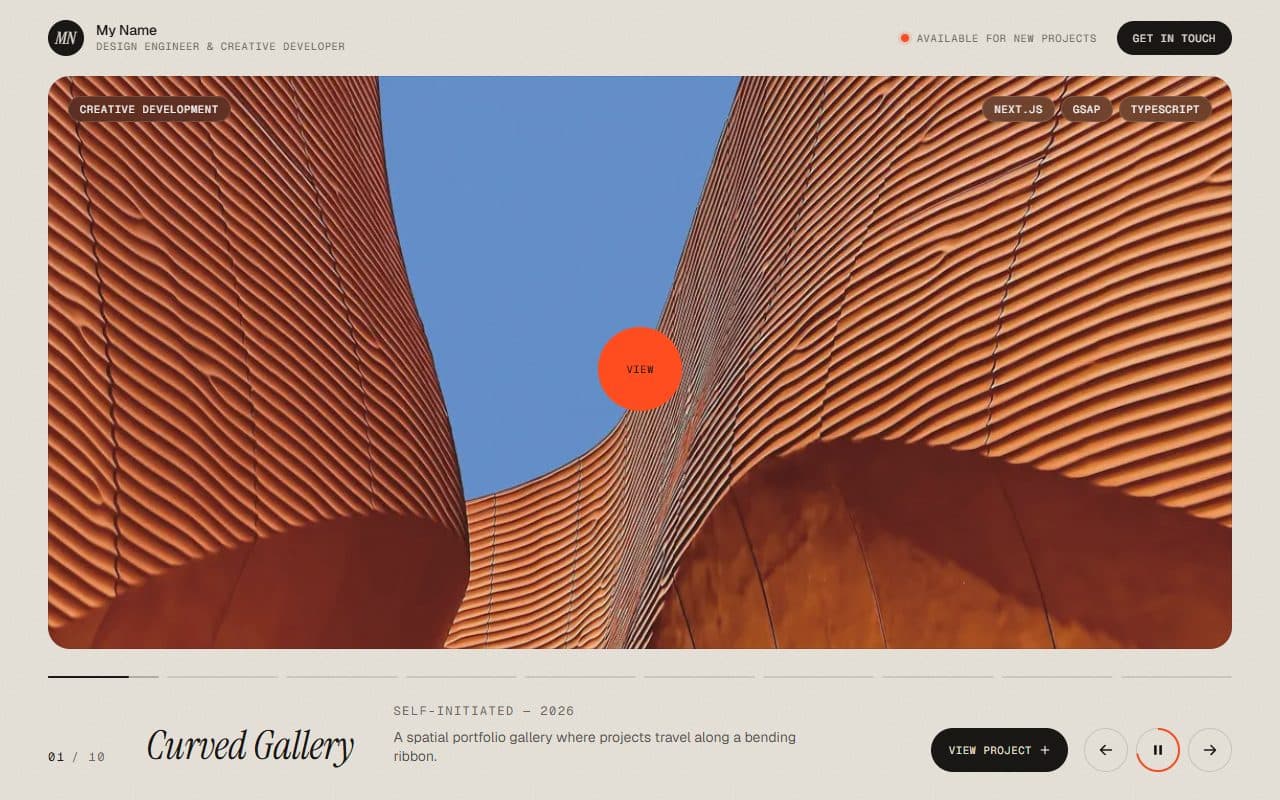
No. 010 / Gallery
GSAP WebGL Prism Slider Portfolio Reel
On Scroll · On Click · On Hover · Mouse Move
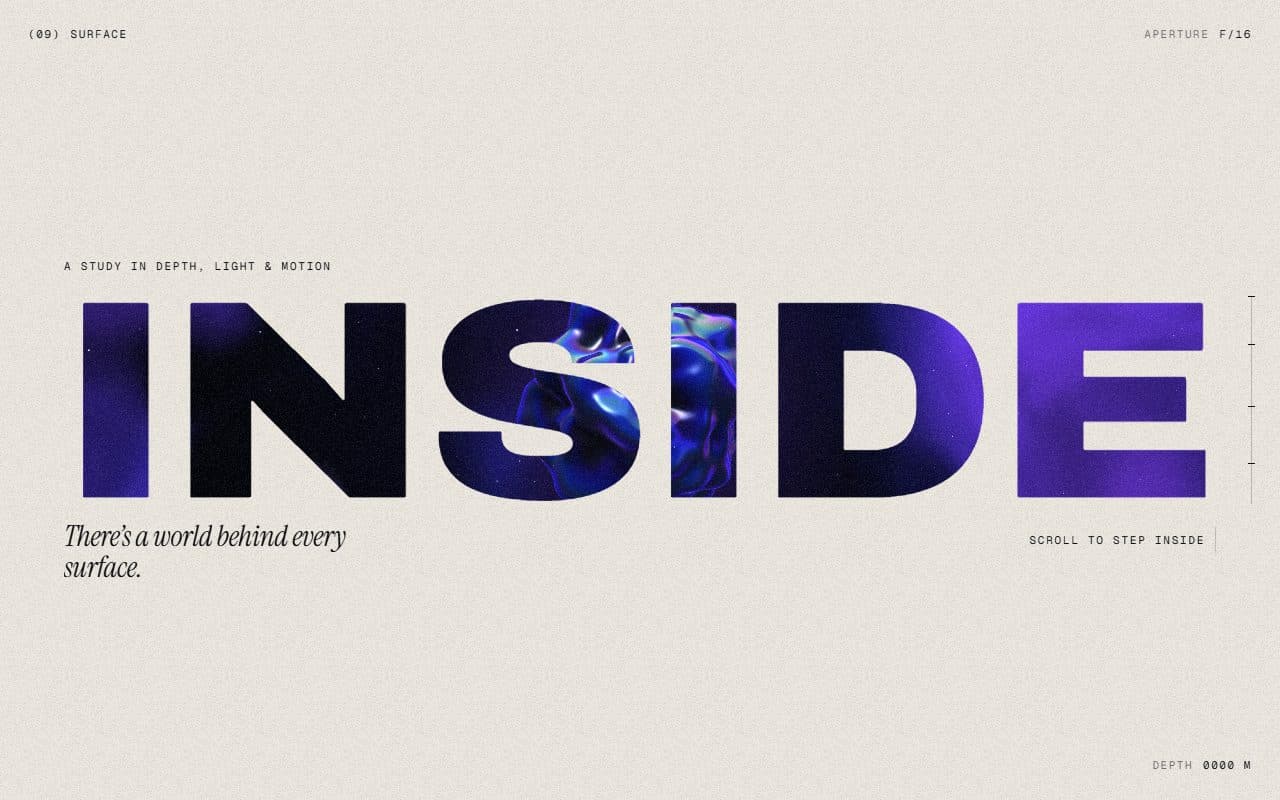
No. 018 / Scroll
GSAP WebGL Knockout Dive & Aperture Scroll Section
On Scroll · On Load · Mouse Move · On Hover
(02)FAQ
GSAP WebGL Shutter Portfolio Gallery — FAQ
01What do I need to install?
npm install three gsap @gsap/react, plus npm install -D @types/three for TypeScript. The scene is plain three.js, no React Three Fiber. It's built for Next.js with Tailwind CSS v4.
02How do I add my own projects?
Pass a projects array: title, category, year, video, poster, summary, description, client, role and technologies. Videos work best as 16:10 muted H.264 loops of 6 to 12 seconds and a few MB at most, each with a poster frame.
03Can I put other sections above or below it?
Give it a page of its own. It takes over the page's scroll, one screen per project, and the wheel moves on to the rest of the page only before the first project and after the closing card.
04Which fonts does it use?
Titles are set in Instrument Serif: load it with next/font as the --font-instrument-serif variable. Labels use your page's own sans.
05How do I tune the motion?
Every value is in config.ts: how heavily the frame follows the scroll, the louvre count and stagger, the gold glint and edges, the light on the wall, the intro and the opening of a project.