GSAP WebGL Knockout Dive & Aperture Scroll Section
Overview
A pinned scroll section in four chapters: a word cut out of a cream sheet shows a WebGL world through its letters, the camera dives through one letter into it, two statements and a rolling word follow while a glassy orb changes material, and a six-blade aperture closes the world into a live portal inside the closing line. One scroll moves one step, however hard the wheel is flicked.
It opens on a cream sheet with a huge word cut out of it, set in Archivo and re-proportioned along its width axis to fill any screen (on a portrait phone it turns on its side). The world shows through the letters, and the letters stretch up from their baseline as the cursor passes. The first scroll dives through one letter's stem: the word scales at an even speed in log space, so the neighbouring letters glide off rather than flash, and the world is all there is.
Details
- Category
- Scroll
- Interaction
- On Scroll + On Load + Mouse Move + On Hover
- Trigger
- On Scroll
- Languages
- React, TypeScript, Tailwind
(01)Keep exploring
All 20 componentsBuilt with the same techniques

No. 019 / Scroll
GSAP Pinned Service Cards with Animated Reveals
On Scroll · On Hover · Mouse Move · On Click
No. 020 / Preloader
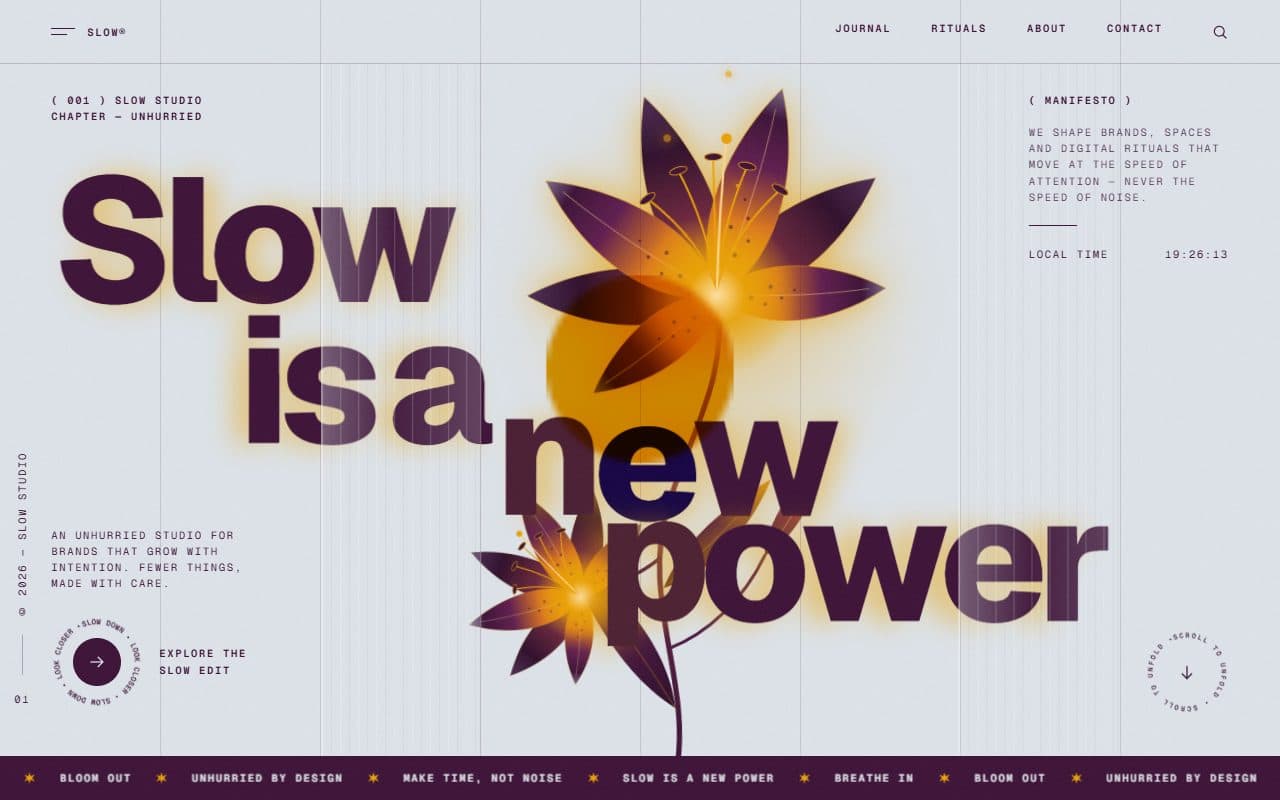
GSAP Column Preloader & Blooming Lily Hero Section
On Load · On Scroll · Mouse Move · On Hover

No. 012 / Gallery
GSAP WebGL 3D Ring Carousel Portfolio
Drag · On Scroll · On Hover · On Click · Mouse Move
(02)FAQ
GSAP WebGL Knockout Dive & Aperture Scroll Section — FAQ
01What do I need to install?
npm install gsap @gsap/react three, plus lenis if you keep the optional smooth scroll. SplitText and ScrambleText come with gsap. It's built for Next.js; the styles are plain CSS, so it needs no Tailwind theme.
02Which fonts does it use?
The cut-out word and the statements are Archivo: load it with next/font as the --font-archivo variable and axes: ["wdth"], since the word changes width to fit the screen. The italics are Instrument Serif as --font-instrument-serif, and the labels use your --font-mono. Each falls back to a system face.
03How do I change the words?
WORD, the letter the camera dives through (ZOOM_LETTER), the chapter names and the three rolling words with their captions are at the top of aperture-dive.tsx; the statements, the closing line and the cover copy are in its markup. ctaHref and ctaLabel set the button.
04Can I put other sections above or below it?
Yes, that's how it's meant to be used. It pins when its top reaches the top of the screen, steps through seven screens' worth of scroll, and past its last step slides off to the next section. Scrolling back up from below slides it back onto its last step.
05Does it work with Lenis?
Yes. Render the SmoothScroll that comes with it once on the page. If your page runs its own Lenis, call setSmoothScroll(lenis) from scroll.ts, so the section moves the page through Lenis while it steps and Lenis' momentum never fights it.
06How do I tune the motion?
The timeline (T), the stops each scroll lands on (STOPS) and the glide paces (PACE, DIVE_PACE, FINALE_PACE) are at the top of aperture-dive.tsx. The orb, the colours, the x-ray brush and the camera are in world.ts and shaders.ts.
07What happens on touch screens?
A quick vertical flick steps, the same as a wheel stroke; a slow drag paints the x-ray instead. The WebGL world renders at a lower resolution, and the lens cursor is left out.