GSAP Scroll Unfolding Card Wheel Portfolio
Overview
Your projects as a stack of cards pinned to the screen while the page scrolls: scrolling leafs them out into a fan like a hand of cards, then opens it all the way round into a wheel, in plain CSS 3D. Hovering a card draws it out in colour, and a click flies its picture into a frosted project viewer.
The cards share one corner, bottom left, and the section stays pinned while the page scrolls through it. The first stretch of scroll leafs the stack out into a tight fan round that corner; the next opens the fan all the way round into a wheel, the cards further down setting off later so it unrolls rather than turns as one, and tipping back in 3D on the way before it lies flat; the last stretch keeps turning the wheel. It is a pure function of the scroll, eased, so dragging the scrollbar anywhere lands on the same picture. The whole fan leans away from the pointer throughout.
Details
- Category
- Gallery
- Interaction
- On Scroll + On Hover + On Click + Mouse Move + On Load
- Trigger
- On Scroll
- Languages
- React, TypeScript, Tailwind
(01)Keep exploring
All 20 componentsBuilt with the same techniques
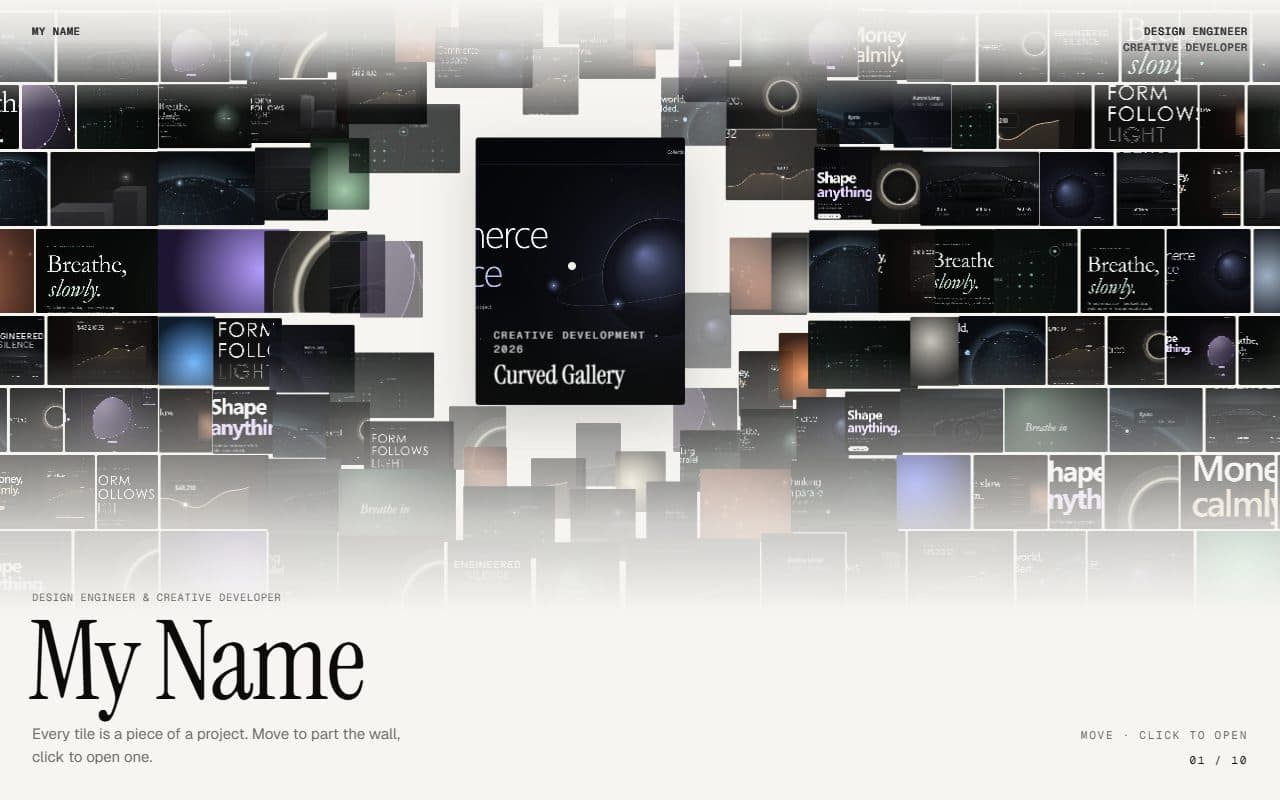
No. 016 / Gallery
GSAP Parting Mosaic Wall Portfolio
On Scroll · Mouse Move · On Hover · On Click
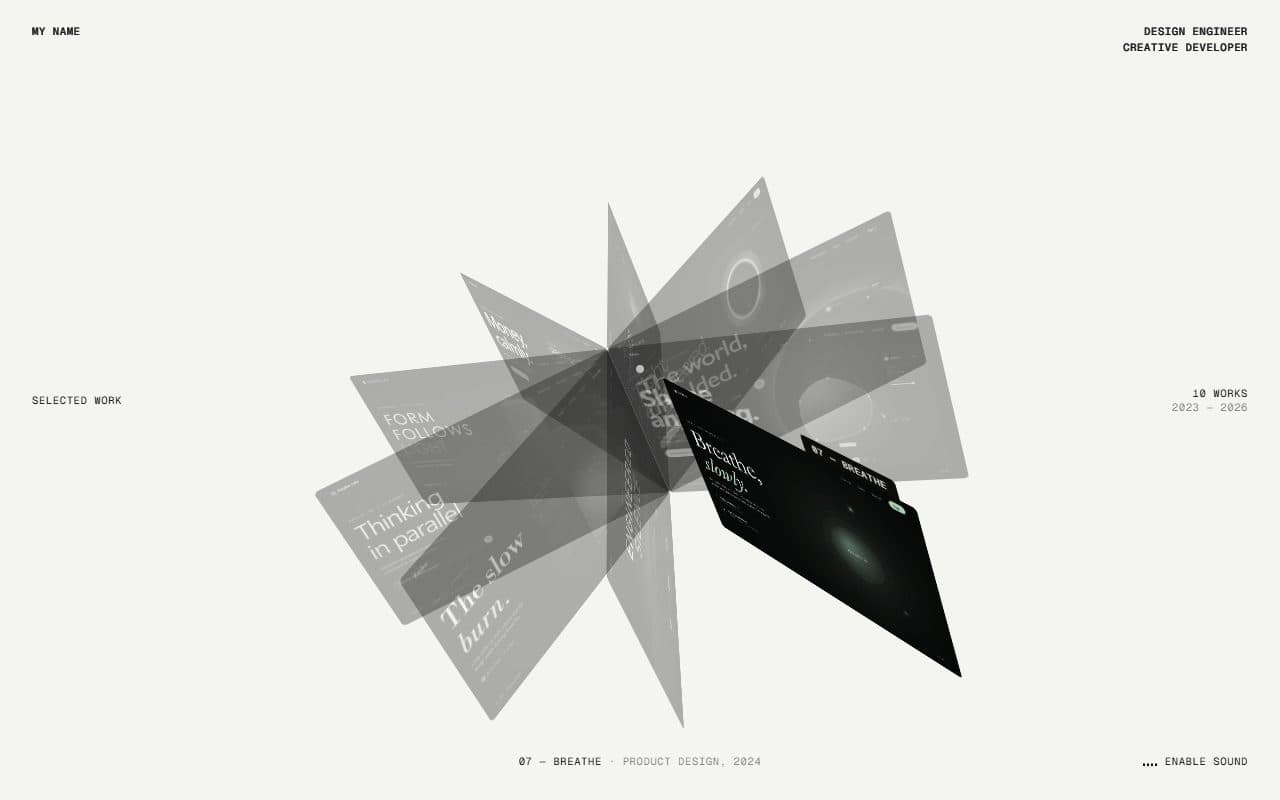
No. 015 / Gallery
GSAP CSS 3D Folio Card Fan Portfolio
On Scroll · Drag · On Hover · Mouse Move
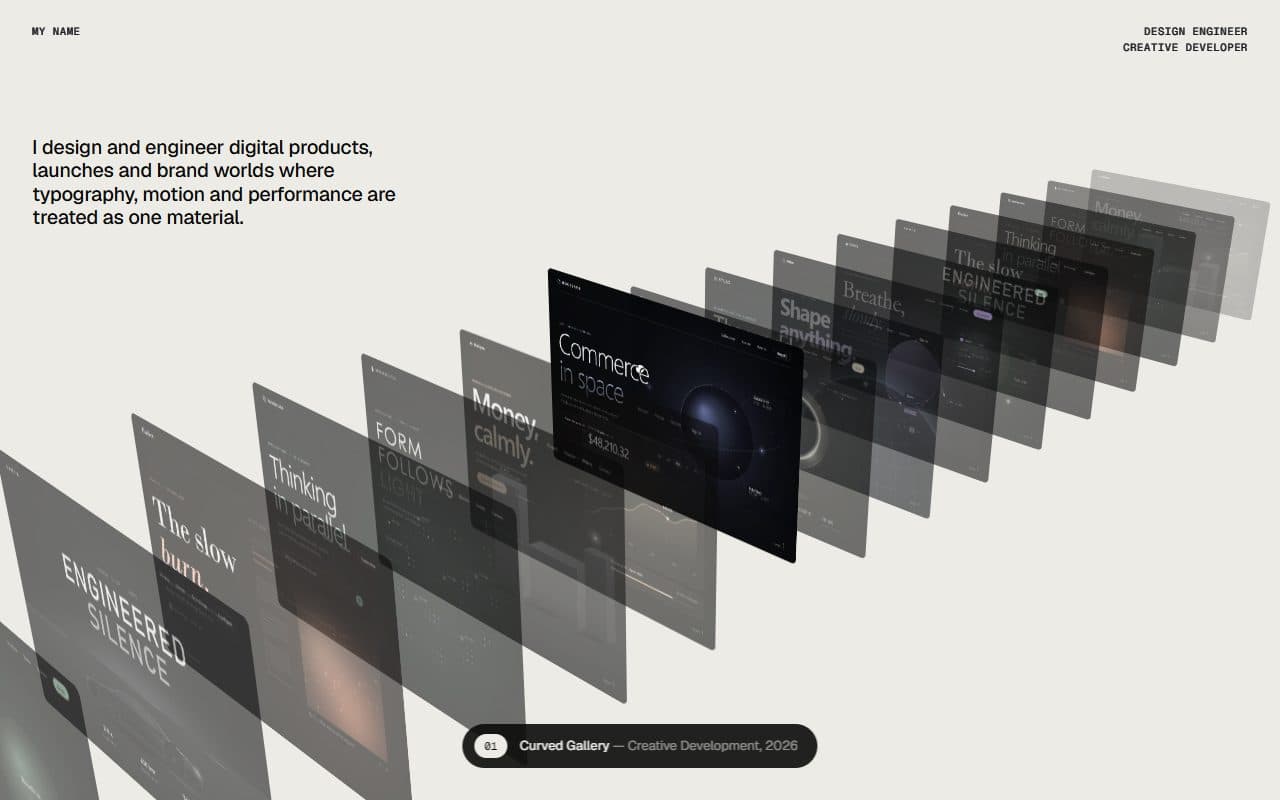
No. 013 / Gallery
GSAP CSS 3D Infinite Card Deck Portfolio
On Scroll · Drag · On Hover · On Load
(02)FAQ
GSAP Scroll Unfolding Card Wheel Portfolio — FAQ
01What do I need to install?
npm install gsap @gsap/react. There's no WebGL: the wheel is plain HTML in CSS 3D, with GSAP's ScrollTrigger and ScrollToPlugin. It's built for Next.js with Tailwind CSS v4 and uses next/image for the pictures.
02How do I add my own projects?
Pass a projects array: title, category, year, image and summary, plus an optional alt, href (a View project link in the viewer) and color (the picture's average colour, shown while it loads). Pictures are 16:10, and about 1280×800 is plenty. The cards share the full circle evenly, so eight to twelve projects look best.
03Can I put other sections above or below it?
Yes. It's a section of a normal scrolling page, four screens tall (scroll in config.ts): it pins while you scroll through it and lets the page carry on after the last screen. Anything you pass as children is pinned over the fan for the whole of its scroll, like the statement in the demo.
04Which fonts does it use?
The titles are set in Instrument Serif: load it with next/font as the --font-instrument-serif variable (Georgia stands in otherwise). Everything else uses your page's sans.
05How do I tune the motion?
Every value is in config.ts: the section's length and where each stage of the scroll starts and ends, the tight fan's angles and pivot, the wheel's stagger and turn, the tilt, depth and perspective, how closely the fan follows the scroll, the lean, how far a hovered card slides out, rises and zooms, the spin button, the viewer's flights, the colours and the labels. The card's size is --card-w in card-wheel.css.