GSAP Parting Mosaic Wall Portfolio
Overview
Your projects cut into a wall of small fragments that drifts sideways and parts round the cursor: the piece under the gap comes up as a larger, named card that plays its film, and a click opens the project in the middle of the screen. The section pins while the page scrolls past it, and that scroll pans the wall.
Every tile is a cut from one project's poster: the whole frame, its picture, a close-up, a closer one and, where you give it one, its headline. The tiles are dealt in rows of a few proportions so that no two neighbours show the same project, now and then one is a glow in the project's colours, and every row loops sideways endlessly as the wall drifts.
Details
- Category
- Gallery
- Interaction
- On Scroll + Mouse Move + On Hover + On Click
- Trigger
- On Scroll
- Languages
- React, TypeScript, Tailwind
(01)Keep exploring
All 20 componentsBuilt with the same techniques
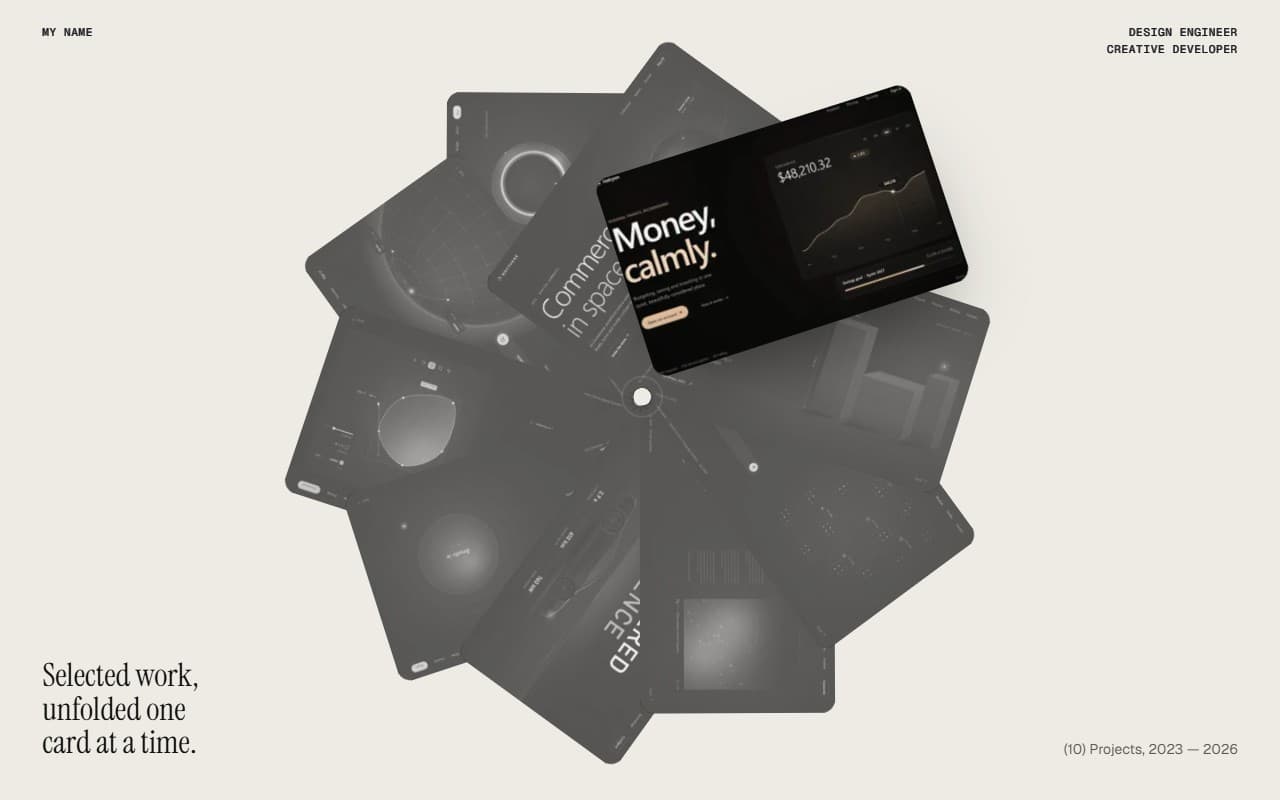
No. 017 / Gallery
GSAP Scroll Unfolding Card Wheel Portfolio
On Scroll · On Hover · On Click · Mouse Move · On Load
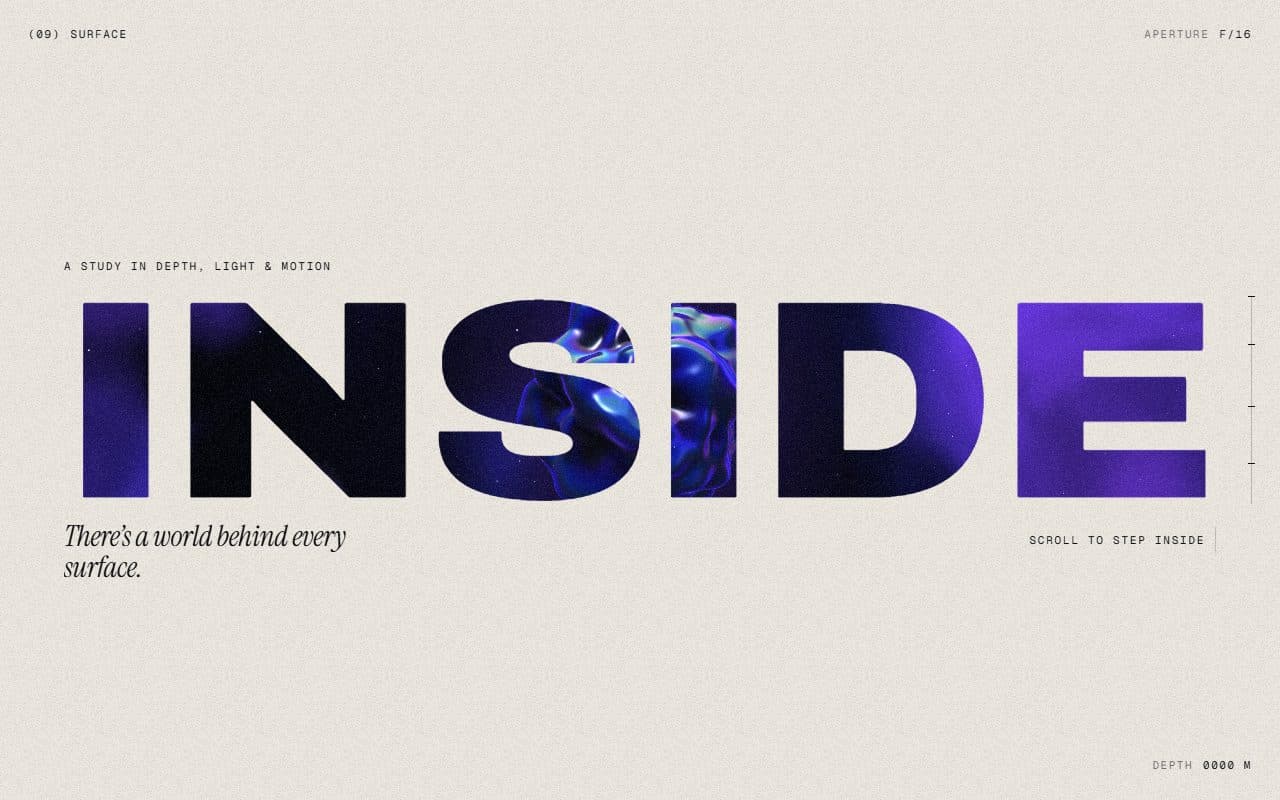
No. 018 / Scroll
GSAP WebGL Knockout Dive & Aperture Scroll Section
On Scroll · On Load · Mouse Move · On Hover
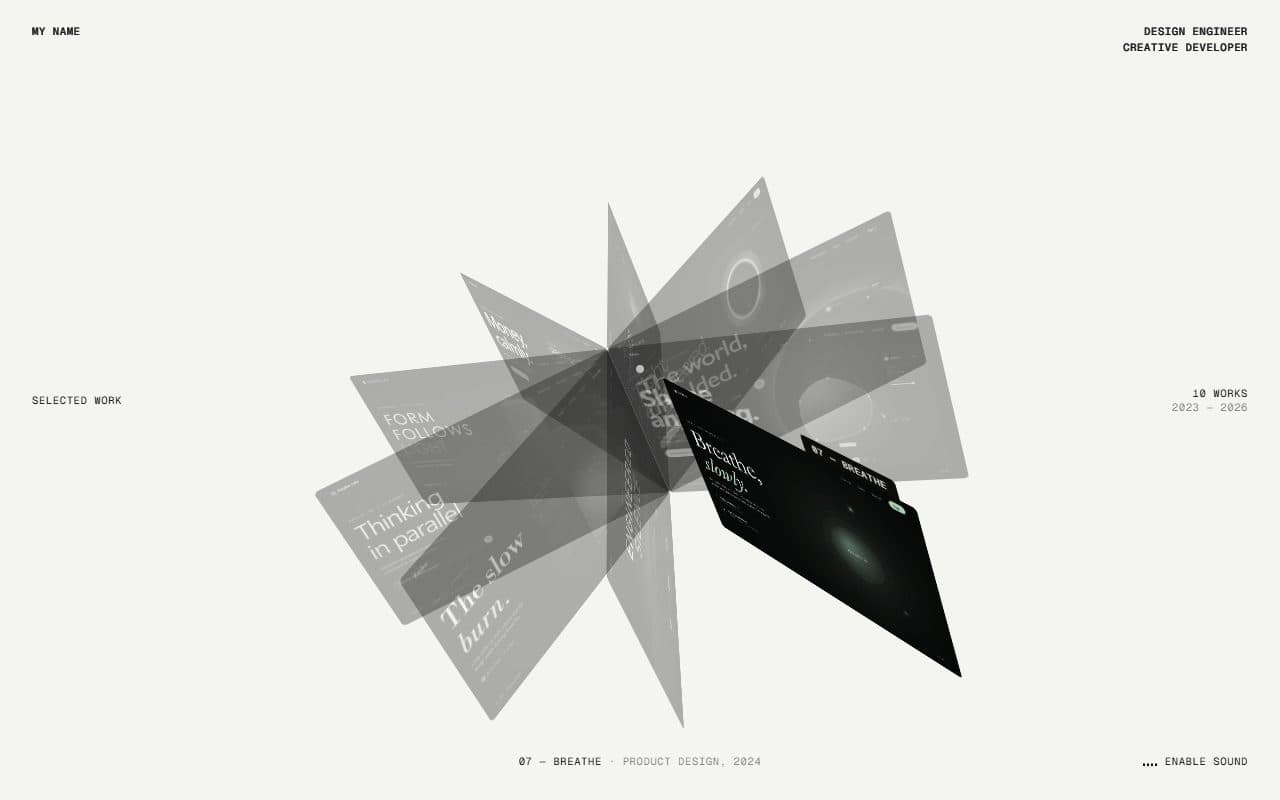
No. 015 / Gallery
GSAP CSS 3D Folio Card Fan Portfolio
On Scroll · Drag · On Hover · Mouse Move
(02)FAQ
GSAP Parting Mosaic Wall Portfolio — FAQ
01What do I need to install?
npm install gsap @gsap/react, plus lenis if you keep the optional smooth scroll. There's no WebGL: the wall is plain HTML. It's built for Next.js with Tailwind CSS v4.
02How do I add my own projects?
Pass a projects array: title, category, year, video, poster, summary, client and role. Posters and videos are 16:10; use videos as muted H.264 loops of 6 to 12 seconds and a few MB at most. Add crops to choose which squares the tiles are cut from (a type crop adds the headline), and glow colours for the occasional glow tile.
03Can I put other sections above or below it?
Yes, that's how it's meant to be used. It's a section of a normal scrolling page: it pins once its top reaches the top of the screen, stays for 1.2 screens of scroll (pin.length in config.ts) and then lets the page carry on.
04Does it work with Lenis?
Yes. Render the SmoothScroll that comes with it once on the page. If your page runs its own Lenis, call setSmoothScroll(lenis) from scroll.ts so an open project can stop it, and pass virtualScroll: ({ event }) => !event.defaultPrevented so a sideways swipe over the wall pans the wall.
05Which fonts does it use?
The name and titles are set in Instrument Serif: load it with next/font as the --font-instrument-serif variable. Labels use your mono font, the rest your page's sans.
06How do I tune the motion?
Every value is in config.ts: the rows, tile proportions and gaps, the drift and the pan, how far the gap pushes tiles and how quickly it follows, the card's size and when its film plays, the opened project, the pin's length and pan, the intro and the colours.