GSAP Pinned Service Cards with Animated Reveals
Overview
Service cards that pin and stack as you scroll: each slides up over the last, which tilts back out of the way, and builds itself in as it lands. The title's letters stand up one by one, the big number rolls like a slot machine, the label decodes and a glint of light sweeps across.
One section of a normal page. It pins once its top reaches the top of the screen, and each card then slides up over the one before it, which shrinks and tilts back out of the way; the card two back hides. Each card takes one screen of scroll and stays put for a moment once it has landed, then the section lets the page carry on.
Details
- Category
- Scroll
- Interaction
- On Scroll + On Hover + Mouse Move + On Click
- Trigger
- On Scroll
- Languages
- React, TypeScript, Tailwind
(01)Keep exploring
All 20 componentsBuilt with the same techniques

No. 018 / Scroll
GSAP WebGL Knockout Dive & Aperture Scroll Section
On Scroll · On Load · Mouse Move · On Hover
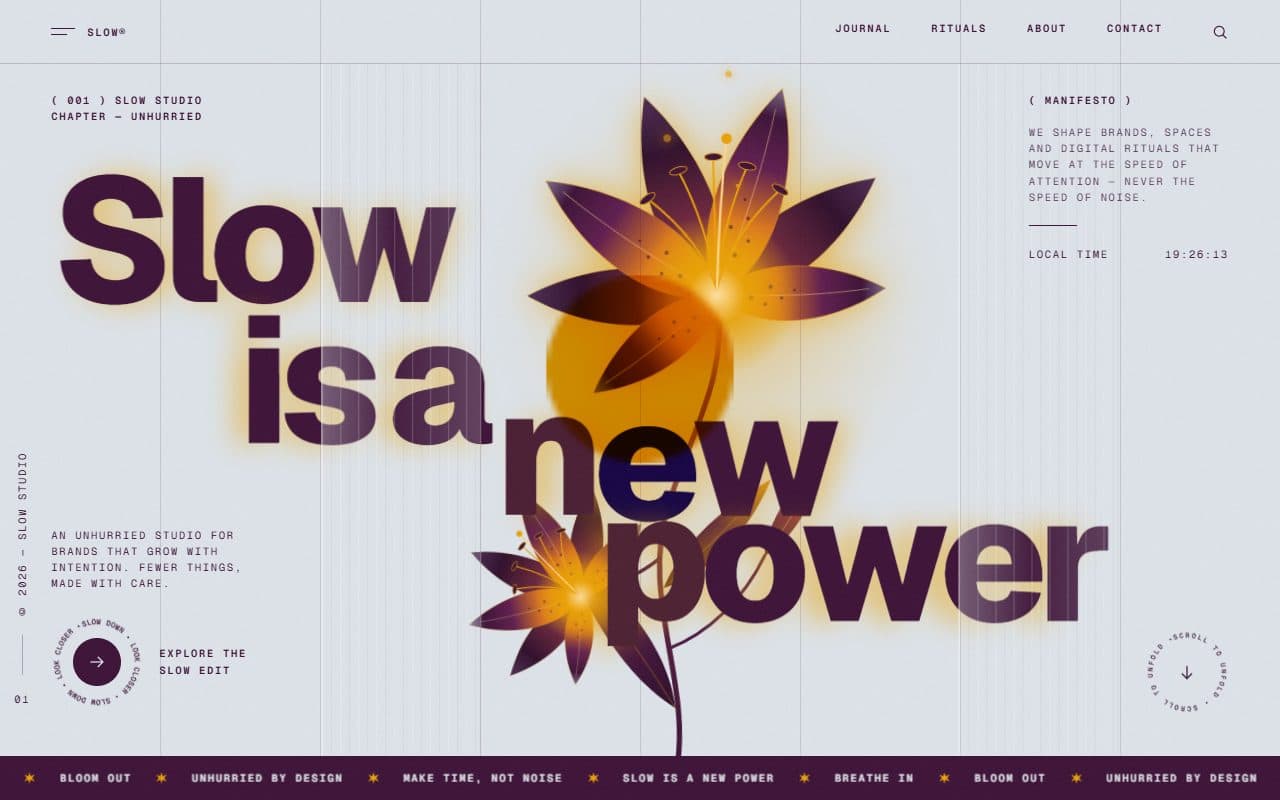
No. 020 / Preloader
GSAP Column Preloader & Blooming Lily Hero Section
On Load · On Scroll · Mouse Move · On Hover
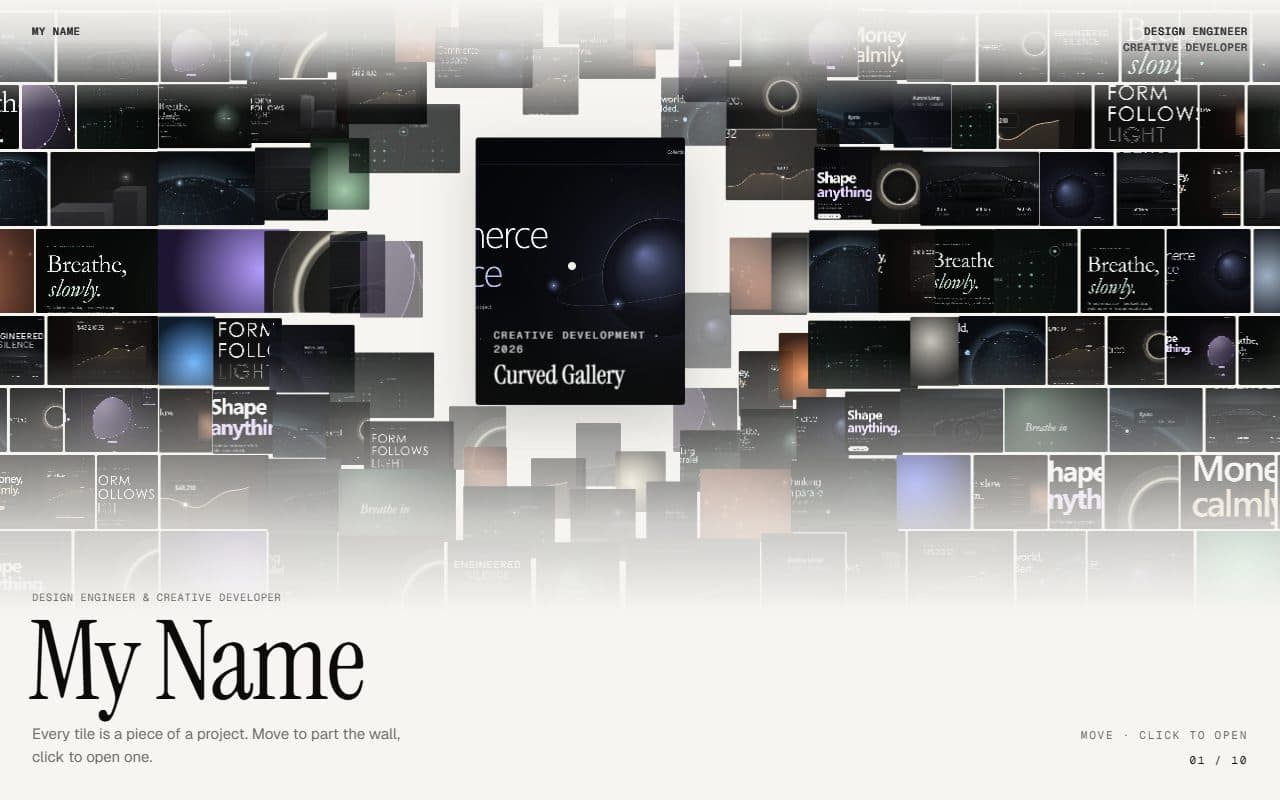
No. 016 / Gallery
GSAP Parting Mosaic Wall Portfolio
On Scroll · Mouse Move · On Hover · On Click
(02)FAQ
GSAP Pinned Service Cards with Animated Reveals — FAQ
01What do I need to install?
npm install gsap @gsap/react, plus lenis if you keep the optional smooth scroll. ScrambleText and ScrollTrigger come with gsap. It's built for Next.js (it uses next/image) with Tailwind CSS v4.
02How do I add my own services?
Pass a services array: title, an optional italic word from it, description, a list of items, the card colour, a portrait photo (3:4 suits the frame) with its alt text, and an optional focus to keep faces in frame when phones crop it wide. Four items per card read best.
03How many cards can it take?
As many as you like. Each adds one screen of scroll plus the pause after it lands (stack.hold in config.ts).
04Can I put other sections above and below it?
Yes, that's how it's meant to be used. It pins when its top reaches the top of the screen and releases once the last card has landed.
05Does it work with Lenis?
Yes. Render the SmoothScroll that comes with it once on the page. If your page runs its own Lenis, connect it with lenis.on("scroll", ScrollTrigger.update) and call setSmoothScroll(lenis) from scroll.ts, so clicking the progress bar glides with it.
06Which fonts does it use?
The titles, numbers and the list's italic copies are set in Instrument Serif: load it with next/font as the --font-instrument-serif variable (it falls back to Georgia). Everything else uses your page's sans.
07How do I tune the motion?
Every value is in config.ts: the ink colour, the pause before the first card and after each one, how far in a card is when its content starts, how far the card underneath tilts and shrinks, the pointer parallax depths and the smooth scroll. The reveal's timings are in buildReveal in service-stack.tsx.