GSAP WebGL Prism Slider Portfolio Reel
Overview
A portfolio reel that shows one project at a time in a rounded frame and turns to the next on a row of vertical WebGL prisms, like the slats of a rotating billboard. The wheel, a swipe, the arrow keys, a timeline or autoplay turn it, and the picture opens the project's case panel.
Between two projects every prism turns a third of a revolution: the current face swings off to the right while the next comes round from the left, thin gaps open between the slats and the incoming face rises out of the shadow. The rightmost prism goes first and the wave travels left; going back runs the turn in reverse.
Details
- Category
- Gallery
- Interaction
- On Scroll + On Click + On Hover + Mouse Move
- Trigger
- On Scroll
- Languages
- React, TypeScript, Tailwind
(01)Keep exploring
All 20 componentsBuilt with the same techniques
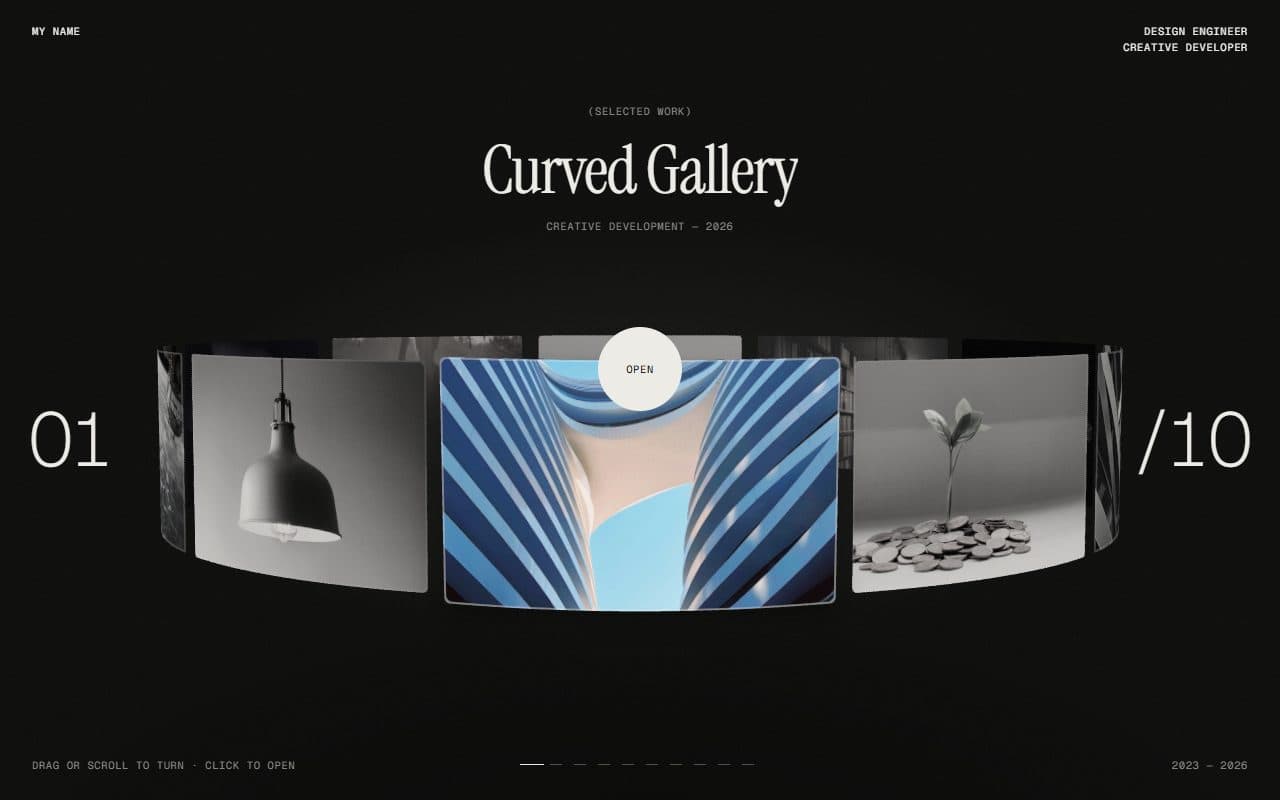
No. 012 / Gallery
GSAP WebGL 3D Ring Carousel Portfolio
Drag · On Scroll · On Hover · On Click · Mouse Move
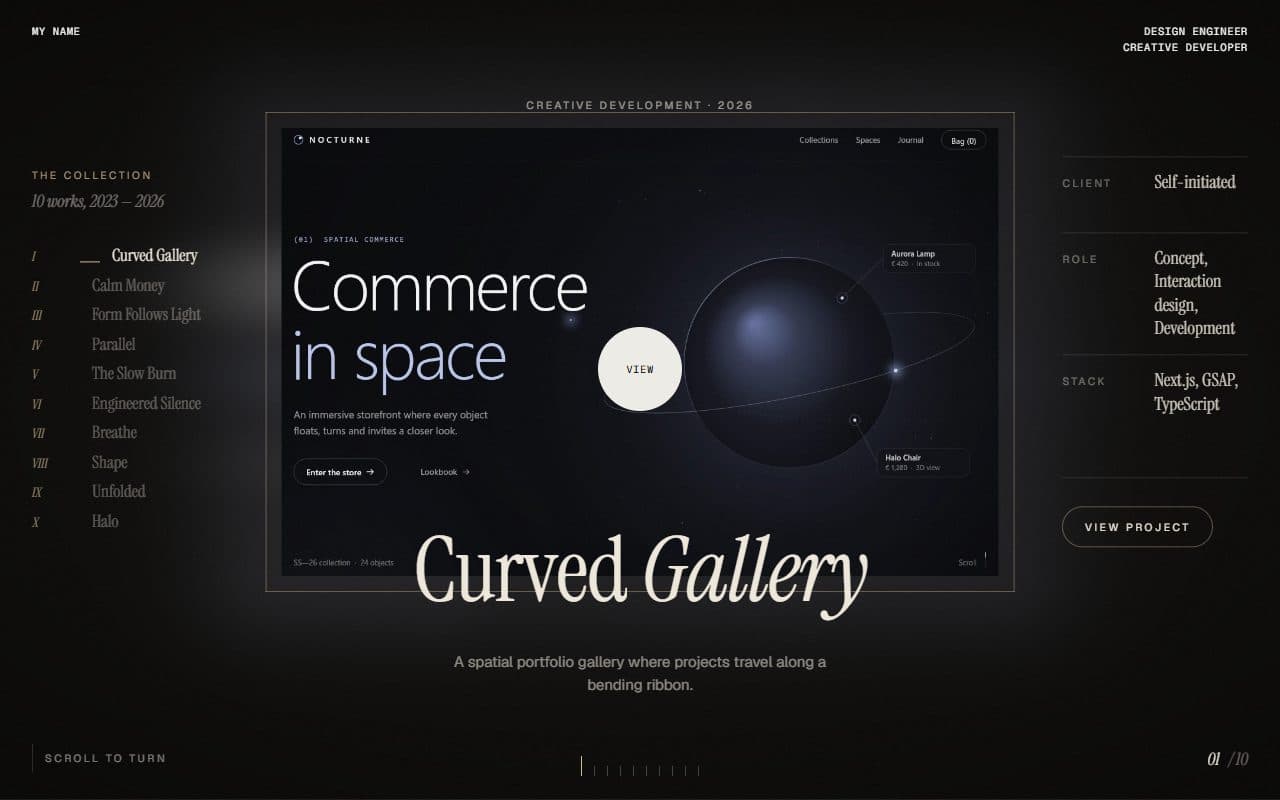
No. 009 / Gallery
GSAP WebGL Shutter Portfolio Gallery
On Scroll · On Click · On Hover
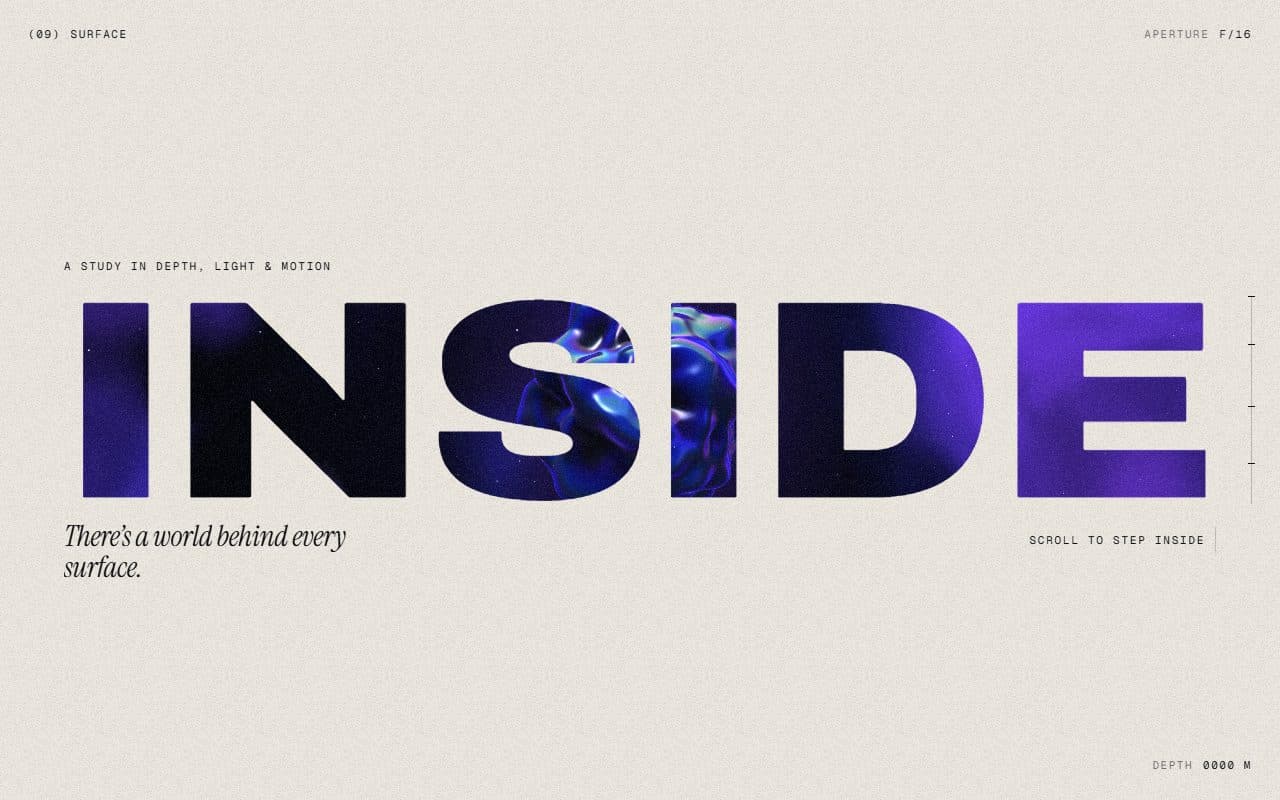
No. 018 / Scroll
GSAP WebGL Knockout Dive & Aperture Scroll Section
On Scroll · On Load · Mouse Move · On Hover
(02)FAQ
GSAP WebGL Prism Slider Portfolio Reel — FAQ
01What do I need to install?
npm install three gsap @gsap/react, plus npm install -D @types/three for TypeScript. The scene is plain three.js, no React Three Fiber. It's built for Next.js with Tailwind CSS v4.
02How do I add my own projects?
Pass a projects array: title, category, year, image, summary, description, client, role and technologies. Images of one shared ratio (3:2 works well) look best; set focus (0 to 1 across and down, like object-position) when a subject isn't in the middle of its picture.
03Can I put other sections above or below it?
Give it a page of its own. The page doesn't scroll: the wheel, swipes and arrow keys turn the reel instead.
04Which fonts does it use?
Titles are set in Instrument Serif: load it with next/font as the --font-instrument-serif variable. Labels use your mono font, the rest your page's sans.
05How do I tune the motion?
Every value is in config.ts: how long a turn takes, the prisms' width, wave and shading, autoplay's interval, the parallax, the intro and the wheel's sensitivity.