GSAP Cursor Spotlight Hero with Gold Dust and Collection Preview
Overview
A night-time luxury fashion hero: the scene stands in the dark, a soft light follows the cursor and finds the model in full colour, gold dust drifts through the beam and the collection index floats a preview beside the pointer.
The opening screen of a fashion house after dark. Everything stands in near-black: the model is a dim grey silhouette until the light reaches her, and inside a soft round beam that follows the cursor she appears in full colour. The beam warms the wall behind her, the gold dust that drifts up through the scene glitters as it passes through, and each letter of the serif headline brightens as the light goes by.
Details
- Category
- Hero
- Interaction
- On Load + Mouse Move + On Hover + On Scroll
- Trigger
- On Load
- Languages
- React, TypeScript, plain CSS
(01)Keep exploring
All 150 componentsBuilt with the same techniques
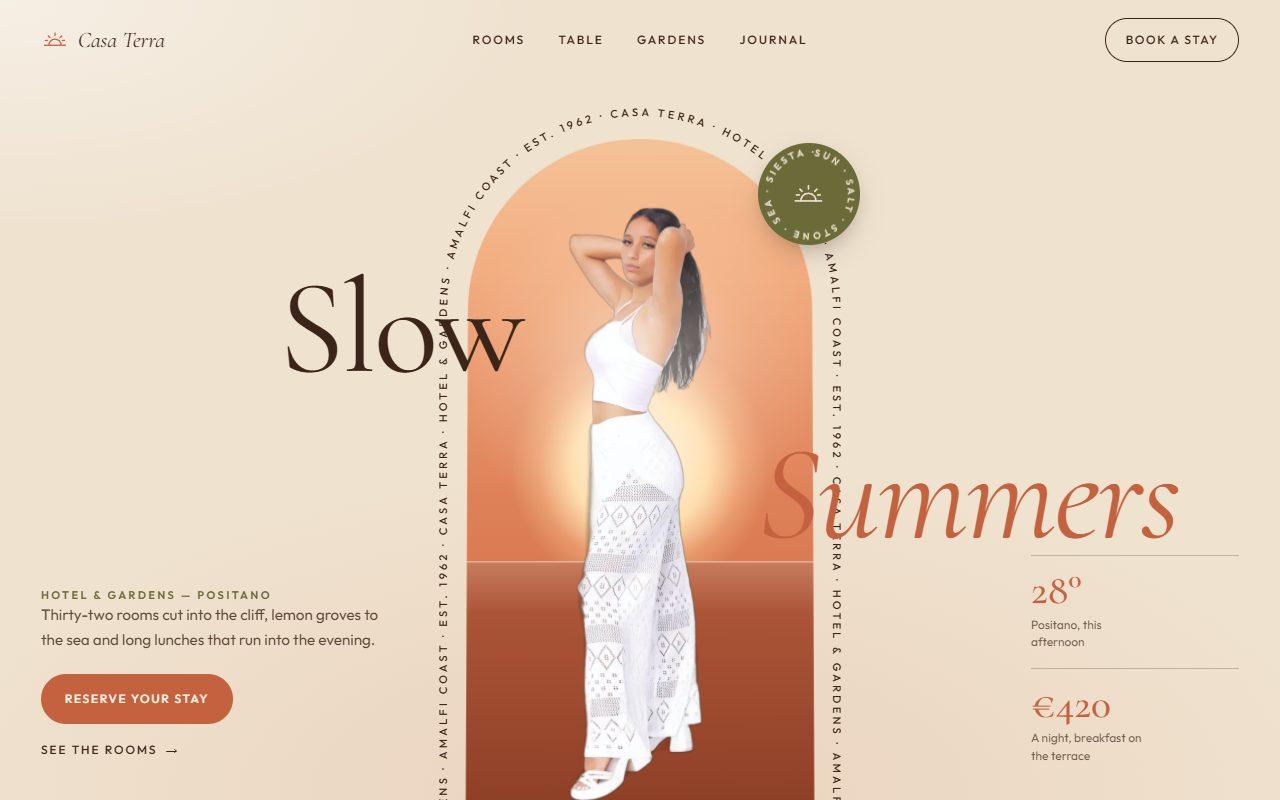
No. 143 / Hero
GSAP Arch Window Hero with Circling Caption and Scroll-to-Full-Bleed
On Load · Mouse Move · On Hover · On Scroll

No. 140 / Hero
GSAP Layered Typography Hero with Cut-Out Couple and Depth Parallax
On Load · Mouse Move · On Hover · On Scroll
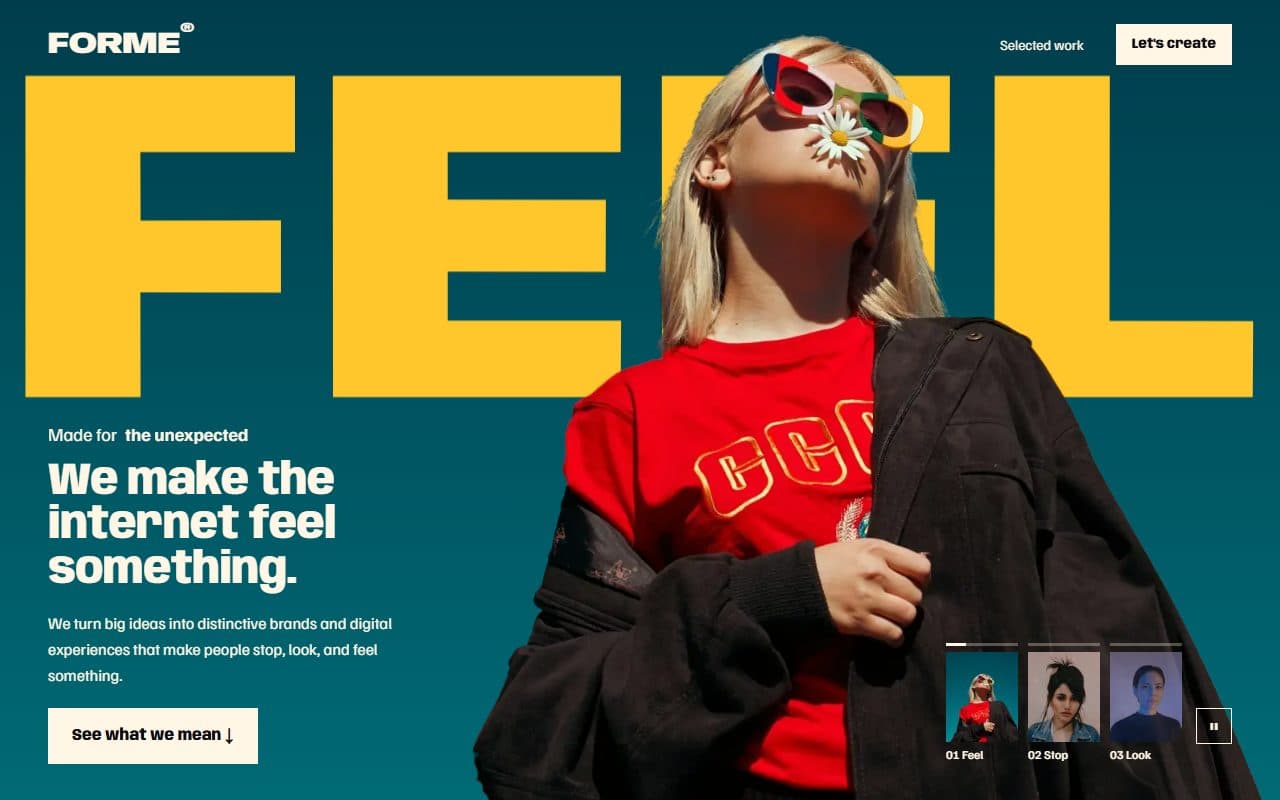
No. 029 / Hero
GSAP Magazine Cover Hero with Cut-Out Models and Variable Type
On Load · Mouse Move · On Click · On Scroll
(02)FAQ
GSAP Cursor Spotlight Hero with Gold Dust and Collection Preview — FAQ
01What do I need to install?
npm install gsap @gsap/react. SplitText and ScrollTrigger ship with gsap. It's built for Next.js (it uses next/image), and its styles are plain CSS, so it doesn't need Tailwind.
02Which fonts does it use?
Bodoni Moda with its italic for the headline, logo and index (--font-bodoni) and Jost for the small text (--font-jost), both loaded with next/font in the example. Without them it falls back to Didot or Georgia and the system sans.
03How do I use my own photos?
Pass model: a transparent cut-out (WebP or PNG) with its width, height and alt text. The hero draws it twice, once dimmed and grey and once in colour inside the light. Each collection item takes its own image for the hover preview.
04How does the light work on phones?
Touch screens have no pointer to follow, so the light drifts slowly around the model by itself. The floating preview is hidden on touch, and the index rows are ordinary links.
05Is the gold dust heavy?
It's a single canvas with up to 150 tiny particles, drawn on GSAP's ticker and paused whenever the hero is off screen. Set dust={0} to turn it off or dust={2} for more.
06What happens with reduced motion?
The hero shows its finished state with the light resting on the model: no intro, no wandering, no drifting dust and no parallax. The hover styles on the links and index remain.