GSAP Magazine Cover Hero with Cut-Out Models and Variable Type
Overview
A full-screen poster hero: giant type sits behind a cut-out model, and the word, the colour and the photo change together on a diagonal wipe, while the letters trade width around the cursor through the font's width axis.
The opening screen of a page, built like a magazine cover. The letters of the giant word rise out of a mask and stretch open along the font's width axis until they span the screen, the model rises in front of them, and the headline climbs out of its lines. Each scene holds for a few seconds with a progress line on its button, then the next one wipes in along a slanted edge, with its own word, background, type colour and photo.
Details
- Category
- Hero
- Interaction
- On Load + Mouse Move + On Click + On Scroll
- Trigger
- On Load
- Languages
- React, TypeScript, Tailwind
(01)Keep exploring
All 118 componentsBuilt with the same techniques
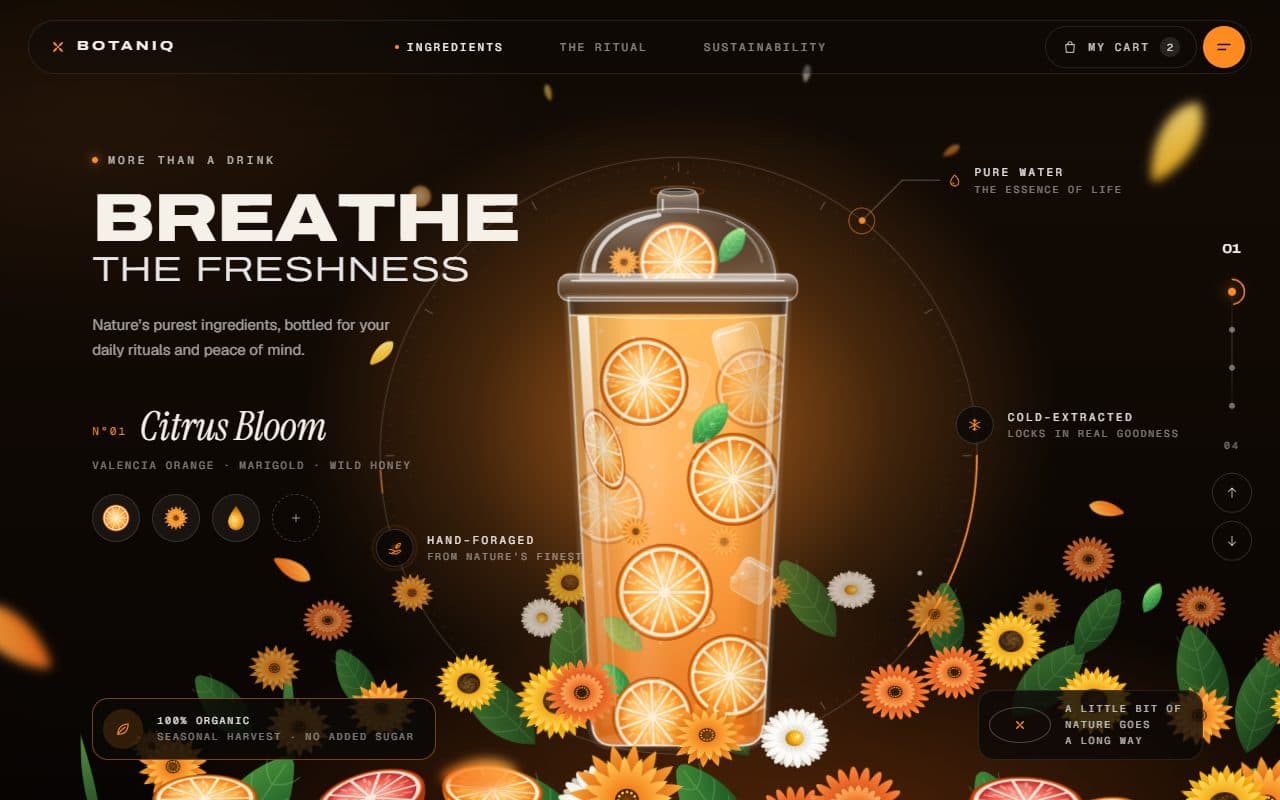
No. 023 / Hero
GSAP Botanical Drink Slider Hero with Pour Preloader
On Load · On Scroll · Drag · Mouse Move · On Click
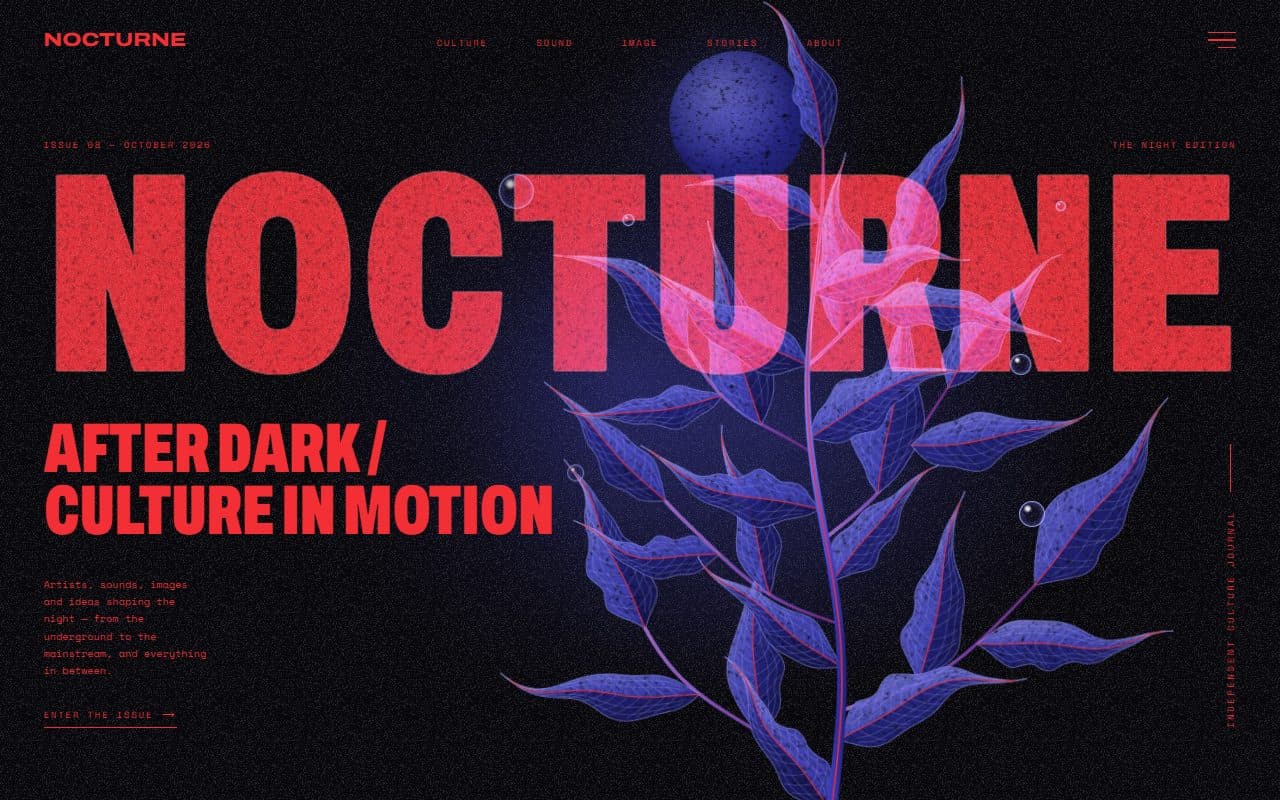
No. 022 / Hero
GSAP Editorial Night Hero with Growing Botanical SVG
On Load · Mouse Move · On Hover · On Click
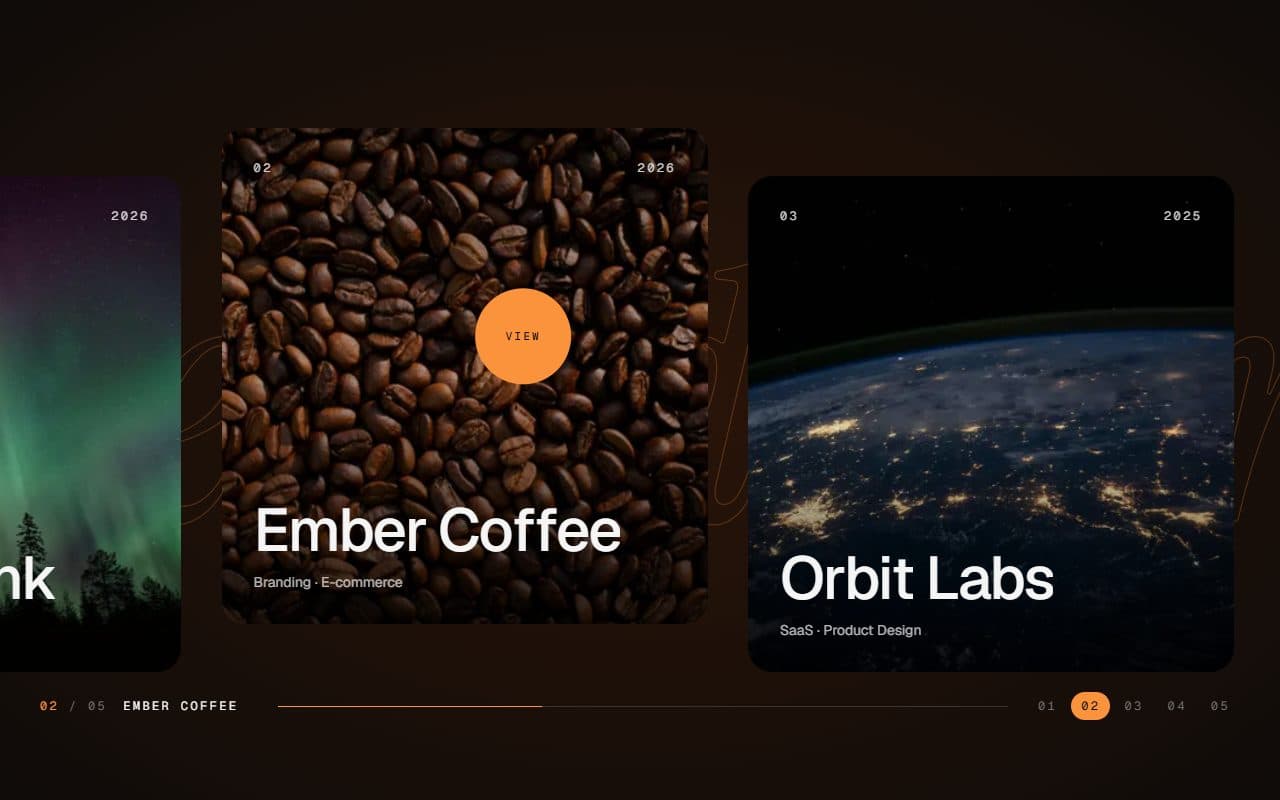
No. 028 / Gallery
GSAP Horizontal Scroll Gallery with Lenis and Fullscreen Project View
On Scroll · Mouse Move · On Hover · On Click
(02)FAQ
GSAP Magazine Cover Hero with Cut-Out Models and Variable Type — FAQ
01What do I need to install?
npm install gsap @gsap/react. ScrollTrigger and SplitText come with gsap. It's built for Next.js (it uses next/image); its styles are plain CSS, so it doesn't need Tailwind.
02Which fonts does it use?
Anybody for the word, logo, headline and buttons, loaded with next/font as --font-anybody with axes: ["wdth"], since the whole effect runs on that axis. The small text is Familjen Grotesk as --font-familjen. The example loads both. Each falls back to a system face, but the word only stretches in Anybody.
03How do I use my own photos?
Pass a scenes array. Each scene needs a transparent image of the model (WebP or PNG) with its width and height, a small photo for its button, and a placement: where the image sits on small and large screens. Crop the image so the body runs off the bottom edge, since the hero pushes it below the fold.
04Can I change the words?
Yes, any word in any length. The hero measures each one and sets its size and width to fill the screen, so there is nothing to tune. The headline, description, logo, nav and buttons are all props too.
05Can I put sections below it?
Yes. It's one screen tall and doesn't pin, so the page simply scrolls on, and the clock stops while the hero is off screen.
06Can visitors stop the rotation?
Yes. A pause button sits next to the scene buttons, and the scene buttons work with the keyboard. Set holdSeconds to change how long each scene holds.
07What happens with reduced motion?
The hero shows the first scene finished, with no intro, rotation, cursor effect or parallax. The scene buttons still switch posters, instantly.