GSAP Horizontal Scroll Gallery with Lenis and Fullscreen Project View
Overview
A pinned project gallery that moves sideways as the page scrolls down: the cards lean with your scroll speed, the colours shift with each project, and a click grows the photo out of its card into a fullscreen view.
The section pins when its top reaches the top of the screen, and from there the page's scroll drives a track of cards sideways. Each photo drifts against the scroll inside its frame, each frame opens with a clip-path as it comes in, and the title rises out of a mask one letter at a time. Giant outlined type moves behind the cards at a slower speed, which gives the track some depth.
Details
- Category
- Gallery
- Interaction
- On Scroll + Mouse Move + On Hover + On Click
- Trigger
- On Scroll
- Languages
- React, TypeScript, Tailwind
(01)Keep exploring
All 118 componentsBuilt with the same techniques
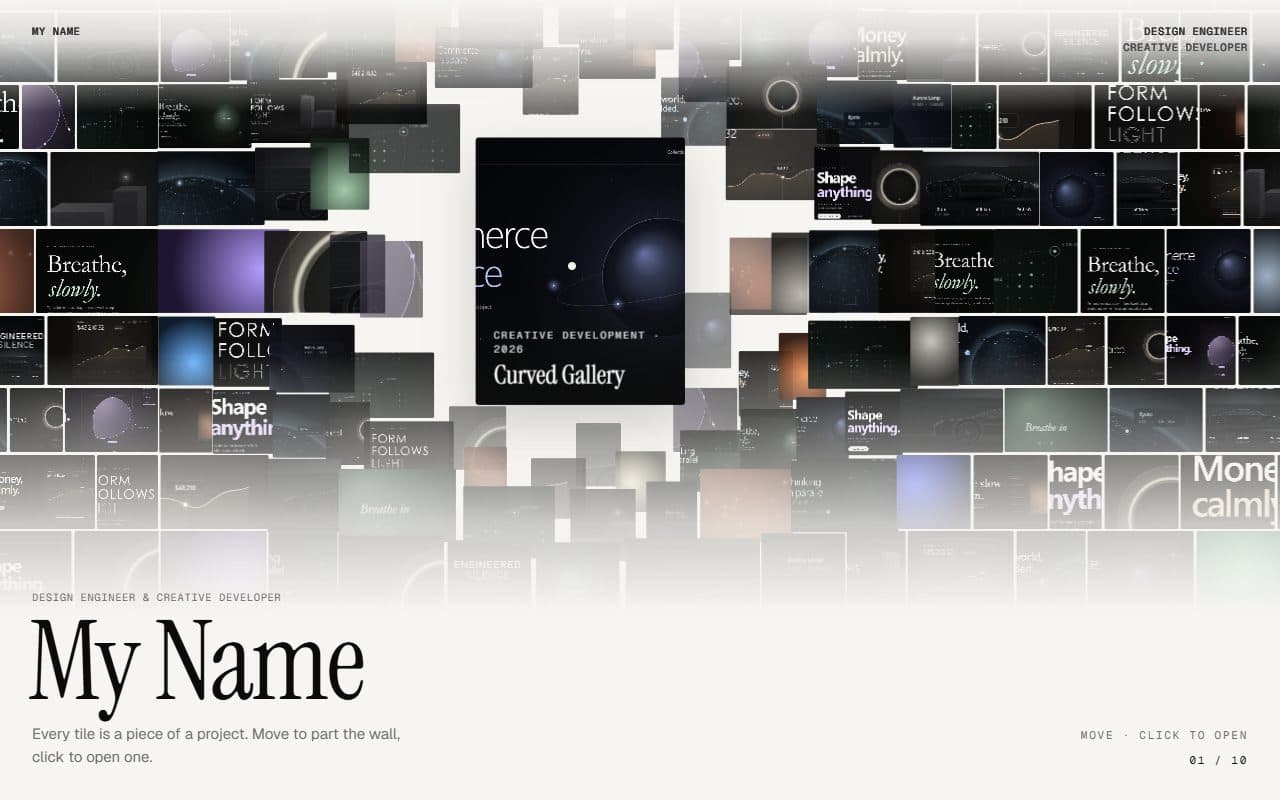
No. 016 / Gallery
GSAP Parting Mosaic Wall Portfolio
On Scroll · Mouse Move · On Hover · On Click
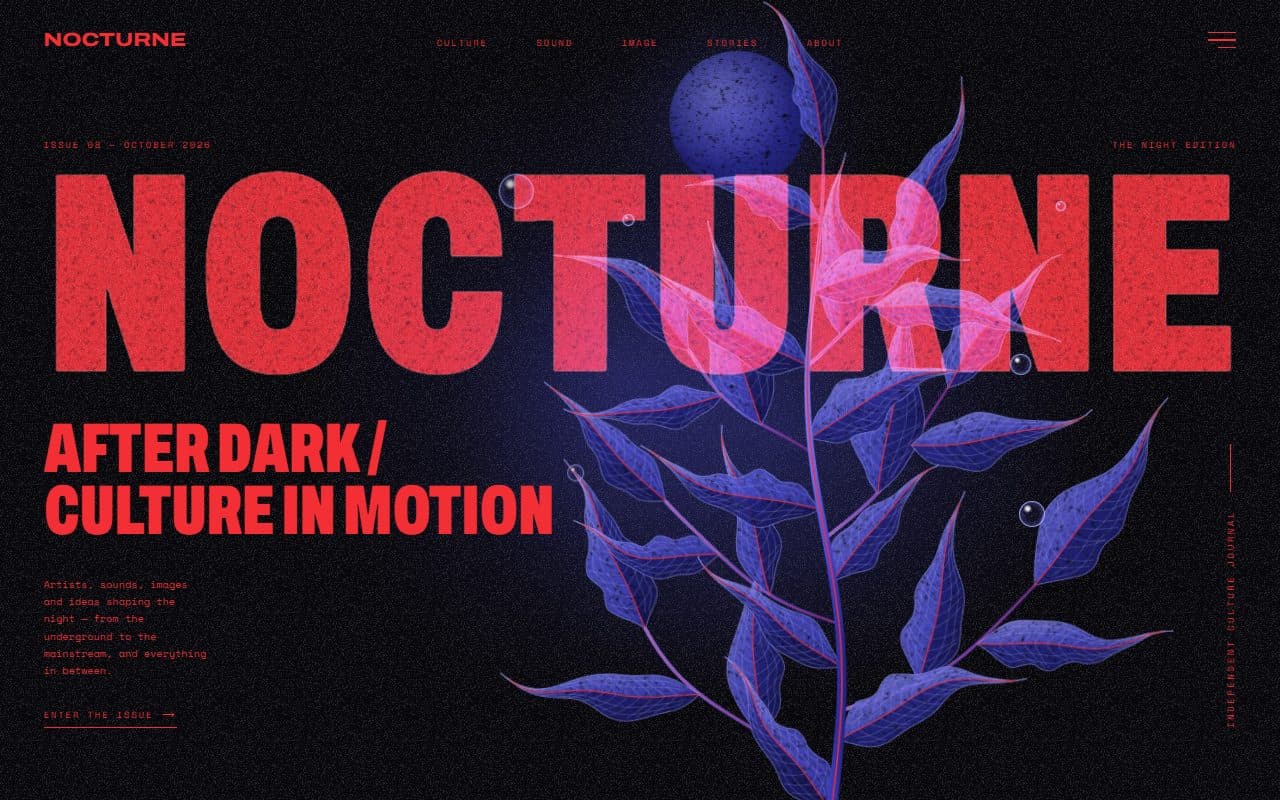
No. 022 / Hero
GSAP Editorial Night Hero with Growing Botanical SVG
On Load · Mouse Move · On Hover · On Click
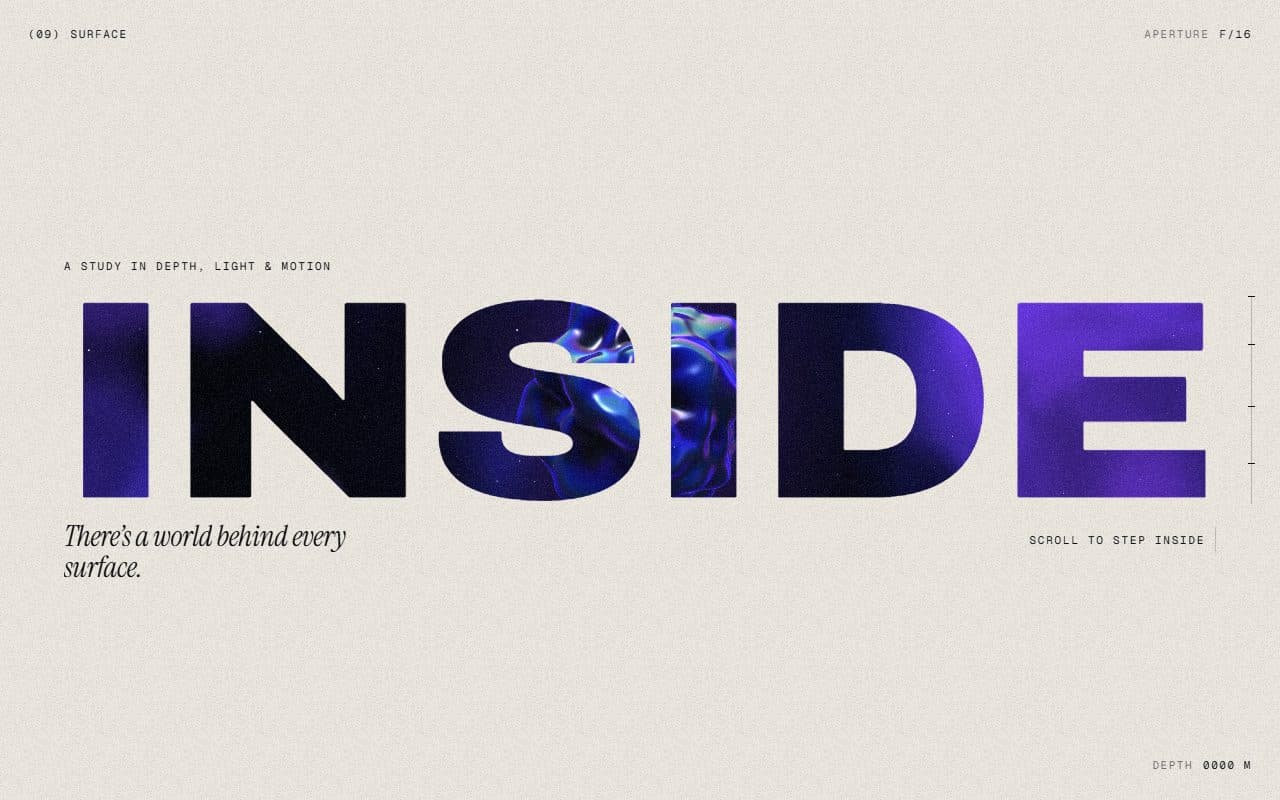
No. 018 / Scroll
GSAP WebGL Knockout Dive & Aperture Scroll Section
On Scroll · On Load · Mouse Move · On Hover
(02)FAQ
GSAP Horizontal Scroll Gallery with Lenis and Fullscreen Project View — FAQ
01What do I need to install?
npm install gsap @gsap/react lenis. ScrollTrigger and SplitText come with gsap. It's built for Next.js (it uses next/image) with Tailwind CSS v4.
02How do I add my own projects?
Pass a projects array: title, tag, year, image, alt, blurb, services, accent and ambient, plus an optional art gradient to show while the photo loads. Landscape photos around 1800px wide work best. Keep accent bright and ambient dark. The counter, buttons and scroll length all follow the array.
03Can I put other sections above or below it?
Yes. It's one section of a normal page: it pins, moves through its cards, then lets the page carry on. The example has a stand-in section on each side.
04Does it work with my own Lenis?
Yes. Render the SmoothScroll that comes with it once on the page. If your page runs its own Lenis, skip SmoothScroll, call setSmoothScroll(lenis) from scroll.ts so the gallery can glide to cards and stop the scroll while a project is open, and connect it to ScrollTrigger with lenis.on("scroll", ScrollTrigger.update).
05Which fonts does it use?
The word in <em> in the heading and the giant outlined type are set in Instrument Serif: load it with next/font as the --font-instrument-serif variable, as the example does. Labels use your mono font and the rest your page's sans.
06Can I change the text around the cards?
Yes. label, heading, intro, ctaLabel and ctaHref are all props. Wrap a word of the heading in <em> to set it in the serif. Give ctaHref a real URL, since it points to # by default.
07Does it work with a keyboard?
Yes. Tab moves between the cards and glides each one to the centre, Enter opens it and Esc closes it. Focus stays inside the open project and returns to the card afterwards.