GSAP Draggable Photo Hero Section with Throwable Prints
Overview
A hero section for React and Next.js where printed photos are dealt onto a table on load, then can be picked up and thrown with real momentum. Each print comes to the top when grabbed, tilts with its speed and lands a little crooked. A giant headline sits underneath.
It works like photos on a table. The prints are dealt out one by one from just below the edge, and each lands at its own angle around the headline. Grab one and it lifts, its shadow deepens and it swings with your hand. Throw it and it slides on with real momentum, stops at the edge of the table and settles slightly crooked. A Deal Again button gathers them up and starts over.
Details
- Category
- Hero
- Interaction
- On Load + Drag + On Click
- Trigger
- On Load
- Languages
- React, TypeScript, Tailwind
(01)Keep exploring
All 118 componentsBuilt with the same techniques
No. 023 / Hero
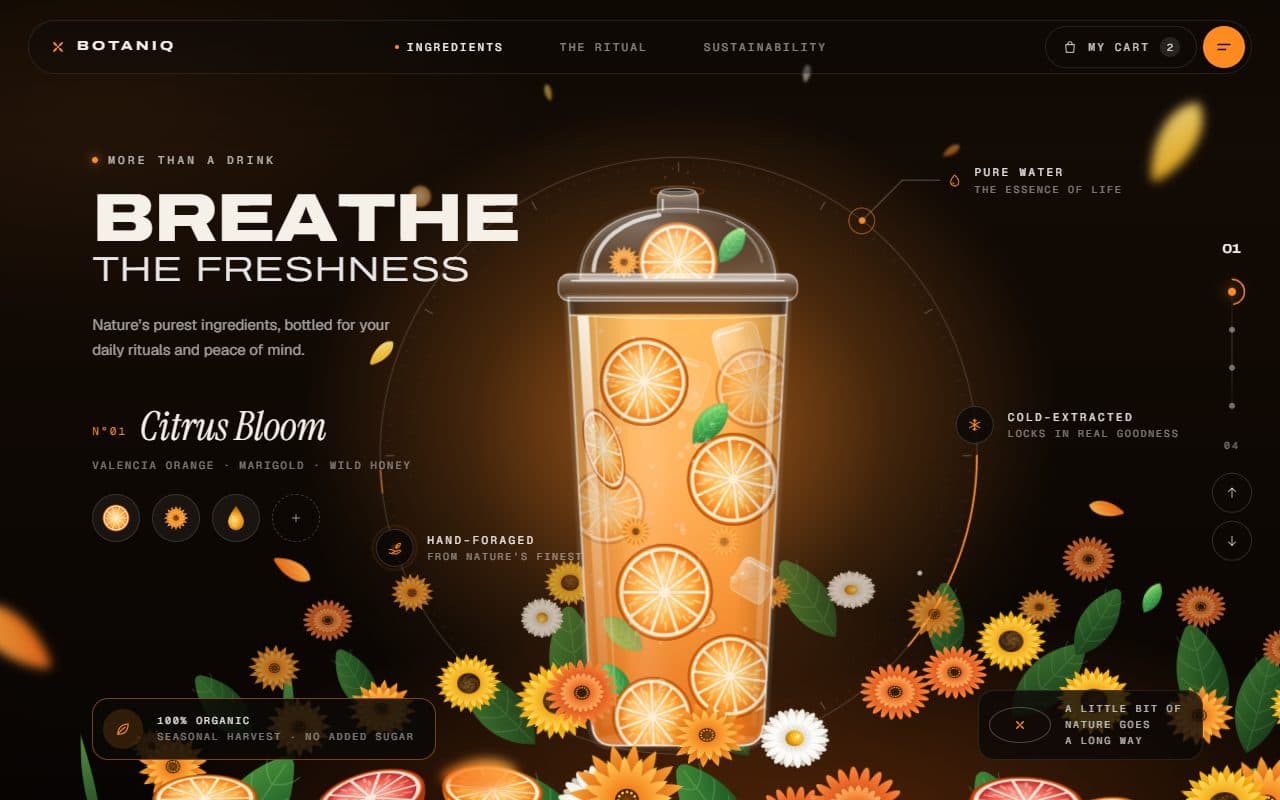
GSAP Botanical Drink Slider Hero with Pour Preloader
On Load · On Scroll · Drag · Mouse Move · On Click
No. 083 / CTA
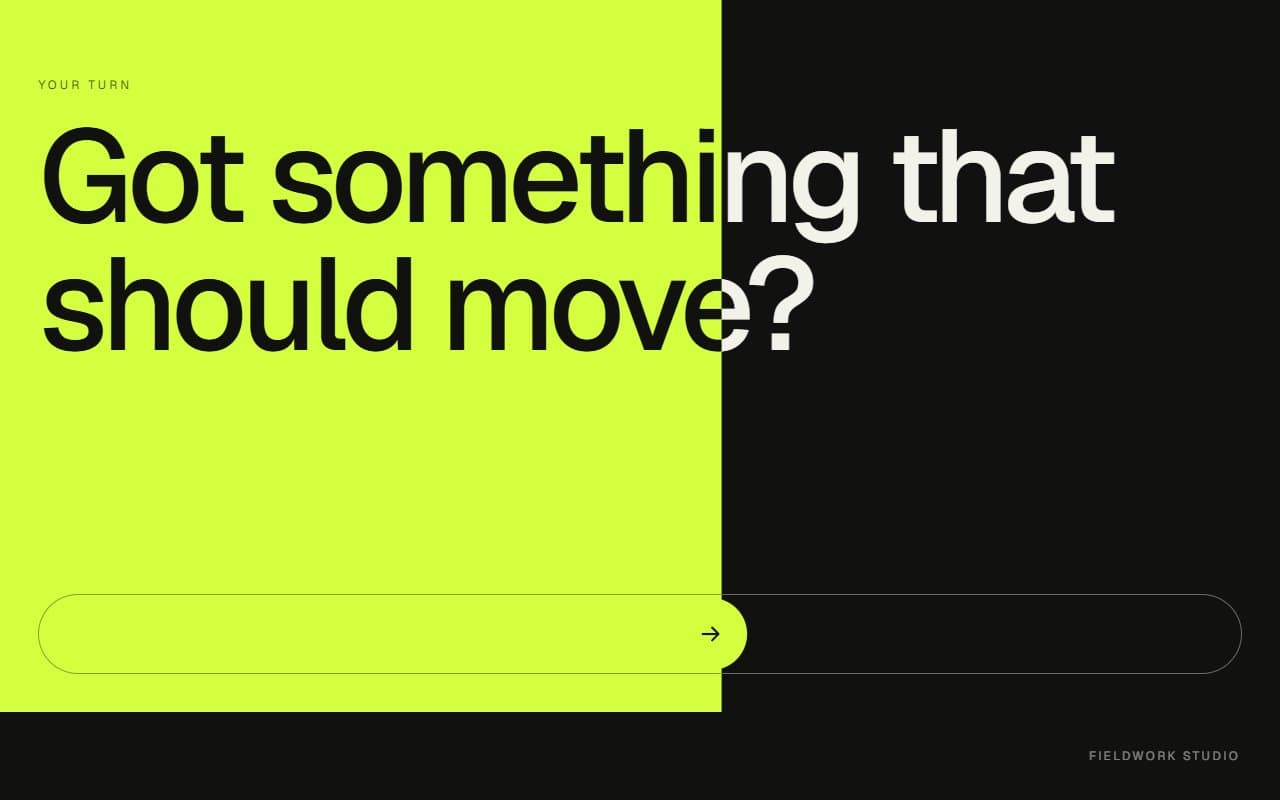
GSAP Slide to Confirm Call to Action Section
Drag · On Click · On Scroll

No. 029 / Hero
GSAP Magazine Cover Hero with Cut-Out Models and Variable Type
On Load · Mouse Move · On Click · On Scroll
(02)FAQ
GSAP Draggable Photo Hero Section with Throwable Prints — FAQ
01How many prints can I use?
Ten have designed spots for wide and narrow screens. More will work and start stacked over those spots. Eight looks best on most screens, since the heading needs room.
02How do I set the fonts?
Define the --scatter-display and --scatter-hand CSS variables on a parent. The demo does it with next/font's variable option. Without them it falls back to Georgia and the browser's cursive font.
03Can people still scroll past it on a phone?
Yes. A finger that starts on a print moves the print, and a finger that starts anywhere else scrolls the page. The prints stay along the top and bottom edges on narrow screens to leave room for that.
04Does it work with a keyboard?
Yes. Tab reaches each print and brings it to the top, arrow keys move it by 24px, and Shift with an arrow moves it by 96px. Screen readers hear its caption and description.
05What happens with reduced motion?
The prints start on the table with no deal, dragging works with no throw or tilt, and the entrance animation is skipped.