GSAP Zoom Portal Scroll Transition Through a Letter with Pinned ScrollTrigger
Overview
A pinned scroll transition: a giant word fills the screen with a model standing in front of it, one letter is a ring whose counter is a window, and scrolling flies the camera through that window until the scene inside fills the screen, with a 0–100 readout, red index markers and film grain.
A chapter break for the middle of a fashion or couture page. The word VISION spans the width on a bone ground with a model standing in front of it, and its O is drawn as a perfect ring sized to the font's cap height. Inside the ring, a window onto the next scene irises open as the section arrives, while a hairline frame draws around the screen, the letters climb out of a mask and red index markers pop into place.
Details
- Category
- Scroll
- Interaction
- On Scroll + Mouse Move + On Click + On Load
- Trigger
- On Scroll
- Languages
- React, TypeScript, plain CSS
(01)Keep exploring
All 150 componentsBuilt with the same techniques
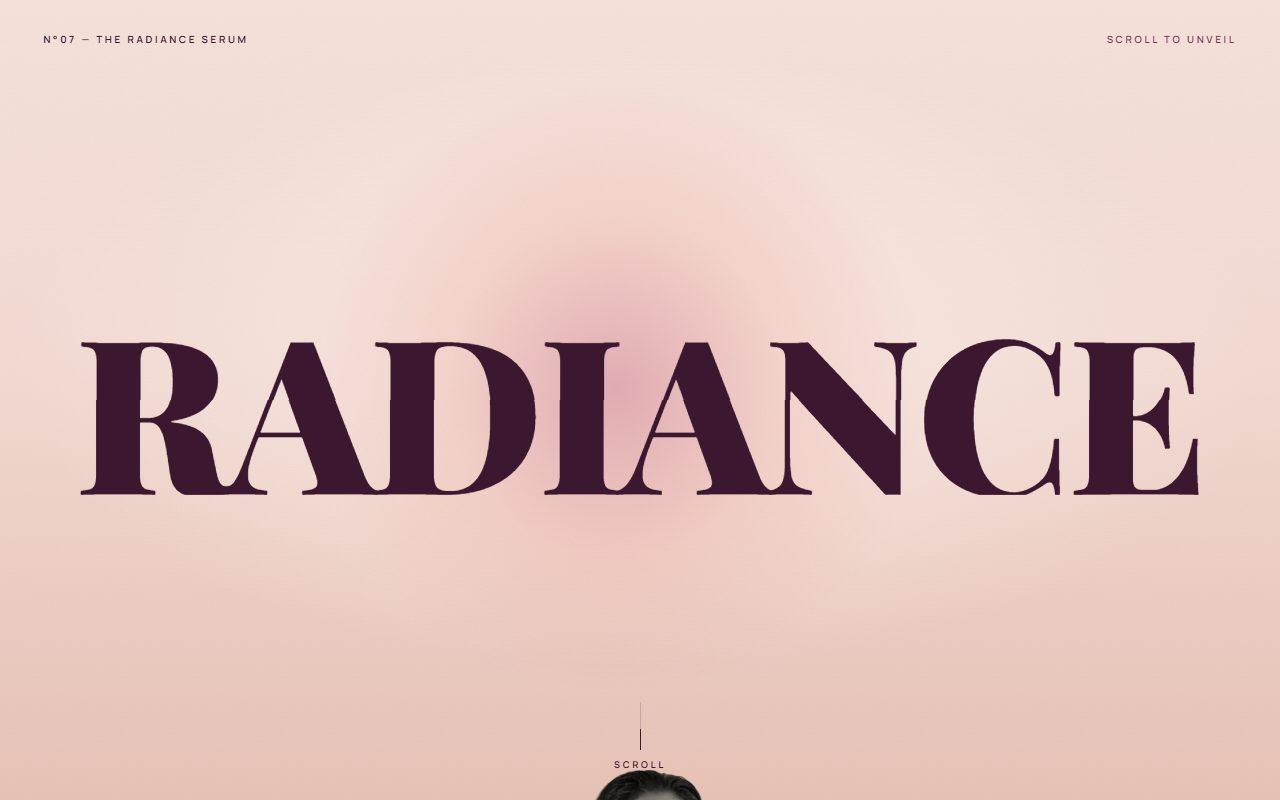
No. 142 / Scroll
GSAP Pinned Split Word Scroll Section with Rising Portrait
On Scroll · Mouse Move · On Hover
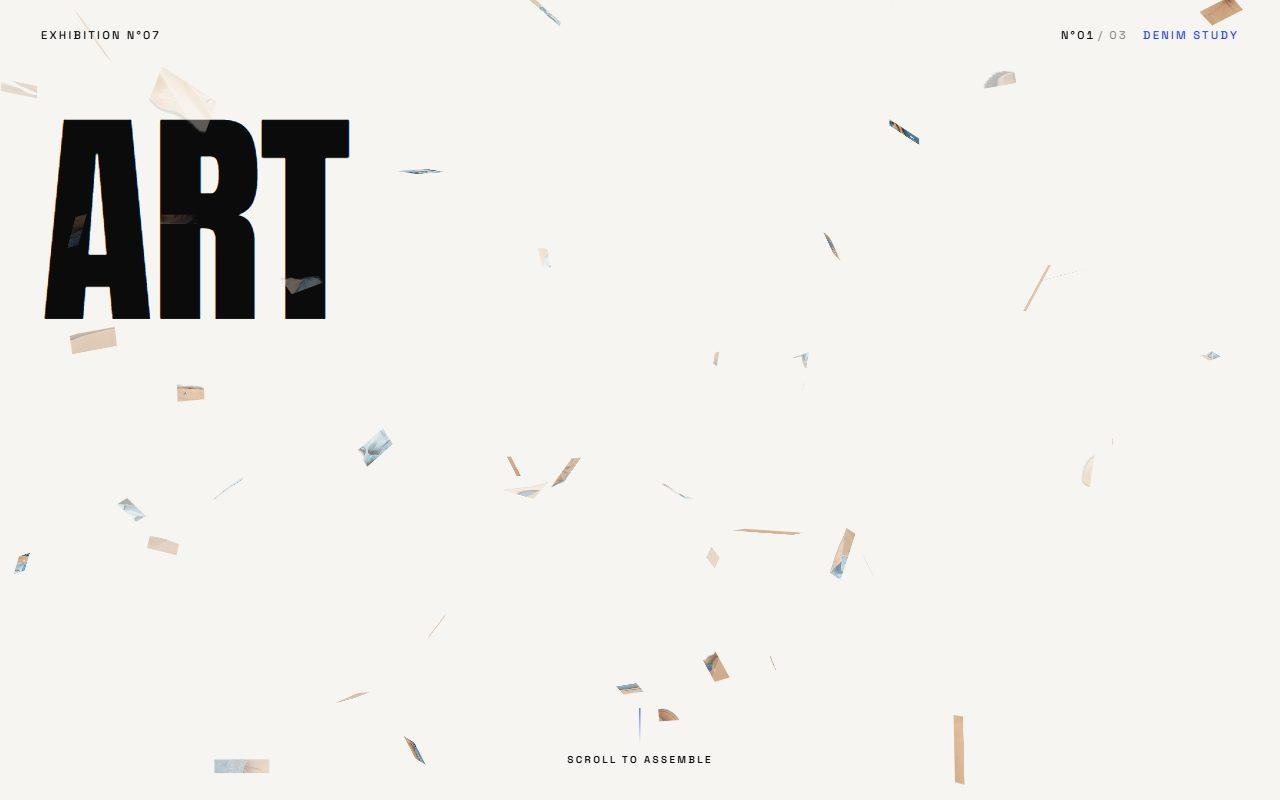
No. 135 / Scroll
GSAP Pinned Scroll Mosaic That Assembles a Cut-Out from 3D Tiles
On Scroll · Mouse Move · On Hover · On Click
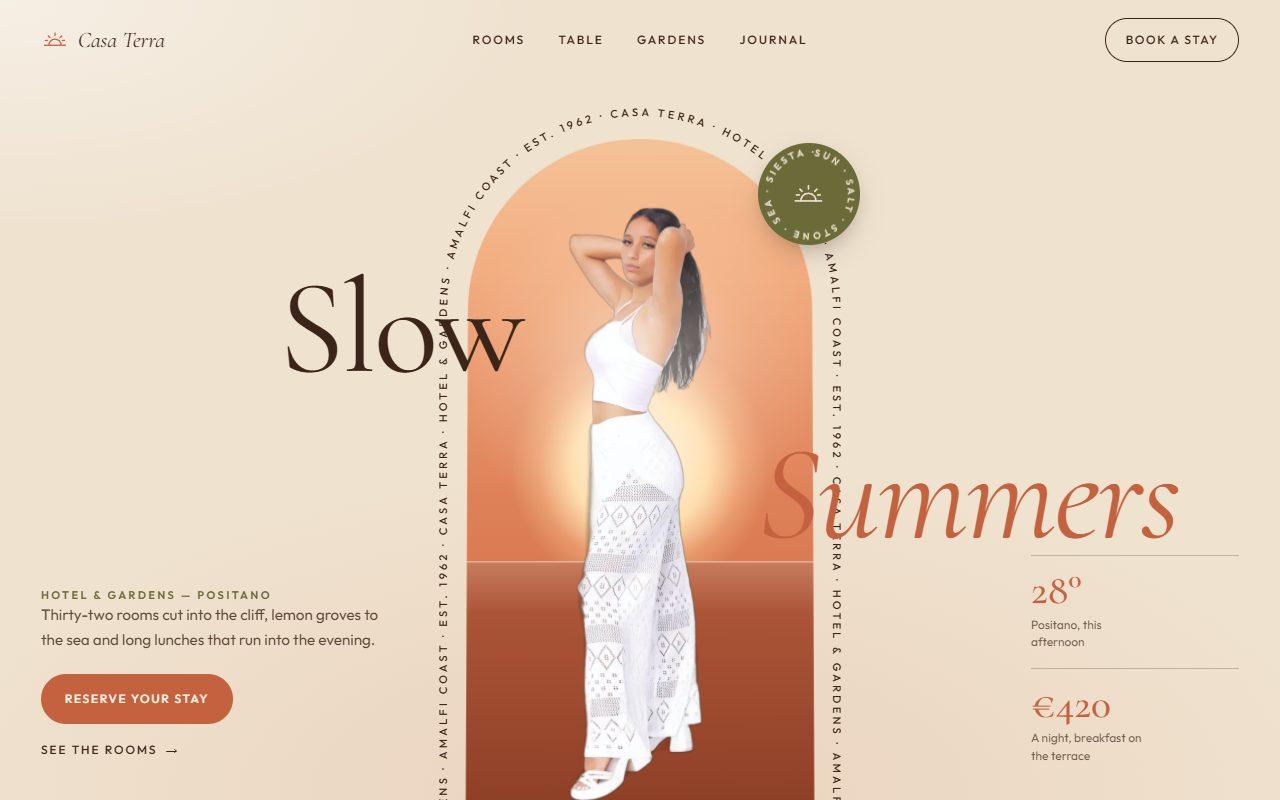
No. 143 / Hero
GSAP Arch Window Hero with Circling Caption and Scroll-to-Full-Bleed
On Load · Mouse Move · On Hover · On Scroll
(02)FAQ
GSAP Zoom Portal Scroll Transition Through a Letter with Pinned ScrollTrigger — FAQ
01What do I need to install?
npm install gsap @gsap/react. ScrollTrigger ships with gsap. The images use next/image; the styles are plain CSS, so Tailwind isn't required.
02Which fonts does it use?
Unbounded for the word as --font-unbounded, Inter Tight for the copy as --font-inter-tight and IBM Plex Mono for the labels as --font-plex-mono, loaded with next/font in the example. Any face works for the word: the ring is measured against its cap height.
03Can I use another word?
Yes. Pass word, and portalIndex if the portal shouldn't be the first O. Any letter can become the ring; round letters read best.
04How long is the scroll?
The section pins for distance screen heights (2.4 by default) and scrubs with a little smoothing. The Scroll to enter button jumps straight to the far side.
05What goes inside the portal?
Pass scene, an image with its size and alt text, plus sceneEyebrow, sceneTitle, sceneText and sceneCta for the caption that rises once you're through. Follow the section with content that continues the scene.
06What happens with reduced motion?
Nothing pins or zooms. The section shows the word with the window open onto the scene, the model and the copy, with no grain or parallax.