GSAP Pinned Split Word Scroll Section with Rising Portrait
Overview
A pinned ScrollTrigger section for a beauty brand: a giant shimmering word splits along its middle as you scroll, the halves part, and a cut-out portrait rises and scales up through the gap while the copy slides in from both sides.
A mid-page section in blush and plum, built for perfume and skincare. As it comes into view, the letters of a giant Playfair word drop in one after another with a twist and land across the full width of the screen, then a pale band of light sweeps through them on a slow loop, painted with background-clip: text. A scroll cue pulses at the bottom.
Details
- Category
- Scroll
- Interaction
- On Scroll + Mouse Move + On Hover
- Trigger
- On Scroll
- Languages
- React, TypeScript, plain CSS
(01)Keep exploring
All 150 componentsBuilt with the same techniques
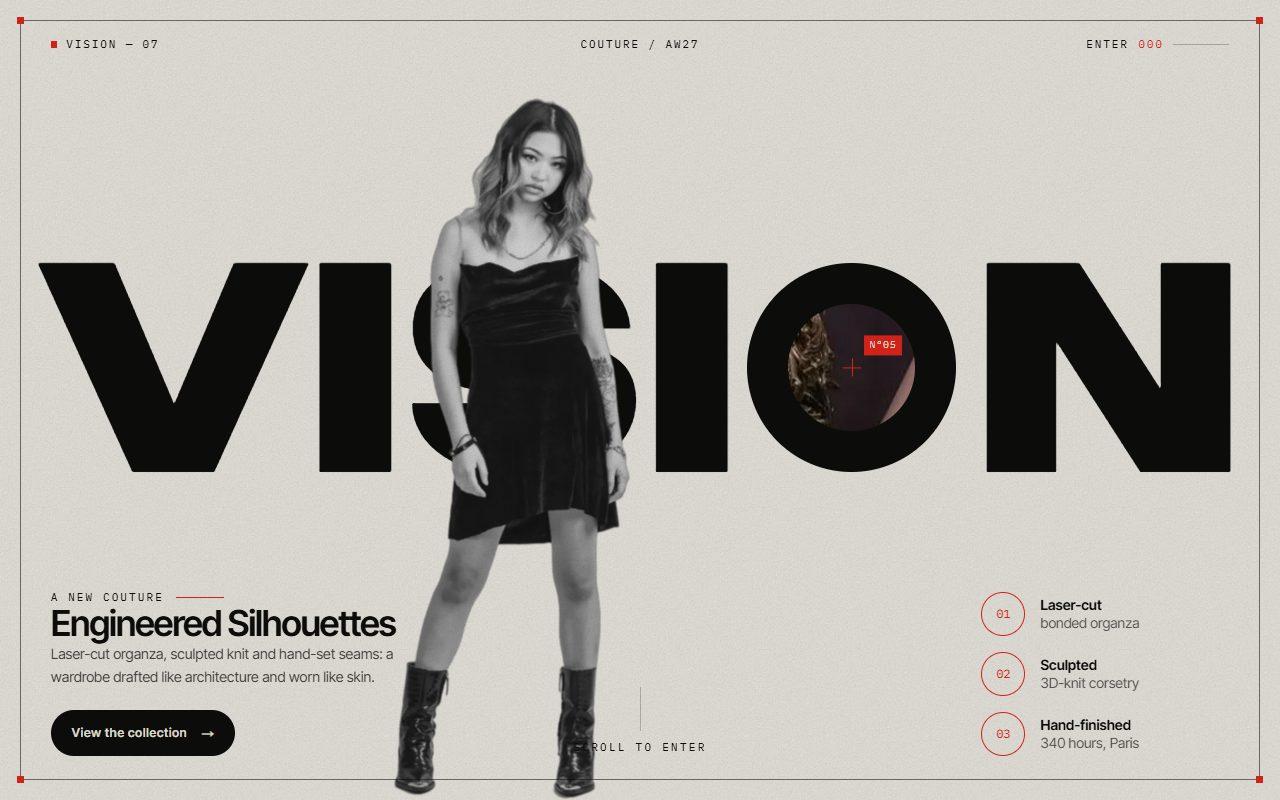
No. 145 / Scroll
GSAP Zoom Portal Scroll Transition Through a Letter with Pinned ScrollTrigger
On Scroll · Mouse Move · On Click · On Load
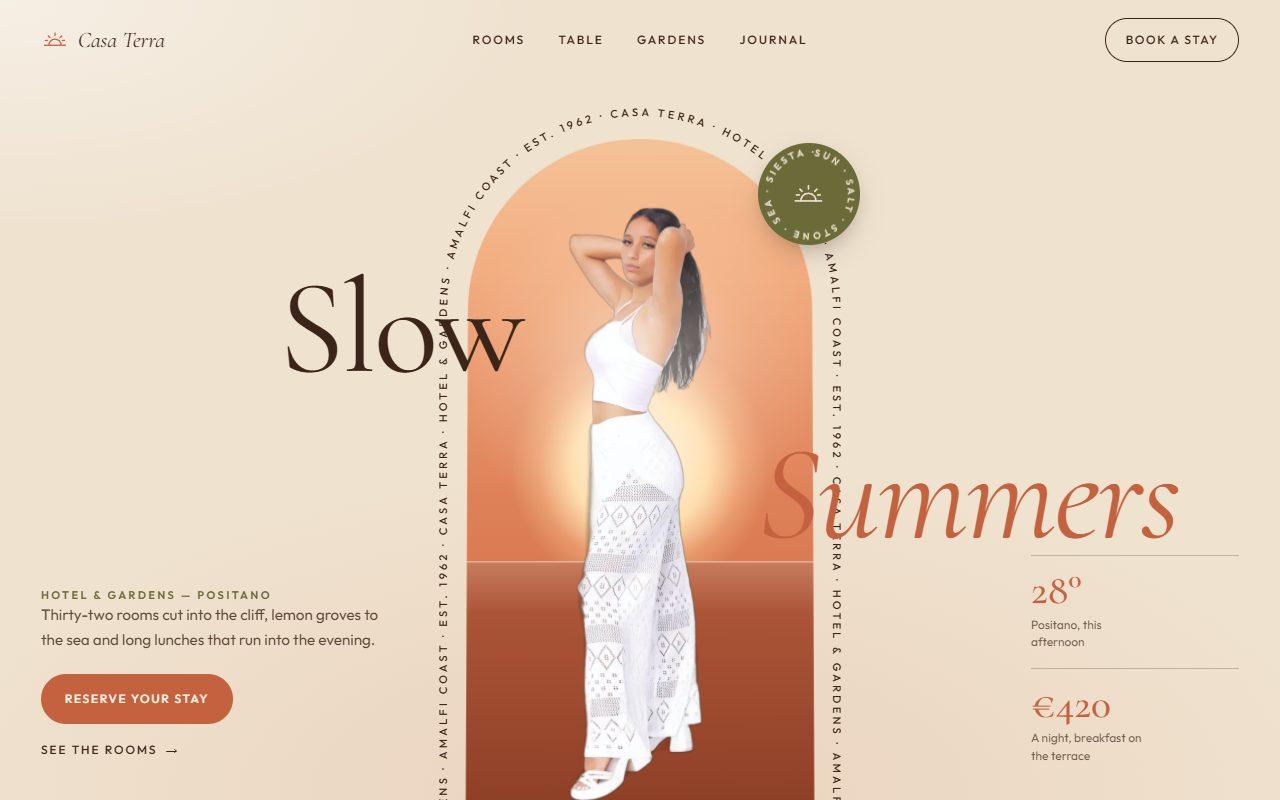
No. 143 / Hero
GSAP Arch Window Hero with Circling Caption and Scroll-to-Full-Bleed
On Load · Mouse Move · On Hover · On Scroll
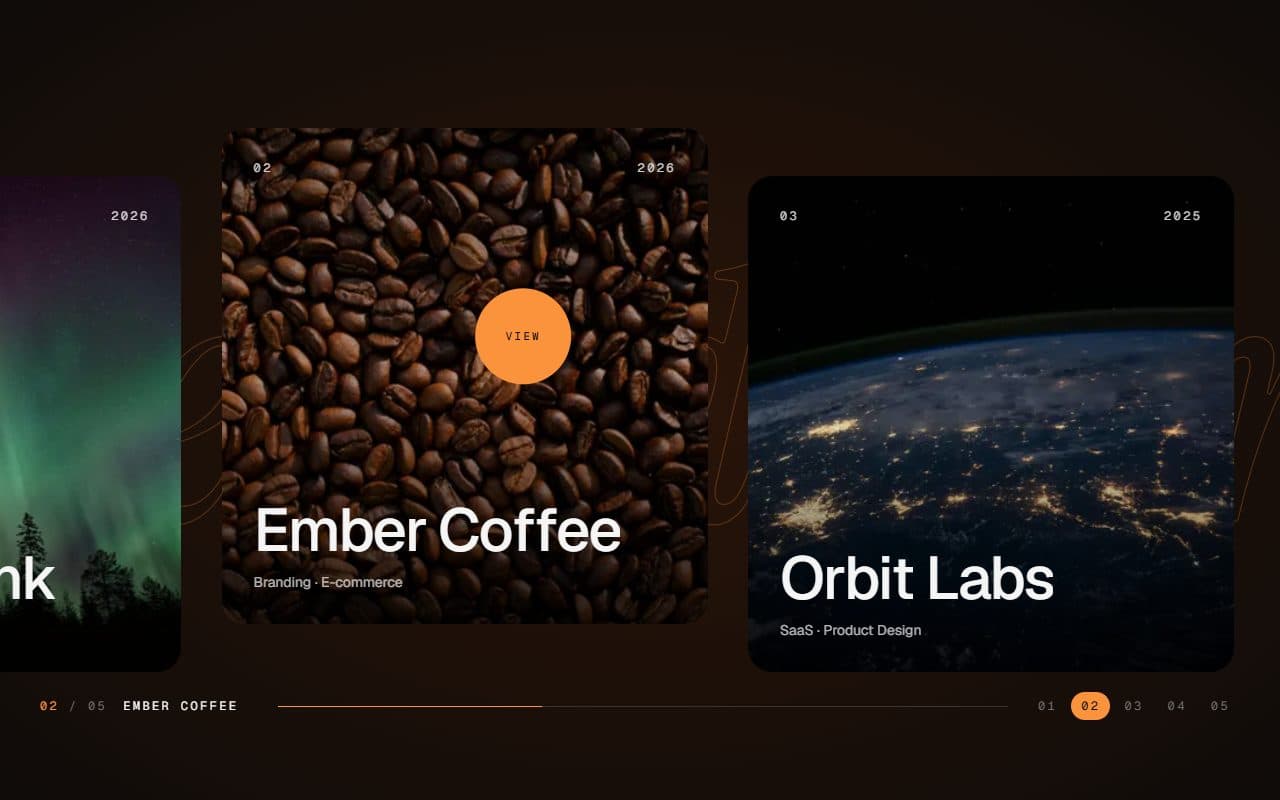
No. 028 / Gallery
GSAP Horizontal Scroll Gallery with Lenis and Fullscreen Project View
On Scroll · Mouse Move · On Hover · On Click
(02)FAQ
GSAP Pinned Split Word Scroll Section with Rising Portrait — FAQ
01What do I need to install?
npm install gsap @gsap/react. ScrollTrigger and SplitText come with gsap. It's built for Next.js (it uses next/image); its styles are plain CSS, so it doesn't need Tailwind.
02Which fonts does it use?
Playfair Display for the giant word and the titles, loaded with next/font as --font-playfair, and Manrope for the small text as --font-manrope. The example loads both. Each falls back to a system face.
03Can I change the word and the photo?
Yes. word takes any word; the section measures it so it spans 94% of the width without growing taller than the gap. image takes a transparent cut-out with its width and height, printed in warm black and white unless you pass monochrome={false}. The copy, call to action and features are props too.
04How long does it stay pinned?
scrollLength sets the pinned distance as a share of the section's height; the default 1.8 pins it for 180% of a screen. The halves part over the first part of that, the copy arrives around the middle and the end holds the finished composition for a moment before the page scrolls on.
05Does it work with smooth scrolling?
Yes. It's a standard pinned ScrollTrigger, so it works with Lenis or ScrollSmoother as long as they're wired to ScrollTrigger in the usual way.
06What happens with reduced motion?
It doesn't pin. The section shows its finished composition, with the halves apart, the portrait in front and the copy in place, and no shimmer, blob or drift.