GSAP 3D Venetian Blinds Slider with Slat Transitions
Overview
A hospitality gallery seen through vertical blinds: every change of slide turns twelve 3D slats over one after another with the next look printed on their backs, the slats part around the cursor, and captions roll in letter by letter.
A section-sized slider for a hotel, residence or interiors brand, in forest green, linen and brass. The looks hang in a tall arched window made of twelve vertical slats. When the section scrolls into view, a brass architrave rises around the arch and the slats swing open from the centre outwards, out of edge-on into flat, while the headline climbs out of its lines.
Details
- Category
- Gallery
- Interaction
- On Scroll + Mouse Move + Drag + On Click + On Hover
- Trigger
- On Scroll
- Languages
- React, TypeScript, plain CSS
(01)Keep exploring
All 150 componentsBuilt with the same techniques

No. 023 / Hero
GSAP Botanical Drink Slider Hero with Pour Preloader
On Load · On Scroll · Drag · Mouse Move · On Click
No. 125 / Hero
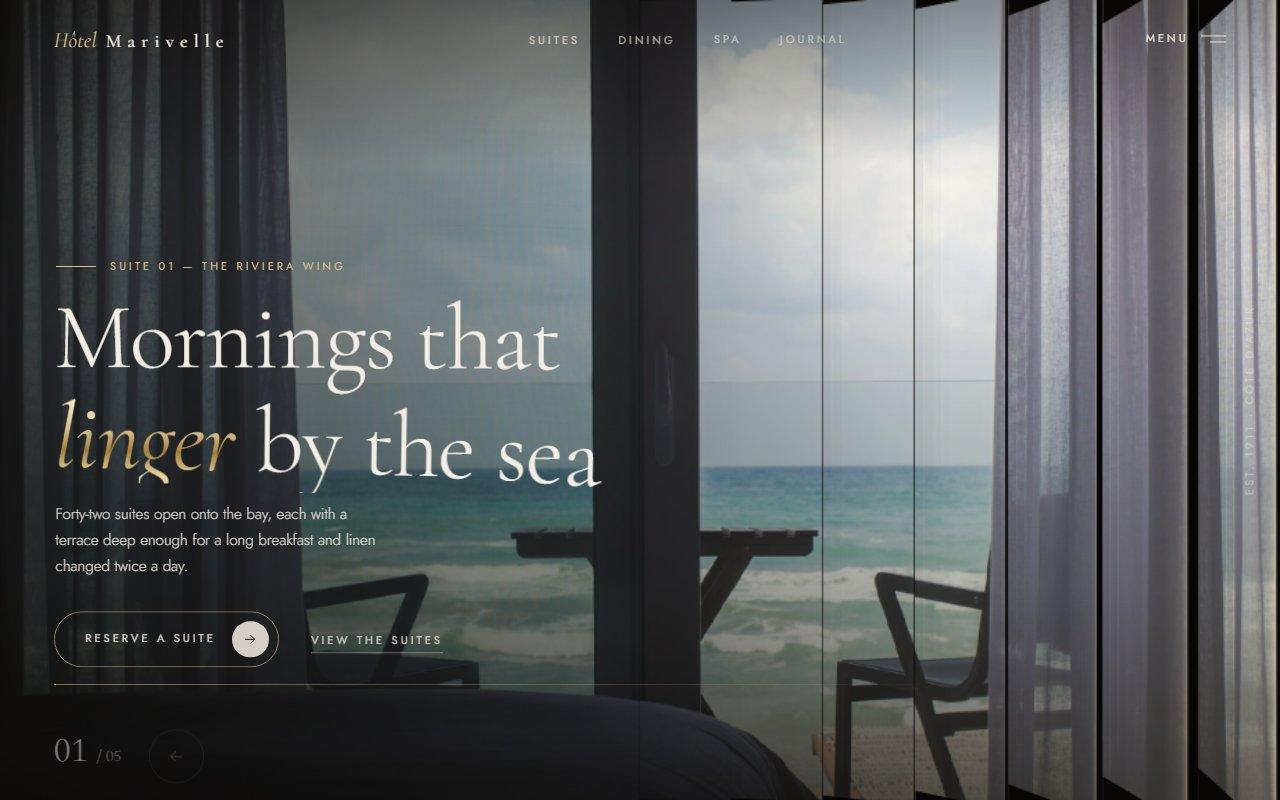
Louvred Shutter Hero Carousel with Canvas 2D Slats and GSAP for React
On Load · Drag · On Click · On Hover · Mouse Move
No. 028 / Gallery
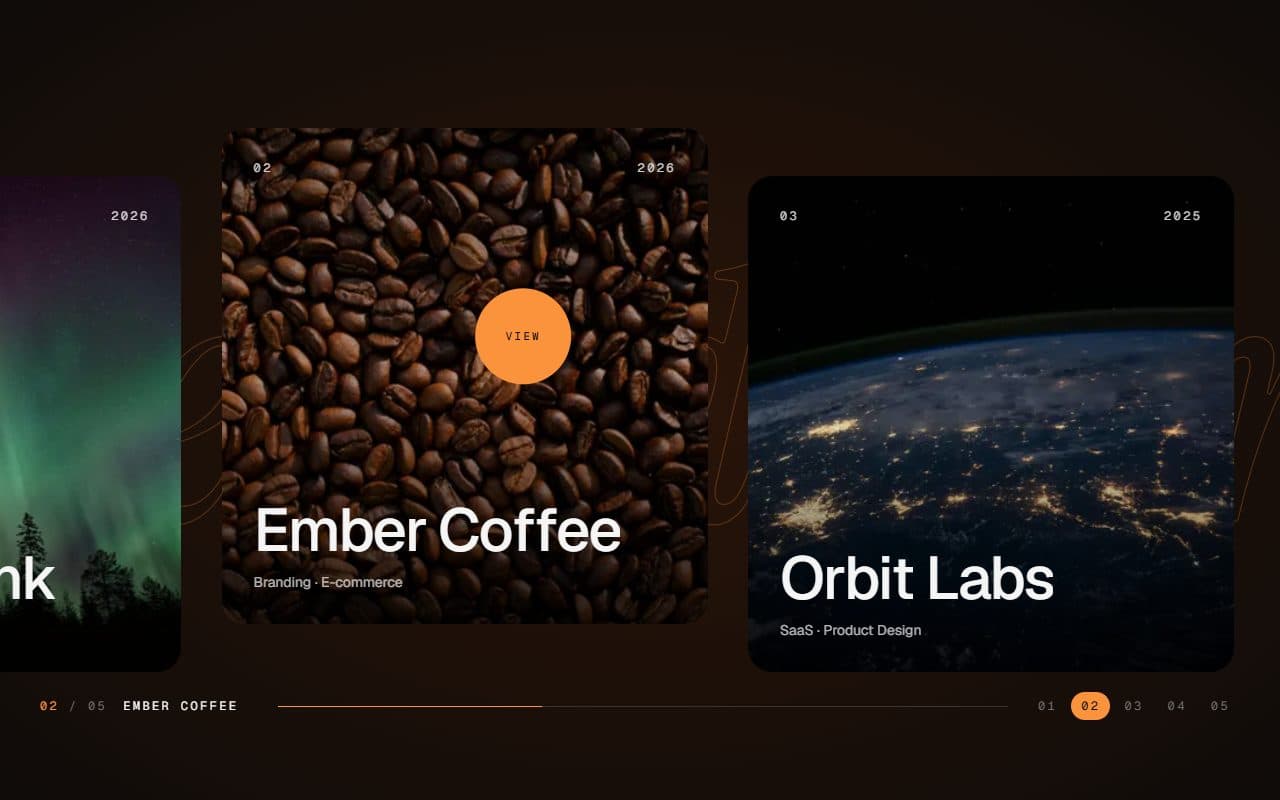
GSAP Horizontal Scroll Gallery with Lenis and Fullscreen Project View
On Scroll · Mouse Move · On Hover · On Click
(02)FAQ
GSAP 3D Venetian Blinds Slider with Slat Transitions — FAQ
01What do I need to install?
npm install gsap @gsap/react. ScrollTrigger and SplitText come with gsap. It's built for Next.js (it uses next/image); its styles are plain CSS, so it doesn't need Tailwind.
02Which fonts does it use?
Barlow Condensed for the headline, the rolling word and the titles (500 and 600, with italics) as --font-barlow-condensed, Instrument Sans for the copy as --font-instrument-sans, and IBM Plex Mono for the readouts as --font-plex-mono, all loaded with next/font. The example loads all three. Each falls back to a system face.
03How do I add my own looks?
Pass a slides array. Each slide takes a transparent full-length cut-out with its width and height, a CSS background for the room behind it, the word for the headline, a title, kicker and description, and a location with its IANA time zone, a weather line and a detail line for the readout. Any number of slides works.
04Can I change the number of slats?
Yes, slats sets it; 10 to 14 reads best. Each slat paints its own strip of the same picture, so more slats means more images on the page, which the browser loads once and reuses.
05How is it controlled?
The arrow buttons, a horizontal drag or swipe on the blinds, the left and right arrow keys once focus is inside the section, and autoplay. interval sets the seconds per slide (6 by default) and 0 turns autoplay off; there's a pause button next to the progress line.
06What happens with reduced motion?
The blinds appear already open, slides change instantly without the slat turn or rolling captions, and the cursor ripple, magnetic buttons and live dot are switched off. Autoplay still runs with its pause button.