Louvred Shutter Hero Carousel with Canvas 2D Slats and GSAP for React
Overview
A full-screen hotel hero carousel for React and Next.js. Every slide change cuts the picture into vertical slats that turn on their own axes like louvred shutters, drawn on Canvas 2D in perspective with real shading.
When the page opens, the slats stand edge-on in the dark with a light running along their edges. The first picture turns into view in a wave from the left, each slat swinging round on its own axis, while the headline rises out of its mask letter by letter and the menu and controls settle in. After that the picture slowly pushes in, a gold ring around the next button fills over six seconds, and the shutters turn to the next slide.
Details
- Category
- Hero
- Interaction
- On Load + Drag + On Click + On Hover + Mouse Move
- Trigger
- On Load
- Languages
- React, TypeScript, plain CSS
(01)Keep exploring
All 150 componentsBuilt with the same techniques
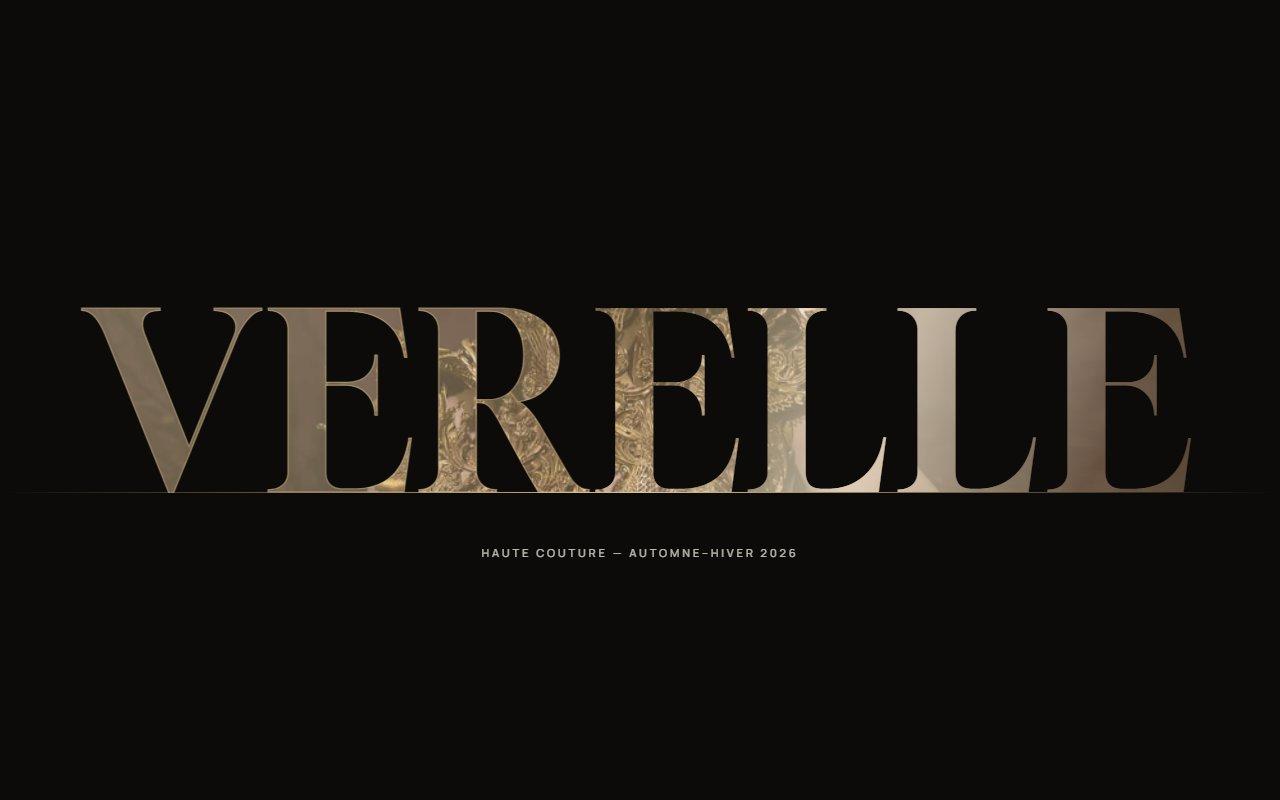
No. 127 / Hero
Zoom Through the Wordmark Hero with Canvas Text Mask and GSAP for React
On Load · On Scroll · Mouse Move · On Hover
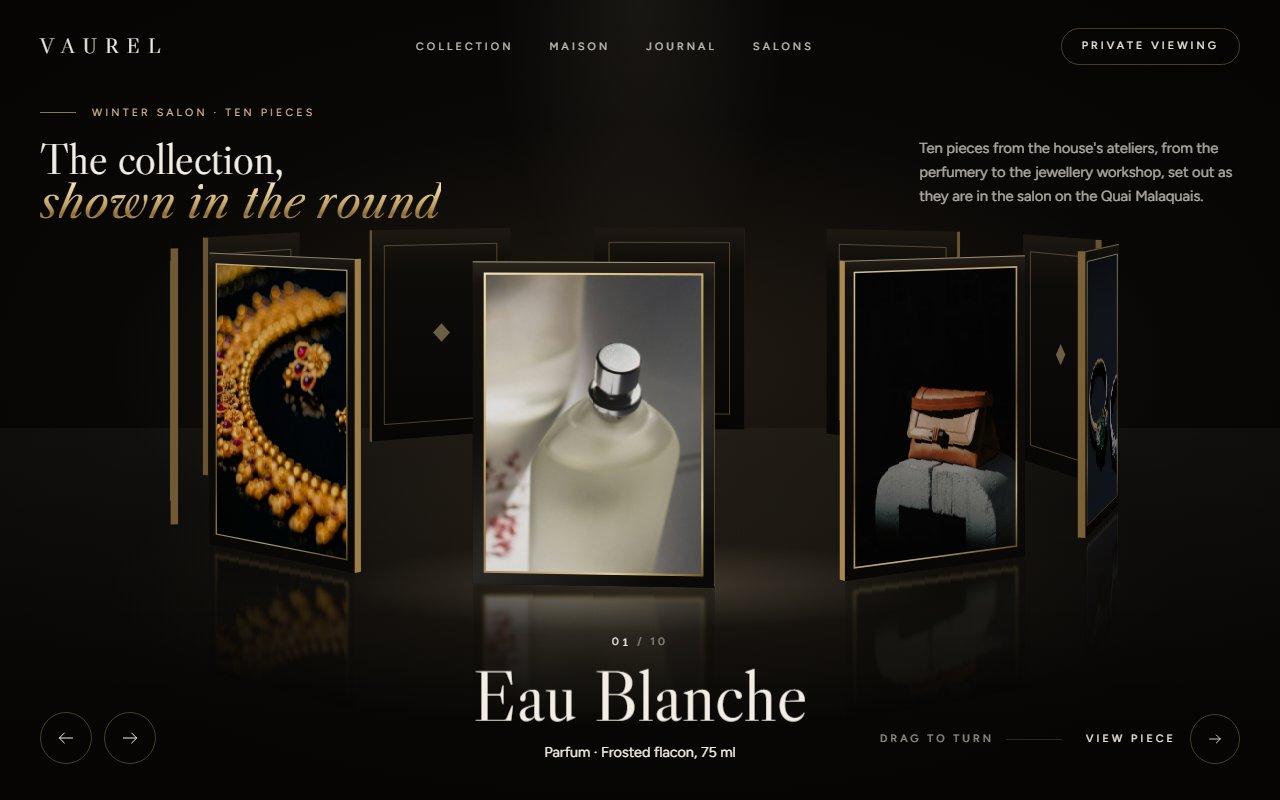
No. 129 / Carousel
GSAP 3D Ring Carousel Hero in Canvas 2D: Showroom Rotunda for React
On Load · Drag · On Click · On Hover · Mouse Move
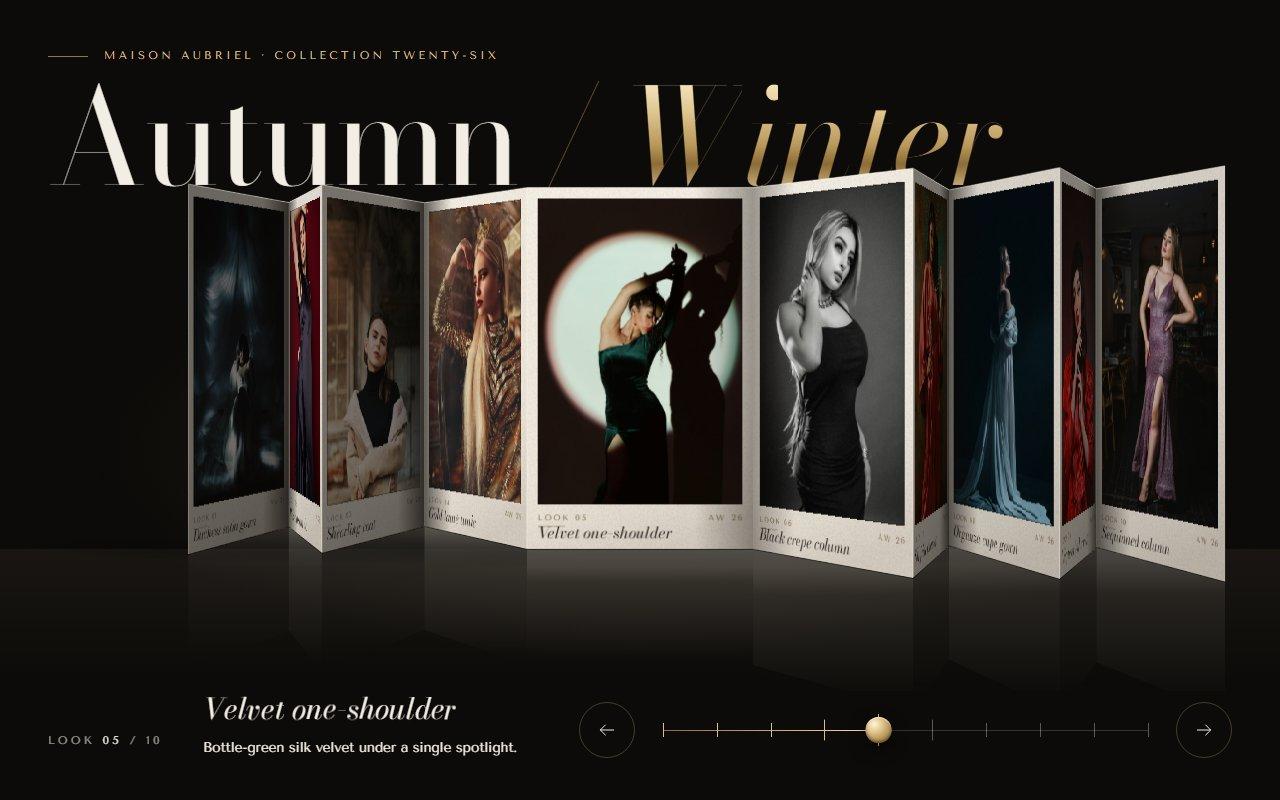
No. 122 / Carousel
GSAP Concertina Carousel: Folded Lookbook Strip in Canvas 2D Perspective for React
On Load · Drag · On Click · On Hover · Mouse Move
(02)FAQ
Louvred Shutter Hero Carousel with Canvas 2D Slats and GSAP for React — FAQ
01What do I need to install?
npm install gsap @gsap/react. SplitText ships in the regular gsap package. The styles are in a plain CSS file next to the component, so it doesn't need Tailwind.
02How do I change the slides?
Pass slides, each with an image, alt text, an eyebrow, a title, an optional paragraph and a short label for the next-slide preview. In the title a line break starts a new line and a word in *asterisks* is set in gold italic. Pictures are cover-fitted, so any size works; landscape photos about 2000px wide look best, and the first one is preloaded with the page.
03Which fonts does it use?
It reads two CSS variables: --font-display for the serif (Cormorant Garamond in the example, with its italic) and --font-sans for labels and body copy (Jost). The example loads both with next/font/google on the page's root element. Without them it falls back to Times New Roman and Helvetica.
04Does it work on phones?
Yes. A horizontal swipe scrubs the slats and a vertical swipe still scrolls the page. Below 700px wide there are seven slats, the next-slide preview and the vertical line on the right edge are hidden, and the headline wraps.
05What happens with reduced motion?
Slides crossfade instead of turning, autoplay is off, the picture doesn't drift or follow the mouse, and the type appears without rising. The buttons, keys and swipe all still work.
06How fast is it without a GPU?
It was tested in Brave with hardware acceleration switched off, at 1280x800 and on a 360px phone, where it runs at about 60fps at rest and through slide changes. Each picture is fitted to the stage once, off the main thread where the browser can, nothing is clipped or filtered per frame, the canvas resolution is capped with maxDpr (1.5 by default), and it drops to 72% only while slats turn, which you can't see on a moving slat.
07What else can I change?
The colours (gold, goldSoft, ink, ivory), interval for the autoplay time in seconds, slats for an exact number of slats, and the brand, links, menu, cta, secondary and aside props for the furniture around the slides. Leave any of those out and that part isn't drawn.