GSAP Luxury Button Micro-Interactions: Gold Leaf, Magnetic Pearl and Running Light
Overview
Eight gold and ivory buttons for React and Next.js, each with its own micro-interaction: gold leaf laid across with a glint, a traced hairline, a magnetic pearl, a direction-aware fill, a silk underline, a running light, a seal that stamps and a counter that rolls.
One file holds eight components: GoldLeafButton, TracedPillButton, PearlButton, DirectionalFillButton, SilkUnderlineLink, RunningLightButton, SealButton and CounterButton. Each takes a label, an href or onClick, a tone, and an optional autoPlay that plays the hover once by itself a set number of seconds after the button comes into view. The demo board uses it so every button moves in the first second.
Details
- Category
- Buttons
- Interaction
- On Hover + On Click + Mouse Move + On Load
- Trigger
- On Hover
- Languages
- React, TypeScript, plain CSS
(01)Keep exploring
All 150 componentsBuilt with the same techniques
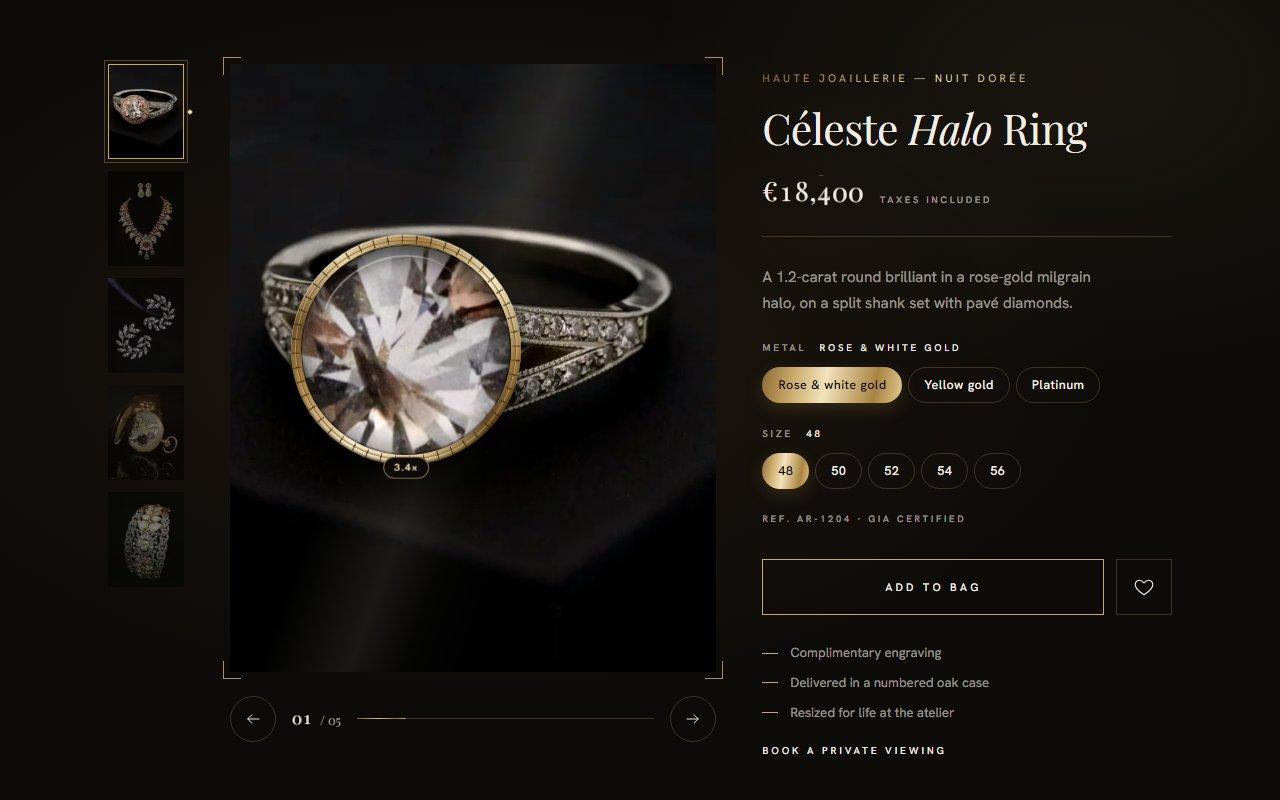
No. 126 / Product
GSAP Jewellery Product Gallery with Magnifying Loupe and Iris Transitions for React
On Load · On Hover · Mouse Move · On Click · Drag
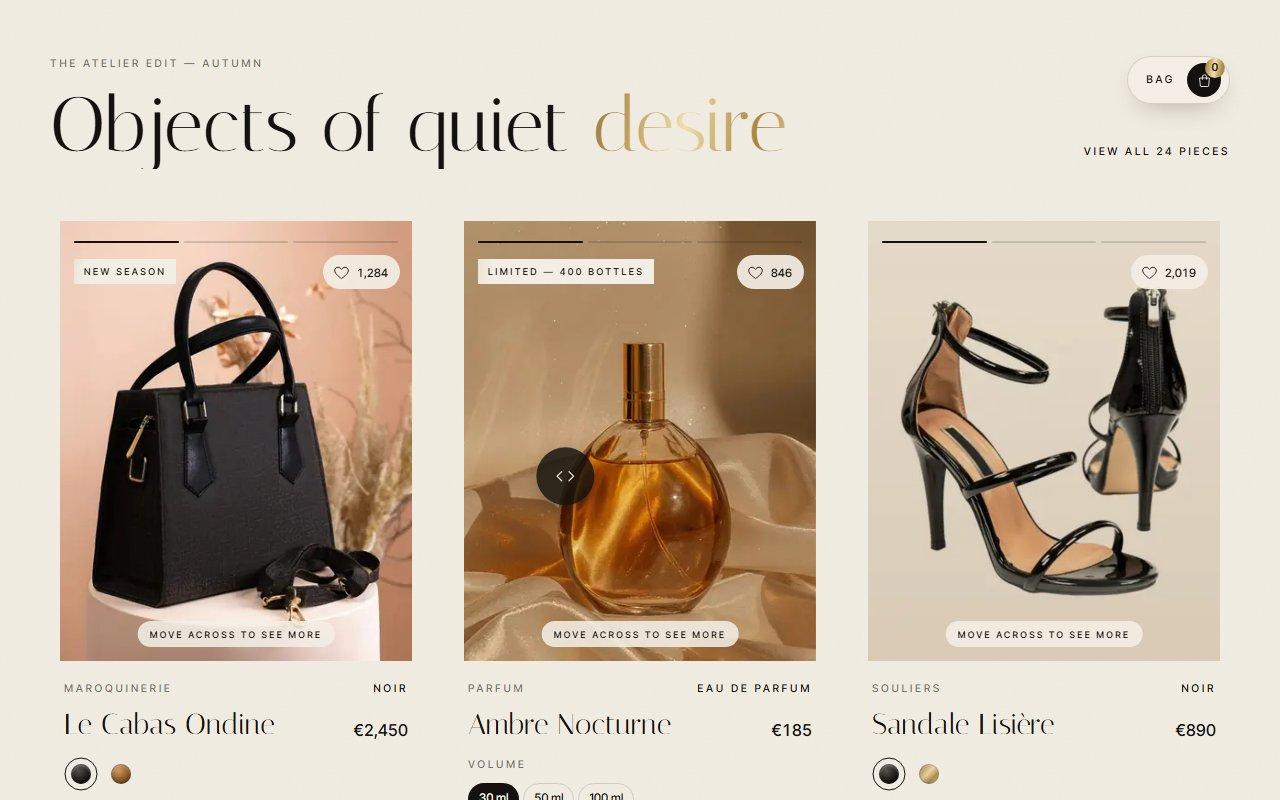
No. 121 / Cards
GSAP Luxury Product Cards with Image Scrub, Colour Swatches and Fly-to-Bag for React
On Load · On Hover · Mouse Move · On Click
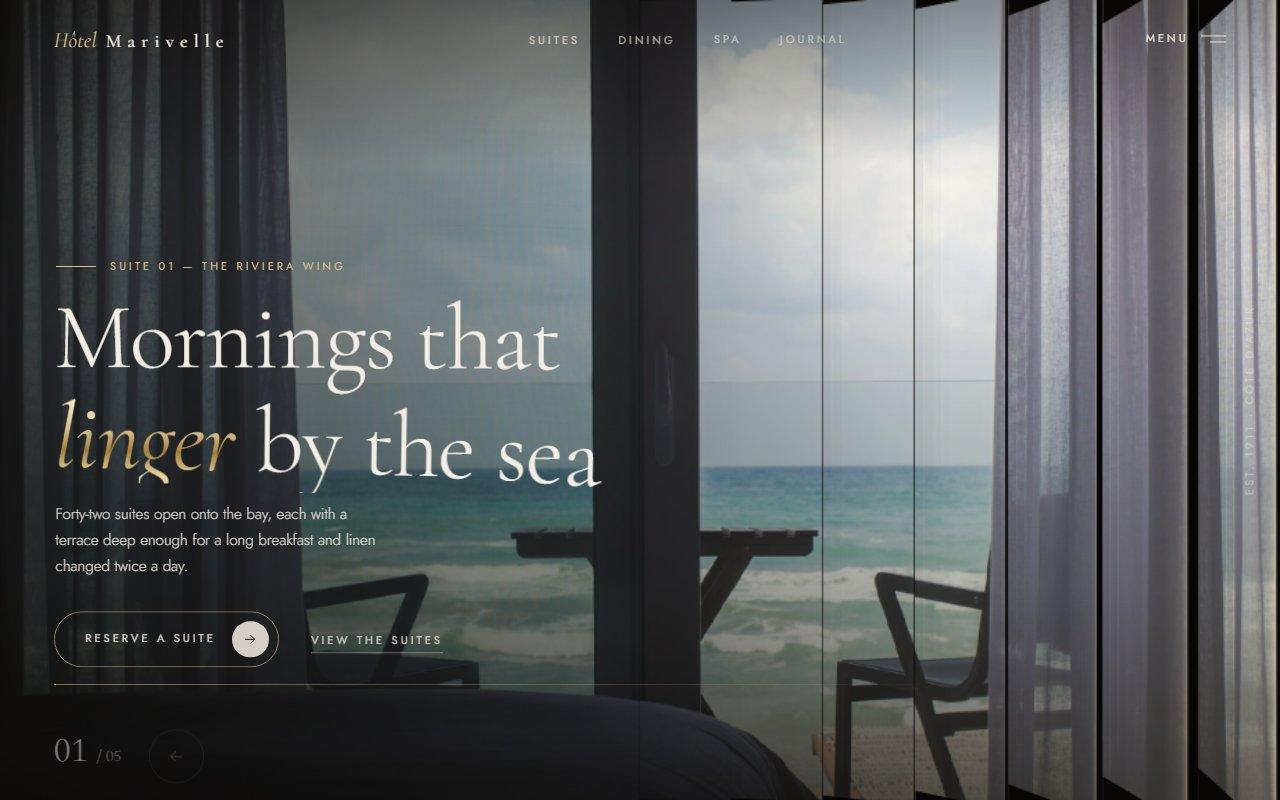
No. 125 / Hero
Louvred Shutter Hero Carousel with Canvas 2D Slats and GSAP for React
On Load · Drag · On Click · On Hover · Mouse Move
(02)FAQ
GSAP Luxury Button Micro-Interactions: Gold Leaf, Magnetic Pearl and Running Light — FAQ
01How do I install it?
npm install gsap @gsap/react, then copy gilded-buttons.tsx and gilded-buttons.css into the same folder and import the buttons you want by name. Nothing else is needed.
02Can a button be a link?
Yes. Pass href and it renders an <a>; leave href out and it renders a <button type="button"> that calls onClick. The label is the accessible name in both cases.
03Which fonts does it use?
The demo loads Prata and Josefin Sans with next/font as the CSS variables --font-display and --font-sans. The buttons read those variables and fall back to Times New Roman and Helvetica Neue, so point them at your own fonts or leave them out.
04How do I change the colours?
tone switches the metal between yellow gold and white gold. The pearl also comes in golden and black, and the seal in oxblood, emerald or midnight lacquer. Every colour is a CSS variable on .gb, such as --gb-m0 to --gb-m3 for the four stops of the metal, so a class of your own can override them.
05Does it work on phones?
Yes. A tap plays the hover briefly, presses squash and spring back, and the seal and counter work as on a desktop. The pearl only leans toward a mouse, so on touch it stays put and still squashes when pressed.
06What about reduced motion?
With prefers-reduced-motion the leaf, fill and letter changes become instant or short fades, the pearl and its highlight stop following, the running light and nacre stand still, and autoPlay is ignored. Every button still works.
07Will it run on a slow computer?
It only animates transforms, opacity, clip paths and a few SVG attributes on small elements, with no WebGL. In Brave with hardware acceleration switched off the demo board holds 60 fps with the cursor moving.