GSAP Luxury Product Cards with Image Scrub, Colour Swatches and Fly-to-Bag for React
Overview
Shop product cards for React and Next.js. Move across a card to scrub through its pictures, switch colours and sizes, save it with a heart that fills with gold, and add it to the bag: a copy of the picture flies on an arc into the bag in the header.
On load the heading rises word by word and the cards come up through a clip-path reveal, their pictures settling from 1.15 scale. Prices and wishlist counts roll up from zero, and the middle card scrubs through its pictures by itself, with a dark cursor gliding across it. After that, one card at a time repeats the show every few seconds until someone uses the section.
Details
- Category
- Cards
- Interaction
- On Load + On Hover + Mouse Move + On Click
- Trigger
- On Load
- Languages
- React, TypeScript, Tailwind
(01)Keep exploring
All 150 componentsBuilt with the same techniques
No. 126 / Product
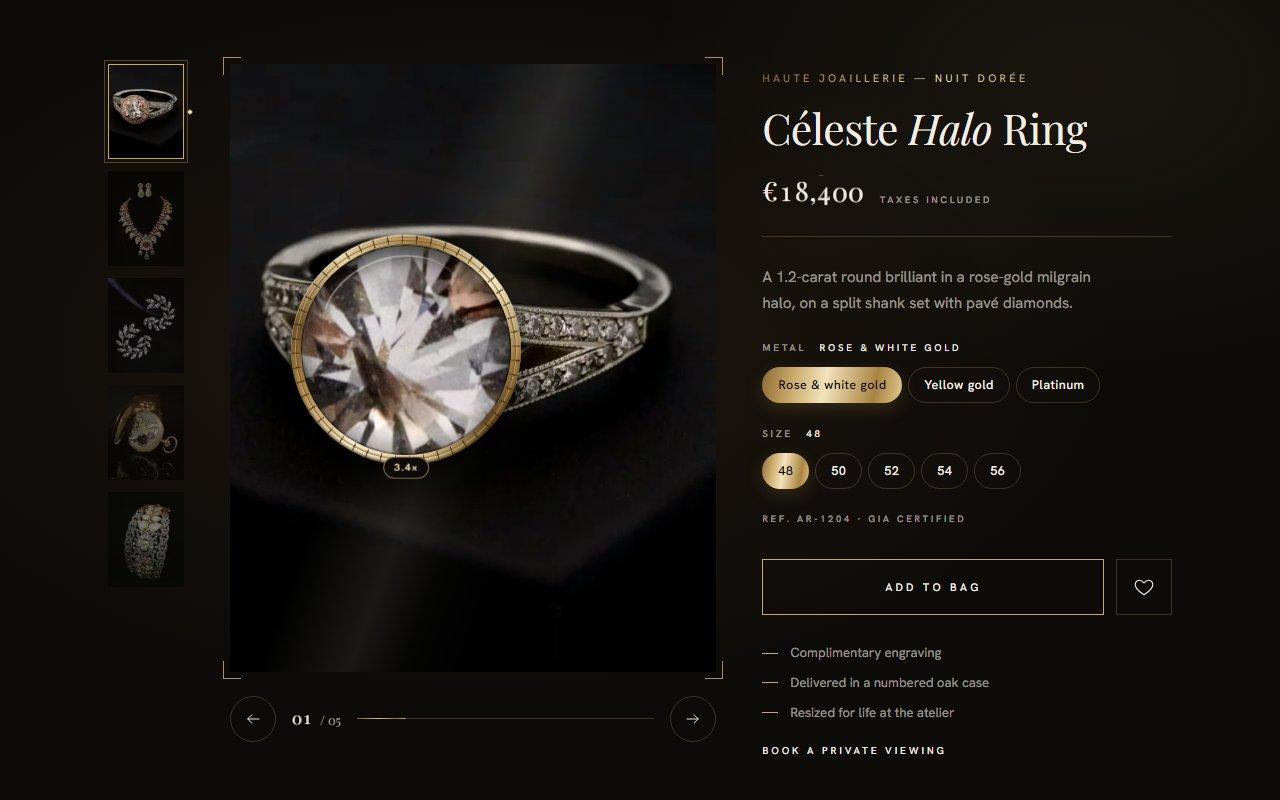
GSAP Jewellery Product Gallery with Magnifying Loupe and Iris Transitions for React
On Load · On Hover · Mouse Move · On Click · Drag
No. 124 / Buttons
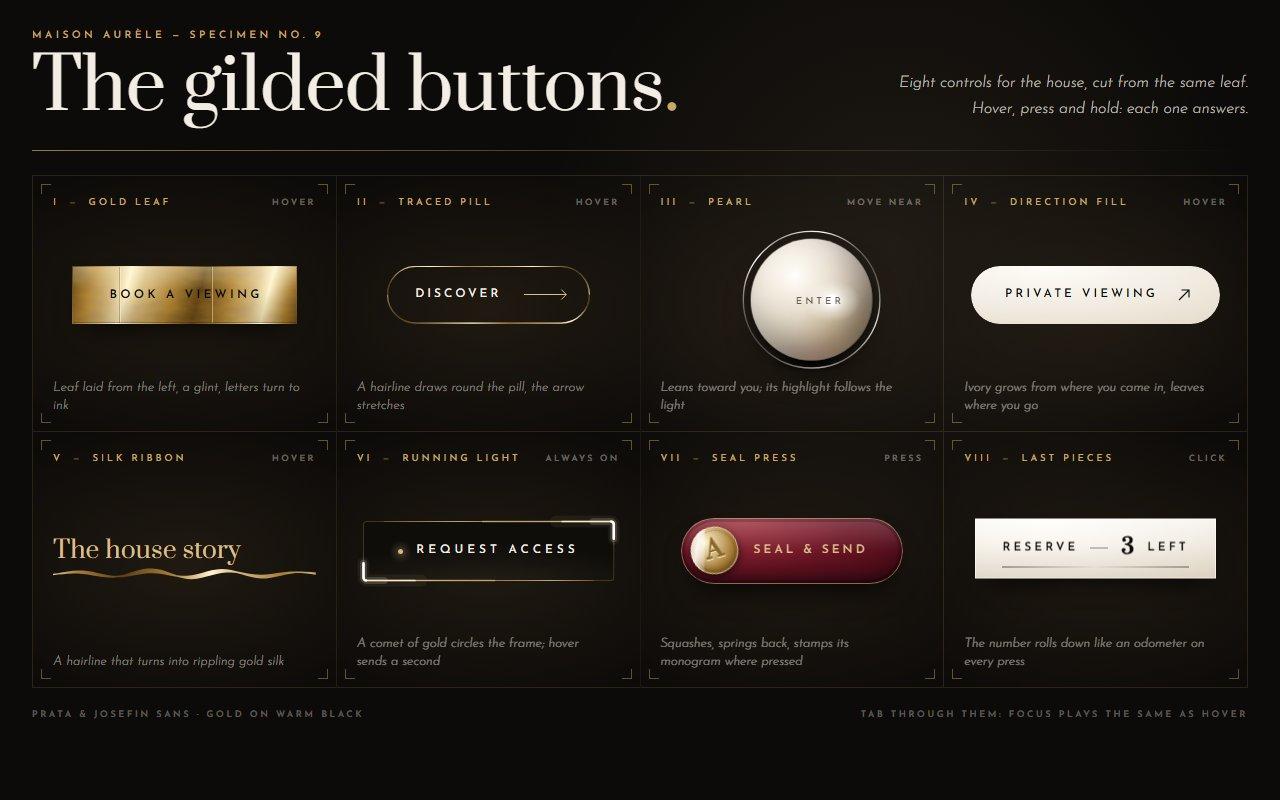
GSAP Luxury Button Micro-Interactions: Gold Leaf, Magnetic Pearl and Running Light
On Hover · On Click · Mouse Move · On Load
No. 128 / Forms
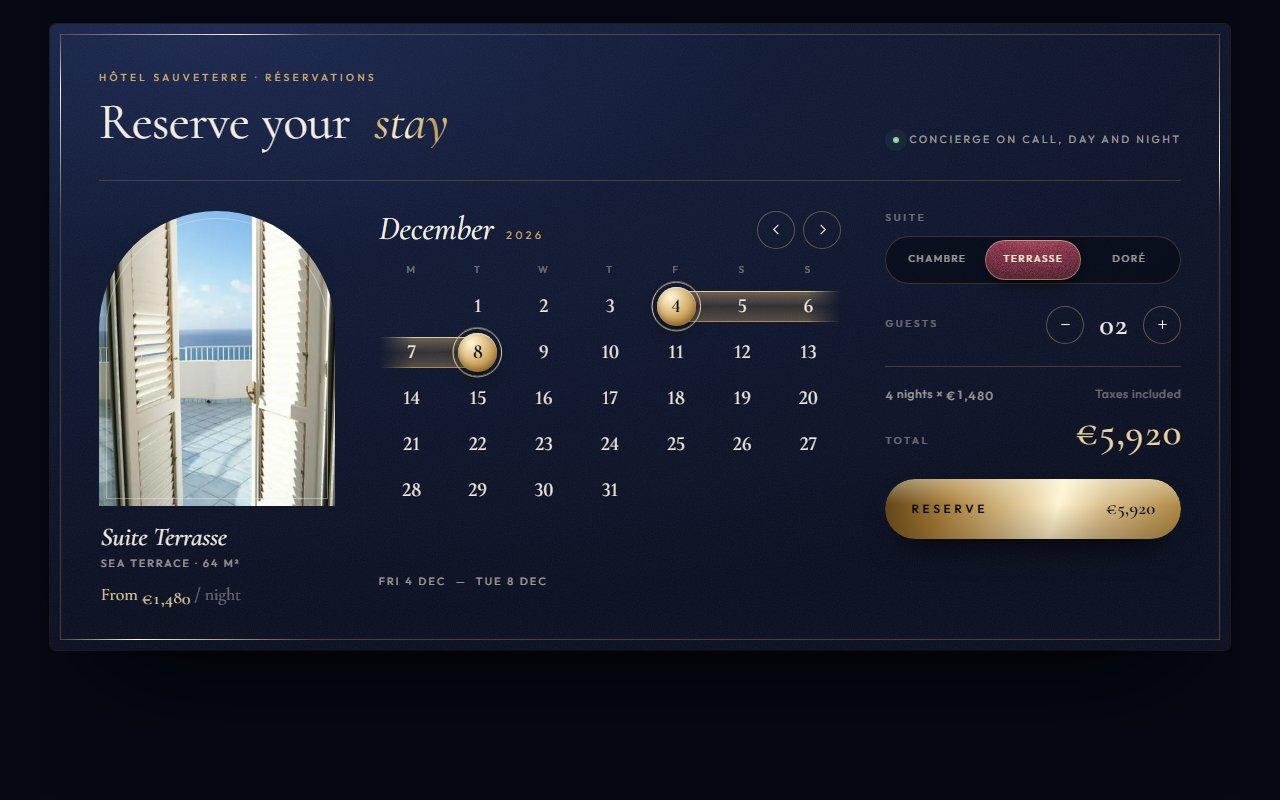
GSAP Hotel Booking Widget with Date Range Calendar and Wax Seal Confirmation
On Load · On Hover · On Click
(02)FAQ
GSAP Luxury Product Cards with Image Scrub, Colour Swatches and Fly-to-Bag for React — FAQ
01What does it need?
npm install gsap @gsap/react, and Tailwind CSS v4 for the layout classes. MotionPathPlugin, used for the flight to the bag, ships in the regular gsap package. Images load through next/image, and the component imports its own atelier-product-card.css.
02How do I add my products?
Pass products, each with variants (a name, a swatch colour or gradient, and its pictures). Sizes are optional; give a size its own price for things like bottle volumes, set available: false to strike it through, and set sizeRequired to ask for a size before adding. AtelierProductCard is also exported on its own if you only need a card.
03How do I connect the bag?
onAddToBag gets the product, variant, size and price. Return a promise and the spinner waits for it; if it throws, the button resets. bagCount sets the starting count, onBagClick handles the header button, and onWishlistChange reports the hearts.
04Which fonts does it use?
It reads --font-display for names and prices and --font-sans for everything else, falling back to Didot or Georgia and Helvetica. The demo loads Italiana and Inter Tight through next/font/google as those two variables.
05How does it behave on a phone?
The cards stack in one column. Swipe sideways on a picture to change it or tap the bars at the top; an up or down swipe scrolls the page. Every control is a real button with a label, and the swatches, sizes and picture bars work with the arrow keys.
06What about reduced motion and slow machines?
With reduced motion there's no reveal, no automatic scrub and no flight: pictures and colours swap at once and the bag count simply goes up. There's no WebGL; the motion is CSS transforms, opacity and one clip-path reveal, and it holds 60fps with hardware acceleration switched off.