GSAP Concertina Carousel: Folded Lookbook Strip in Canvas 2D Perspective for React
Overview
A lookbook carousel for React and Next.js, drawn as a printed strip folded like a concertina brochure. The look in the middle lies flat, its neighbours fold away at alternating creases, and dragging the strip unfolds each page as it reaches the centre.
On load the strip sits shut in the middle of the stage, a tight bundle of folded pages, and opens outward in under a second, crease after crease, while the heading's letters rise out of their masks. Each page is a printed lookbook leaf: the photograph, a look number and the name of the piece in italic. The page in the middle lies flat and faces you; the others fold away at alternating mountain and valley creases that get steeper toward the edges, lit from the upper left, with shadow gathering in the valleys, a line of light on the near creases and a soft reflection on the floor.
Details
- Category
- Carousel
- Interaction
- On Load + Drag + On Click + On Hover + Mouse Move
- Trigger
- On Load
- Languages
- React, TypeScript, Tailwind
(01)Keep exploring
All 150 componentsBuilt with the same techniques
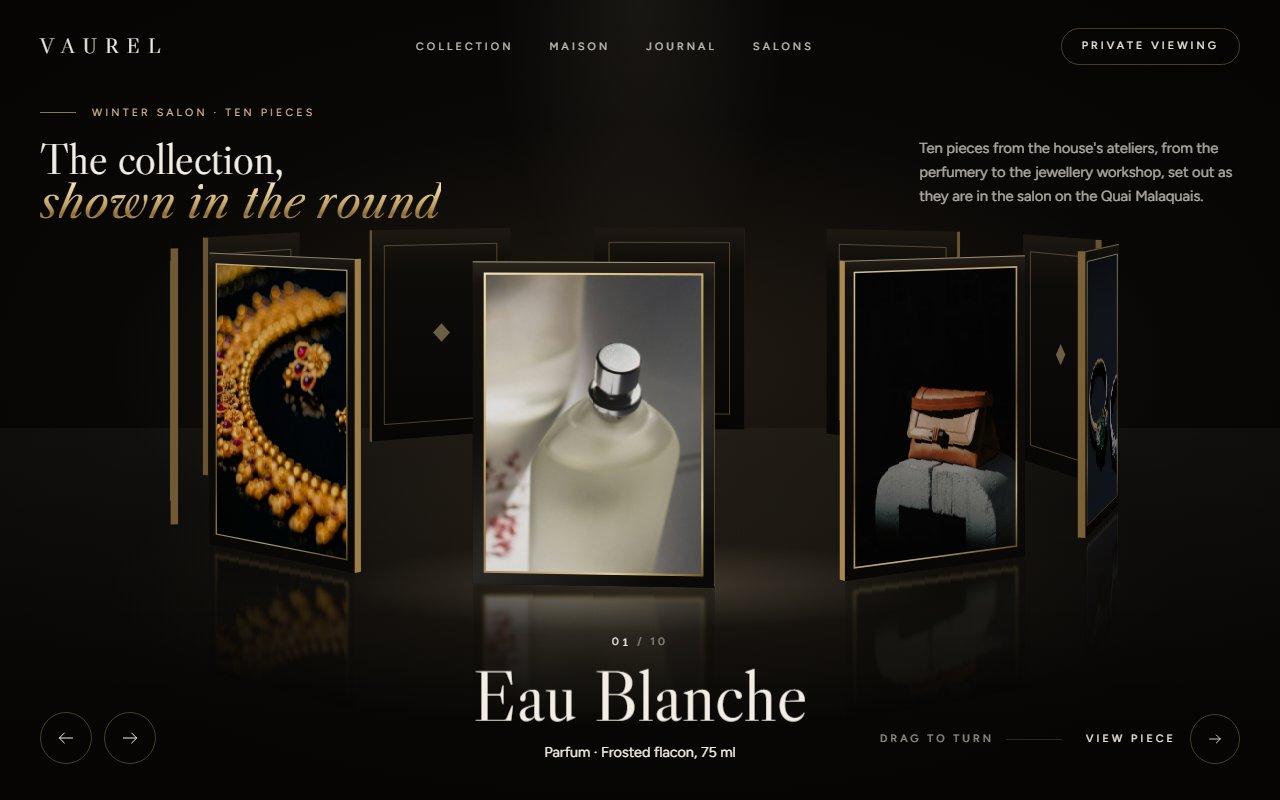
No. 129 / Carousel
GSAP 3D Ring Carousel Hero in Canvas 2D: Showroom Rotunda for React
On Load · Drag · On Click · On Hover · Mouse Move
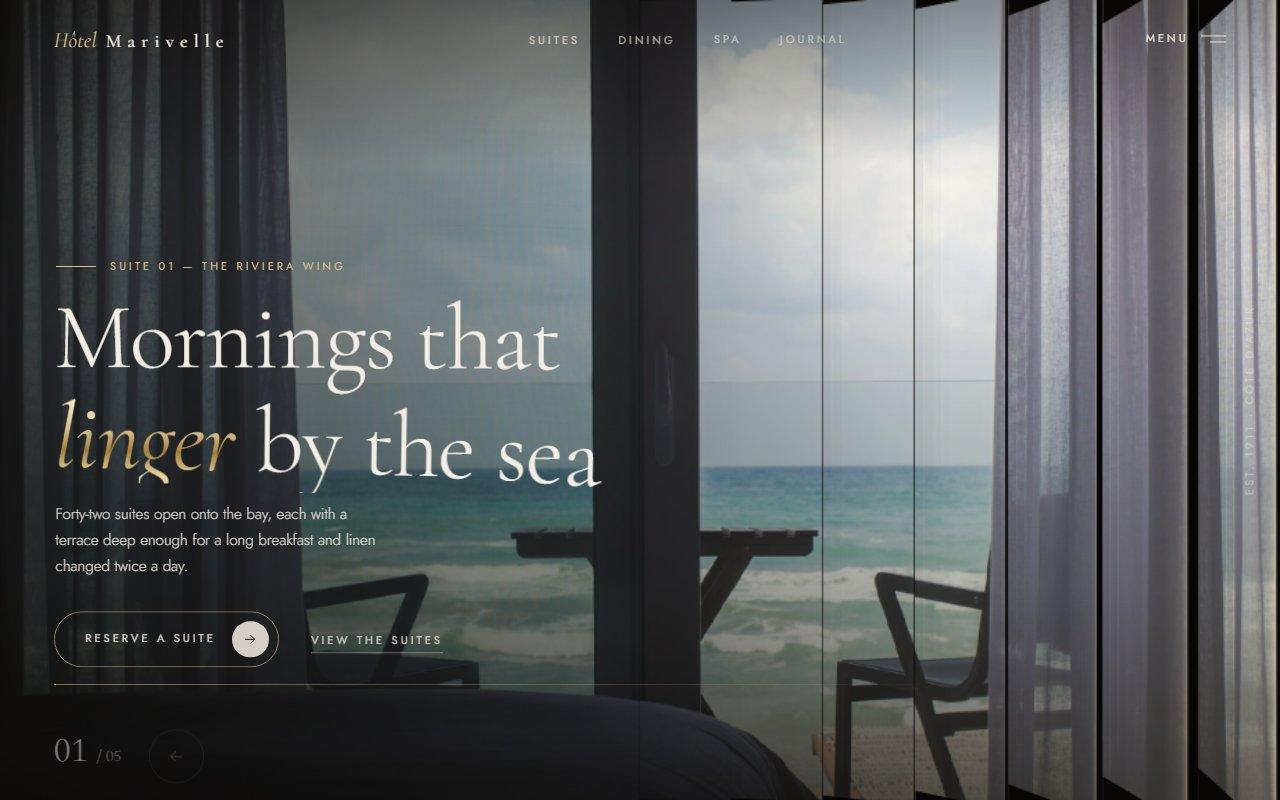
No. 125 / Hero
Louvred Shutter Hero Carousel with Canvas 2D Slats and GSAP for React
On Load · Drag · On Click · On Hover · Mouse Move
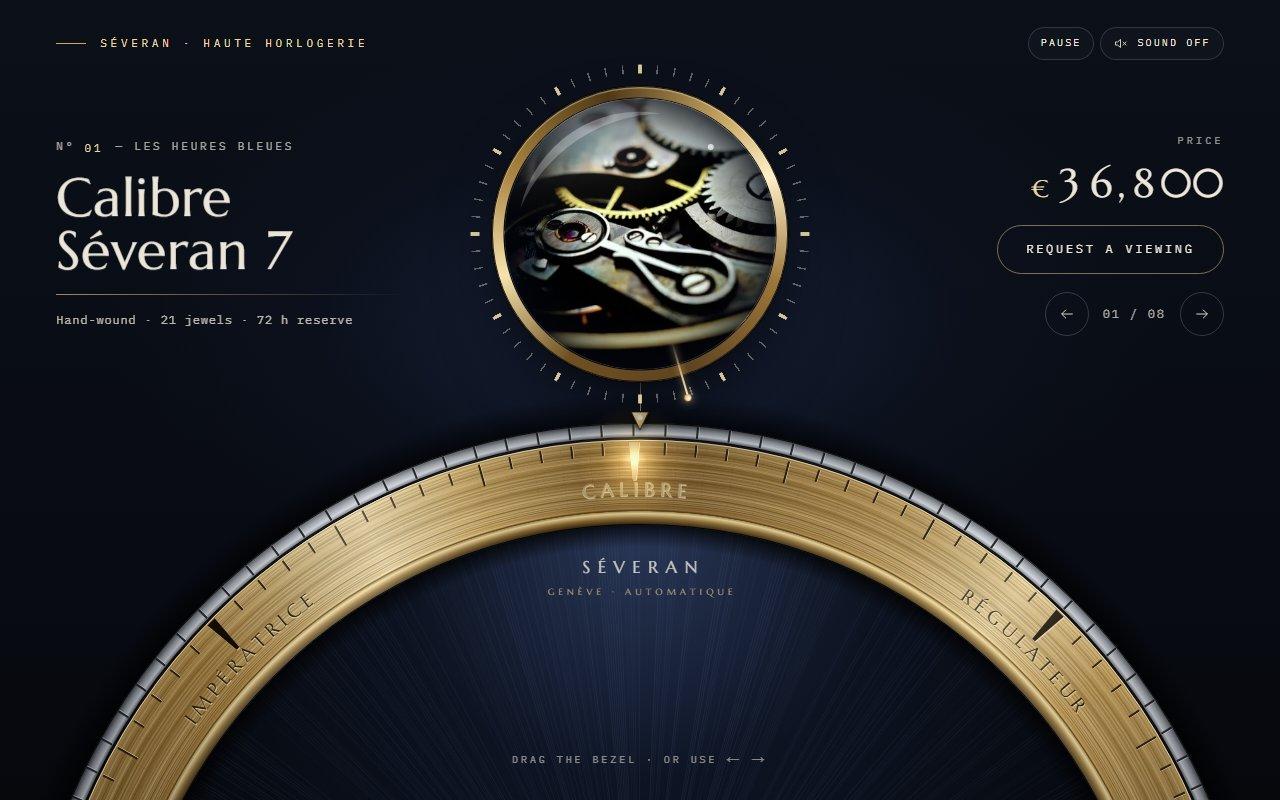
No. 123 / Carousel
GSAP Watch Bezel Rotary Carousel with Canvas 2D for React
On Load · Drag · On Click · On Scroll · Mouse Move
(02)FAQ
GSAP Concertina Carousel: Folded Lookbook Strip in Canvas 2D Perspective for React — FAQ
01What do I need to install?
npm install gsap @gsap/react, and Tailwind CSS v4 for the layout classes. The folder ships its own CSS file for everything else. There's no 3D library: the perspective is worked out in a small TypeScript file and drawn with Canvas 2D.
02How do I change the looks?
Pass a looks array. Each look has an image, alt text, a title (printed on the page and shown as the caption), an optional detail line, and optional focusX and focusY to choose which part of a photo stays in the crop. Portrait photos around 2:3 fit best. The heading, the eyebrow and the mark printed on every page ("AW 26") are props too.
03Which fonts does it use?
It reads two CSS variables: --font-display for the heading, the captions and the printed page titles, and --font-sans for the labels. The demo loads Bodoni Moda (with its italic and optical sizes) and Tenor Sans with next/font/google. Without them it falls back to Didot or Times and Gill Sans. The pages are printed again once the fonts arrive.
04Does it work on phones?
Yes. A horizontal swipe moves the strip, a vertical swipe still scrolls the page, and a tap on a folded page brings it to the middle. The pages size themselves to the width, so the middle one stays large on a narrow screen.
05What happens with reduced motion?
The strip is drawn open from the start, there's no autoplay, the type doesn't rise, and the buttons, keys and scrubber jump straight to a look. Dragging still works, because it moves only with your hand.
06How does it run without a graphics card?
Every page is printed once into an offscreen canvas, and a frame only copies narrow columns of those pages into place, then lays light and shadow on top as plain fills. While the strip moves it uses fewer columns and fewer pixels, and once it stops it draws one sharp frame and then nothing at all until something moves again. It was tested in Brave with hardware acceleration turned off.
07Can I change the paper and the colours?
paper and paperInk set the colour of the printed pages and their text. The stage colours (warm black, ivory and champagne gold) are CSS variables at the top of concertina-carousel.css, and the fold angles, light direction and camera are constants at the top of concertina-stage.ts.