GSAP Watch Bezel Rotary Carousel with Canvas 2D for React
Overview
A rotary carousel for React and Next.js shaped like a watch bezel. Turn the engraved gold ring by dragging, scrolling or with the keys; it clicks onto each piece with a small overshoot, and the picture swings into a sapphire crystal above.
On load the bezel spins in from about two hundred degrees back, fast enough that its ticks smear, then slows and clicks onto the first piece. The markers it passes flash under the gold pointer at twelve o'clock, the crystal above opens like an iris while its picture settles from a zoom, the minute ring round it turns into place, the title's letters roll up, the specs unscramble and the price counts up. After that a seconds hand keeps sweeping round the crystal in real time, and autoplay turns the bezel one piece every few seconds.
Details
- Category
- Carousel
- Interaction
- On Load + Drag + On Click + On Scroll + Mouse Move
- Trigger
- On Load
- Languages
- React, TypeScript, plain CSS
(01)Keep exploring
All 150 componentsBuilt with the same techniques
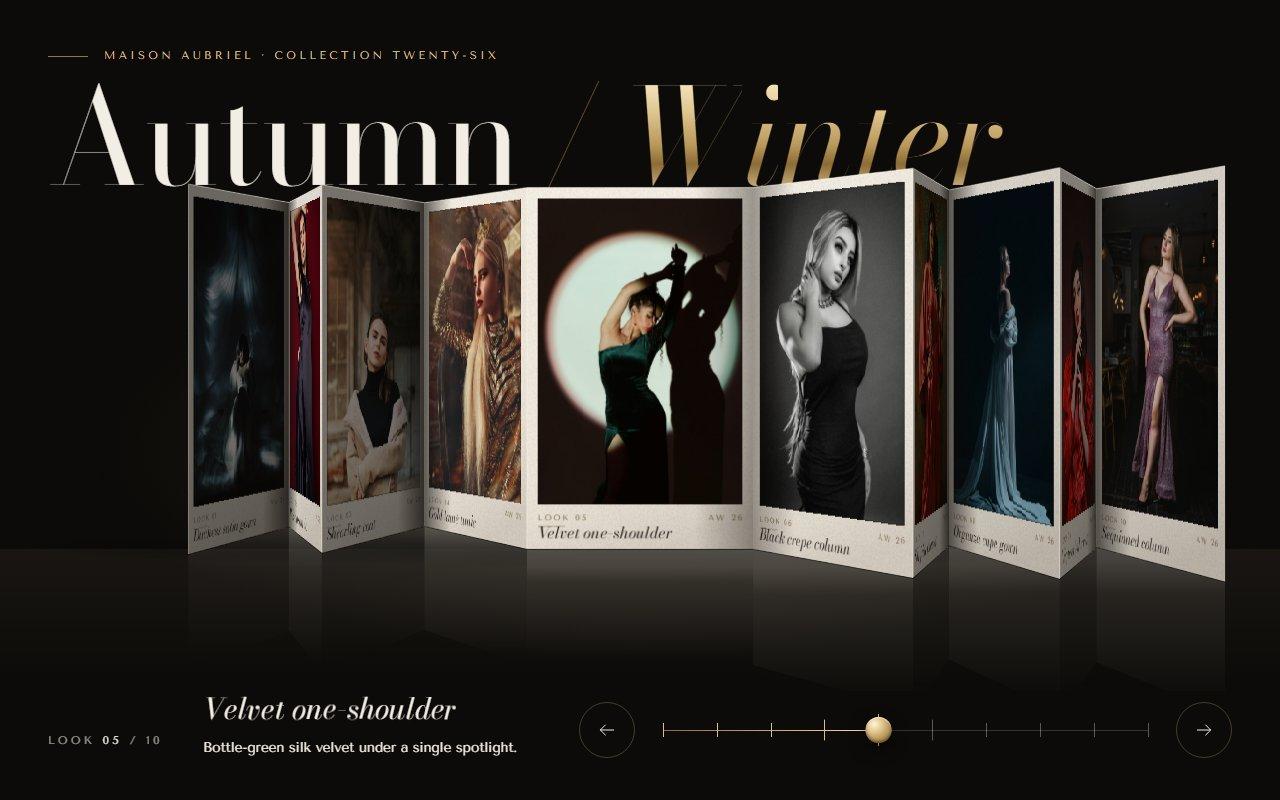
No. 122 / Carousel
GSAP Concertina Carousel: Folded Lookbook Strip in Canvas 2D Perspective for React
On Load · Drag · On Click · On Hover · Mouse Move
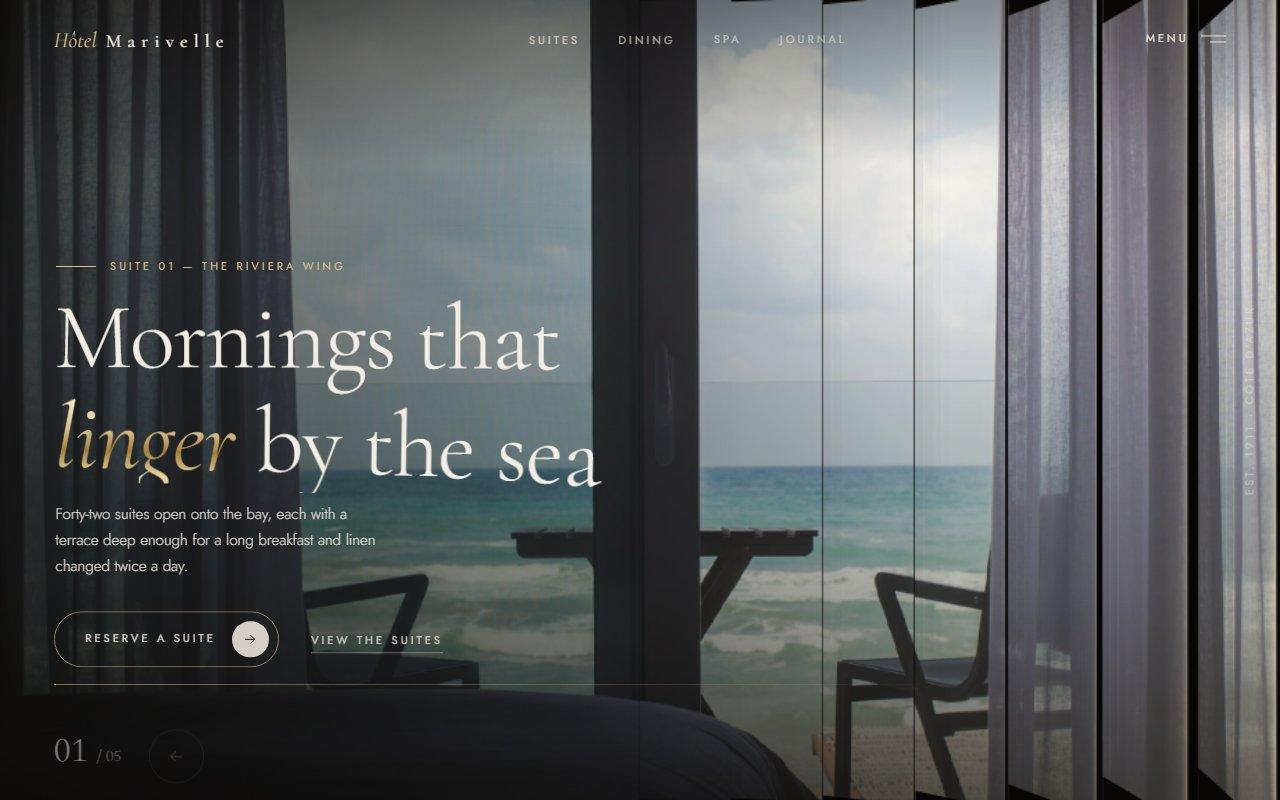
No. 125 / Hero
Louvred Shutter Hero Carousel with Canvas 2D Slats and GSAP for React
On Load · Drag · On Click · On Hover · Mouse Move
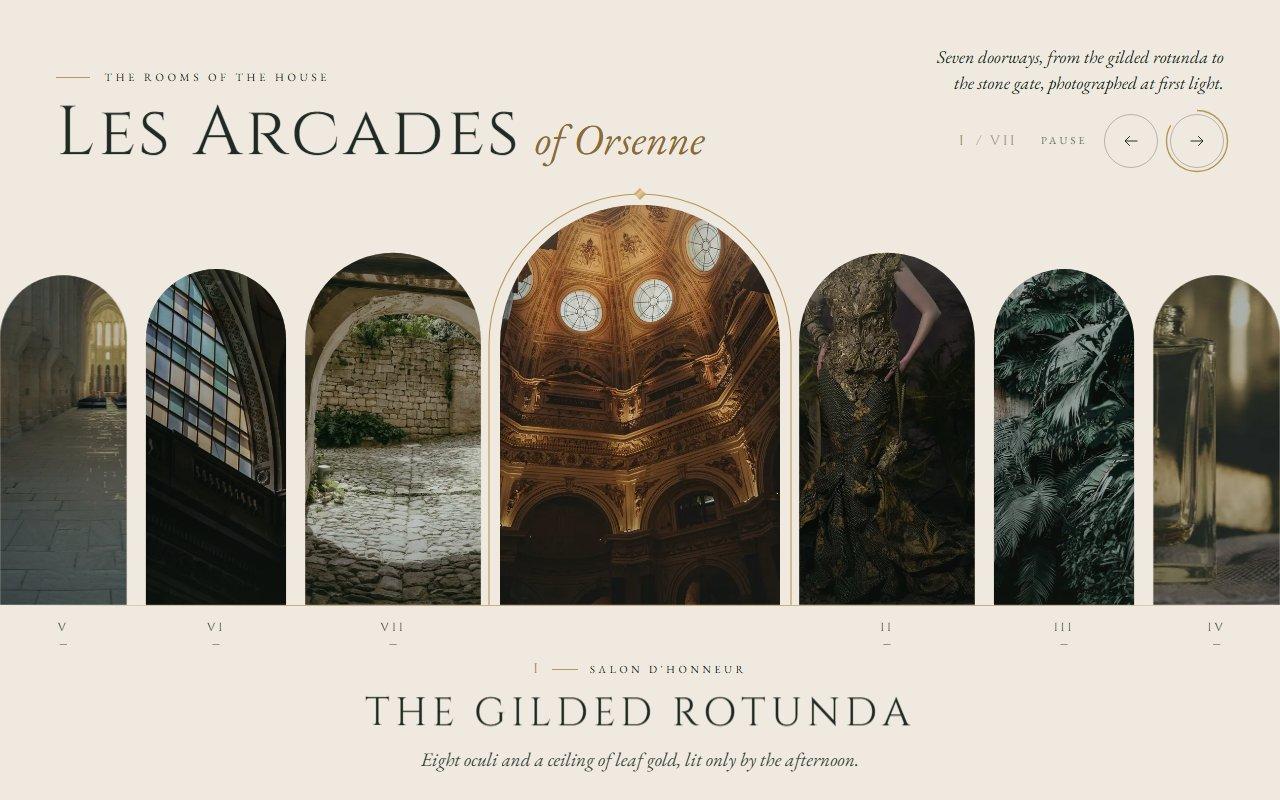
No. 120 / Carousel
GSAP Arched Window Carousel with Clip Path and Draggable for React
On Load · Drag · On Click · On Hover · Mouse Move
(02)FAQ
GSAP Watch Bezel Rotary Carousel with Canvas 2D for React — FAQ
01What do I need to install?
npm install gsap @gsap/react. Draggable and ScrambleTextPlugin both come with the gsap package. Copy dial-carousel.tsx, dial-stage.ts and dial-carousel.css into one folder. Pictures load through next/image.
02How do I change the pieces?
Pass items, each with a mark (the word engraved on the bezel), a title, a specs line, a price, an image and alt text. Six to twelve items fit the ring well. Square pictures with the piece in the middle suit the round crystal. currency, priceLabel, cta and ctaHref set the rest of the text.
03Which fonts does it use?
It reads --font-display for the titles and the engraving, and --font-mono for the specs and labels. The demo loads Marcellus and IBM Plex Mono with next/font/google as those variables. The bezel measures its letters again once the font has loaded, so the engraving is spaced correctly.
04Does it work on phones?
Yes. The layout stacks with the crystal first, and a sideways swipe on the bezel turns it while up and down swipes still scroll the page. The ring gets tighter on narrow screens so the pieces either side stay in view.
05Will the scroll wheel trap my page?
No. Sideways scrolling over the bezel always turns it, but ordinary up and down scrolling only does when the mouse has just been moved onto the metal ring. A page scrolling past under a still mouse carries on scrolling.
06What happens with reduced motion?
There's no spin-in, motion blur, seconds hand or autoplay. Turning jumps straight to the piece and the crystal crossfades. Everything else still works, including drag, keys and the buttons.
07Is it smooth without a graphics card?
It was tested in Brave with hardware acceleration switched off. Everything expensive is painted once per resize, only the part of the ring on screen is drawn, the canvas resolution is capped at 1.5x, and nothing is redrawn while the bezel is still.