GSAP Arched Window Carousel with Clip Path and Draggable for React
Overview
A looping carousel of tall arched windows for React and Next.js. The window in the middle opens wide and the rest narrow with distance, a gold outline draws itself round the centre arch, and you can drag, throw, click or use the keys.
On load the windows rise from below one after another, each mask opening upward into a round-topped arch, while the whole row glides one and a half places to the left. The heading's capitals rise out of their line, a thin gold outline then traces itself up both sides of the centre arch and meets at a small keystone, and autoplay takes over, moving one window every few seconds with a ring on the next button showing the time left.
Details
- Category
- Carousel
- Interaction
- On Load + Drag + On Click + On Hover + Mouse Move
- Trigger
- On Load
- Languages
- React, TypeScript, plain CSS
(01)Keep exploring
All 150 componentsBuilt with the same techniques
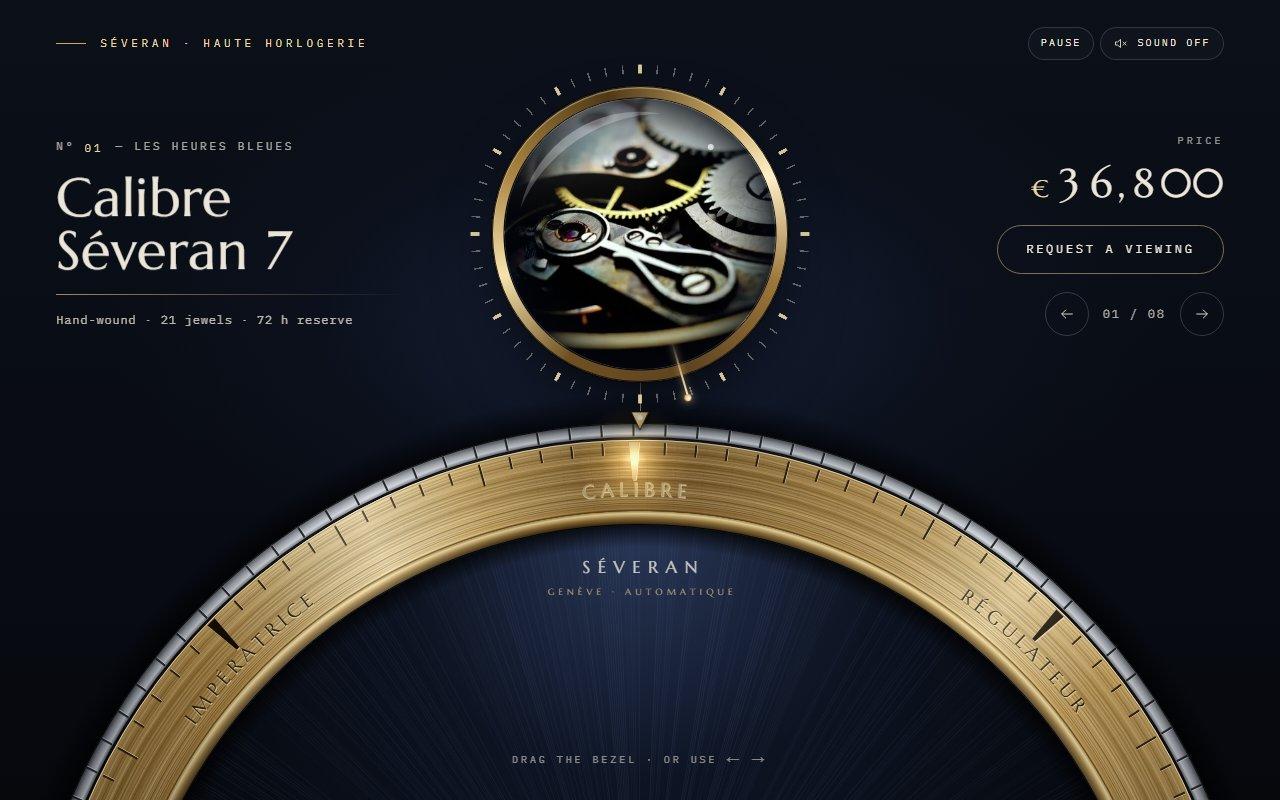
No. 123 / Carousel
GSAP Watch Bezel Rotary Carousel with Canvas 2D for React
On Load · Drag · On Click · On Scroll · Mouse Move
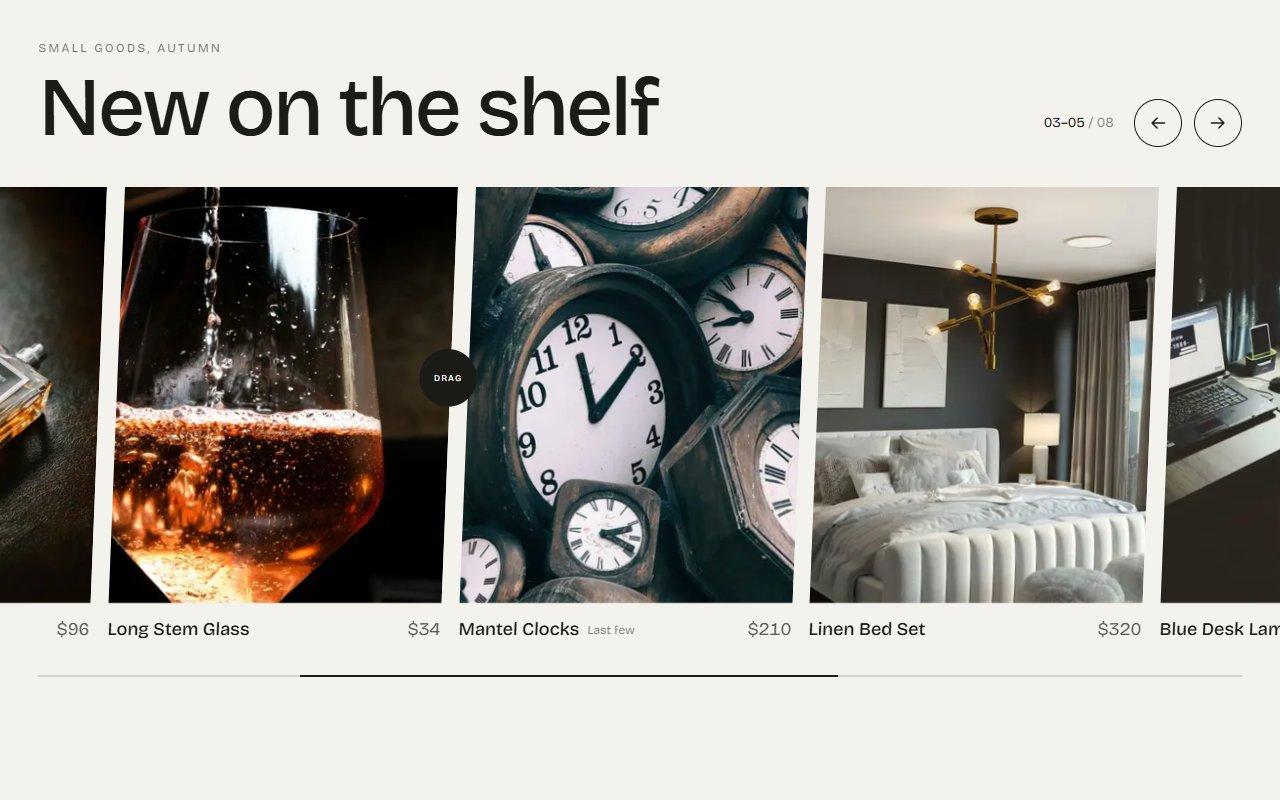
No. 043 / Carousel
GSAP Draggable Product Carousel with Inertia and Snapping
Drag · On Click · On Scroll · Mouse Move

No. 023 / Hero
GSAP Botanical Drink Slider Hero with Pour Preloader
On Load · On Scroll · Drag · Mouse Move · On Click
(02)FAQ
GSAP Arched Window Carousel with Clip Path and Draggable for React — FAQ
01What do I need to install?
npm install gsap @gsap/react. Draggable, InertiaPlugin and DrawSVGPlugin all ship in the regular gsap package. Images load through next/image, and the styles are in arch-carousel.css next to the component.
02How do I change the pictures and text?
Pass items, each with a title, a caption, an image and alt text, plus an optional place line. Six to nine items work best. Portrait images around 2:3 suit the windows, and the middle of each picture is what shows in a narrow window.
03Which fonts does it use?
It reads --font-display for the capitals and numerals and --font-text for the captions. The demo loads Cinzel and EB Garamond with next/font/google as those two variables. Without them it falls back to Trajan or Times for the capitals and Garamond for the text.
04Does it work on phones?
Yes. Swipe sideways to move the row; up and down swipes still scroll the page. The windows size themselves from the stage width, the header stacks, and the cursor badge is left out on touch screens.
05What happens with reduced motion?
The windows appear in place without rising, autoplay stays off, there's no parallax or hover widening, and the buttons, keys and drag jump straight to the next window. The outline is drawn from the start.
06Is it smooth without a graphics card?
It was tested in Brave with hardware acceleration switched off. Each frame only changes a transform and a clip-path per window, and windows that are off the stage are hidden, so it keeps close to 60 fps while dragging.
07Can I change the colours and timing?
The colours are CSS variables at the top of arch-carousel.css (--arch-paper, --arch-ink and the golds), and --arch-h sets the window height. The autoplay prop sets the seconds between moves, and 0 turns it off. Constants at the top of the component set how fast the windows narrow and how far the pictures slide.