GSAP Scroll Text on an SVG Path with DrawSVG and MotionPath
Overview
A pinned section for React and Next.js where two lines of big type ride opposite waves as you scroll, a guide line draws itself with a dot riding along it, and the background slowly shifts colour. It opens with a hero whose text flows endlessly along a curve.
The section pins when its top reaches the top of the screen, but the type starts moving the moment it scrolls into view, so it never arrives empty. A solid line travels right to left along the lower wave while an outlined one travels the other way along the upper wave, both scrubbed to the scroll by moving each textPath's startOffset. The two curves sit in separate bands with wide bends, so the large letters never cross, bunch up in the valleys or fan apart on the crests.
Details
- Category
- Scroll
- Interaction
- On Scroll + On Load
- Trigger
- On Scroll
- Languages
- React, TypeScript, Tailwind
(01)Keep exploring
All 150 componentsBuilt with the same techniques
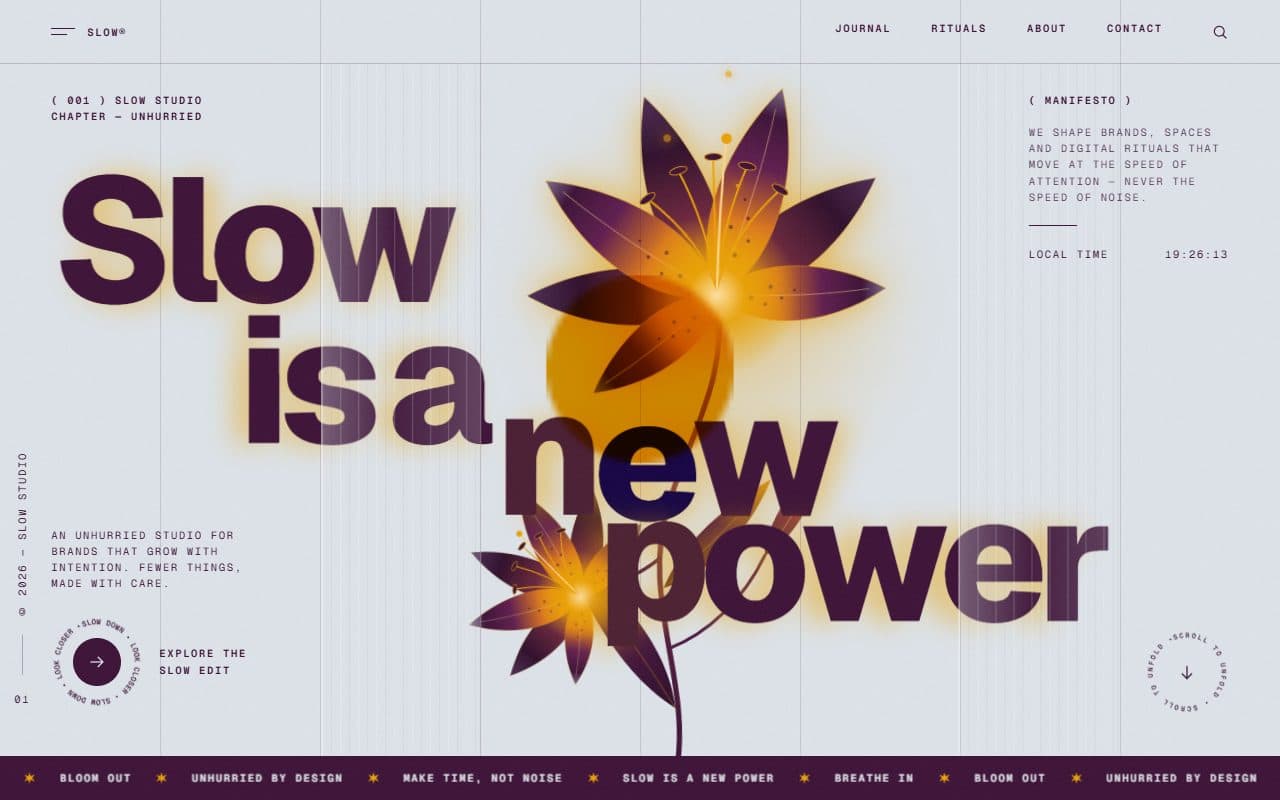
No. 020 / Preloader
GSAP Column Preloader & Blooming Lily Hero Section
On Load · On Scroll · Mouse Move · On Hover
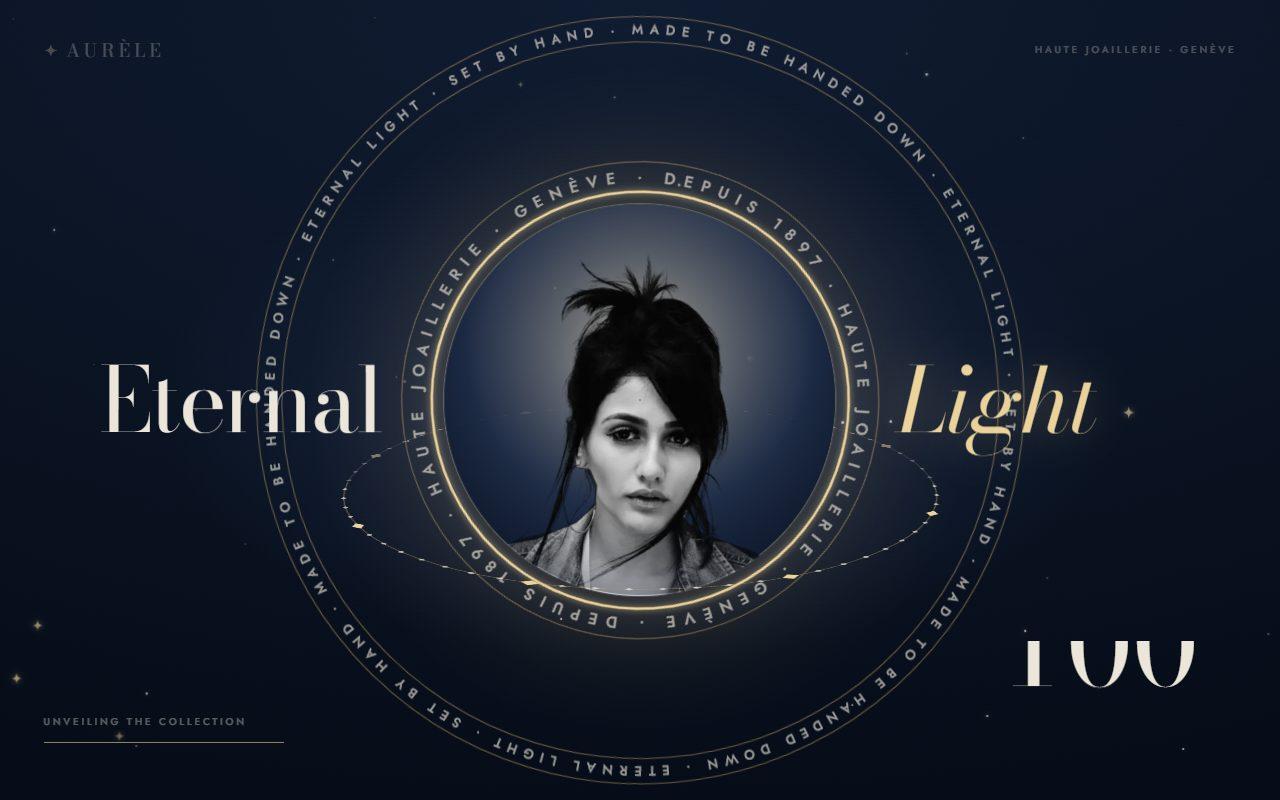
No. 137 / Preloader
GSAP Jewellery Preloader with Orbiting Text Rings and Iris Reveal
On Load · Mouse Move
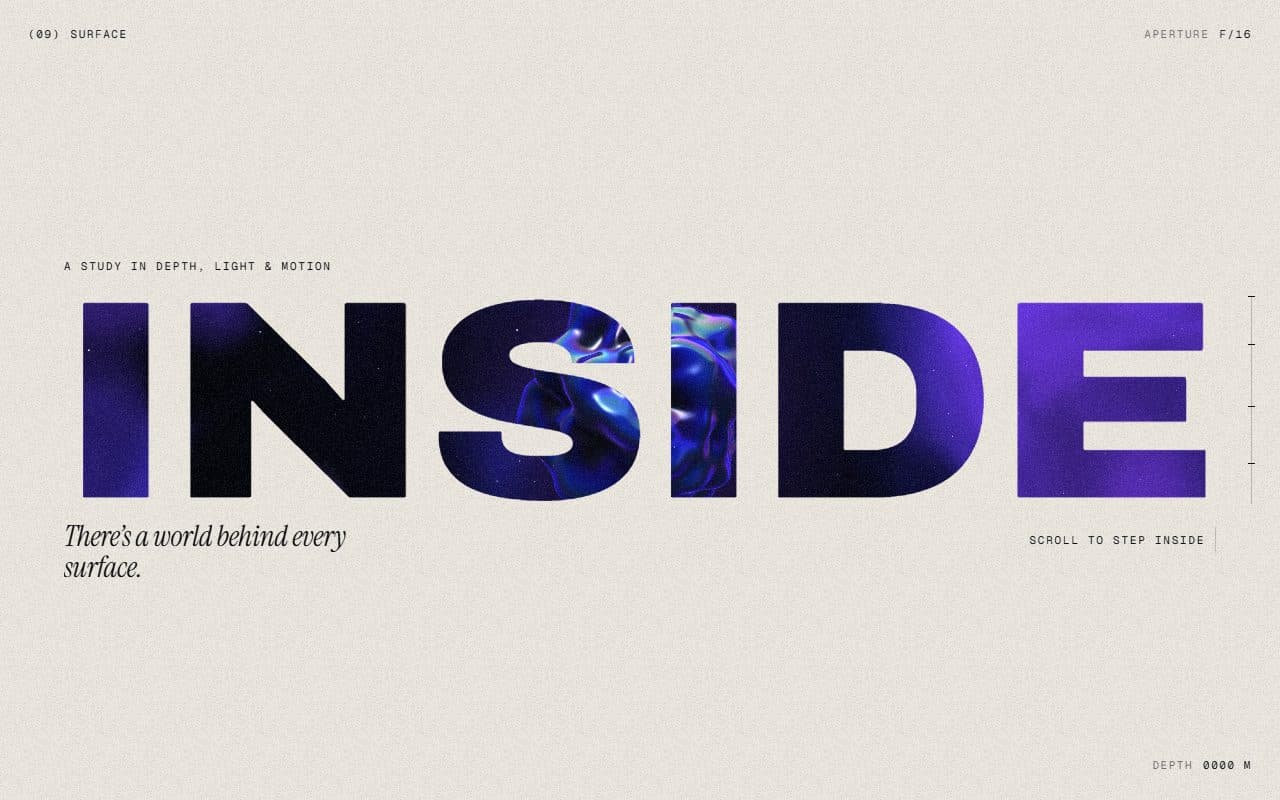
No. 018 / Scroll
GSAP WebGL Knockout Dive & Aperture Scroll Section
On Scroll · On Load · Mouse Move · On Hover
(02)FAQ
GSAP Scroll Text on an SVG Path with DrawSVG and MotionPath — FAQ
01What do I need to install?
npm install gsap @gsap/react, plus lenis if you keep the optional smooth scroll. ScrollTrigger, DrawSVG, MotionPath and SplitText all come with gsap. It's styled with Tailwind CSS v4.
02How do I change the text?
TextPathScroll takes text (the solid line), outlineText, label, heading and note. Wrap a word of the heading in <em> to set it in the serif in the accent colour. PathHero takes title, phrase and badge.
03Can I use the section without the hero?
Yes. PathHero is optional. Put TextPathScroll anywhere on the page; set background to match the section above it so there's no seam as it scrolls in.
04How long does it stay pinned?
Three screen heights by default. Change it with length; the text, the line and the colour shift stretch to fit.
05Which fonts does it use?
The wave text and the word in <em> are set in Instrument Serif: load it with next/font as the --font-instrument-serif variable, as the example does (it falls back to Georgia). Labels use your mono font and the rest your page's sans.
06Does it work with my own Lenis?
Yes. Render the SmoothScroll that comes with it once on the page, or skip it and connect your own Lenis with lenis.on("scroll", ScrollTrigger.update).
07What happens with reduced motion?
Nothing pins or loops. The line is fully drawn, both texts sit still near the start of their curves, and the hero shows straight away.