GSAP 3D Ring Carousel Hero in Canvas 2D: Showroom Rotunda for React
Overview
A hero carousel for React and Next.js: framed pieces stand on a ring in a dark showroom, seen from a little above, with reflections on a glossy black floor. It turns slowly on its own, spins with a drag and brings any card you click to the front.
On load every card sits in one stack at the front of the floor. Within the first second they fly out around the ring while the whole ring spins a full turn and slows to a stop, and the heading rises letter by letter. Each card is a framed print with a black lacquer frame, a gold fillet and a gilded edge you can see as it turns. Cards at the back show their lacquered backs, everything darkens as it leaves the spotlight, a glint slides across the glass of the front cards, and each one is mirrored on the floor.
Details
- Category
- Carousel
- Interaction
- On Load + Drag + On Click + On Hover + Mouse Move
- Trigger
- On Load
- Languages
- React, TypeScript, Tailwind
(01)Keep exploring
All 150 componentsBuilt with the same techniques
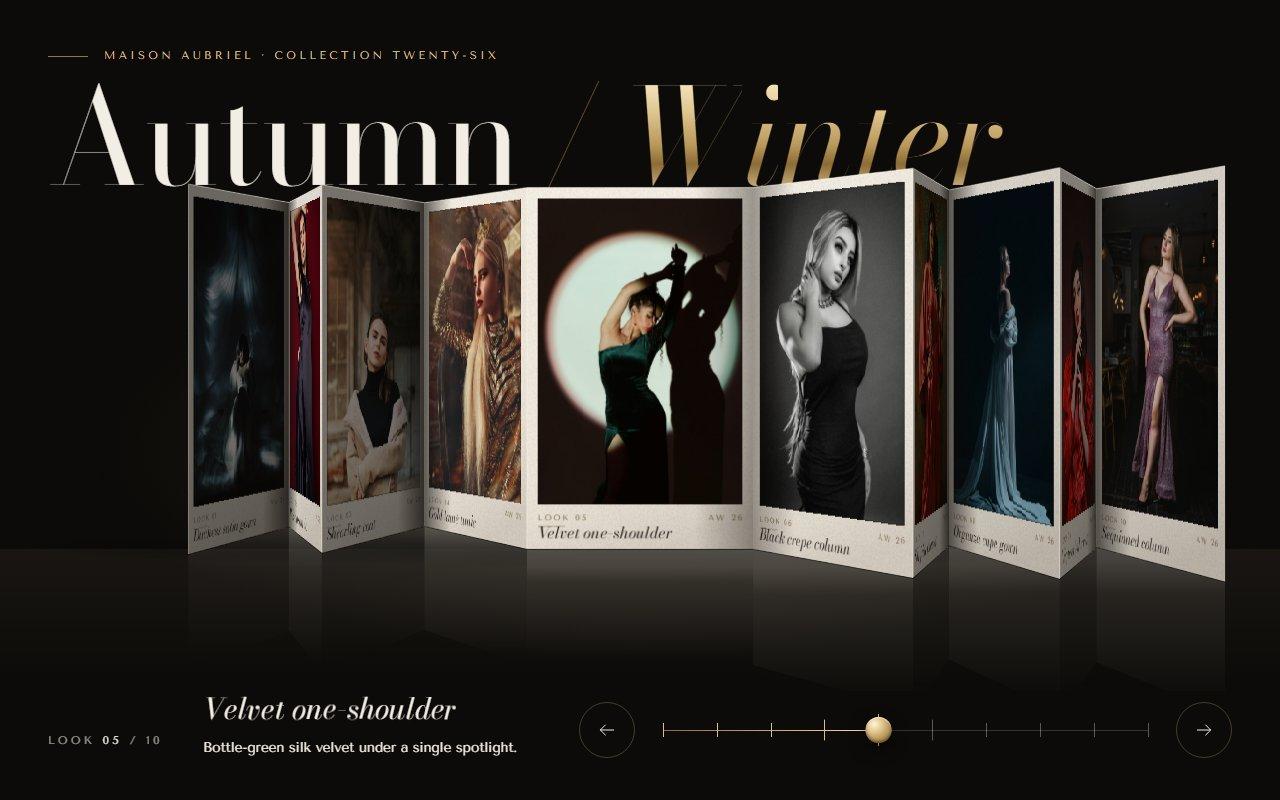
No. 122 / Carousel
GSAP Concertina Carousel: Folded Lookbook Strip in Canvas 2D Perspective for React
On Load · Drag · On Click · On Hover · Mouse Move
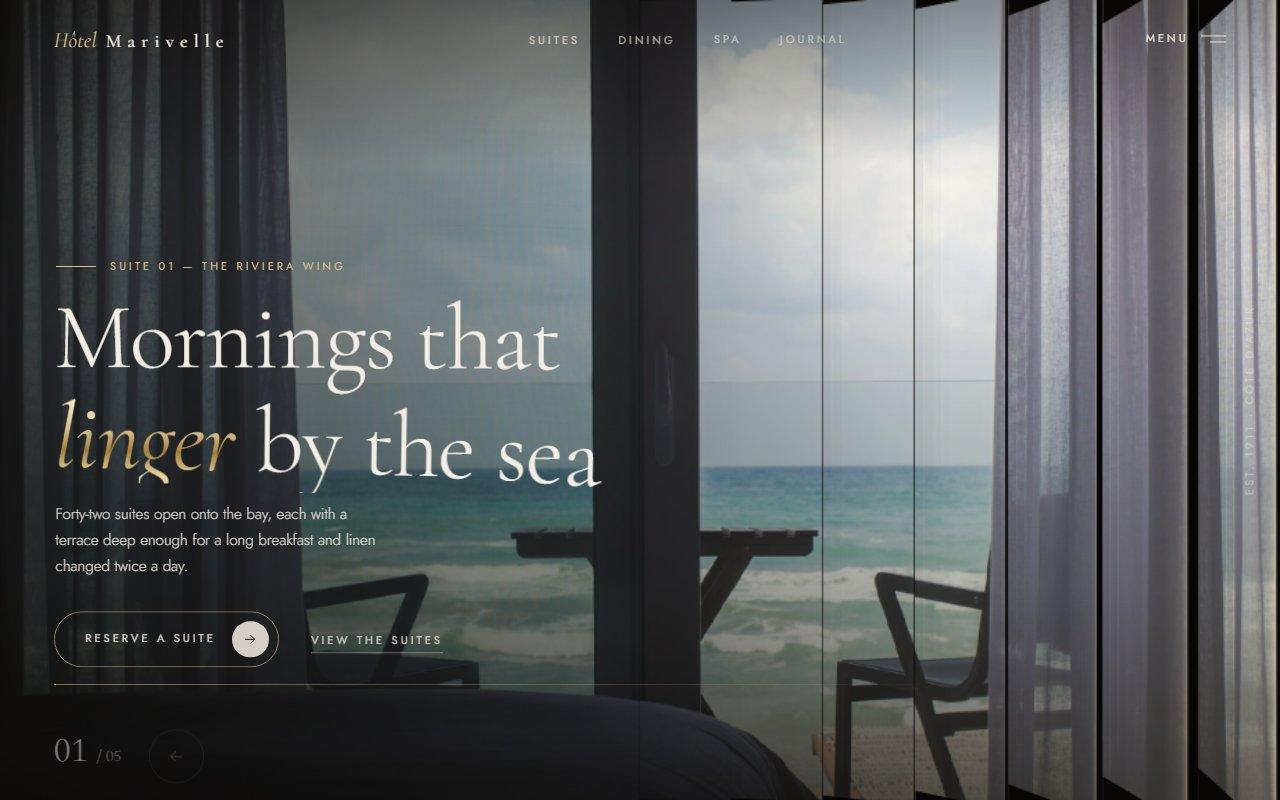
No. 125 / Hero
Louvred Shutter Hero Carousel with Canvas 2D Slats and GSAP for React
On Load · Drag · On Click · On Hover · Mouse Move
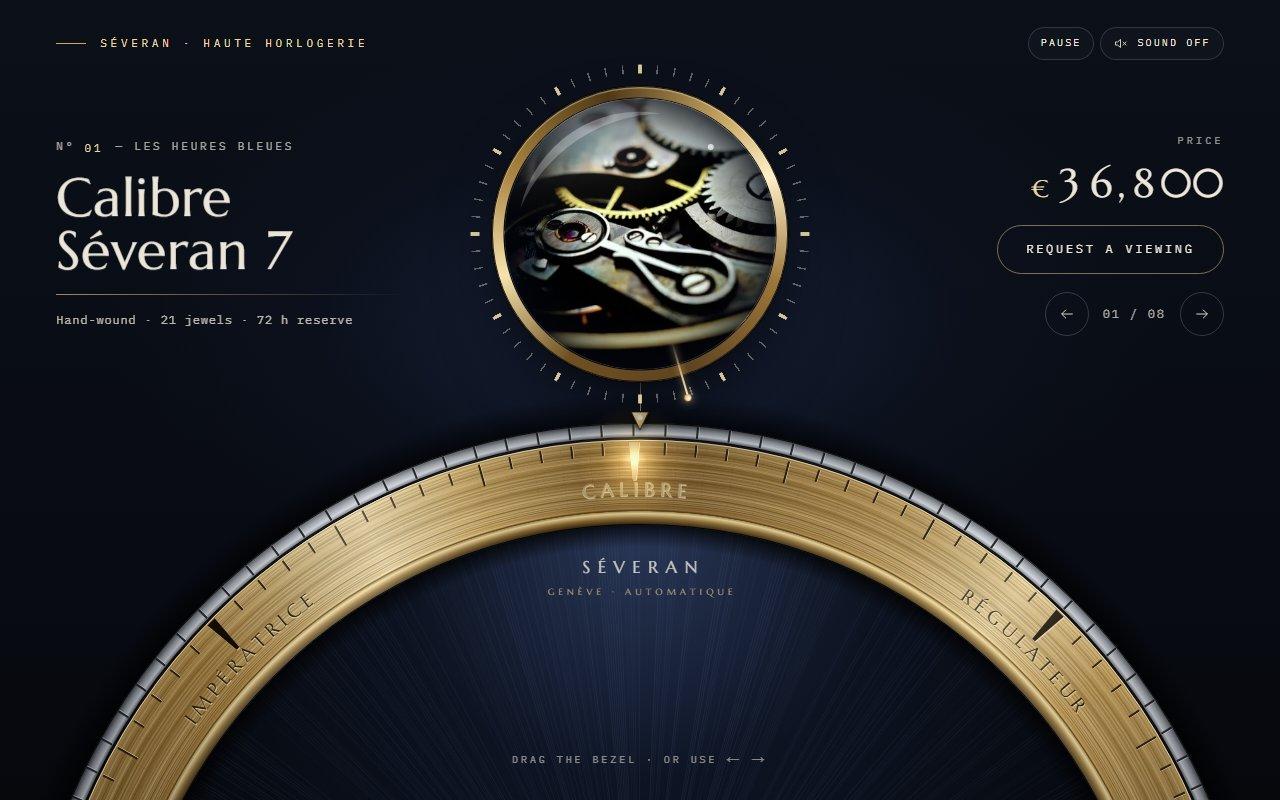
No. 123 / Carousel
GSAP Watch Bezel Rotary Carousel with Canvas 2D for React
On Load · Drag · On Click · On Scroll · Mouse Move
(02)FAQ
GSAP 3D Ring Carousel Hero in Canvas 2D: Showroom Rotunda for React — FAQ
01What do I need to install?
npm install gsap @gsap/react, and Tailwind CSS v4 for the layout classes. The folder ships its own CSS file. There's no 3D library: the ring is projected in a small TypeScript file and drawn with Canvas 2D.
02How do I change the pieces and the nav?
Pass a pieces array: an image, alt text, a title, an optional detail line and href, and optional focusX and focusY to choose the crop. Portrait photos around 3:4 fit best, and eight to twelve pieces make a good ring. brand, links and cta fill the nav; leave all three out to drop it. eyebrow, heading, headingAccent and intro set the copy.
03Which fonts does it use?
It reads three CSS variables: --font-display for the large titles, --font-display-italic for the italic line of the heading, and --font-sans for labels and copy. The demo loads Libre Caslon Display, Libre Caslon Text italic (the display cut has no italic) and Figtree with next/font/google. Without them it falls back to Big Caslon or Times and a system sans.
04Does it work on phones?
Yes. The front card is sized to the screen width, a horizontal swipe spins the ring, a tap on a card brings it forward, and a vertical swipe still scrolls the page.
05What happens with reduced motion?
The ring is drawn in place from the start, it doesn't turn by itself, and the arrows, keys and clicks move straight to a card. Dragging still turns it, because it only follows your hand.
06How does it run without a graphics card?
Each photograph is cropped once into an offscreen canvas, and a frame copies narrow columns of it into place for the cards facing you, plus their reflections. Frames, fillets, backs, edges, light and shade are plain fills. Fast moves (the opening, a throw) are drawn with fewer pixels, and nothing is drawn while nothing moves. It was tested in Brave with hardware acceleration turned off.
07Can I change the look of the room?
The floor, spotlight and back wall are CSS gradients at the top of rotunda-carousel.css, along with the gold and ivory variables. The ring radius, camera height, card proportions and reflection length are constants in rotunda-stage.ts, and speed sets how fast it turns on its own.