GSAP Hotel Booking Widget with Date Range Calendar and Wax Seal Confirmation
Overview
A luxury hotel reservation card for React and Next.js: a month calendar with a flowing gold range ribbon, a velvet suite switch, rolling prices and a Reserve button that turns into a stamped wax seal.
On load the card rises into place, its gold frame draws itself, the days of the month ripple in on a diagonal, the stay's ribbon flows from check-in to check-out and the total counts up on rolling digits. After that a point of light keeps travelling round the frame, light runs along the ribbon and the suite photograph drifts slowly inside its arch.
Details
- Category
- Forms
- Interaction
- On Load + On Hover + On Click
- Trigger
- On Load
- Languages
- React, TypeScript, plain CSS
(01)Keep exploring
All 150 componentsBuilt with the same techniques
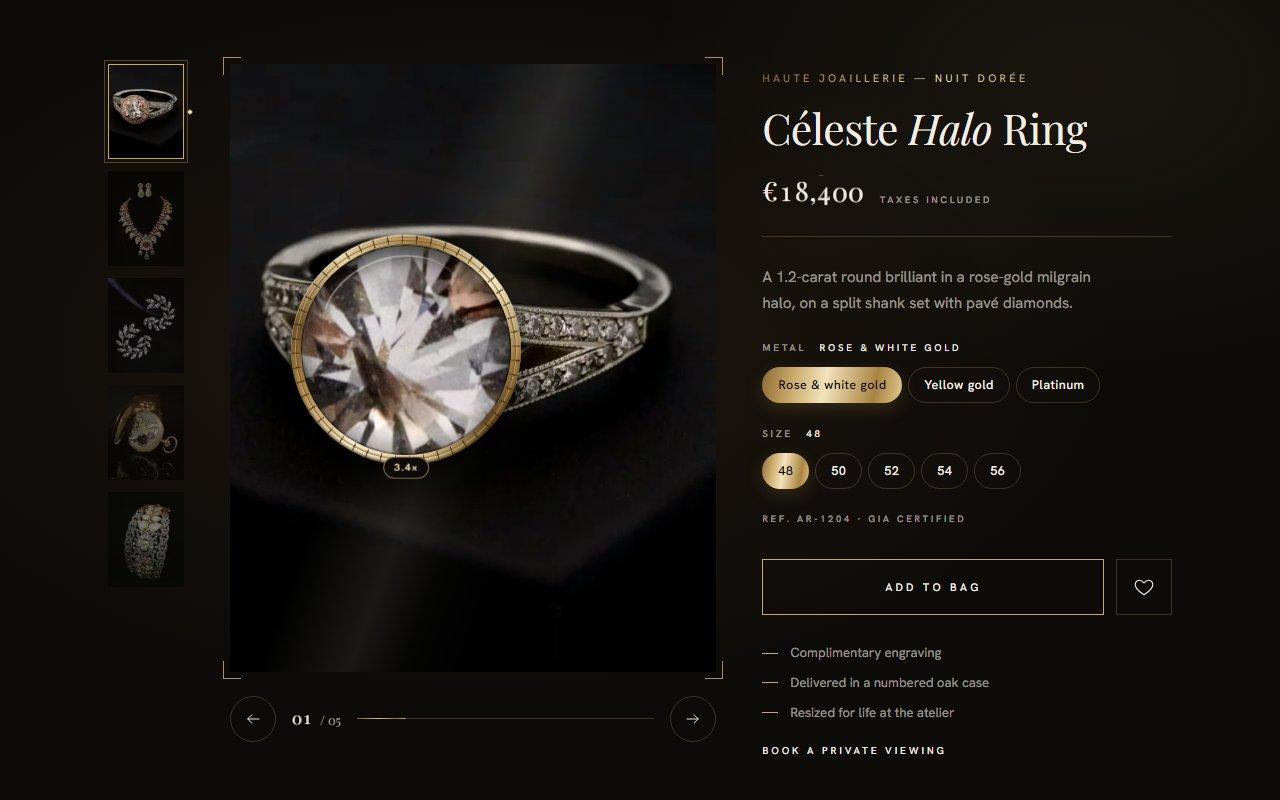
No. 126 / Product
GSAP Jewellery Product Gallery with Magnifying Loupe and Iris Transitions for React
On Load · On Hover · Mouse Move · On Click · Drag
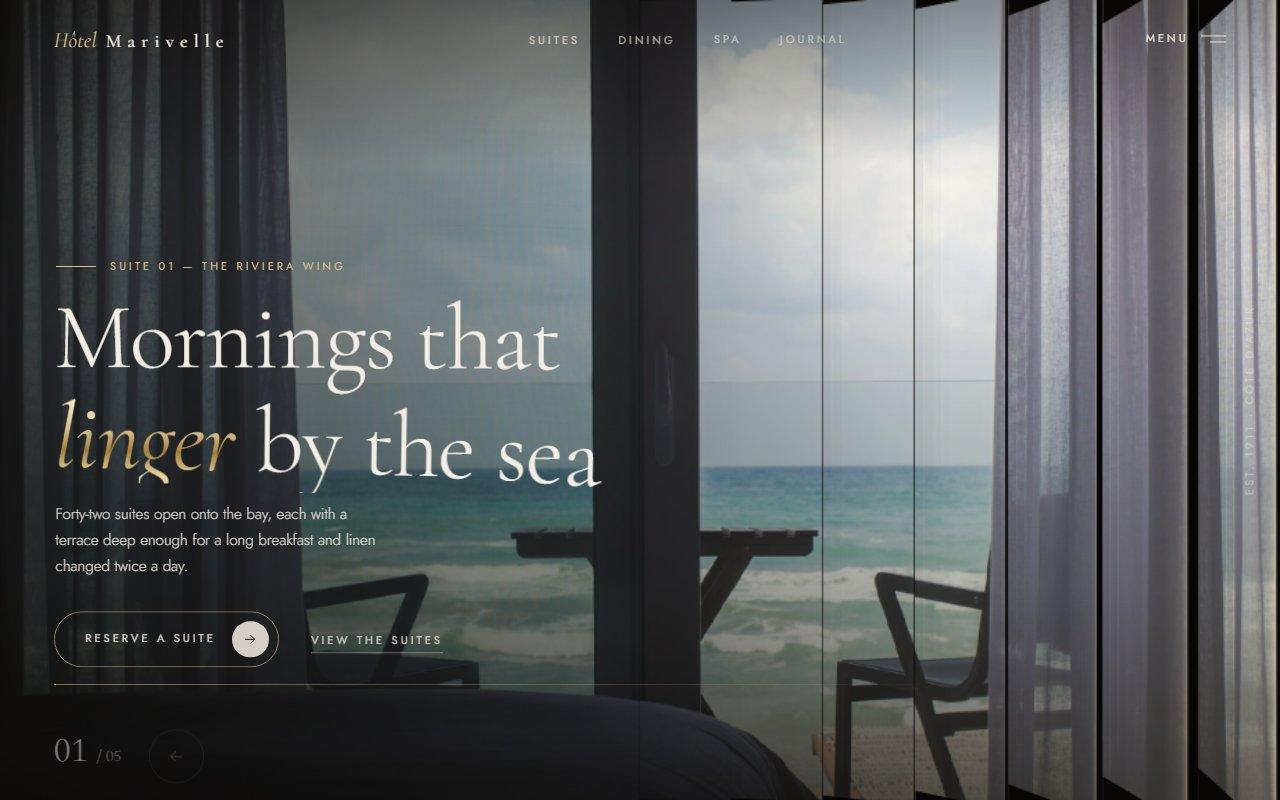
No. 125 / Hero
Louvred Shutter Hero Carousel with Canvas 2D Slats and GSAP for React
On Load · Drag · On Click · On Hover · Mouse Move
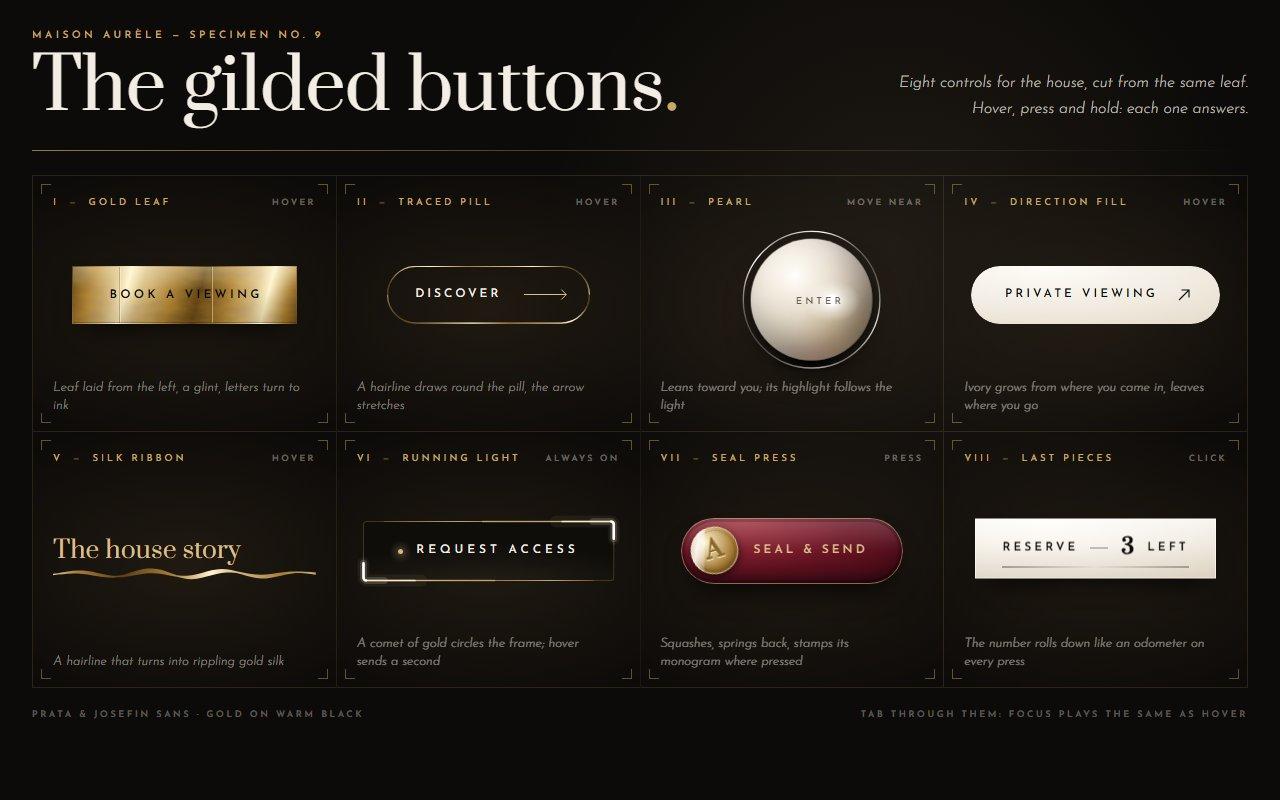
No. 124 / Buttons
GSAP Luxury Button Micro-Interactions: Gold Leaf, Magnetic Pearl and Running Light
On Hover · On Click · Mouse Move · On Load
(02)FAQ
GSAP Hotel Booking Widget with Date Range Calendar and Wax Seal Confirmation — FAQ
01How do I install it?
npm install gsap @gsap/react, then copy reserve-widget.tsx, wax-seal.ts and reserve-widget.css into one folder. The suite photographs load through next/image; outside Next.js, swap Image for an img tag.
02How do I add my own suites and prices?
Pass suites, each with a name, a short label for the switch, a note, a nightly rate, how many it sleeps, an image and alt text. extraGuest adds a supplement per night for each guest after the second, and currency and locale format the money.
03How do I receive the booking?
onReserve is called with the suite, the check-in and check-out as YYYY-MM-DD, the nights, guests and total. The widget sends nothing itself, and the confirmation plays straight away, so post the booking to your system there and handle failures your own way.
04Which dates can be chosen?
defaultCheckIn and defaultCheckOut set the starting stay and the month the calendar opens on. For a stay that moves with the calendar, pass defaultStay instead, e.g. { inDays: 21, nights: 4 }; with neither, it opens on the current month. Days before today are struck through. Pass today as YYYY-MM-DD, or leave it out to use the visitor's clock, which is read after hydration so the server and browser render the same.
05Which fonts does it use?
The demo loads Cormorant and Outfit with next/font as --font-display and --font-sans. The widget reads those variables and falls back to Cormorant Garamond or Georgia and Helvetica Neue. The seal's monogram is painted in the display font after the fonts have loaded.
06Does it work on phones?
Yes. Below about 760 px the columns stack: a small arched photo beside the suite name, then the calendar, then the details. Days are 40 px tall touch targets, nothing depends on hover, and the page scrolls normally when you swipe over the card.
07Will it run without a graphics card?
It uses no WebGL. Animation is transforms, opacity and a few clip paths, and the only canvas work is the seal, painted once. In Brave with hardware acceleration switched off, hovering the calendar and the whole reserve sequence run at 57 to 60 fps.