Zoom Through the Wordmark Hero with Canvas Text Mask and GSAP for React
Overview
A couture hero for React and Next.js. A giant wordmark rises with a photograph showing only inside its letters, then the camera flies through one letter until the photograph fills the screen and the page arrives around it.
A gold hairline draws across the dark stage, then the letters of the wordmark rise out of it while their spacing closes in from very wide. The photograph shows only inside the letters, panning slowly behind them, with a warm light on the type and a band of light crossing it. Then the camera flies through the thickest stroke of one letter, slowly at first and then in a plunge, the letters' edges picked out in gold as they grow, until the photograph fills the screen and settles from 1.28 to its resting size.
Details
- Category
- Hero
- Interaction
- On Load + On Scroll + Mouse Move + On Hover
- Trigger
- On Load
- Languages
- React, TypeScript, plain CSS
(01)Keep exploring
All 150 componentsBuilt with the same techniques
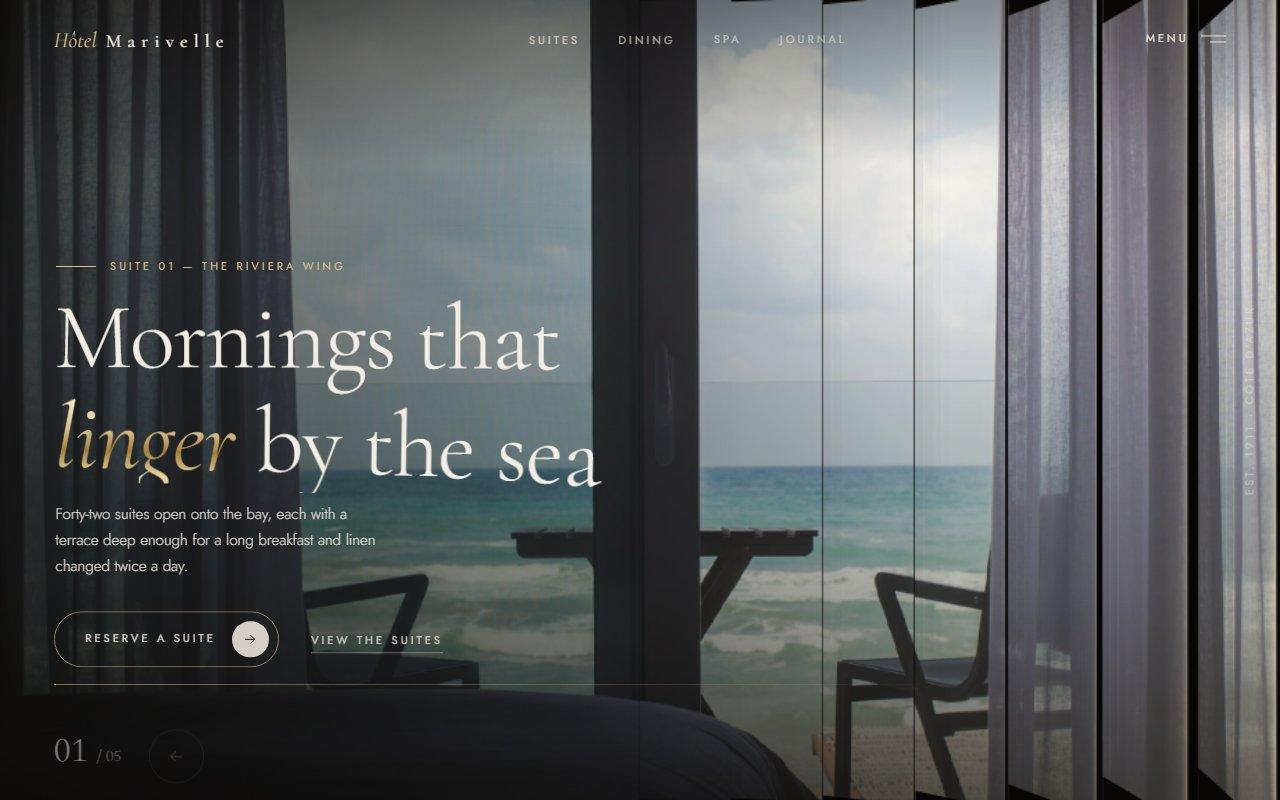
No. 125 / Hero
Louvred Shutter Hero Carousel with Canvas 2D Slats and GSAP for React
On Load · Drag · On Click · On Hover · Mouse Move
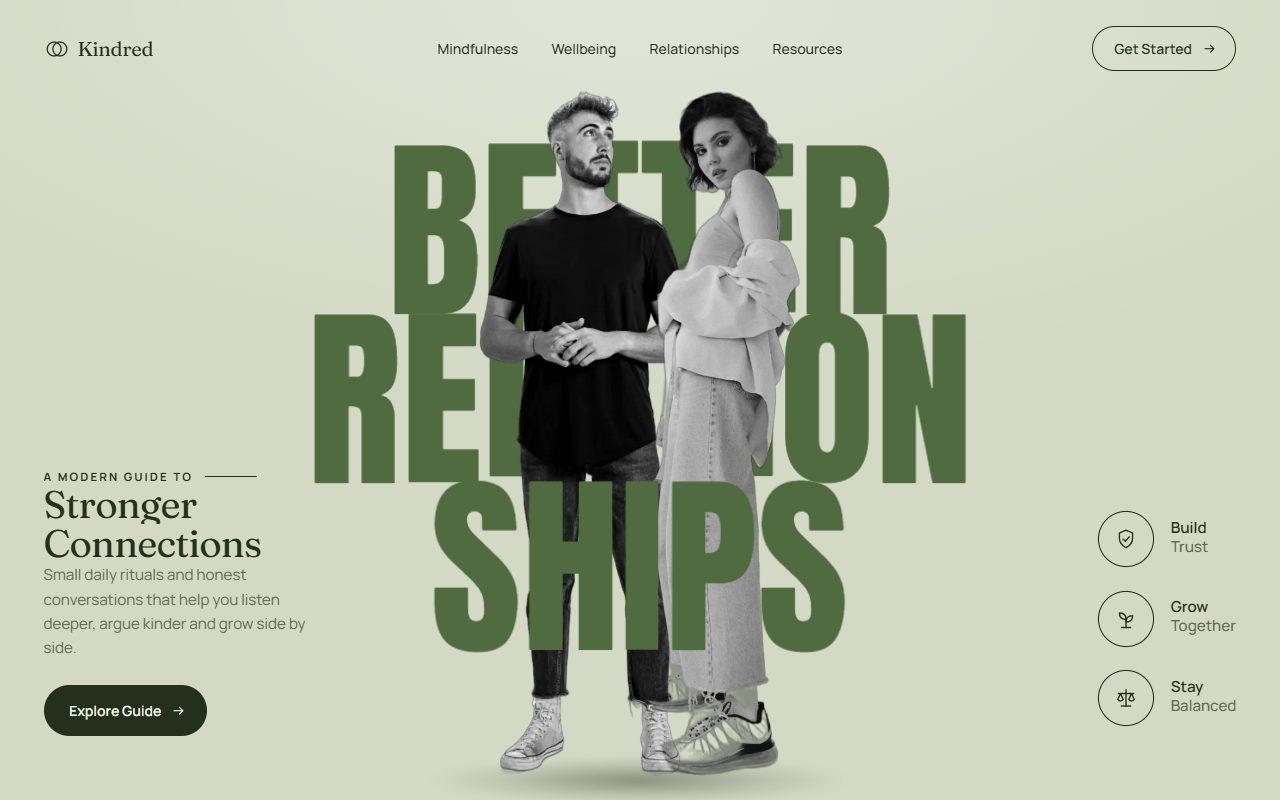
No. 140 / Hero
GSAP Layered Typography Hero with Cut-Out Couple and Depth Parallax
On Load · Mouse Move · On Hover · On Scroll
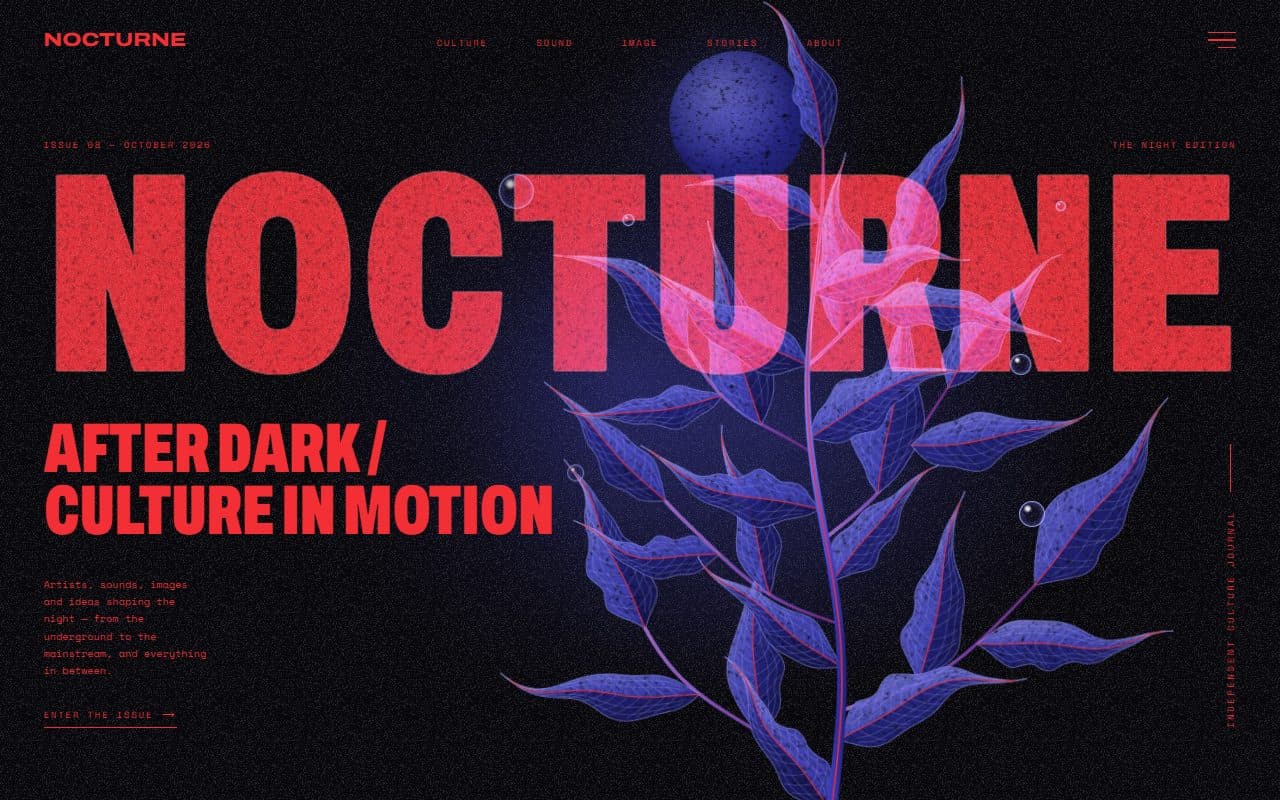
No. 022 / Hero
GSAP Editorial Night Hero with Growing Botanical SVG
On Load · Mouse Move · On Hover · On Click
(02)FAQ
Zoom Through the Wordmark Hero with Canvas Text Mask and GSAP for React — FAQ
01What do I need to install?
npm install gsap @gsap/react. ScrollTrigger and SplitText ship in the regular gsap package. The styles are in a plain CSS file next to the component, so it doesn't need Tailwind.
02Which fonts does it use?
Three CSS variables: --font-display for the wordmark and headline (Gloock in the example), --font-italic for the accent word (Playfair Display italic, because Gloock has no italic) and --font-sans for everything else (Manrope). The example loads them with next/font/google on the page's root. The wordmark is measured after the browser reports its font loaded, so the letters are drawn exactly where the font puts them.
03How do I change the wordmark, photograph or letter it flies through?
Set wordmark, image and alt. focus ({ x, y }, 0 to 1) is the point of the photograph the crop keeps in view on any screen shape. By default it flies through the letter with the thickest stroke; set zoomLetter to a letter's index to choose one. Short, heavy words in a high-contrast serif work best, and a photograph with bright detail near its middle reads well inside the letters.
04Does it work on phones?
Yes. The word spans a little more of the width on a phone, the seal moves to the top right, the scroll cue hides and the navigation shows Menu and the last link on each side. With no mouse, the light wanders across the photograph by itself.
05What happens with reduced motion?
The opening is skipped and the finished page shows at once: no zoom, drift, cursor light, turning seal or scroll effects. Every link still works.
06How fast is it without a GPU?
It was tested in Brave with hardware acceleration switched off, at 1280x800 and on a 360px phone, where it holds about 60fps through the opening, at rest, with the cursor moving and while scrolling. The canvas is capped with maxDpr (1.5 by default) and renders at 72% during the zoom, which happens too fast to see. The flight draws no text at all: the letters are pre-rendered masks, which is both cheaper and steadier than drawing huge glyphs every frame.
07What should come after it?
Any section with a background. The hero doesn't pin: as the page scrolls, its picture moves down at half speed inside it, so the next section appears to slide over the top.