GSAP Sticky Scroll Features with Measuring-Tape Annotations
Overview
A tailoring features section on a Swiss 12-column grid: the model stays pinned while Fabric, Fit, Finish and Fitting scroll past, and each step draws a measuring tape across the figure, counts up its number, lights a spot and opens a cloth swatch.
A mid-page features section for a tailoring or menswear atelier, laid out on a visible Swiss grid. As it scrolls in, twelve hairline columns draw down the page and the headline words, each set in a ruled box with its grid coordinates on a camel tab, slide along the columns from a scattered layout into place with GSAP Flip.
Details
- Category
- Features
- Interaction
- On Scroll + On Hover + Mouse Move + On Click
- Trigger
- On Scroll
- Languages
- React, TypeScript, plain CSS
(01)Keep exploring
All 150 componentsBuilt with the same techniques
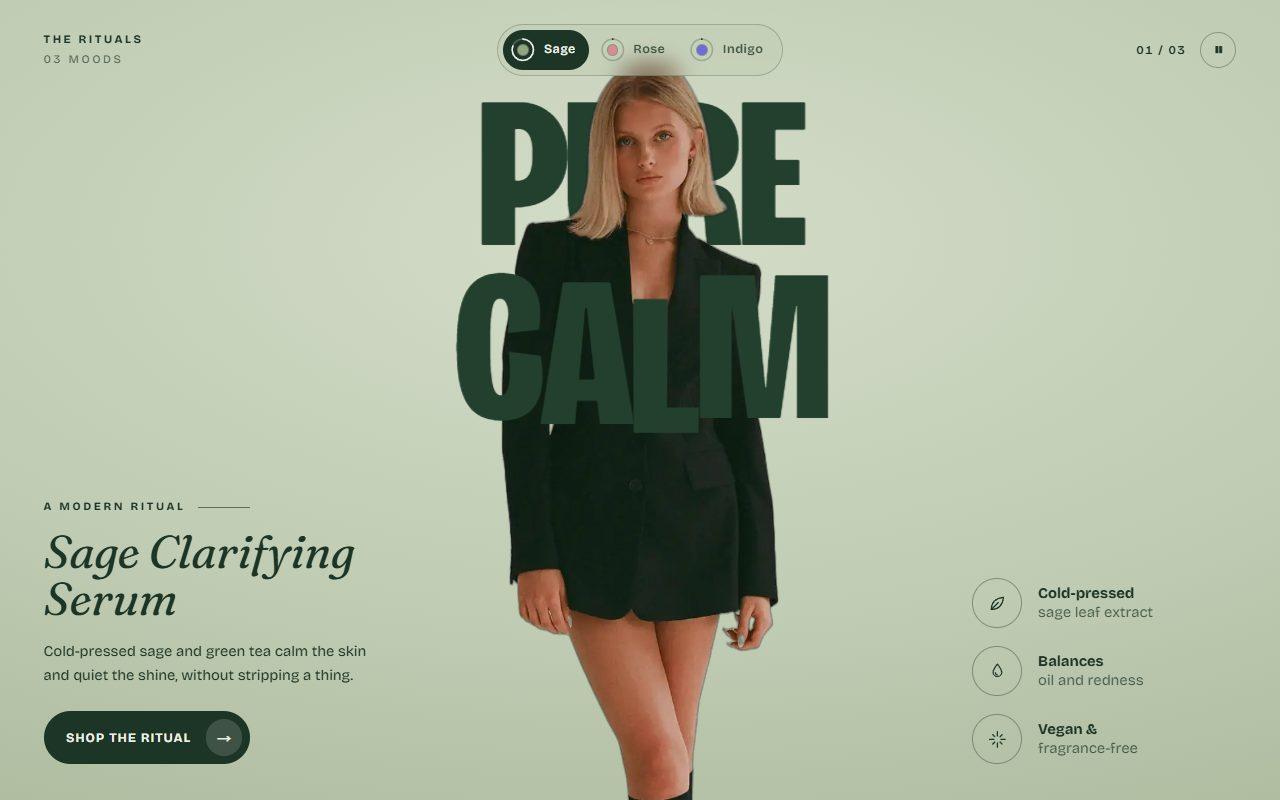
No. 144 / Tabs
GSAP Theme Shift Tabs with Circle Wipe, 3D Letter Flips and Flip Pill
On Click · On Scroll · Mouse Move · On Hover · Autoplay
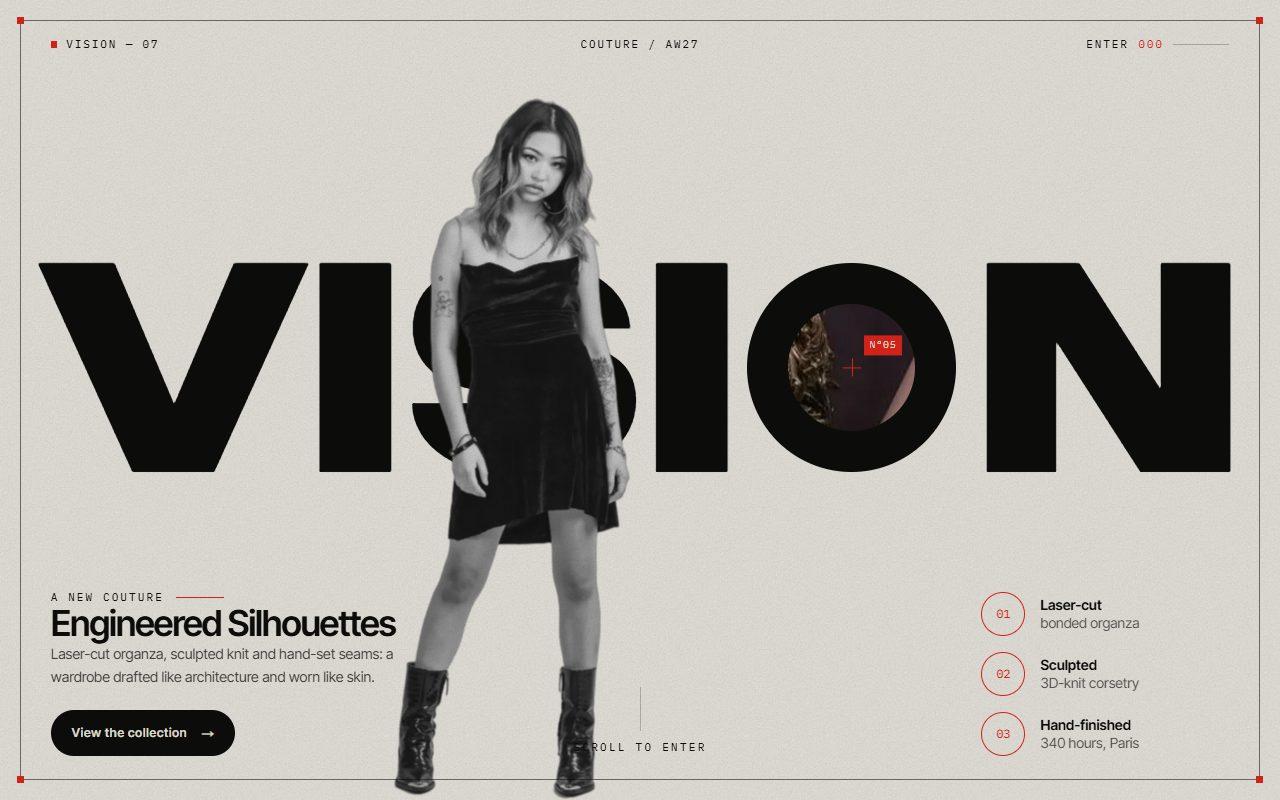
No. 145 / Scroll
GSAP Zoom Portal Scroll Transition Through a Letter with Pinned ScrollTrigger
On Scroll · Mouse Move · On Click · On Load
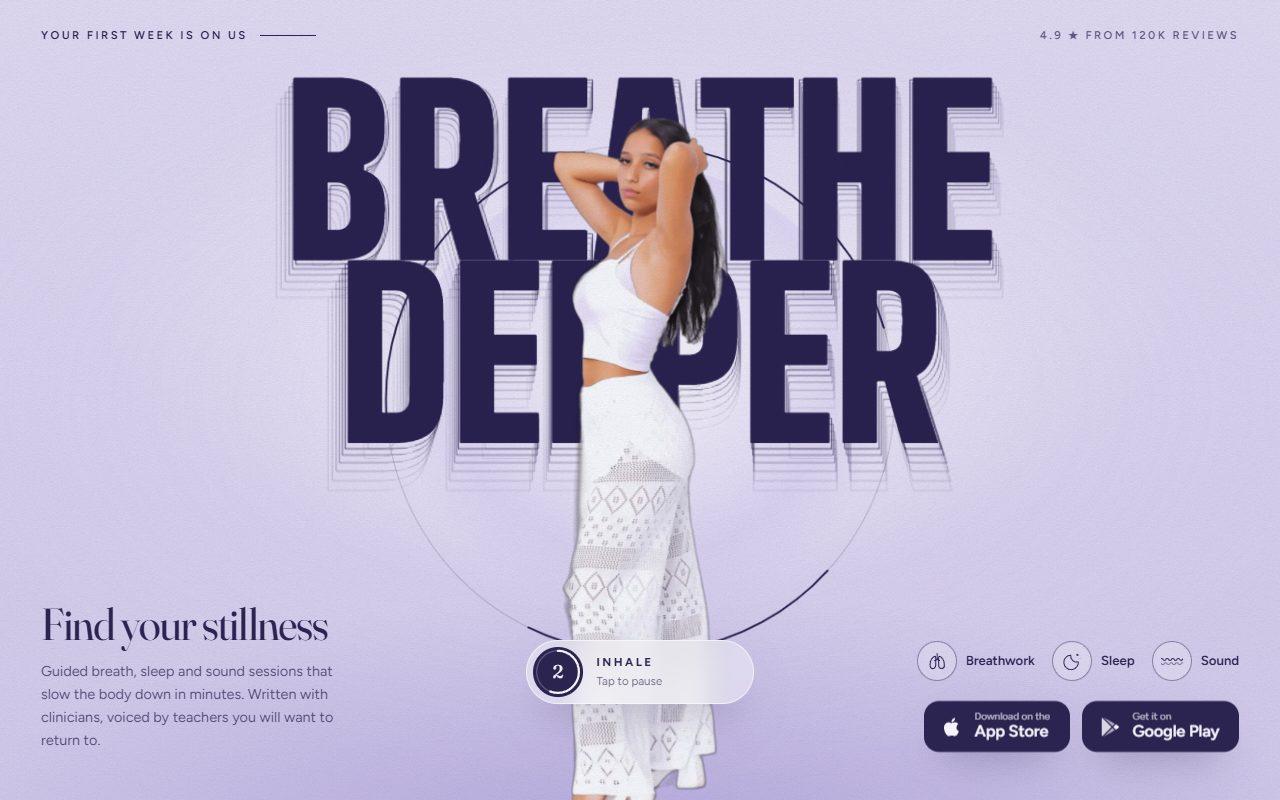
No. 131 / CTA
GSAP Breathing Call to Action with Cursor Echo Trail
On Scroll · Mouse Move · On Hover · On Click · Autoplay
(02)FAQ
GSAP Sticky Scroll Features with Measuring-Tape Annotations — FAQ
01What do I need to install?
npm install gsap @gsap/react. ScrollTrigger, DrawSVGPlugin and Flip ship with gsap. The styles are plain CSS, so it doesn't need Tailwind, and it uses next/image for the cut-out.
02Which fonts does it use?
Antonio for the headline and numbers as --font-antonio, Cormorant Garamond for titles and copy as --font-cormorant, and IBM Plex Mono for labels as --font-plex-mono. The example loads all three with next/font; each falls back to a system face.
03How do I place the measurements on my own photo?
Every point is a fraction of the cut-out, so [0, 0] is its top left and [1, 1] its bottom right. Give each step a measure with from and to for the tape (values just outside 0–1 run it beside the figure), a spot for the highlight and a side for the label. They stay put at any screen size.
04Can I have more or fewer steps?
Yes. Pass any number of steps; each one brings its own measurement, swatch and index tab. Three to five reads best.
05How does it behave on phones?
The stage pins to the top of the screen and the steps scroll beneath it, so every measurement still draws in as its step arrives. The index shows numbers only and the swatches open toward the figure so nothing runs off screen.
06What happens with reduced motion?
The grid, headline and every measurement are shown finished, with no drawing, sliding, counting, parallax or pulse. The current step still lights its spot and swatch as you scroll, and the index still jumps between steps.