GSAP Magazine Cover Card Stack with 3D Tilt, Sheen and Throw-to-Back Flip
Overview
A fanned stack of magazine covers: the front one tilts in 3D under a glossy sheen, and a click, drag or flick throws it off the pile and flips it to the back while the next issue's masthead flips up and its cover lines scramble in.
A section for an editorial or fashion brand that shows its issues as a pile of real magazine covers. Each cover has a giant serif masthead with the model's head overlapping it, an italic headline, cover lines, a rotated tag, the issue strip and a generated barcode, all in that issue's own palette. When the section scrolls into view the covers are dealt onto the pile one by one and the front cover's lines scramble in.
Details
- Category
- Cards
- Interaction
- On Scroll + Mouse Move + On Hover + On Click + Drag
- Trigger
- On Scroll
- Languages
- React, TypeScript, plain CSS
(01)Keep exploring
All 150 componentsBuilt with the same techniques
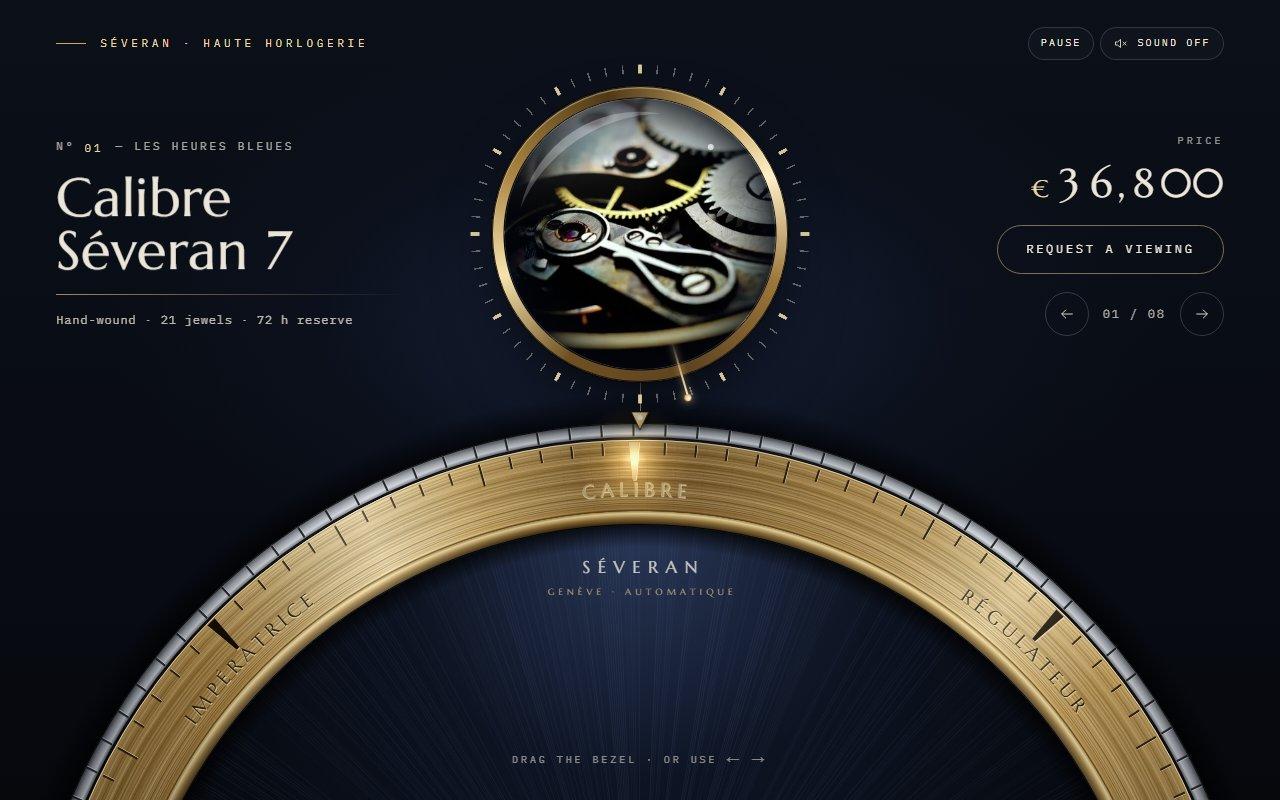
No. 123 / Carousel
GSAP Watch Bezel Rotary Carousel with Canvas 2D for React
On Load · Drag · On Click · On Scroll · Mouse Move
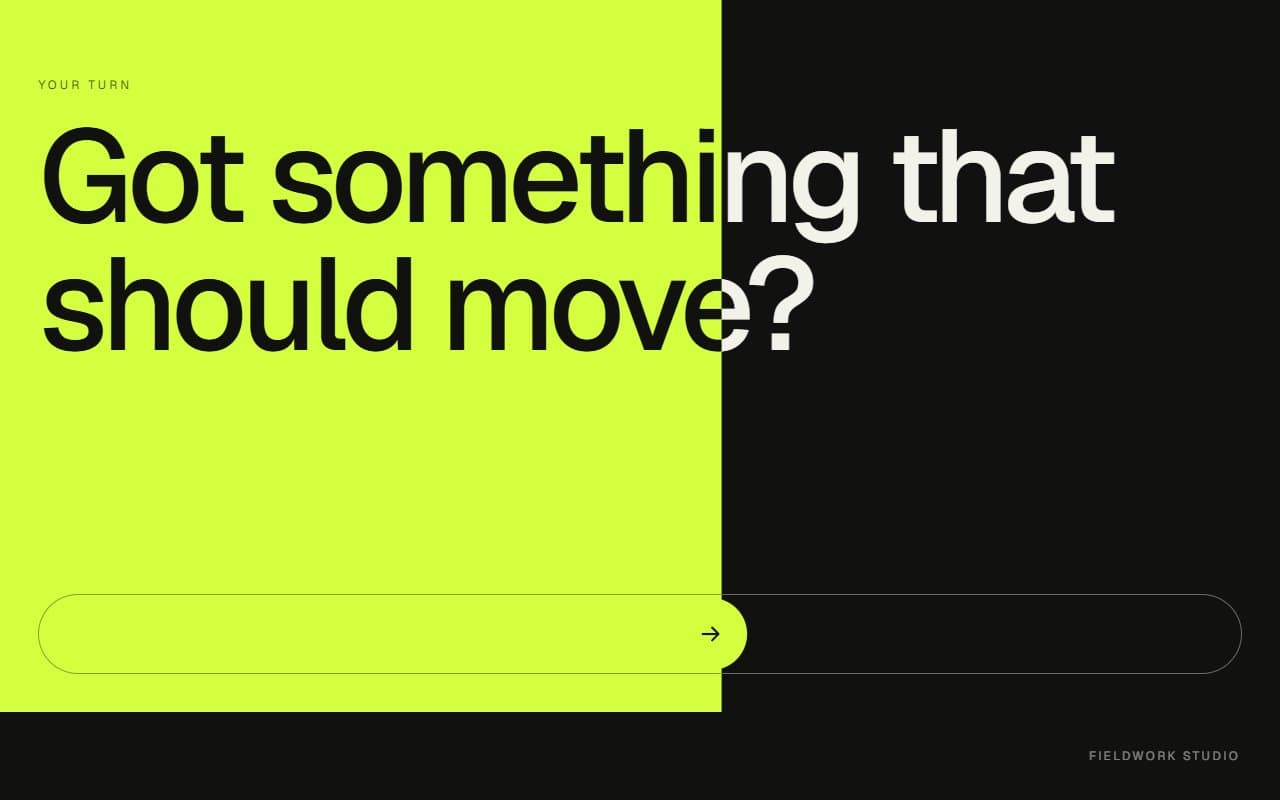
No. 083 / CTA
GSAP Slide to Confirm Call to Action Section
Drag · On Click · On Scroll
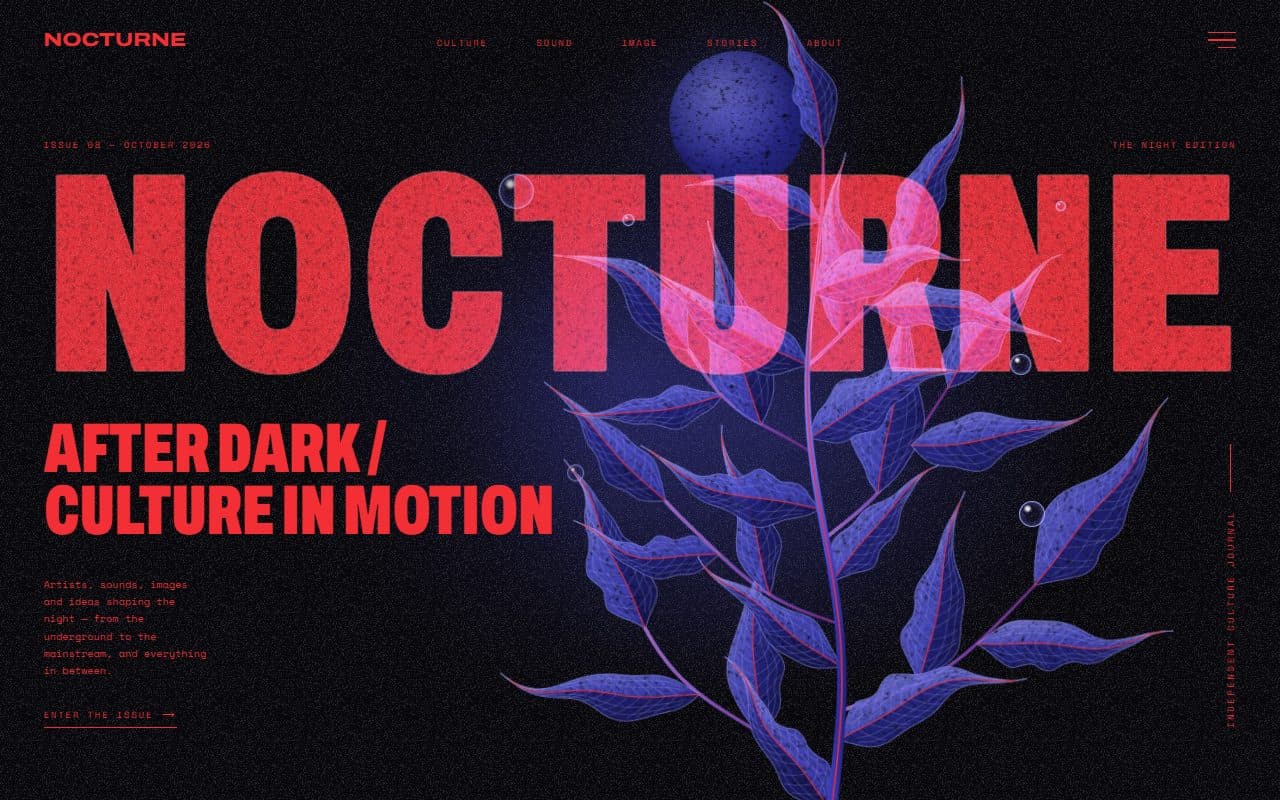
No. 022 / Hero
GSAP Editorial Night Hero with Growing Botanical SVG
On Load · Mouse Move · On Hover · On Click
(02)FAQ
GSAP Magazine Cover Card Stack with 3D Tilt, Sheen and Throw-to-Back Flip — FAQ
01What do I need to install?
npm install gsap @gsap/react. Draggable, ScrambleTextPlugin, ScrollTrigger and SplitText all ship with gsap and are free. It uses next/image for the cut-outs; the styles are plain CSS, so it doesn't need Tailwind.
02Which fonts does it use?
Bodoni Moda for the masthead, headlines and title, loaded with next/font as --font-bodoni with italics and its opsz axis, and Inter Tight for the cover lines as --font-inter-tight. The example loads both. Without them it falls back to Didot or Georgia and the system sans.
03How do I add my own issues?
Pass an issues array. Each issue has its number, season, price, headline, cover lines, tag, footer line, four colours (background, masthead, ink, accent) and a transparent cut-out with its width, height and alt. placement sets the cut-out's height as a share of the cover and nudges it sideways. The masthead word is a prop too.
04Which photos work best?
Transparent cut-outs whose head sits near the top of the image. Waist-up portraits around 80% of the cover's height, or full-length figures around 95%, both put the head over the masthead the way a real cover does.
05Does it work on phones?
Yes. The section stacks the copy above the pile, the fan tightens to fit, and a tap or a sideways swipe throws the cover. Vertical swipes still scroll the page. The tilt and sheen only switch on with a mouse.
06What happens with reduced motion?
The pile is shown fanned and still, with no deal, tilt, sheen or scramble. The Next issue button and a click on the cover still bring the next issue forward, instantly.