GSAP Variable Font Manifesto with Scroll-Read Weight and Cursor Proximity
Overview
A pinned manifesto section where a reading wave sweeps each word from hairline to black as you scroll, letters near the cursor swell on the weight and width axes, and small grayscale figures open inline on venetian blinds.
A statement section for an architecture or design studio, set like a drawing sheet: concrete paper, a measured grid of hairlines, a ruler along the top edge, a scale bar and a coordinate readout. When it comes into view the grid draws itself on from the centre, the readouts count up, and a wave runs through the statement, flashing every word from hairline to black weight and back.
Details
- Category
- Text
- Interaction
- On Scroll + Mouse Move + On Hover
- Trigger
- On Scroll
- Languages
- React, TypeScript, plain CSS
(01)Keep exploring
All 150 componentsBuilt with the same techniques
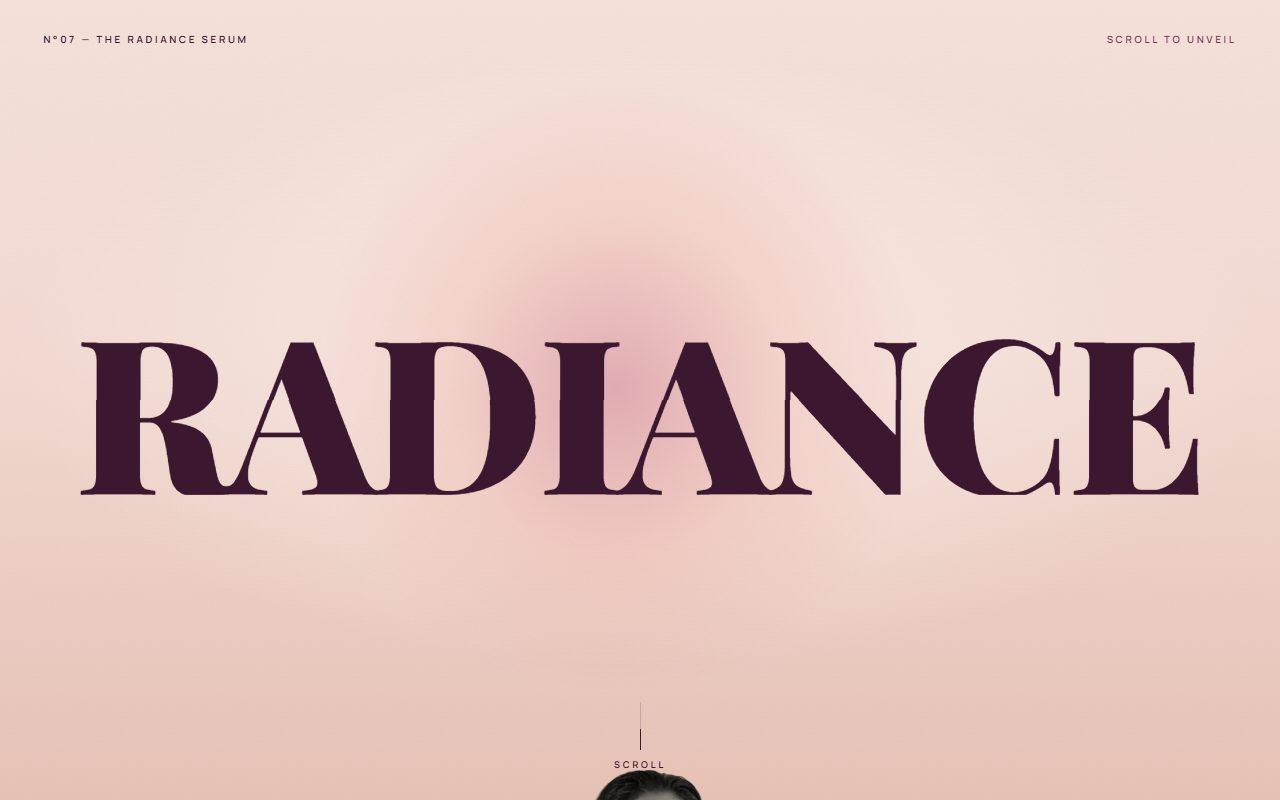
No. 142 / Scroll
GSAP Pinned Split Word Scroll Section with Rising Portrait
On Scroll · Mouse Move · On Hover
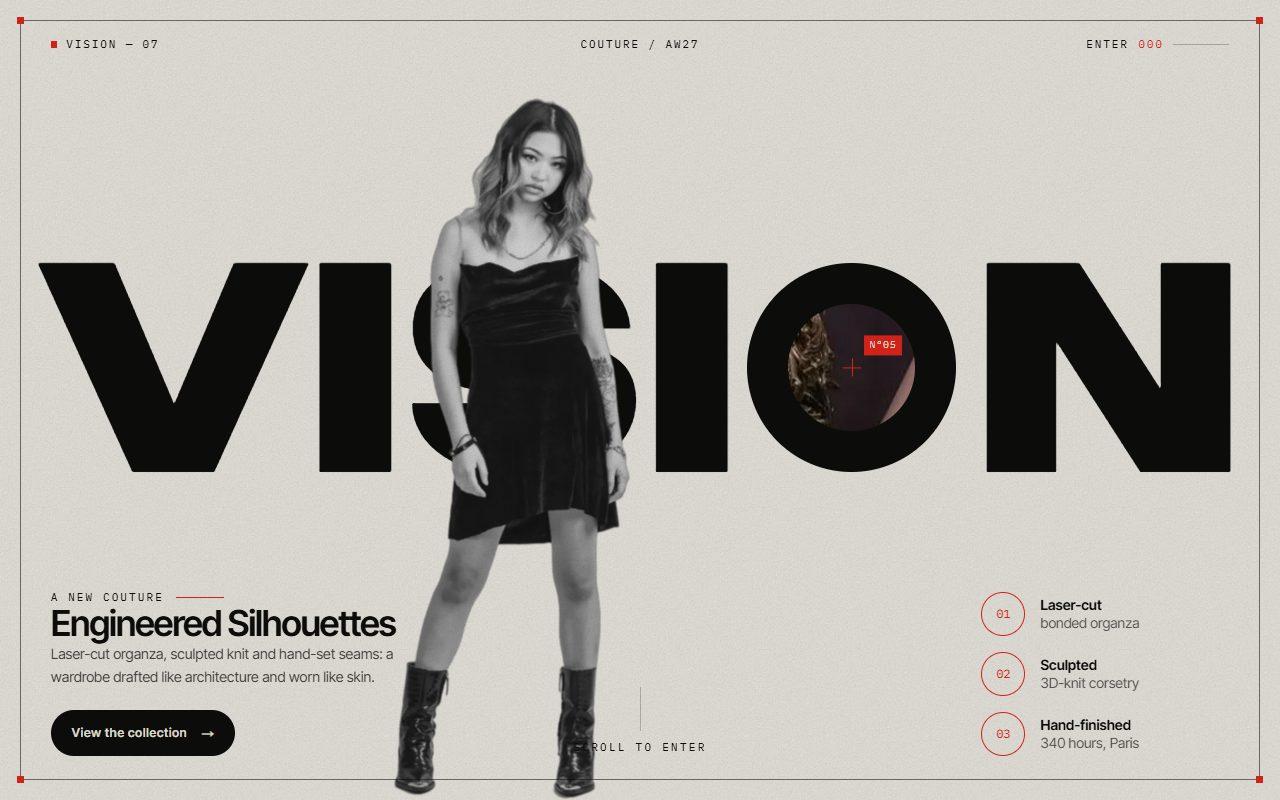
No. 145 / Scroll
GSAP Zoom Portal Scroll Transition Through a Letter with Pinned ScrollTrigger
On Scroll · Mouse Move · On Click · On Load
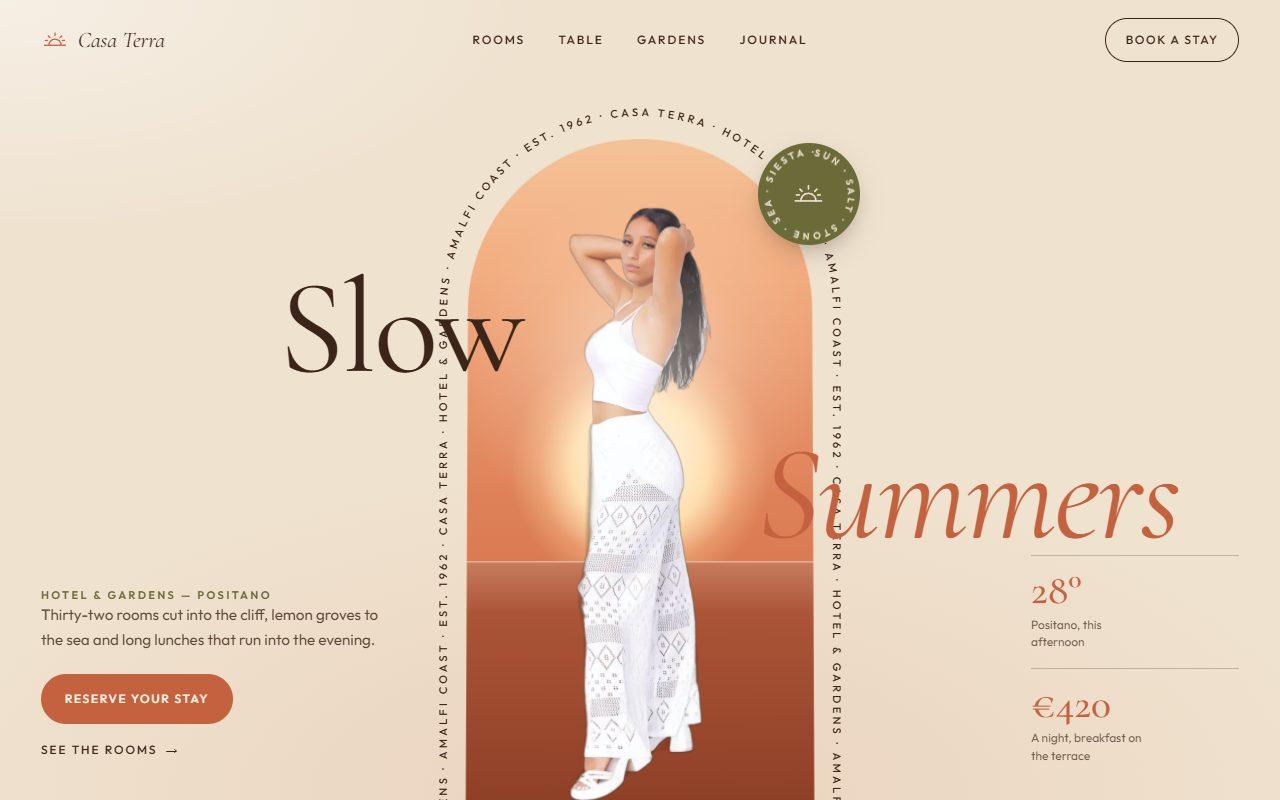
No. 143 / Hero
GSAP Arch Window Hero with Circling Caption and Scroll-to-Full-Bleed
On Load · Mouse Move · On Hover · On Scroll
(02)FAQ
GSAP Variable Font Manifesto with Scroll-Read Weight and Cursor Proximity — FAQ
01What do I need to install?
npm install gsap @gsap/react. ScrollTrigger ships with gsap. It uses next/image for the figures; the styles are plain CSS, so it doesn't need Tailwind.
02Which fonts does it use?
Roboto Flex for the statement, loaded with next/font as --font-roboto-flex with axes: ["wdth"] so both the weight and width axes are available, and JetBrains Mono for the labels as --font-jetbrains-mono. Any variable font with wght and wdth axes works, such as Anybody or Archivo, if you change the ranges at the top of the file.
03How do I write my own statement?
Pass text. Wrap words in *asterisks* to set them in the accent colour, and put {0}, {1} and so on where each figure should sit; pass the matching figures array with each image's src and an optional focus point. Screen readers get the plain sentence.
04How long does it stay pinned?
readLength sets it, as a share of the screen height (1.6 by default). Longer statements read better with a longer pin.
05Does it work on phones?
Yes. The scroll read, the entrance and the blinds all work on touch; the cursor effects and the crosshair only switch on with a mouse. The text sizes to the screen, and the grid halves its columns.
06What happens with reduced motion?
Nothing pins or animates. The statement shows fully read at its reading weight, the figures are open, and the cursor effects are off.