GSAP Liquid Type Footer with SVG Displacement Ripples and Cut-Out Model
Overview
An ocean-resort footer: the giant brand word pours in liquid through an SVG turbulence filter and settles crisp as it scrolls into view, the pointer stirs ripples through it, and a model rises out of a bobbing translucent waterline under drifting caustic light.
The last screen of a swimwear or resort site. As the footer scrolls into view the brand word arrives fully liquid, its letters smeared by an SVG feTurbulence and feDisplacementMap pair, and GSAP drains the displacement until the type stands crisp. The water rises, the model climbs out of it with a pair of rings spreading where she breaks the surface, and the newsletter headline lifts out of its lines.
Details
- Category
- Footer
- Interaction
- On Scroll + Mouse Move + On Click + On Hover
- Trigger
- On Scroll
- Languages
- React, TypeScript, plain CSS
(01)Keep exploring
All 150 componentsBuilt with the same techniques
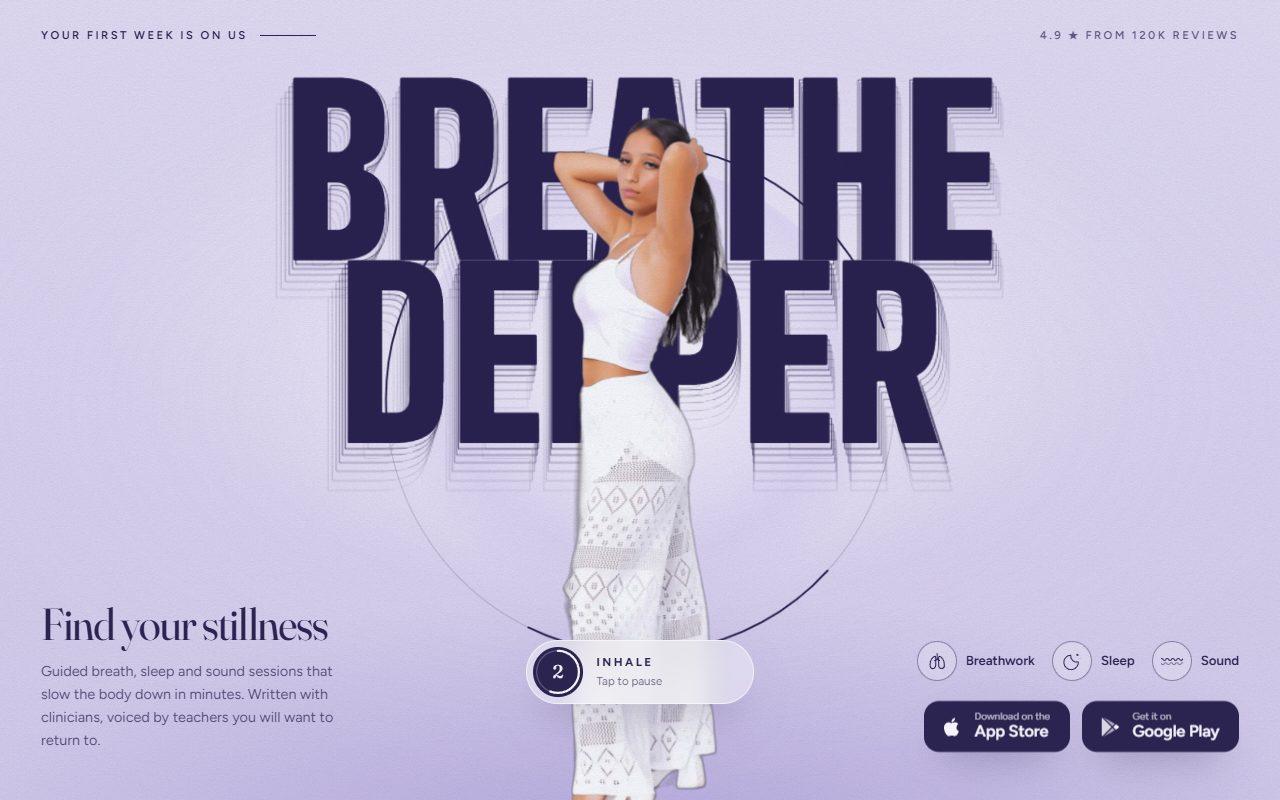
No. 131 / CTA
GSAP Breathing Call to Action with Cursor Echo Trail
On Scroll · Mouse Move · On Hover · On Click · Autoplay
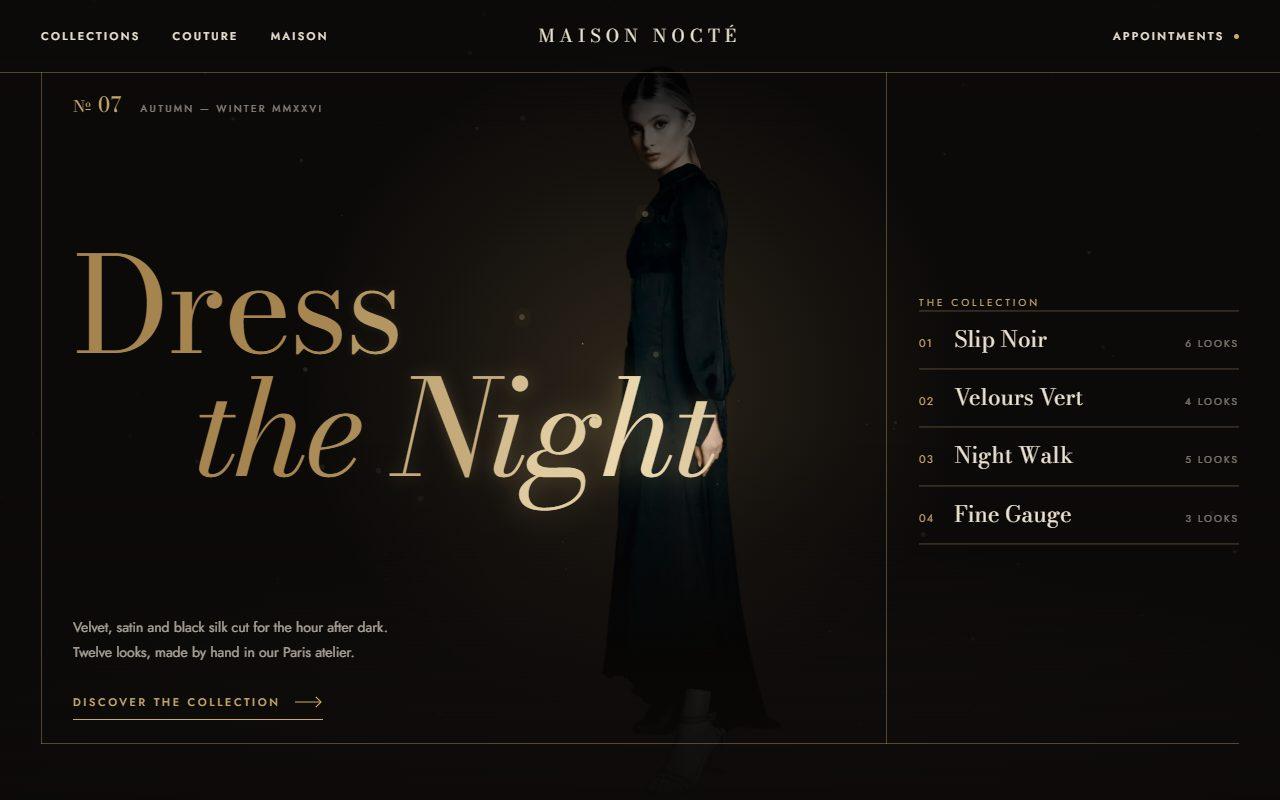
No. 136 / Hero
GSAP Cursor Spotlight Hero with Gold Dust and Collection Preview
On Load · Mouse Move · On Hover · On Scroll
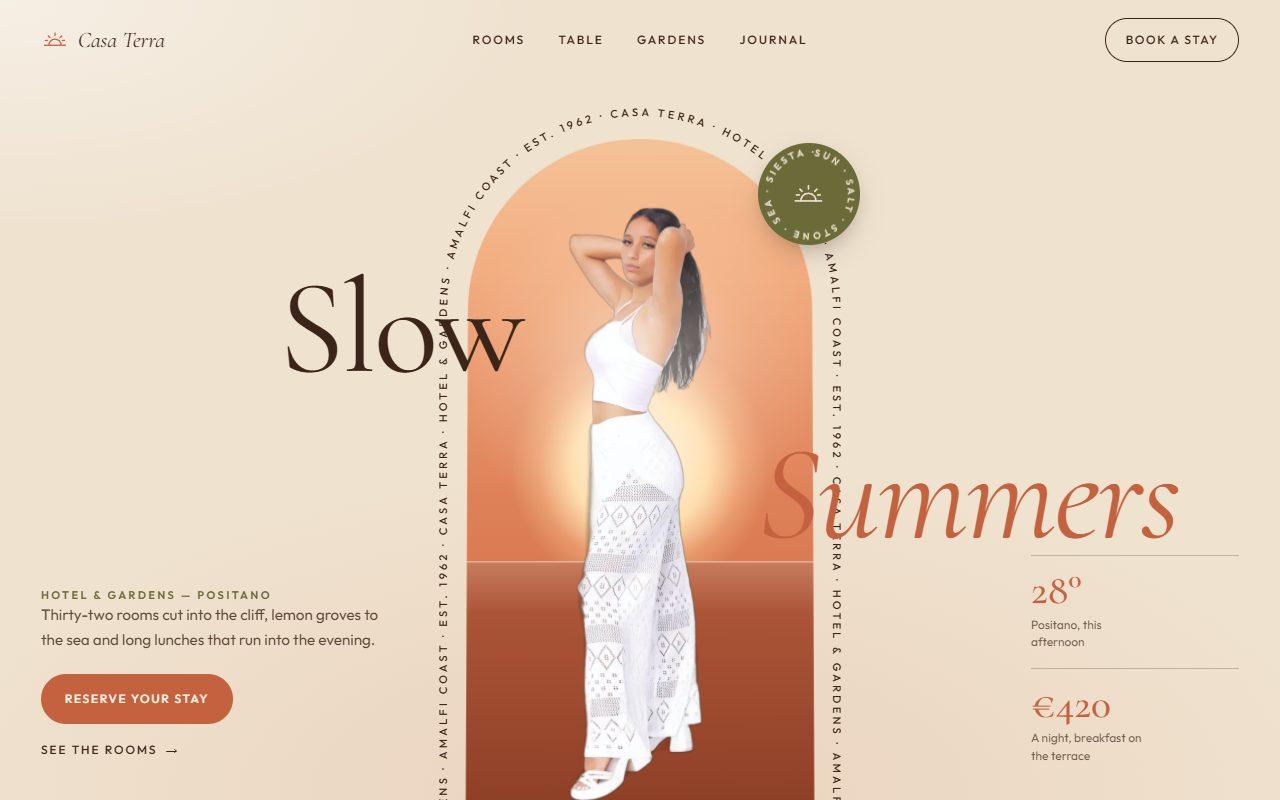
No. 143 / Hero
GSAP Arch Window Hero with Circling Caption and Scroll-to-Full-Bleed
On Load · Mouse Move · On Hover · On Scroll
(02)FAQ
GSAP Liquid Type Footer with SVG Displacement Ripples and Cut-Out Model — FAQ
01What do I need to install?
npm install gsap @gsap/react. ScrollTrigger and SplitText ship with gsap. It uses next/image for the model; the styles are plain CSS, so Tailwind isn't required.
02Which fonts does it use?
Anton for the giant word as --font-anton, Cormorant Garamond for the italic headline as --font-cormorant and Manrope for the small text as --font-manrope, all loaded with next/font in the example. Each falls back to a system face.
03How do I connect the newsletter?
Pass onSubscribe. It receives the email address and may return a promise; the field shows a sending state, then rolls away to your subscribedMessage once it resolves.
04Is the liquid filter heavy?
Only while it's needed. The displacement filter is removed once the word settles, the ripple layer is only shown inside a small disc while the pointer is stirring, and the ripple loop stops while the footer is off screen.
05Can I use my own word and photo?
Yes. word takes any short word, and model takes a transparent cut-out with its width and height. Crop the image to the feet: the lower part sits under the waterline.
06What happens with reduced motion?
The footer appears finished and still: no liquid arrival, ripples, bubbles, caustic drift or bobbing. Links, the form and back-to-top work as normal.