Fluted Glass Image Effect with Canvas
Overview
A photo behind reeded glass for React and Next.js. On load the reeds open as a wave and a clear window crosses the picture. The window keeps wandering, the reeds keep rippling, the cursor takes over the window, and scrolling clears the glass.
Every reed bends the photo through its own lens: each column of the canvas looks up a column of the photo, with red, green and blue bent slightly differently, so the edges of a reed pick up real dispersion. A thin dark joint and a bright line on each shoulder make it read as glass. A soft clear window flattens the reeds pixel by pixel as it passes.
(01)Keep exploring
All 118 componentsBuilt with the same techniques
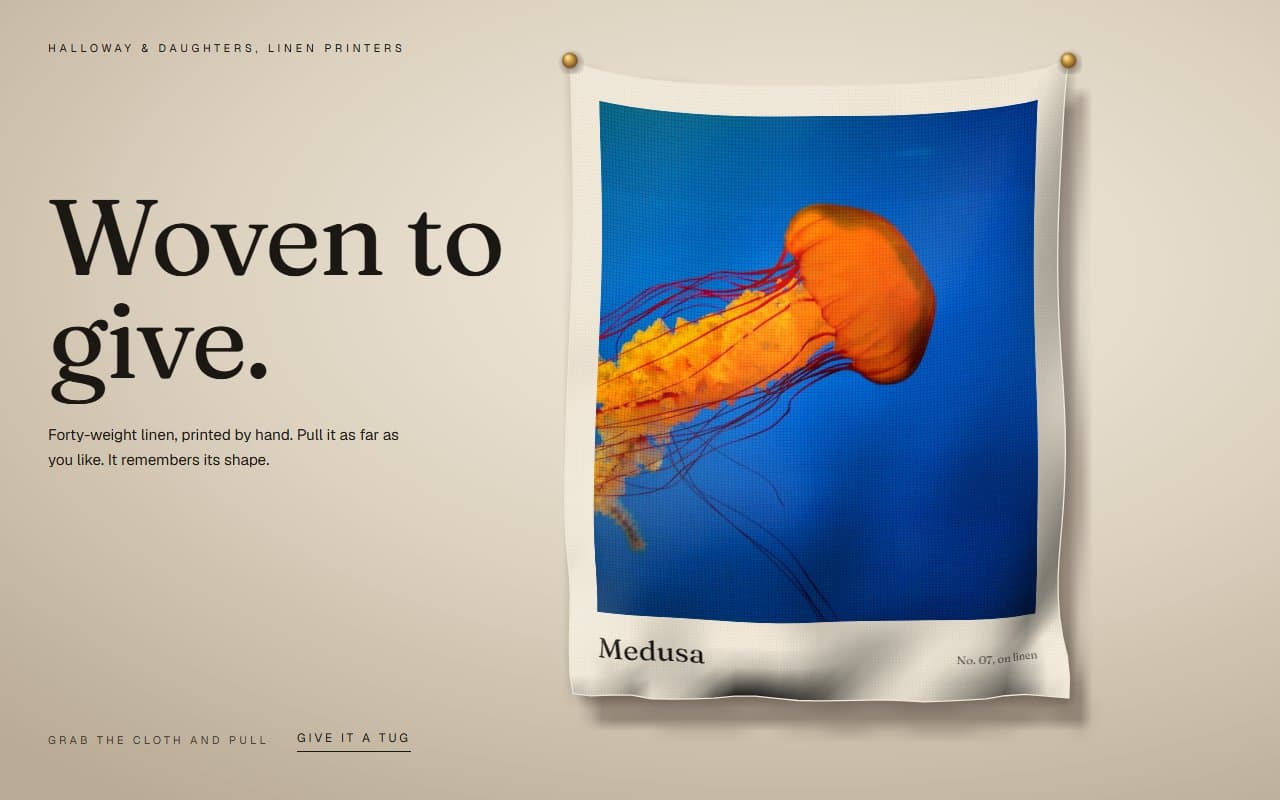
No. 116 / Cards
Stretchy Cloth Image Card You Can Grab, with Canvas Physics
On Load · Drag · Mouse Move · On Click
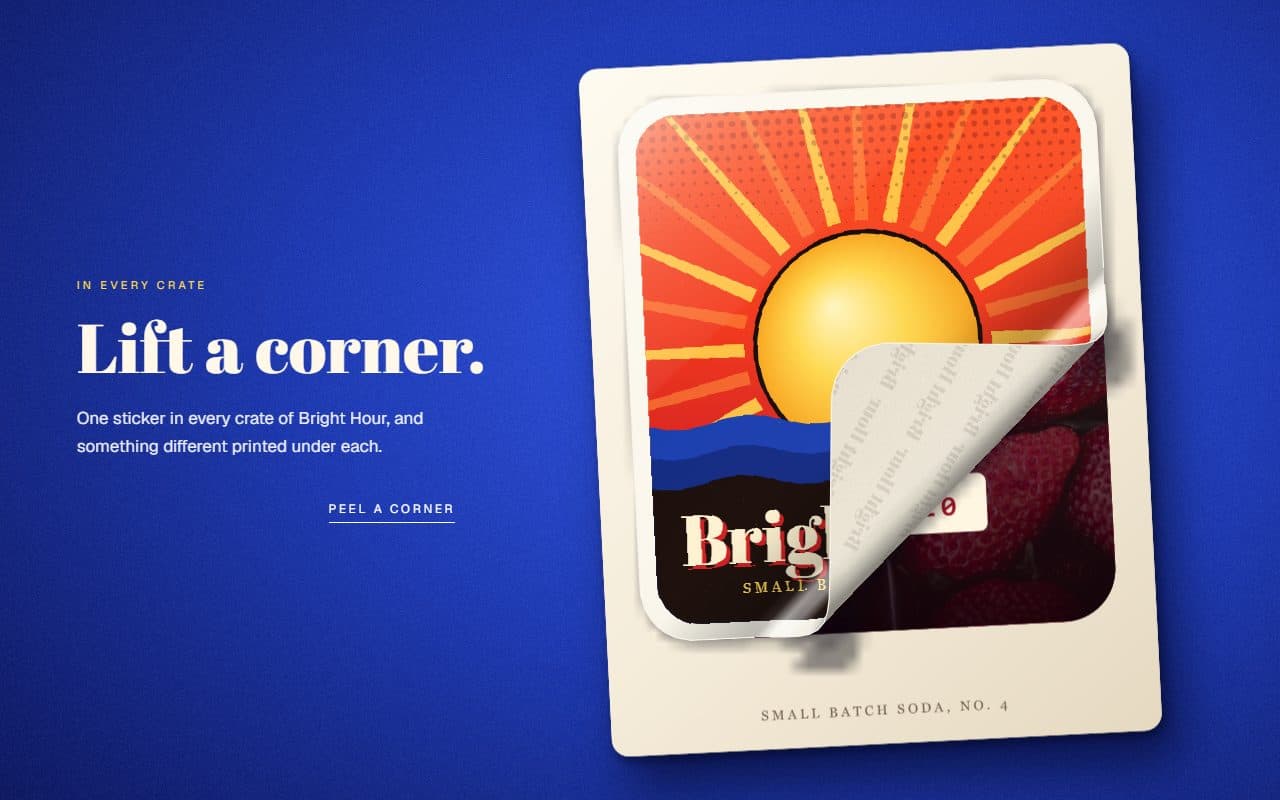
No. 115 / Cards
Peel-Off Sticker Card with a Draggable Curl, on Canvas
On Load · Drag · Mouse Move · On Click
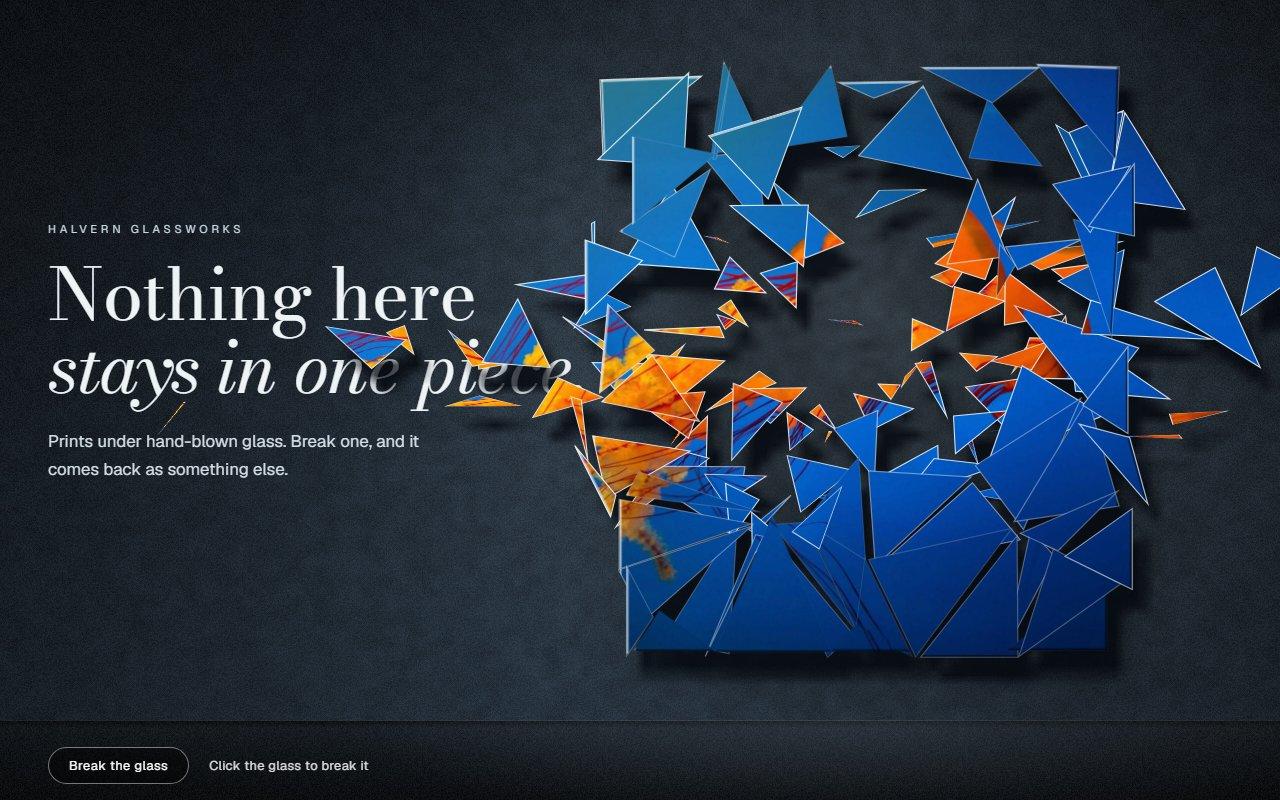
No. 114 / Cards
Shattering Glass Image Animation with Canvas
On Load · On Click · Mouse Move
(02)FAQ
Fluted Glass Image Effect with Canvas — FAQ
01What can I change?
image and alt are required. flutes sets how many reeds there are, strength how far they bend the picture, clearRadius the size of the window, focus which part of the photo to keep, and scrollClear how much scrolling clears the glass. Set scrollClear to 0 to keep the reeds.
02What does it need from my page?
npm install gsap @gsap/react, and Tailwind CSS v4. Give it a size through className, such as aspect-video w-full. The image must be same-origin or served with CORS headers because its pixels are read. Otherwise you get the plain image.
03What happens with reduced motion?
The reeds are drawn once, with the window resting on the picture, and no loop runs. It only redraws when the scroll or the mouse actually changes something. With no JavaScript you get the plain image, a normal img with your alt text.
04Does it work on phones?
Yes. The window wanders by itself with no cursor, scrolling still clears the glass, a tap sends a ripple, and the image uses touch-action: pan-y, so a swipe over it scrolls the page.