Gold Leaf Cursor Trail Effect in Canvas
Overview
A cursor effect for React and Next.js that sheds flakes of gold leaf as the pointer moves. They tumble in fake 3D, flash when they catch the light, and drift down like paper before fading. Plain Canvas 2D with no dependencies.
Each flake is a torn scrap with fine creases, painted once to an offscreen canvas in three brightnesses and then drawn through a rotation matrix, which is what gives it depth without WebGL. Its brightness comes from its angle: dull bronze most of the time, then a sharp flash as it turns to mirror the light. That, plus the way it falls, is what makes it read as metal leaf rather than confetti. Edge-on a flake drops, and flat it floats and slides sideways.
Details
- Category
- Cursor
- Interaction
- Mouse Move + On Click + Drag
- Trigger
- Mouse Move
- Languages
- React, TypeScript, Tailwind
(01)Keep exploring
All 118 componentsBuilt with the same techniques
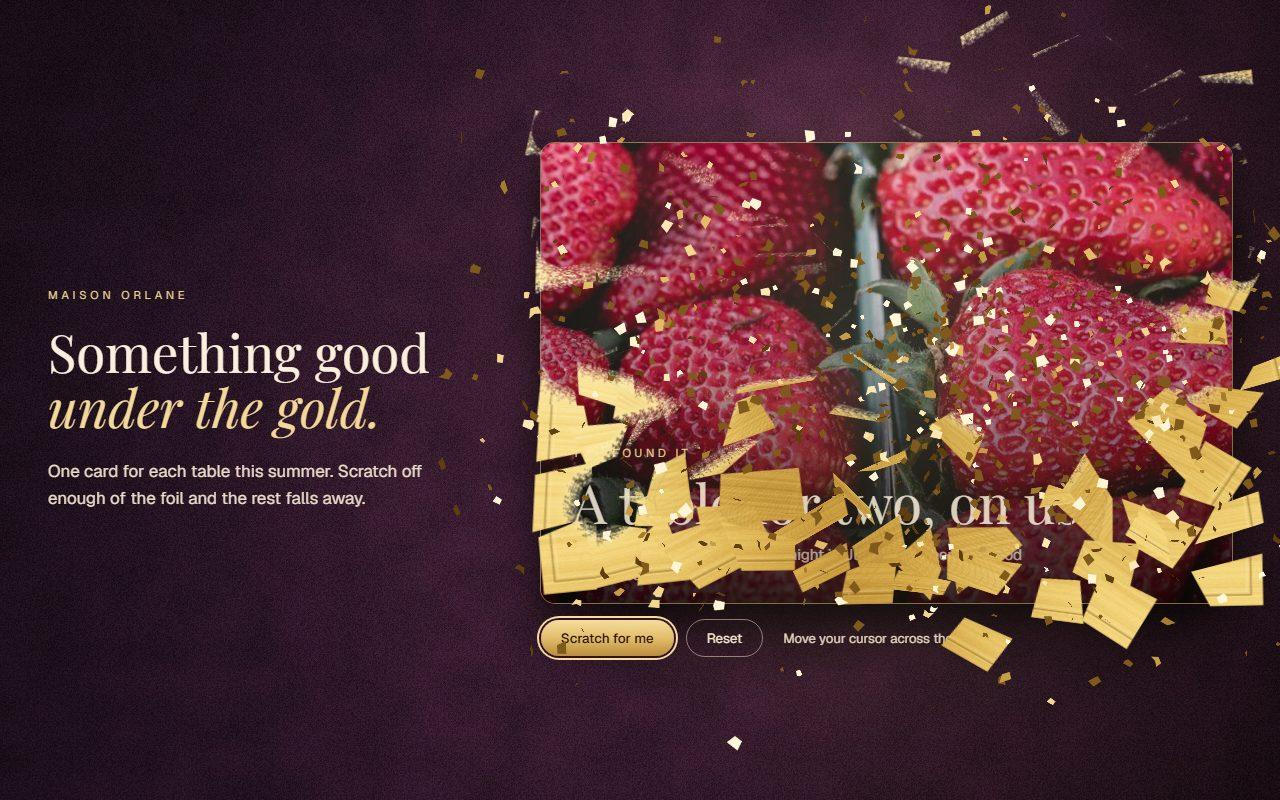
No. 113 / Cards
Scratch Card Reveal with Gold Foil on Canvas
On Load · Mouse Move · Drag · On Click
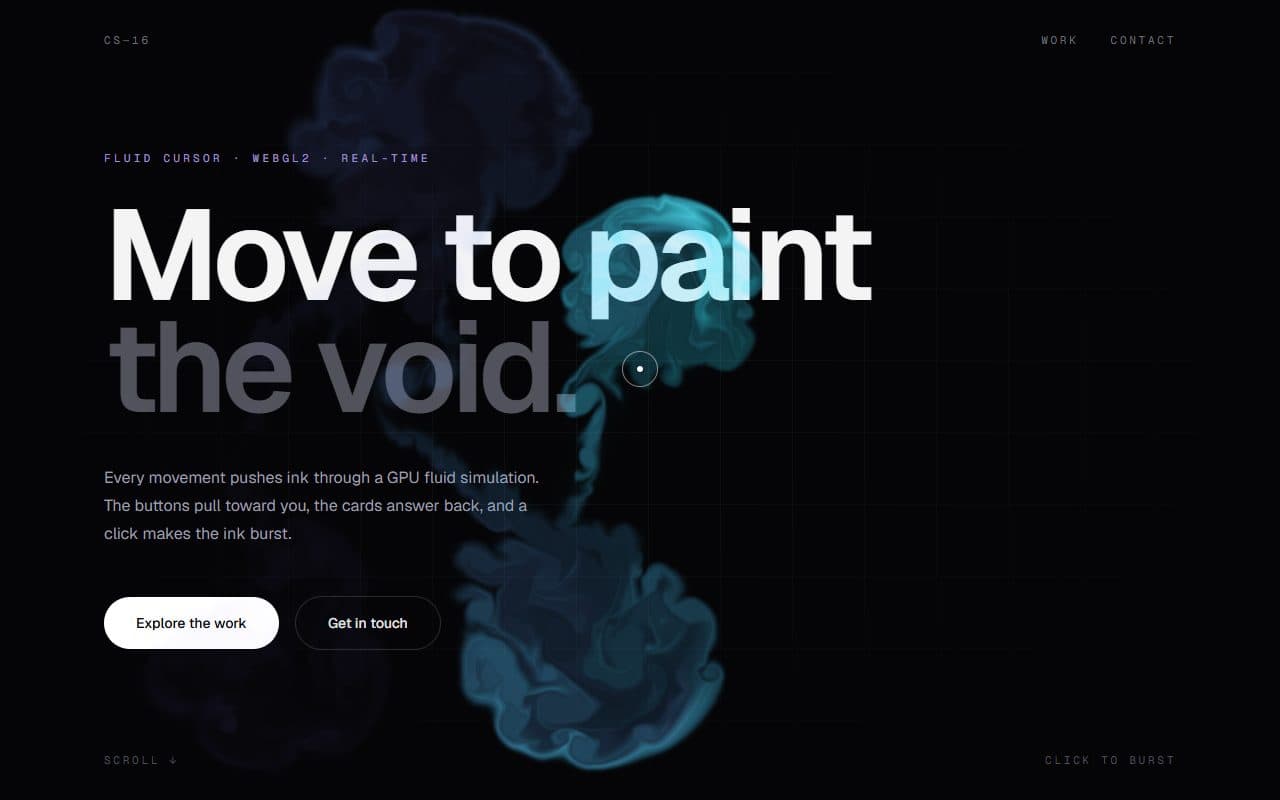
No. 025 / Cursor
WebGL Fluid Cursor Trail with Magnetic Morphing Cursor
Mouse Move · On Hover · On Click

No. 037 / Cursor
GSAP Click Spark Animation for React
On Click
(02)FAQ
Gold Leaf Cursor Trail Effect in Canvas — FAQ
01What does it need from my page?
Nothing beyond React and Tailwind CSS v4, which it uses for a few layout classes. There are no npm packages to install. Render it once anywhere in your page or layout.
02Can I change the amount or the colour?
Yes. spacing sets how far the cursor travels between flakes, maxFlakes sets the cap, size scales them, and burst sets how many a click or tap sheds. tones takes three hex colours for the shade, body and glint, so rose gold or silver leaf are one prop away.
03Does it affect clicks, text selection or scrolling?
No. The canvas has pointer-events turned off, and its listeners are passive and never call preventDefault.
04Will it slow my page down?
The count is capped, each flake is at most two image draws, and nothing runs when no flakes are alive. Resolution is capped at 2x.
05What happens with reduced motion?
Nothing is shed and nothing moves. If the visitor changes the setting while on the page, it takes effect straight away.