Ink Wash Image Reveal on Load and Scroll with Canvas
Overview
A photo revealed from rice paper by sumi ink, for React and Next.js. Heavy drops hit the paper on load and the wash blooms into the picture, the ink keeps drifting at its edges, and the scroll washes it back and carries it through to the clean image.
On load, three beads of ink come down out of focus and hit the sheet with a splatter of droplets, and the wash spreads from where they landed until the picture has bloomed, in about two and a half seconds. A noise height field decides when the ink reaches each point, so it folds as it spreads instead of growing as round blobs, with soft bleeding edges in some places, crisper ones in others, and tide lines where the front paused. After that it never settles: the edge keeps crawling, ink clouds drift through the wet band, a light moves across the wet picture, and a new drop lands every few seconds.
Details
- Category
- Scroll
- Interaction
- On Load + On Scroll + On Click + Mouse Move
- Trigger
- On Load
- Languages
- React, TypeScript, Tailwind
(01)Keep exploring
All 118 componentsBuilt with the same techniques

No. 118 / Hero
Zipper Reveal Hero with a Draggable Pull, on Canvas
On Load · Drag · On Scroll · On Click
No. 115 / Cards
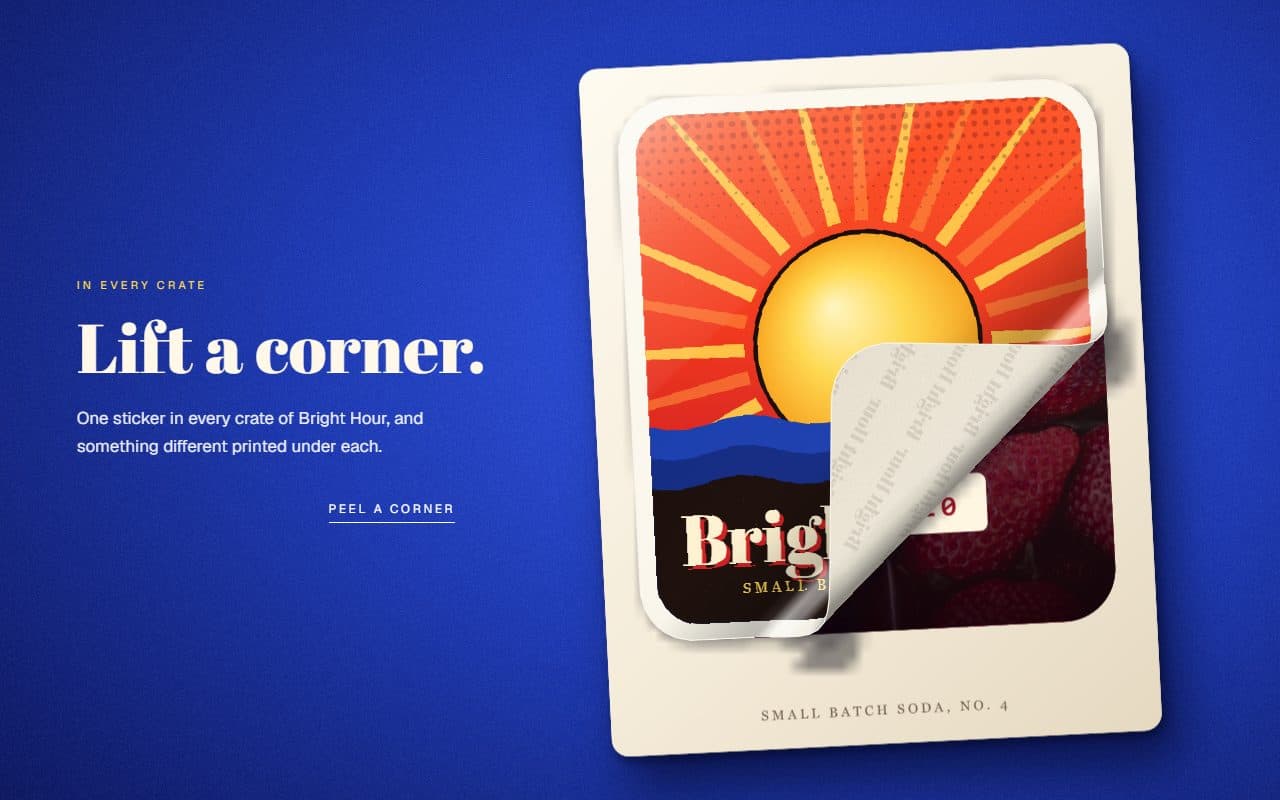
Peel-Off Sticker Card with a Draggable Curl, on Canvas
On Load · Drag · Mouse Move · On Click

No. 094 / Hero
Bead Curtain Reveal Hero Animation with Canvas Physics
On Load · Mouse Move · Drag · On Click
(02)FAQ
Ink Wash Image Reveal on Load and Scroll with Canvas — FAQ
01How do I lay it out?
The section pins a full-height stage while scrollLength scrolls past. Size and place the picture with imageClassName, lay out the stage with stageClassName, and put your text in children. The ink follows wherever the image lands. Mark any text with data-ink-rise and it rises in with the wash.
02What does it need from my page?
npm install gsap @gsap/react, and Tailwind CSS v4. The image must be same-origin or served with CORS headers, because its pixels are read to composite the wash. Otherwise you get the plain image on the paper.
03Does it always end on the clean image?
Yes, at the end of the scroll. The front runs past the highest point of the height field, so every pixel of the picture is free of ink, the droplets are gone and only a soft light still moves across the photo. If the page has no room to scroll, it stays on the bloomed picture with its ink edges.
04What happens with reduced motion?
One finished frame is drawn with the picture in its ink edge and all text visible. There is no loop, no entrance and no scroll scrub. With no JavaScript you get the plain image and the text.
05Does it work on phones?
Yes. The stage uses touch-action: pan-y, so a swipe over it scrolls the page, the scrub follows the real scroll position, and a tap drops ink. The ambient motion needs no input.