GSAP Morphing Dropdown Navbar with Hide on Scroll
Overview
A site header for React and Next.js with one dropdown box that changes size and slides between menu items, while the content crossfades in the direction you moved. It hides on scroll down, returns on scroll up and turns into a full-height menu on phones.
Most dropdowns open and close separately for each item. This one has a single box. Move along the bar and it changes width and height to fit the next panel and slides under the new item, with the old content leaving and the new content arriving from the direction you moved. A thin line under the bar travels with it.
(01)Keep exploring
All 118 componentsBuilt with the same techniques
No. 072 / Navigation
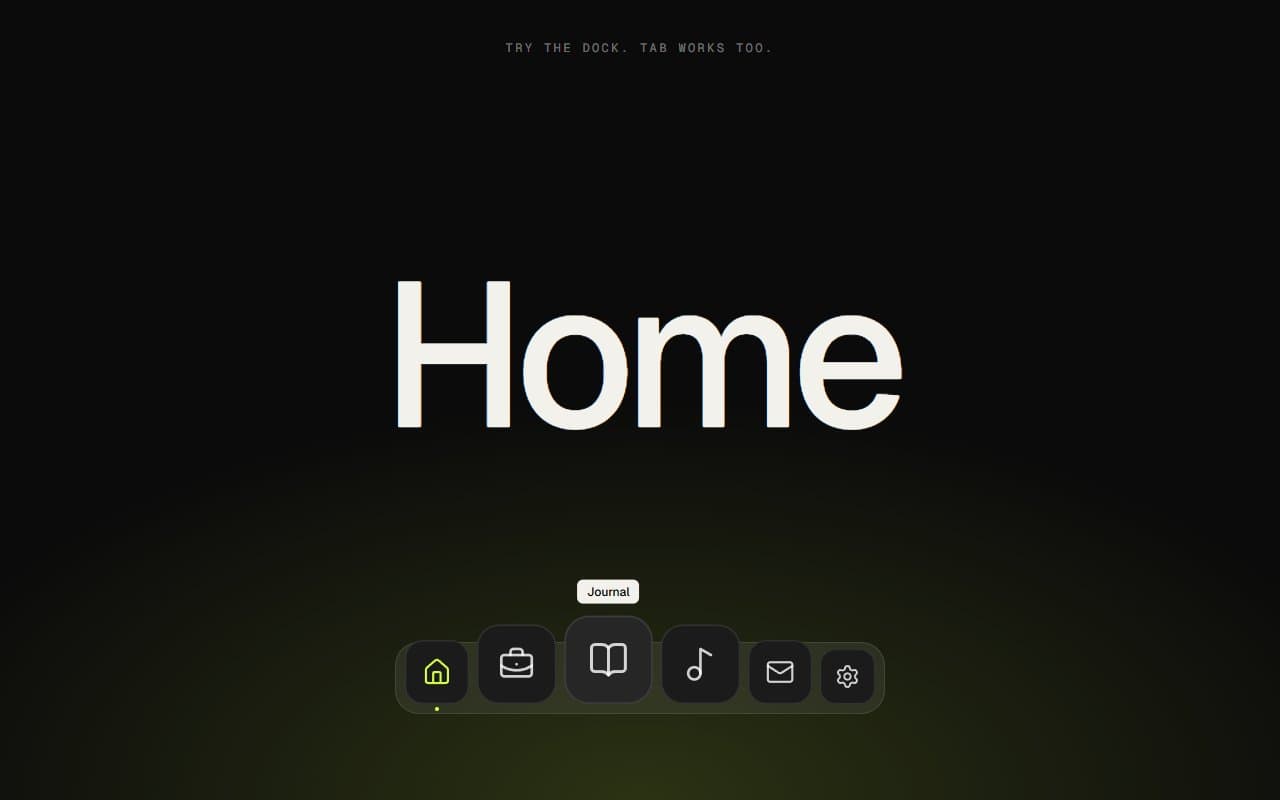
GSAP Magnifying Dock Navigation
Mouse Move · On Hover · On Click

No. 092 / Comparison
GSAP Comparison Table Section: Us vs Them with Flip
On Scroll · On Click
No. 061 / Navigation
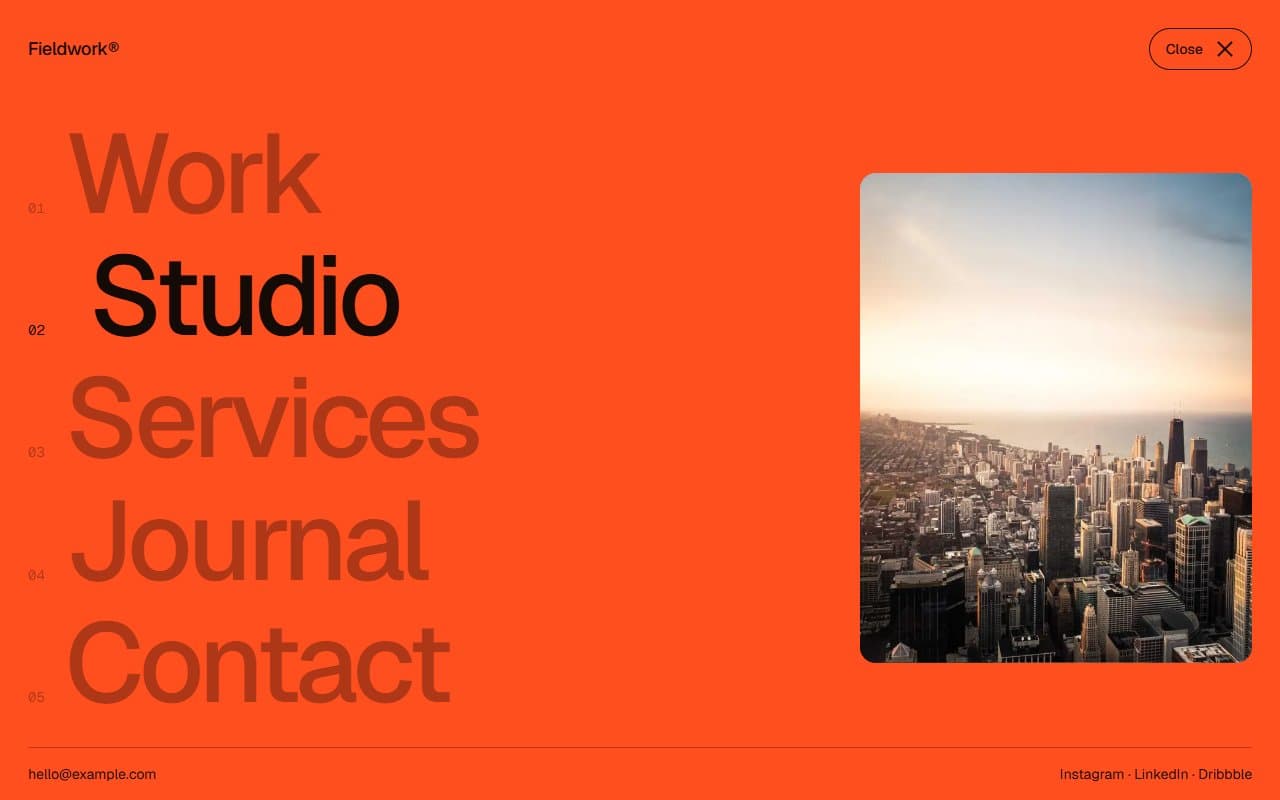
GSAP Fullscreen Menu with Circle Reveal
On Click · On Hover
(02)FAQ
GSAP Morphing Dropdown Navbar with Hide on Scroll — FAQ
01How do I set up the menu?
Pass items. Each has a label and either an href for a plain link or columns for a dropdown. Columns hold an optional heading and a list of links, each with an optional note. Add aside for extra desktop content such as a featured image.
02Does the box measure my content?
Yes. Each panel is measured as it opens, so its size comes from your content. The box stays centred under its item and is kept 16px clear of the edges of the screen.
03Can I turn off hiding on scroll?
Yes. Pass hideOnScroll={false} to keep the bar on screen. It's also always on screen for people who prefer reduced motion, and it comes back if keyboard focus lands on it.
04How do I use my own bar height or links?
Set the --nav-height CSS variable, which is 4.25rem by default, and add the same space at the top of your page, since the bar is fixed. Links are plain anchors, and you can pass your own next/link as brand or action.
05What happens with reduced motion?
Panels swap instantly with no morph, the drawer opens with no wipe and the bar doesn't hide on scroll. All the keyboard and pointer behaviour stays the same.