GSAP Magnifying Dock Navigation
Overview
A magnifying dock navigation for React and Next.js: tiles swell as the cursor passes and push their neighbours aside, labels rise with them, and a click makes the tile hop.
Pass a list of items with a label, an icon and either an href or an onClick. It works with any icon set, and the tiles scale from their base so the row stays anchored to the plate as it grows.
Details
- Category
- Navigation
- Interaction
- Mouse Move + On Hover + On Click
- Trigger
- Mouse Move
- Languages
- React, TypeScript, Tailwind
(01)Keep exploring
All 118 componentsBuilt with the same techniques
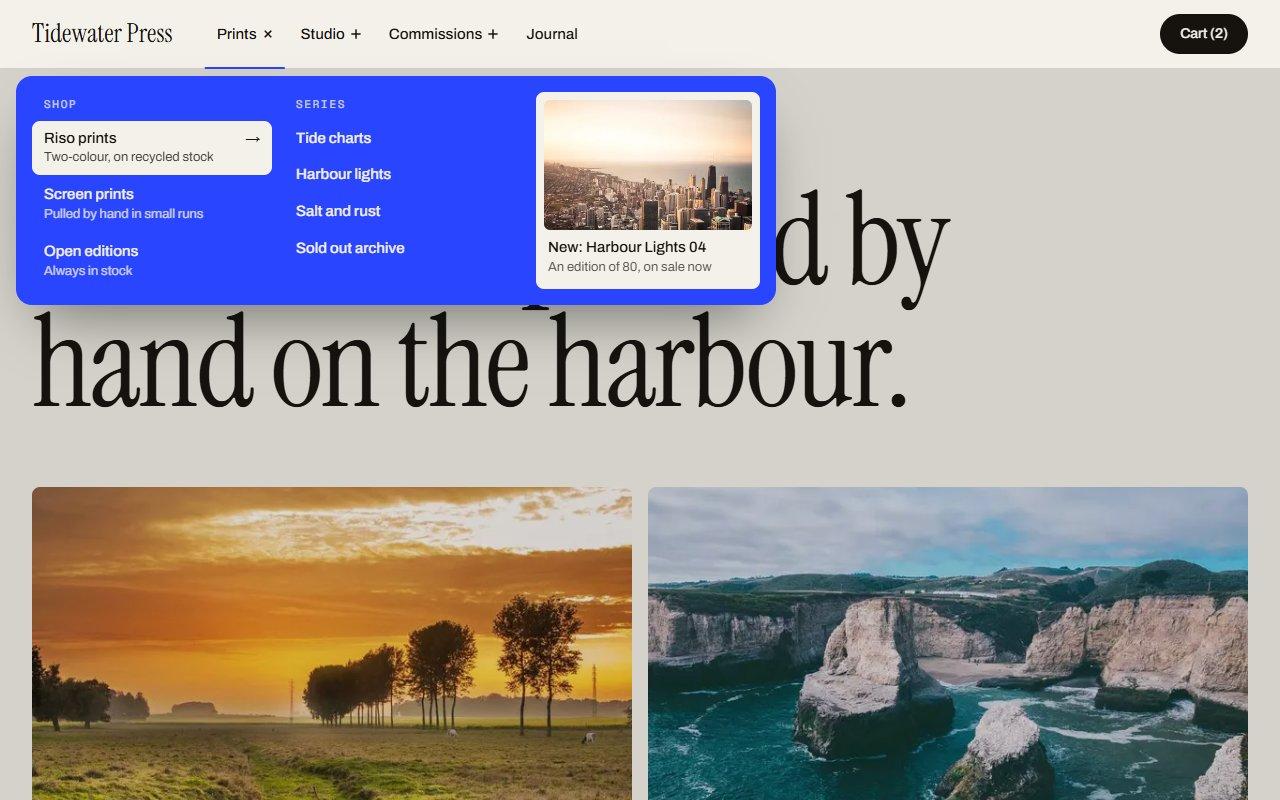
No. 067 / Navigation
GSAP Morphing Dropdown Navbar with Hide on Scroll
On Hover · On Click · On Scroll
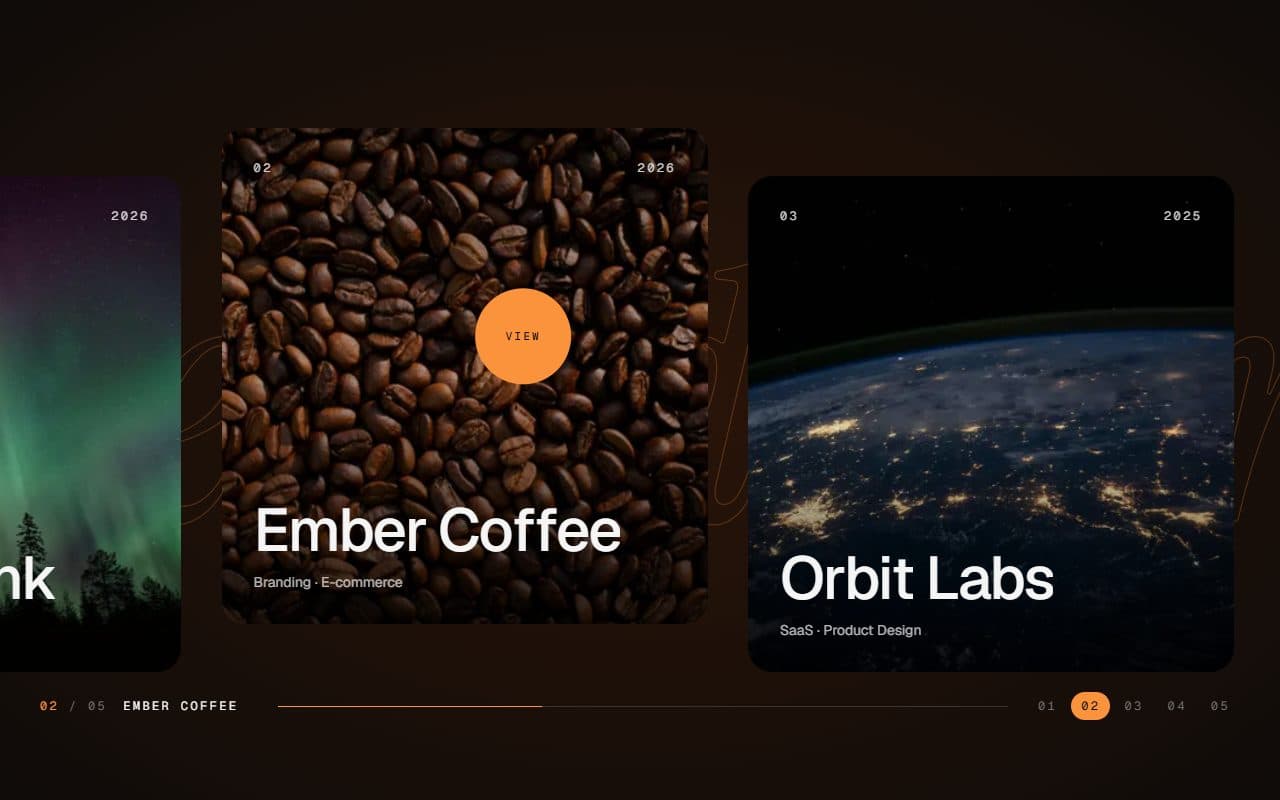
No. 028 / Gallery
GSAP Horizontal Scroll Gallery with Lenis and Fullscreen Project View
On Scroll · Mouse Move · On Hover · On Click
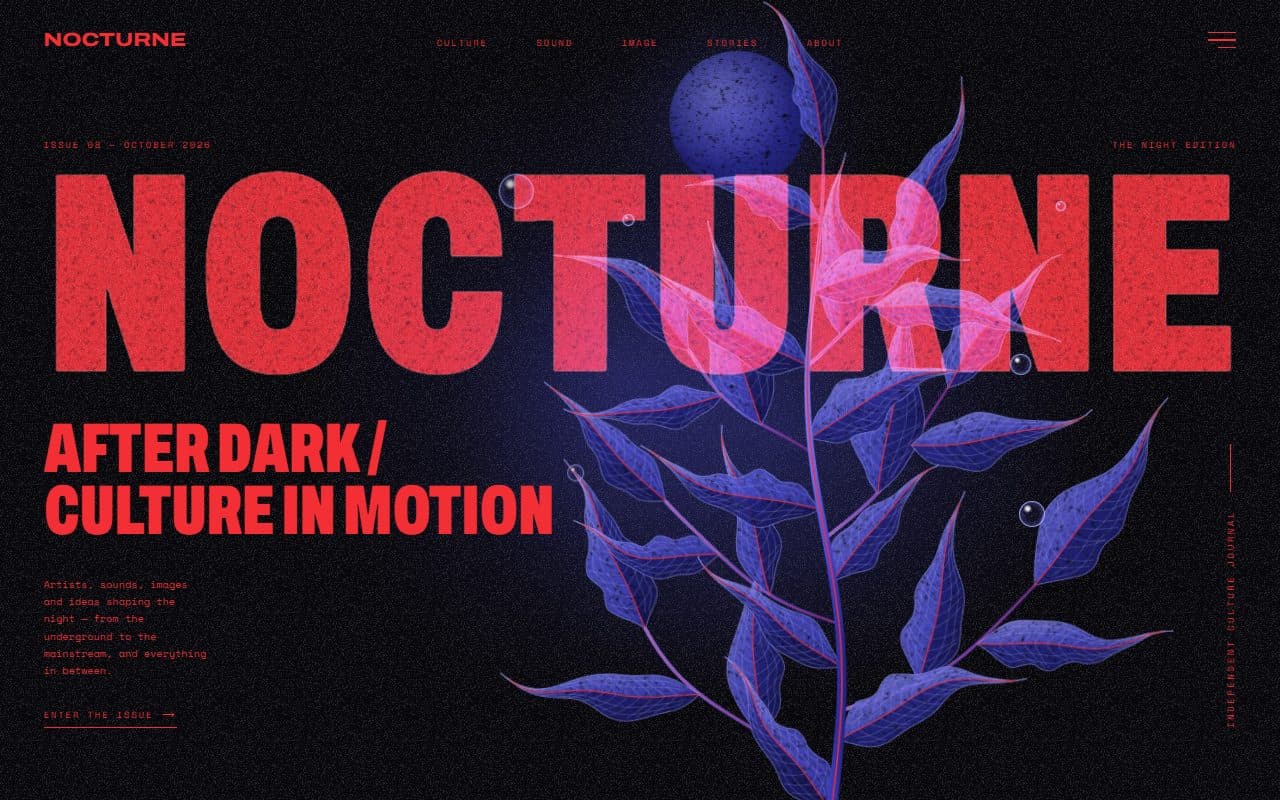
No. 022 / Hero
GSAP Editorial Night Hero with Growing Botanical SVG
On Load · Mouse Move · On Hover · On Click
(02)FAQ
GSAP Magnifying Dock Navigation — FAQ
01Can I use it with Next.js Link?
Items with an href render a plain anchor. For client-side navigation, swap the anchor for Link in the file, or use onClick with your router. The animation code doesn't care which.
02How do I make the effect stronger?
magnify sets how big the tile under the cursor gets, and spread sets how many neighbours swell with it. 1.4 with a small spread is subtle; 2 with a wide spread is playful.
03Does it work on mobile?
Touch screens have no cursor, so tiles stay at their resting size and shrink to fit the width. Tapping a tile still makes it hop.