Three.js 3D Runway Lookbook with Scroll Walk and Depth of Field
Overview
A fashion lookbook for React and Next.js where scrolling walks you down a 3D runway. Rows of cut-out models come toward you through a soft depth of field, drag wanders sideways, and clicking a look brings it forward with its details.
Rows of models stand one behind another on a dark floor. Scrolling the page walks you down the runway: the back rows come forward and drop down the screen, pass the lens and reappear at the back, so the walk never runs out of looks. Drag sideways to wander along a row. Hovering shows a View cursor and the look's name under its feet, and a click brings that figure forward while the rest dim and blur, with a panel for its pieces, price and link.
Details
- Category
- Gallery
- Interaction
- On Scroll + Drag + On Click + Mouse Move
- Trigger
- On Scroll
- Languages
- React, TypeScript, Tailwind
(01)Keep exploring
All 150 componentsBuilt with the same techniques
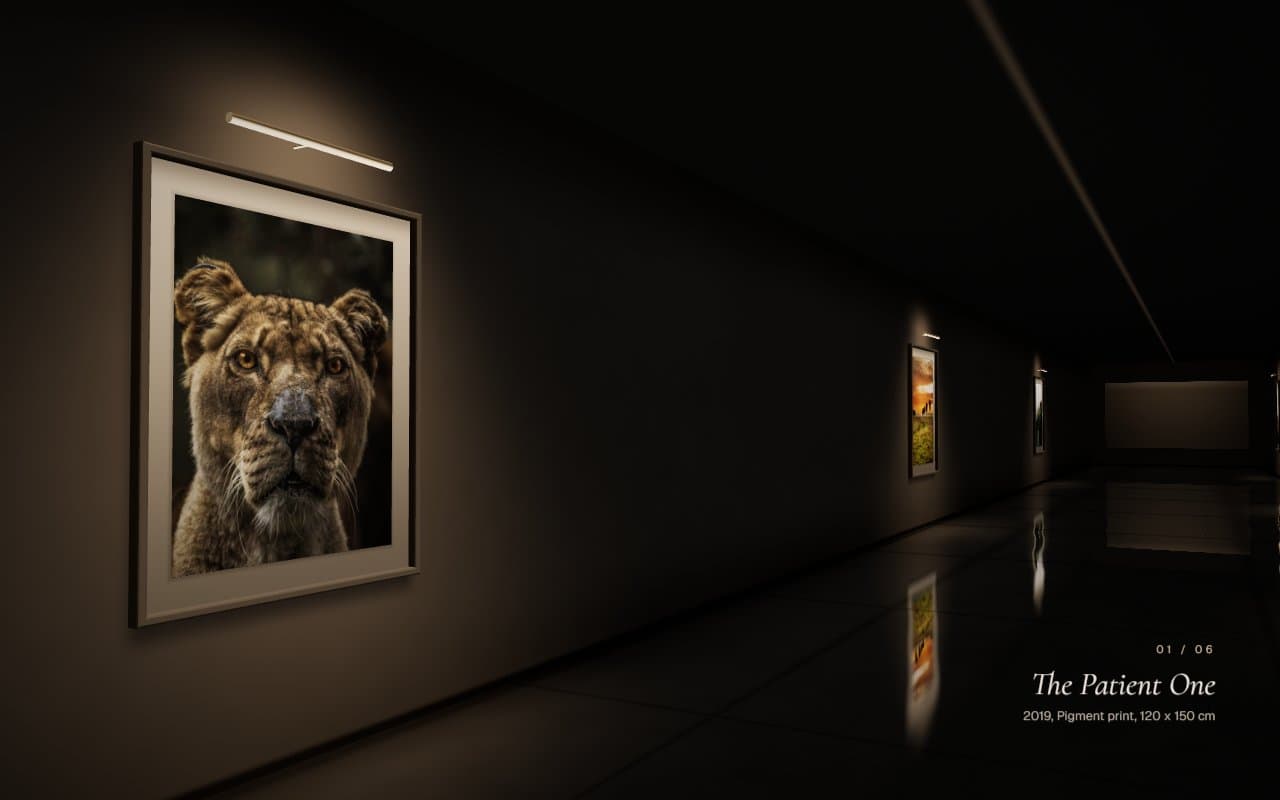
No. 052 / Gallery
Three.js 3D Gallery Corridor with Scroll Walkthrough
On Scroll · Mouse Move
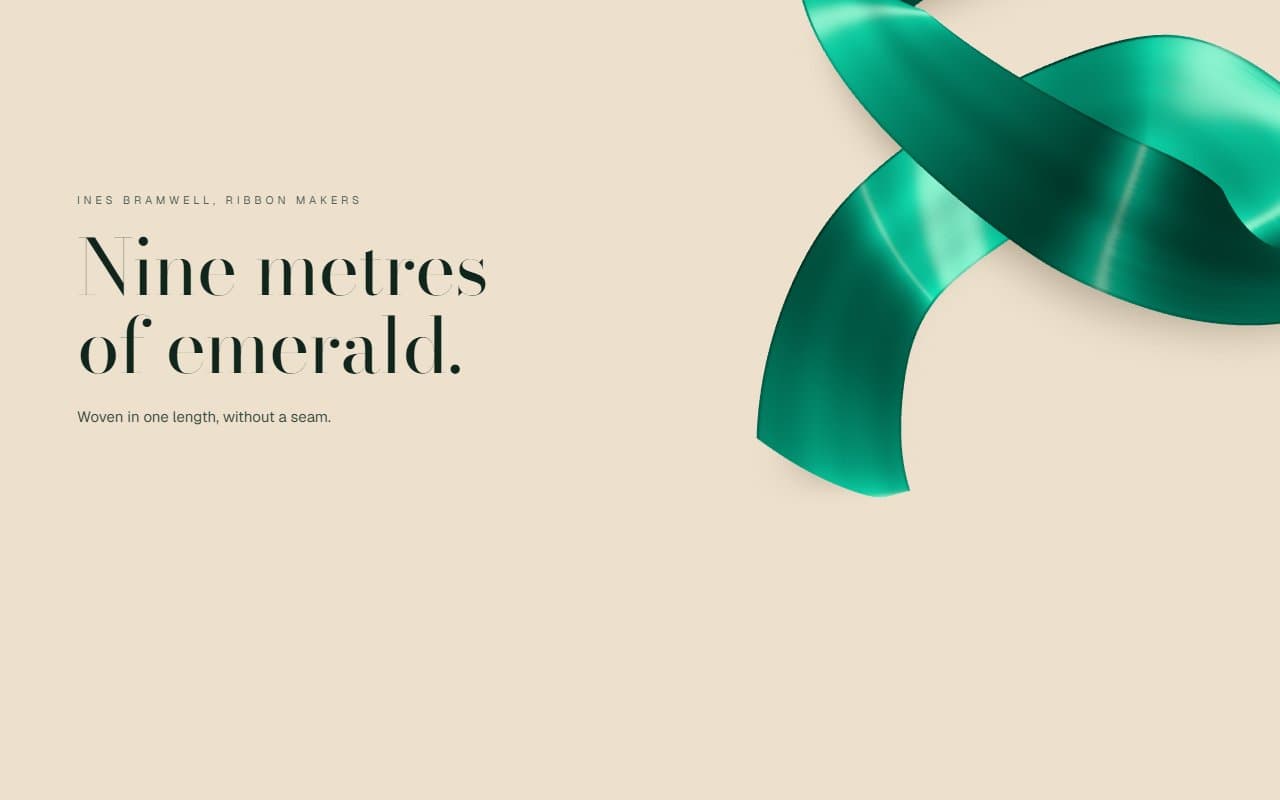
No. 077 / Scroll
Three.js Satin Ribbon Scroll Animation with Silk Shader
On Scroll · Mouse Move
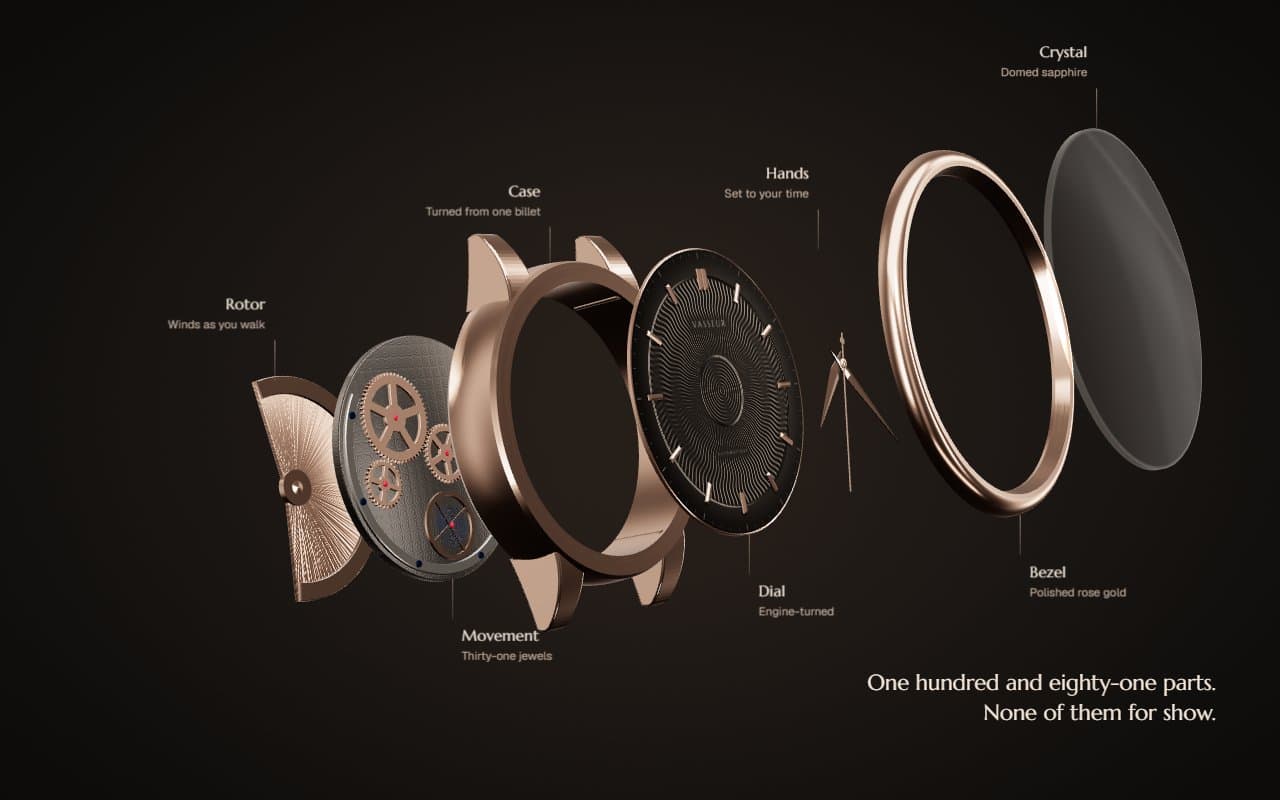
No. 090 / Scroll
Three.js Exploded Watch Scroll Animation with Real Time Hands
On Scroll · Mouse Move
(02)FAQ
Three.js 3D Runway Lookbook with Scroll Walk and Depth of Field — FAQ
01What does it need from my page?
npm install three (and @types/three for TypeScript), and Tailwind CSS v4. Lenis is optional: render SmoothScroll once for the gliding walk, or leave it out if your page already runs Lenis. Set --runway-font on a parent to choose the display typeface.
02What kind of images does it need?
Full-length cut-outs on a transparent background (PNG or WebP), feet at the bottom edge, trimmed close. Studio photos on a plain light background cut out cleanly with any background remover. Around 1200 to 1600 pixels tall keeps them sharp when brought forward. Images on another domain need CORS headers, since WebGL can't read them otherwise.
03How many looks can I use?
Any number. The runway always holds 48 figures in four rows and spreads your looks across them so neighbours differ, so a few looks repeat more often and many looks each appear once. Eight to twenty works best.
04How does keyboard and screen reader use work?
The walk follows the page scroll, so the arrow keys, Page Down and the space bar all walk the runway. Every look is also listed as a button for screen readers and keyboard users; pressing one brings that figure forward and opens its panel, and Escape steps back.
05What happens with reduced motion or no WebGL?
With reduced motion there's no intro, drift, sway or lean, and scrolling cuts from row to row instead of gliding, drawing only when the view changes. Without a fast GPU, or if WebGL is lost, you get a static lookbook grid of the same looks with their titles, prices and links.