GSAP Pinned Horizontal Lookbook with Velocity Marquee Type
Overview
A streetwear lookbook that pins and scrolls sideways: each panel stands a cut-out model in front of rows of giant marquee words, and how hard you scroll speeds the words up and leans them over.
A lookbook section for a streetwear or athletic drop. When it reaches the top of the screen it pins, and scrolling down carries a row of panels sideways. The opening panel slams its marquee rows in from alternating sides on an overshooting custom ease, the giant title letters punch up out of their lines, a lime sticker spins on, and the first model drops in from above and squashes on landing.
Details
- Category
- Scroll
- Interaction
- On Scroll + On Hover
- Trigger
- On Scroll
- Languages
- React, TypeScript, Tailwind
(01)Keep exploring
All 150 componentsBuilt with the same techniques
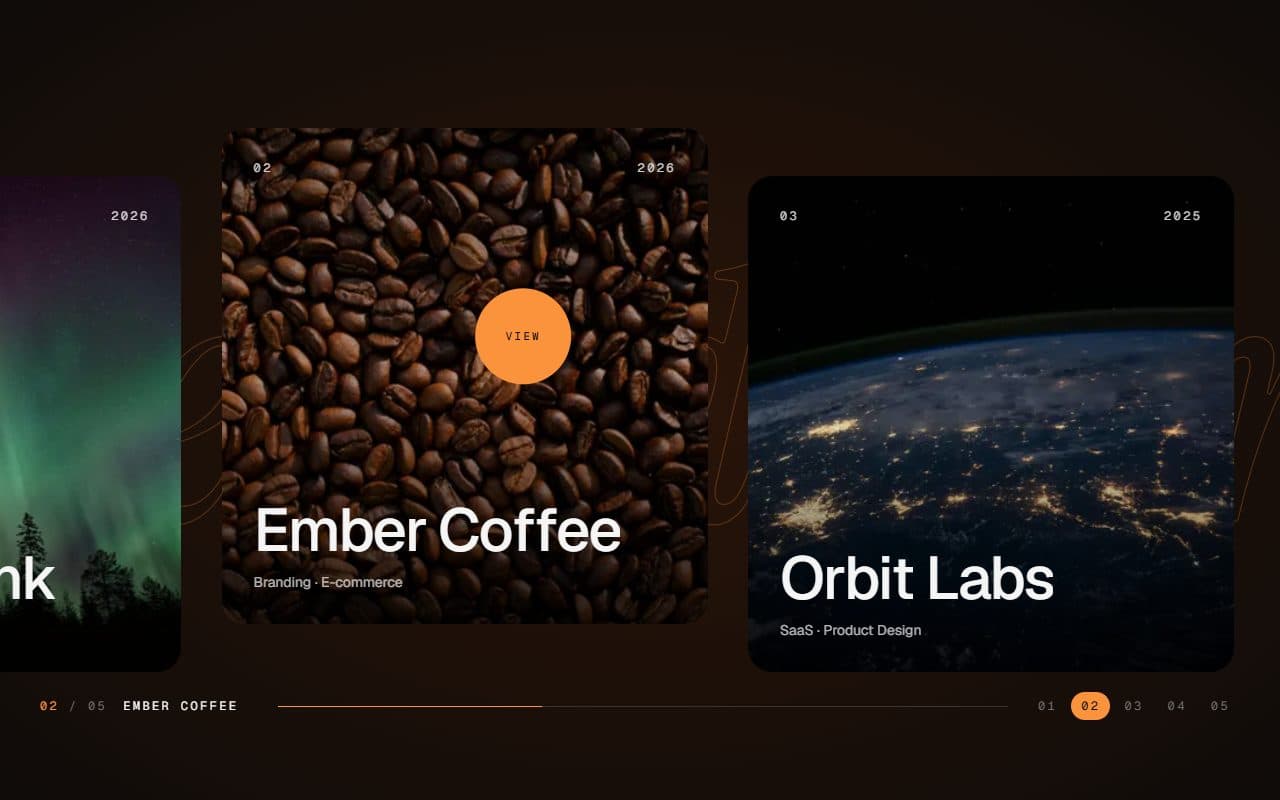
No. 028 / Gallery
GSAP Horizontal Scroll Gallery with Lenis and Fullscreen Project View
On Scroll · Mouse Move · On Hover · On Click
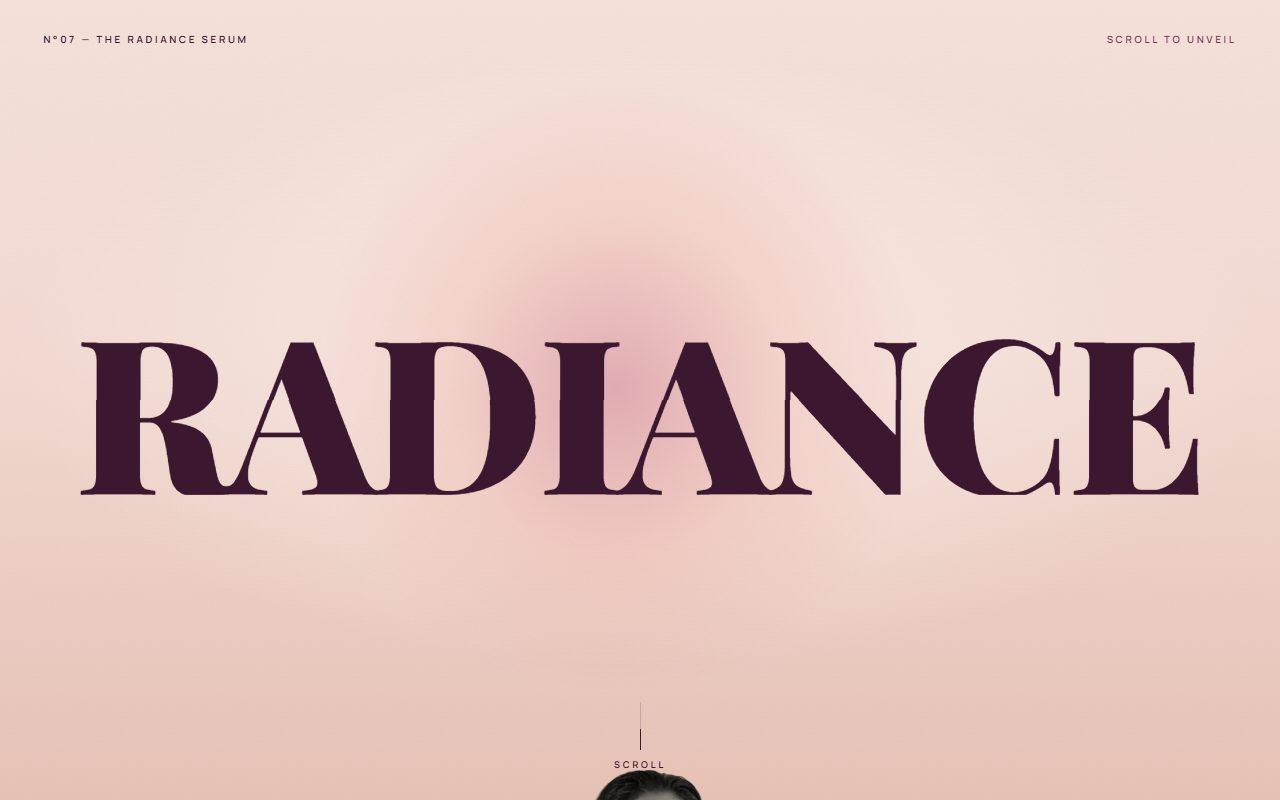
No. 142 / Scroll
GSAP Pinned Split Word Scroll Section with Rising Portrait
On Scroll · Mouse Move · On Hover
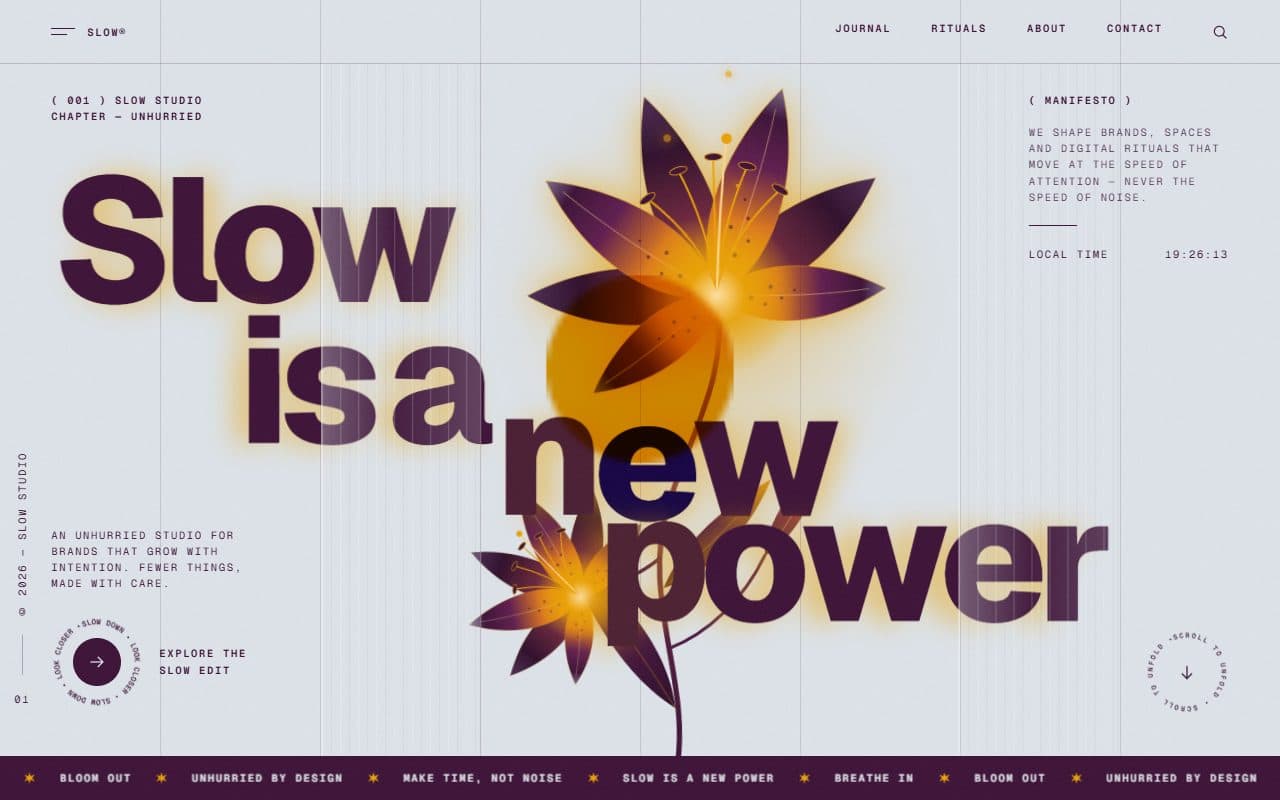
No. 020 / Preloader
GSAP Column Preloader & Blooming Lily Hero Section
On Load · On Scroll · Mouse Move · On Hover
(02)FAQ
GSAP Pinned Horizontal Lookbook with Velocity Marquee Type — FAQ
01What do I need to install?
npm install gsap @gsap/react. ScrollTrigger, CustomEase and SplitText ship with gsap and are free. It uses next/image for the models; the styles are plain CSS, so it doesn't need Tailwind.
02Which fonts does it use?
Anton for the words, titles and numbers, loaded with next/font as --font-anton, and Space Grotesk for the small text as --font-space-grotesk. The example loads both. Without them it falls back to Impact and the system sans.
03How do I add my own looks?
Pass a looks array. Each look needs a transparent full-body cut-out (WebP or PNG, feet on the bottom edge) with its width, height and alt, plus a name, detail lines, a price and a link. Add words to choose what runs behind that model; otherwise it uses the look's name, the season and its number.
04Does it work on phones?
Yes. Each panel becomes a full screen wide, the product tag spans the bottom, and the pin and the speed-up both follow touch scrolling. Nothing is hijacked; it's ordinary page scroll.
05Can I put it anywhere on the page?
Yes. It's a mid-page section: it pins for as long as it takes to scroll its panels across, then the page carries on. The entrance plays the first time it comes into view, and the marquee stops working while it's off screen.
06What happens with reduced motion?
Nothing pins or moves. The panels stack as a plain vertical list, each a screen tall, with the words standing still behind each model.