GSAP Scroll Service Shutters with Sticky Panels
Overview
Colour panels sit side by side in a sticky stage and slide open one at a time as you scroll, each revealing a photo, a serif title and its details. Closed panels stay on screen as labelled spines you can click.
A services section for the middle of a page. The heading rises out of its mask, then the panels climb into place as four equal columns. Scrolling opens them one by one: each panel slides over the one before it, the title comes up from behind a mask and the details fade in, while the closed panels stay on screen as spines with their names and numbers.
Details
- Category
- Scroll
- Interaction
- On Scroll + On Click
- Trigger
- On Scroll
- Languages
- React, TypeScript, Tailwind
(01)Keep exploring
All 118 componentsBuilt with the same techniques

No. 019 / Scroll
GSAP Pinned Service Cards with Animated Reveals
On Scroll · On Hover · Mouse Move · On Click
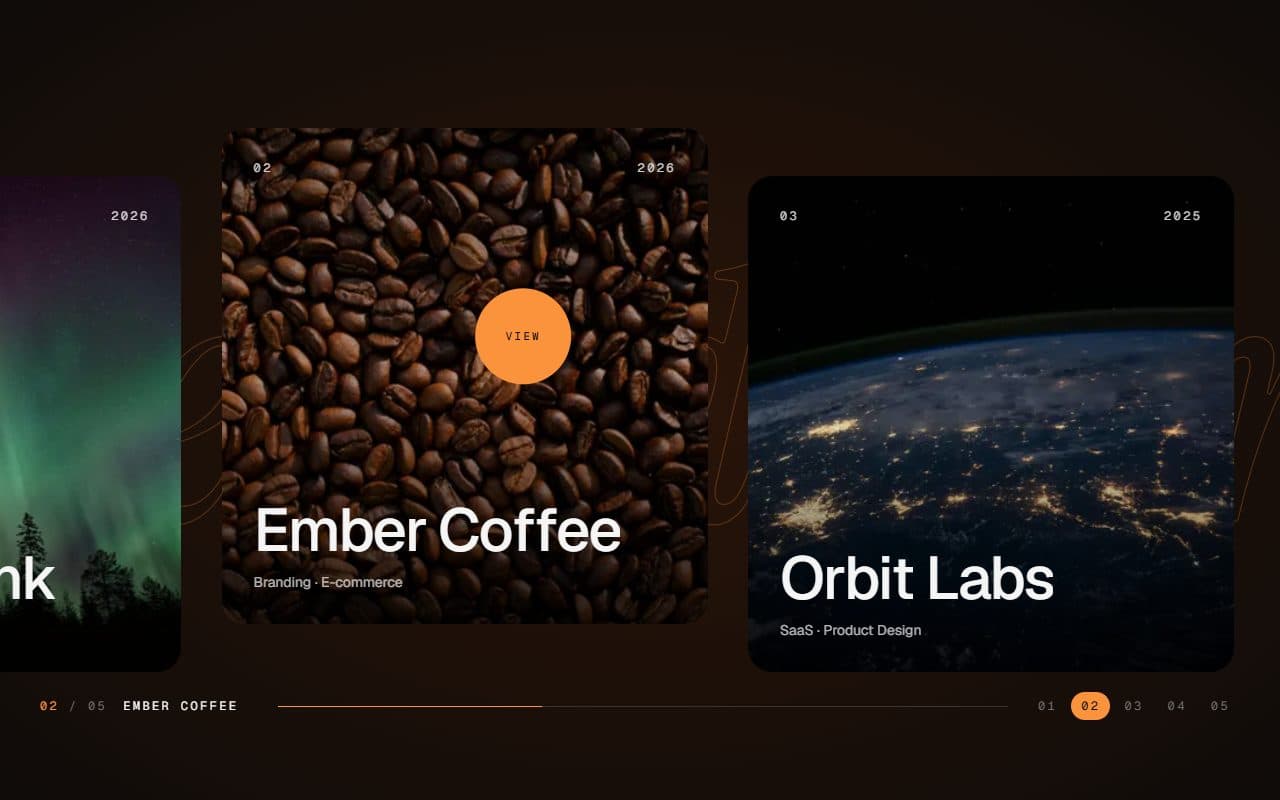
No. 028 / Gallery
GSAP Horizontal Scroll Gallery with Lenis and Fullscreen Project View
On Scroll · Mouse Move · On Hover · On Click

No. 021 / Scroll
GSAP Pinned Statement Hero with Expanding Photo
On Load · On Scroll
(02)FAQ
GSAP Scroll Service Shutters with Sticky Panels — FAQ
01What do I need to install?
npm install gsap @gsap/react, plus lenis if you keep the optional smooth scroll. ScrollTrigger and SplitText come with gsap. It's built for Next.js (it uses next/image) with Tailwind CSS v4.
02How do I add my own services and colours?
Pass services: a title, copy, optional items, an image and alt text, plus background, foreground and accent colours for each panel. Four read best. Three to six fit; with more, the open panel gets too narrow unless you make the spines smaller with CLOSED at the top of the file.
03Which fonts does it use?
The titles are set in Instrument Serif: load it with next/font as the --font-instrument-serif variable, as the demo does. It falls back to Georgia. Everything else uses your page's sans.
04Can I put other sections above and below it?
Yes. The stage sticks 5% from the top of the screen, stays for 80svh of scroll per panel, then lets the page carry on. No ancestor of the section can set overflow: hidden, or position: sticky stops working.
05Does it work with Lenis?
Yes. Render the SmoothScroll that comes with it once on the page, and clicking a spine glides through it. If your page runs its own Lenis, connect it with lenis.on("scroll", ScrollTrigger.update) and drive it from gsap.ticker; a spine click then falls back to the browser's smooth scroll unless you change glideTo in smooth-scroll.tsx.
06What happens with reduced motion?
With prefers-reduced-motion the section renders as a plain list of open panels with no scroll animation, and SmoothScroll leaves the browser's scrolling alone.